


Matemáticas Generador de tarea
Juega en PC con BlueStacks: la plataforma de juegos Android, en la que confían más de 500 millones de jugadores.

Página modificada el: Aug 28, 2025
Run Math: Exercises Generator on PC or Mac
Why limit yourself to your small screen on the phone? Run Math: Exercises Generator, an app by Arkadiusz Kwiatkowski, best experienced on your PC or Mac with BlueStacks, the world’s #1 Android emulator.
About the App
Looking for a tool to help you practice math without the usual stress? Math: Exercises Generator by Arkadiusz Kwiatkowski is made for students and teachers who want clear, step-by-step math problems—no fluff, just focused learning. Whether you’re brushing up for an exam, prepping homework, or just trying to figure out how to factor a tricky polynomial, this app’s got your back. You’ll find a handy mix of problems and explanations, all designed to make those “aha!” moments happen more often.
App Features
-
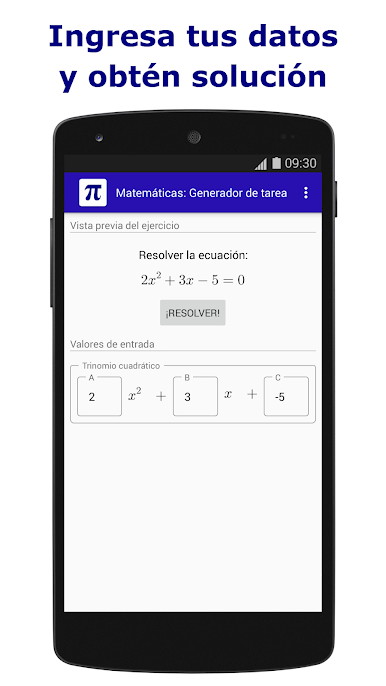
Automatic Exercise Generator
Choose a math subject, and the app instantly pops up random problems. Great for when you’re tired of textbook examples or need something new every time. -
Step-by-Step Solutions
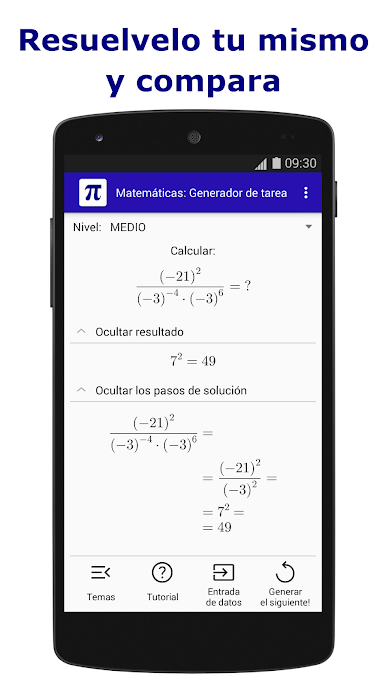
Stuck? Reveal the solution one step at a time, or check the final answer right away. It’s like having your own tutor—except it won’t give you that look when you pause too long. -
Short Tutorials Built In
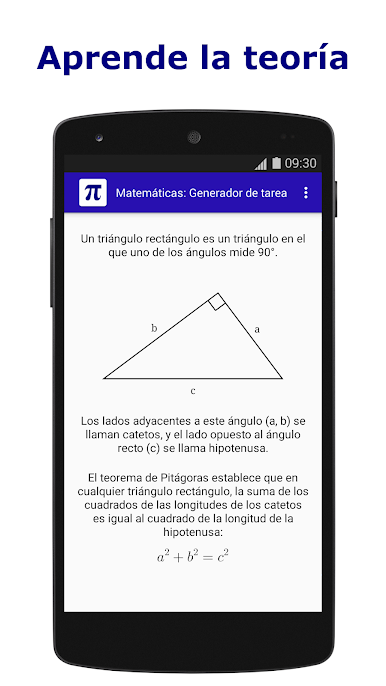
Each topic kicks off with a quick intro or mini-tutorial. Perfect if you need a refresher or are seeing a topic for the first time. -
Broad Subject Coverage
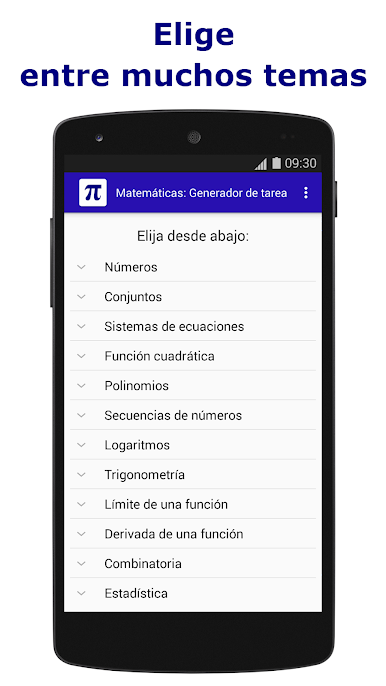
You’ll find topics ranging from number theory and equations, to trigonometry, combinatorics, statistics, and even logic. There’s stuff here for both high schoolers and college students. -
Practice and Self-Check
Try solving problems before peeking at solutions. Want to see where you went wrong? Compare your work with the fully explained answers. -
Monthly Content Updates
New math problems and subjects are added each month, so things stay fresh and challenging. -
Teacher Friendly
Need a fast way to make homework or test questions? The app generates examples and solutions in seconds, saving you valuable prep time. -
Flexible Use on PC with BlueStacks
Prefer working on a bigger screen? With BlueStacks, you can easily run Math: Exercises Generator on your computer for a more comfortable learning setup.
Big screen. Bigger performance. Use BlueStacks on your PC or Mac to run your favorite apps.
Juega Matemáticas Generador de tarea en la PC. Es fácil comenzar.
-
Descargue e instale BlueStacks en su PC
-
Complete el inicio de sesión de Google para acceder a Play Store, o hágalo más tarde
-
Busque Matemáticas Generador de tarea en la barra de búsqueda en la esquina superior derecha
-
Haga clic para instalar Matemáticas Generador de tarea desde los resultados de búsqueda
-
Complete el inicio de sesión de Google (si omitió el paso 2) para instalar Matemáticas Generador de tarea
-
Haz clic en el ícono Matemáticas Generador de tarea en la pantalla de inicio para comenzar a jugar

