


Artivive
Juega en PC con BlueStacks: la plataforma de juegos Android, en la que confían más de 500 millones de jugadores.

Página modificada el: Nov 14, 2025
Play Artivive on PC
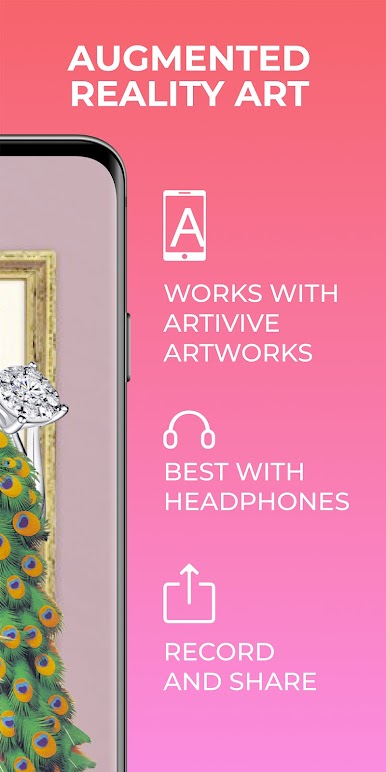
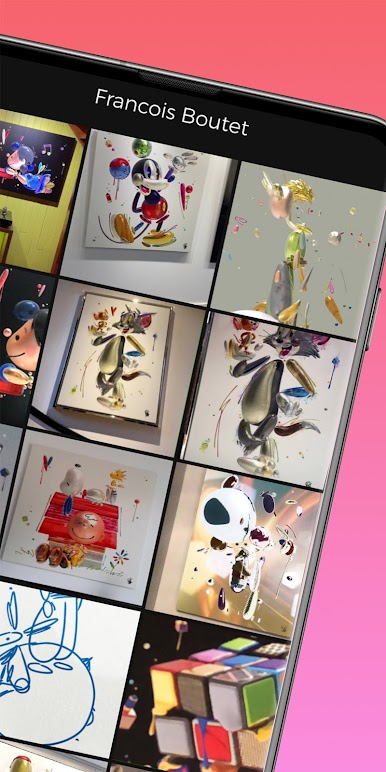
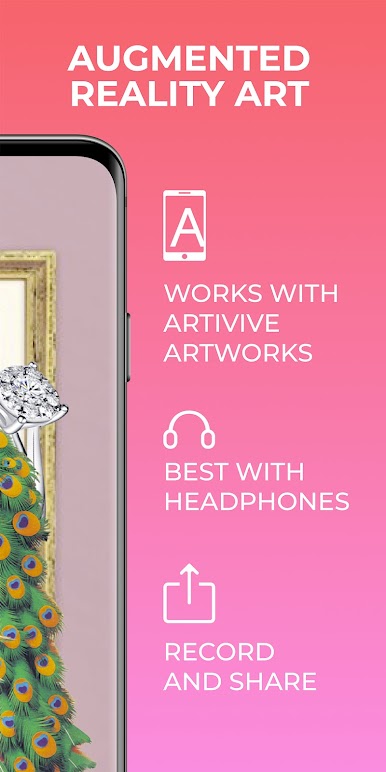
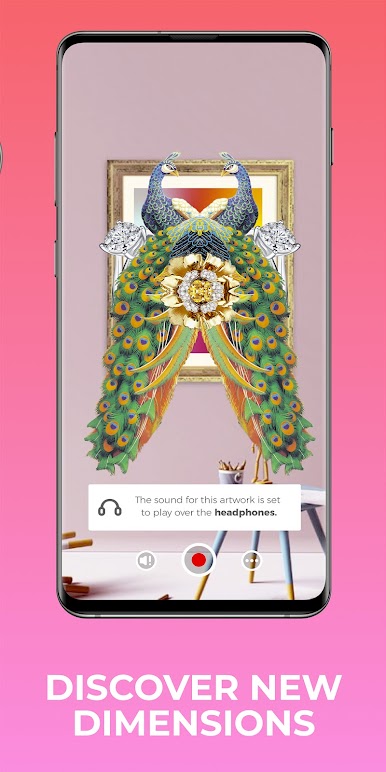
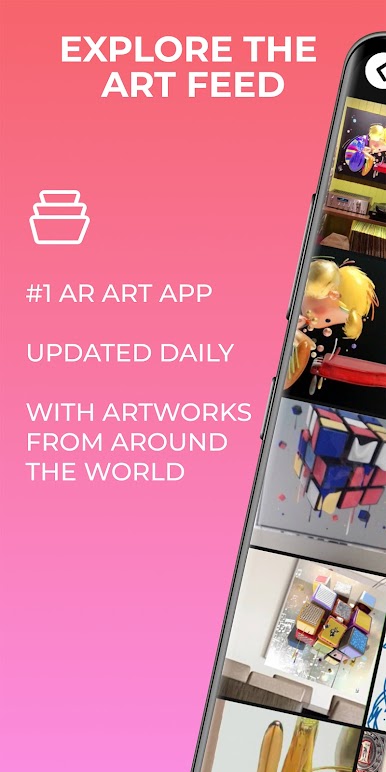
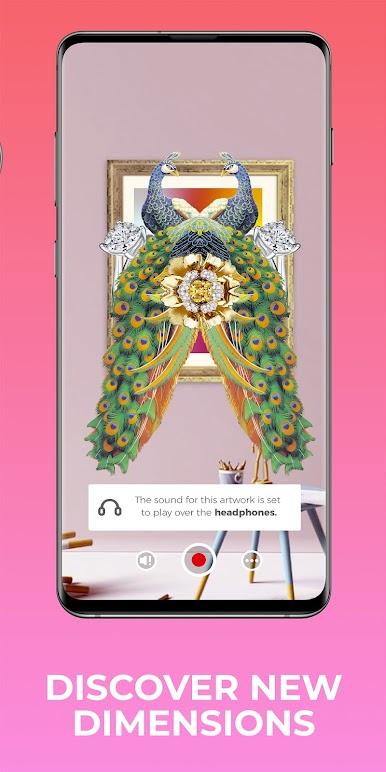
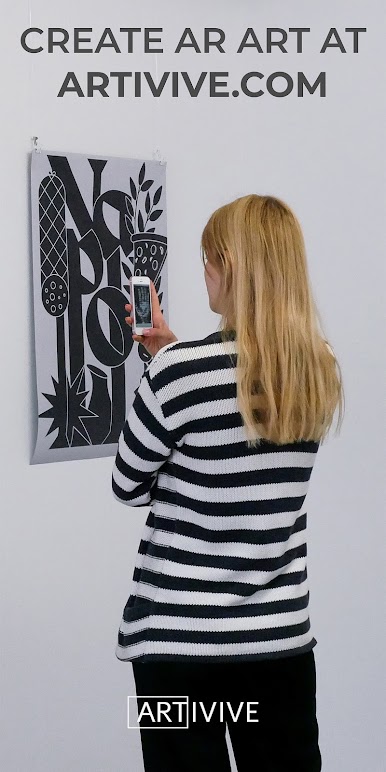
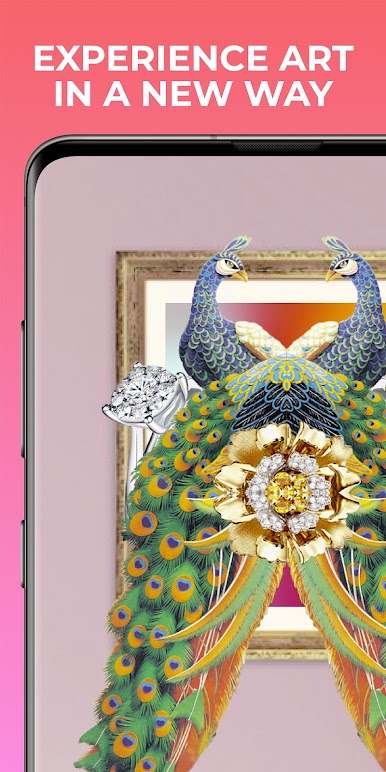
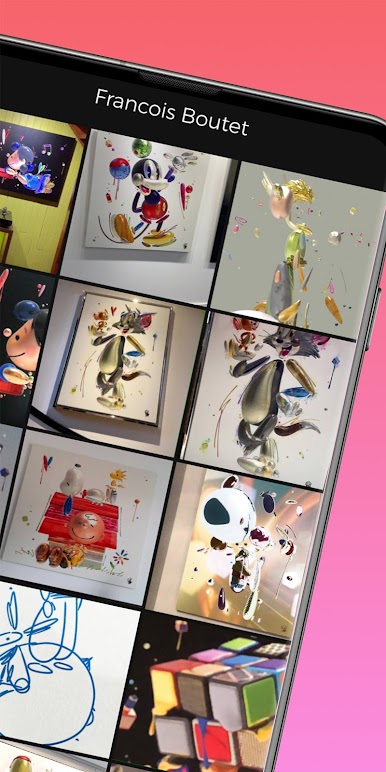
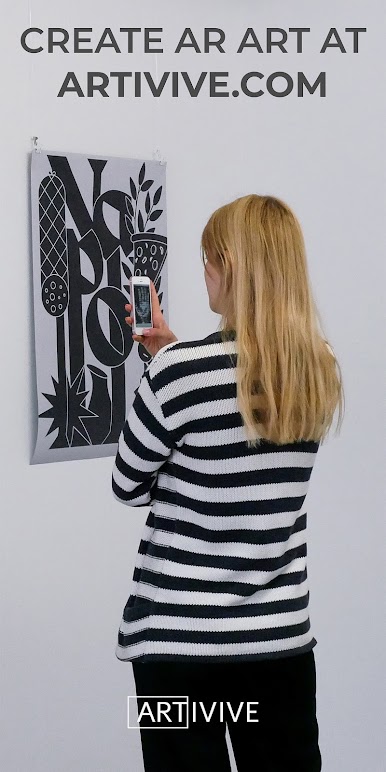
Artivive is a revolutionary tool that transforms the way you look at art. Artists can connect a digital layer to traditional artworks, which you can experience through this application. Simply point your phone at the artwork and watch it come to life!
The intuitive app uses augmented reality to tap into new dimensions, allowing you to connect with art on a deeper level.
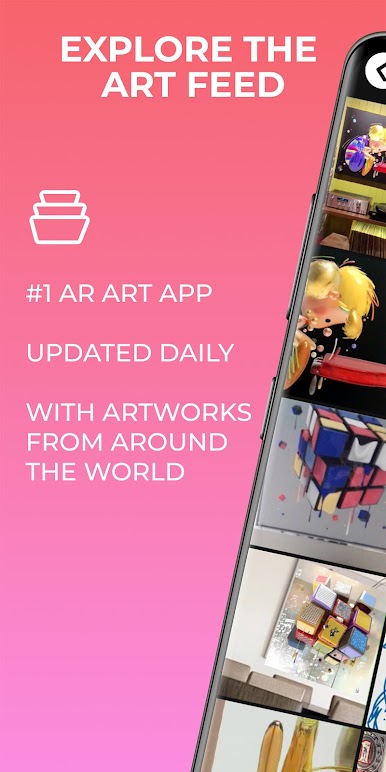
There is no better way to experience the art form of the 21st century than with Artivive, the #1 AR art platform — but don’t take our word for it, try it out yourself!
----------------------------------------------------
Artists interested in creating augmented reality art using our tool can register for a free account at: www.artivive.com/register/
Juega Artivive en la PC. Es fácil comenzar.
-
Descargue e instale BlueStacks en su PC
-
Complete el inicio de sesión de Google para acceder a Play Store, o hágalo más tarde
-
Busque Artivive en la barra de búsqueda en la esquina superior derecha
-
Haga clic para instalar Artivive desde los resultados de búsqueda
-
Complete el inicio de sesión de Google (si omitió el paso 2) para instalar Artivive
-
Haz clic en el ícono Artivive en la pantalla de inicio para comenzar a jugar

