


مدرسة عصافير: قصص ودروس عربية
Juega en PC con BlueStacks: la plataforma de juegos Android, en la que confían más de 500 millones de jugadores.

Página modificada el: Nov 13, 2025
Run مدرسة عصافير: قصص ودروس عربية on PC or Mac
What’s better than using مدرسة عصافير: قصص ودروس عربية by 3asafeer.com? Well, try it on a big screen, on your PC or Mac, with BlueStacks to see the difference.
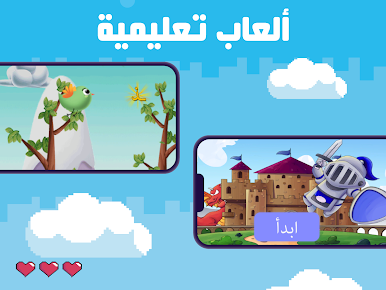
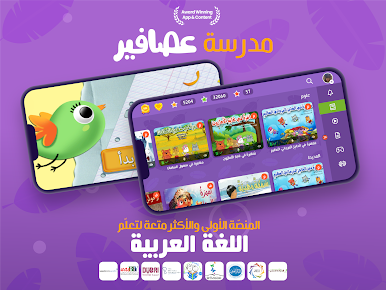
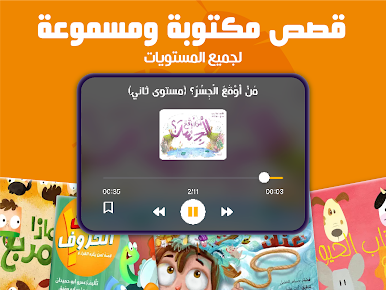
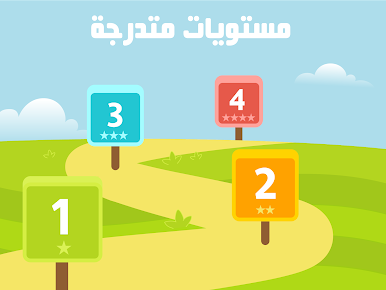
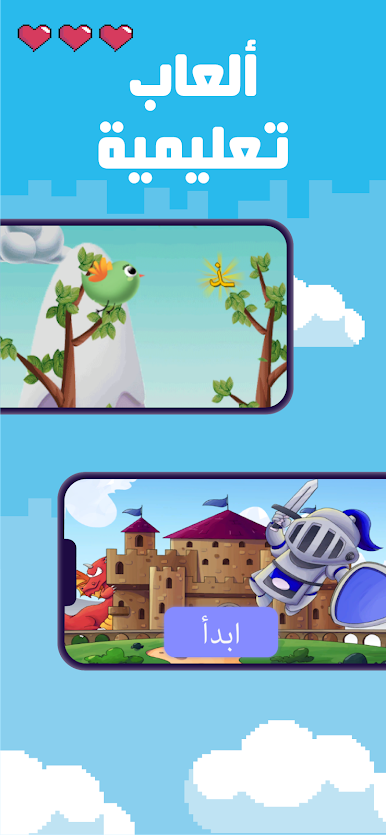
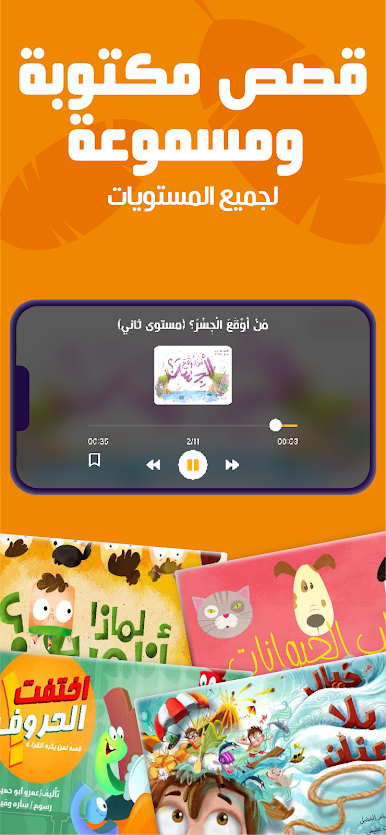
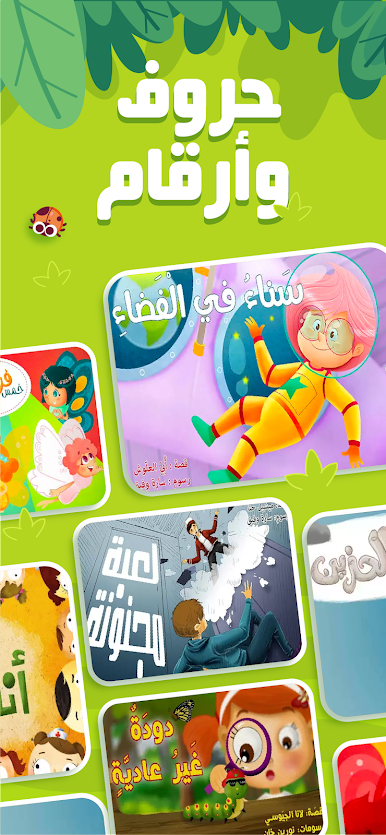
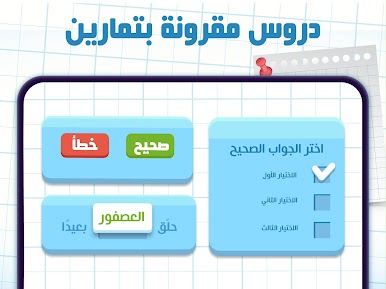
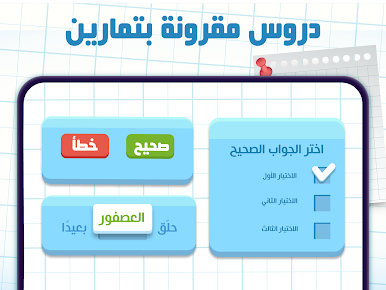
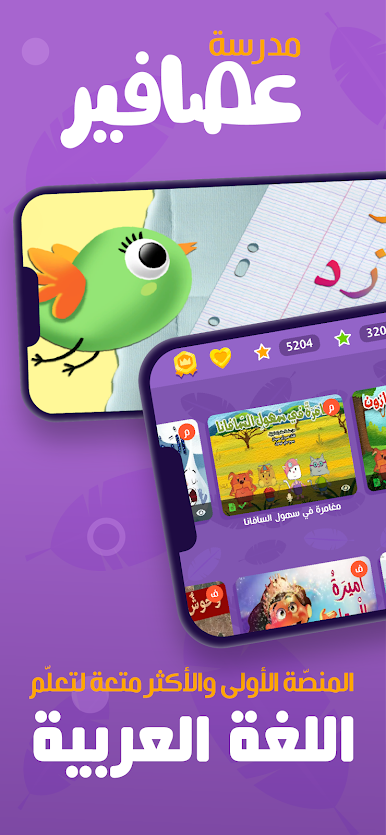
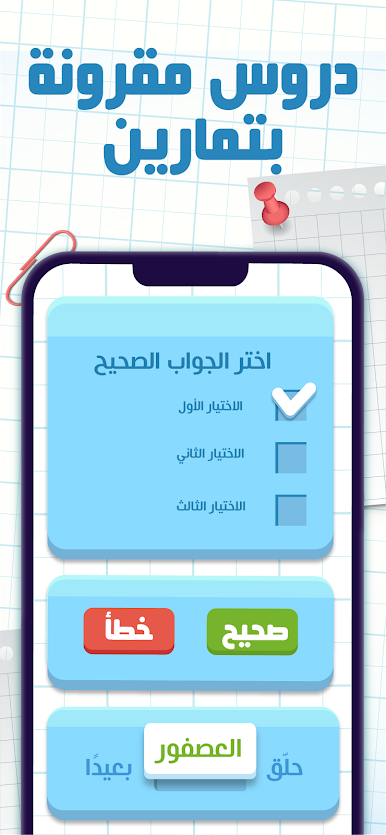
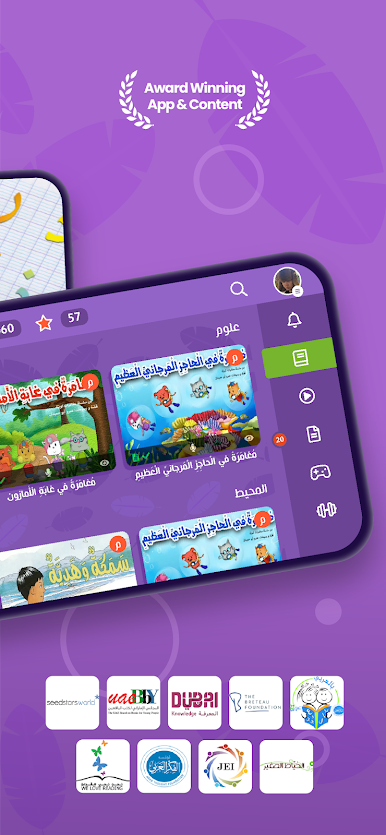
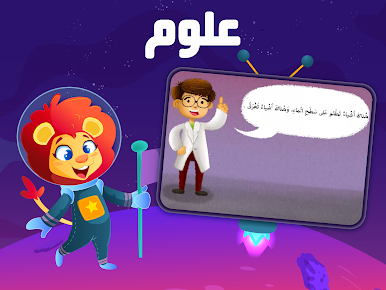
So this app, مدرسة عصافير: قصص ودروس عربية, is basically a big library for kids who want to get better at Arabic. It’s not just an eBook reader – it lines up all these stories based on reading level, kind of how English books sometimes have those Lexile scores, except it uses this “Arabi 21” system. There are a bunch of cartoon-style videos and songs that help with learning letters and sounds, and it throws in interactive exercises and worksheets too. The activities feel pretty hands-on, and there’s variety — kids aren’t just reading, they’re also listening, watching, and trying out little quizzes as they go.
One nice thing is how the stories aren’t only about language; they cover stuff like emotional smarts, basic math, colors, shapes, and things like that. The stories seem to tie in moral lessons and social skills without being too heavy. On PC, especially when trying it through something like BlueStacks, the bigger screen helps make all the animated videos and activities feel more clear and less cramped than on a phone. There’s also this thing where teachers can track how their students are doing and compare progress, so it’s set up with schools in mind as well — but it’s also friendly enough for parents and kids to just use at home for extra practice. The whole thing feels made to support both native speakers and those learning Arabic as a second language, so there’s lots of variety in story levels and exercises.
Eager to take your app experience to the next level? Start right away by downloading BlueStacks on your PC or Mac.












Juega مدرسة عصافير: قصص ودروس عربية en la PC. Es fácil comenzar.
-
Descargue e instale BlueStacks en su PC
-
Complete el inicio de sesión de Google para acceder a Play Store, o hágalo más tarde
-
Busque مدرسة عصافير: قصص ودروس عربية en la barra de búsqueda en la esquina superior derecha
-
Haga clic para instalar مدرسة عصافير: قصص ودروس عربية desde los resultados de búsqueda
-
Complete el inicio de sesión de Google (si omitió el paso 2) para instalar مدرسة عصافير: قصص ودروس عربية
-
Haz clic en el ícono مدرسة عصافير: قصص ودروس عربية en la pantalla de inicio para comenzar a jugar

