


Little Dentist Doctor
Juega en PC con BlueStacks: la plataforma de juegos Android, en la que confían más de 500 millones de jugadores.

Página modificada el: Nov 19, 2025
Visión general
Make sure you get enough money to finance you clinic, payout expense and keep your budget.
Feature:
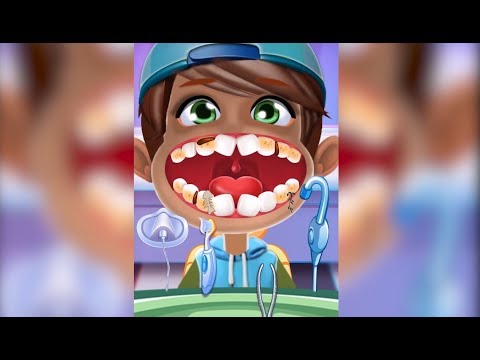
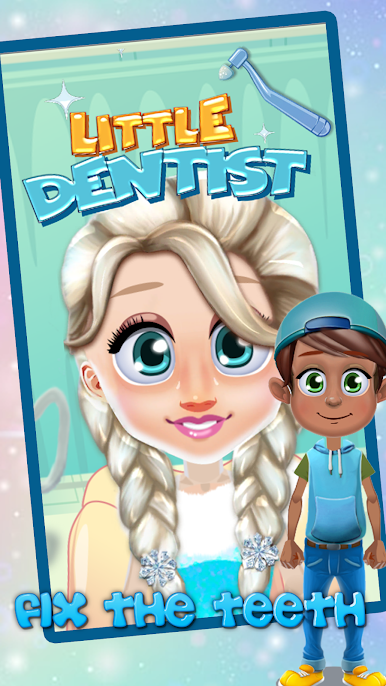
*pull out bad teeth and replace with healthy teeth
*Take picture after everything is done
*put on color and stamp on teeth with your favorite design
*Each patient requires some special tools for specific dental operation, choose the right one
*Take picture after everything is done
*put brace on to align teeth perfectly
*polish teeth to remove tartar
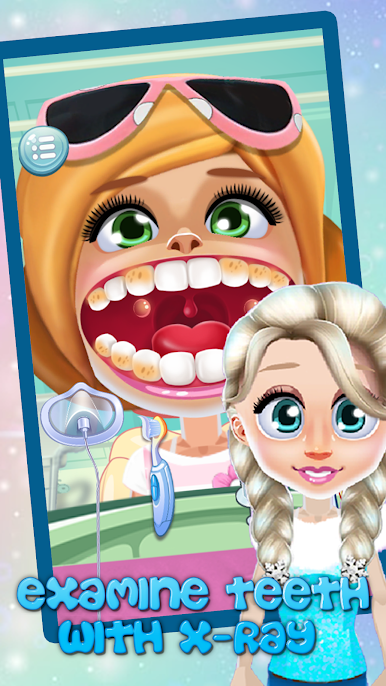
*examine teeth with X-Ray
*make sure replace with teeth align with the adjacent one
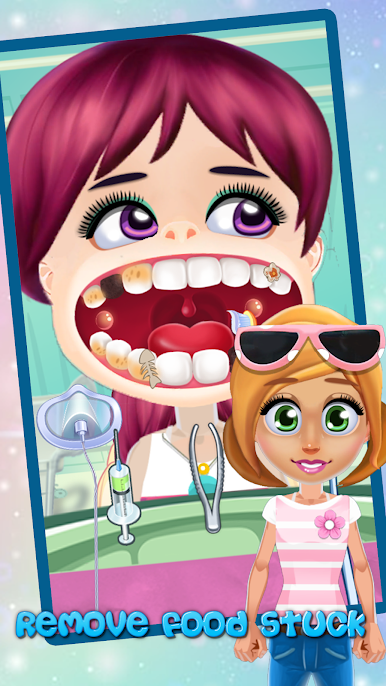
*remove food stuck using picks
*remove food stuck using picks
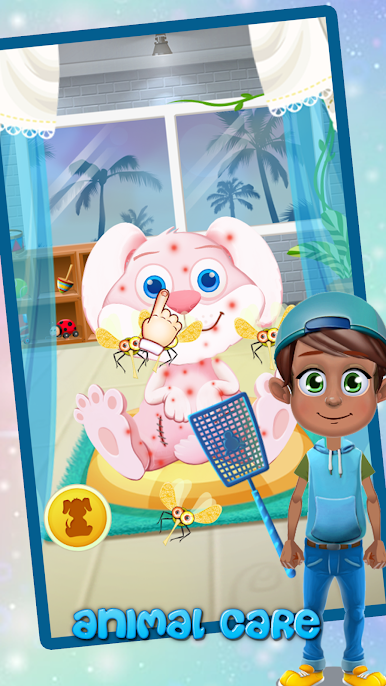
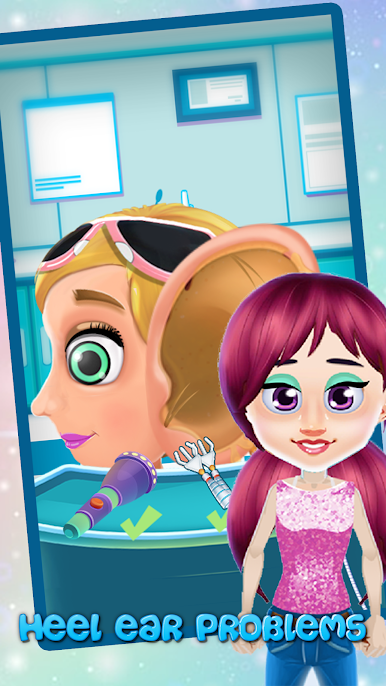
*Remove and treat wounds
*Brush teeth until they are shiny and white
*Killing bacteria in throat
*step by step guide to show where to work on in the clients mouth



Juega Little Dentist Doctor en la PC. Es fácil comenzar.
-
Descargue e instale BlueStacks en su PC
-
Complete el inicio de sesión de Google para acceder a Play Store, o hágalo más tarde
-
Busque Little Dentist Doctor en la barra de búsqueda en la esquina superior derecha
-
Haga clic para instalar Little Dentist Doctor desde los resultados de búsqueda
-
Complete el inicio de sesión de Google (si omitió el paso 2) para instalar Little Dentist Doctor
-
Haz clic en el ícono Little Dentist Doctor en la pantalla de inicio para comenzar a jugar

