

DSO Planner (Astronomy)
Mainkan di PC dengan BlueStacks – platform Game-Game Android, dipercaya oleh lebih dari 500 juta gamer.

Run DSO Planner Pro (Astronomy) on PC or Mac
Why limit yourself to your small screen on the phone? Run DSO Planner Pro (Astronomy), an app by Leonid Vasiliev, Alexandre Koukarine, best experienced on your PC or Mac with BlueStacks, the world’s #1 Android emulator.
About the App
DSO Planner Pro (Astronomy) is built by observers who actually spend nights under the stars, and it shows. It’s a serious planning tool with a powerful star chart, huge object catalogs, and practical features that help you go from “what’s up tonight?” to “I found it” without fuss. Prefer a bigger screen while mapping your session? You can also run it with BlueStacks on your desktop.
App Features
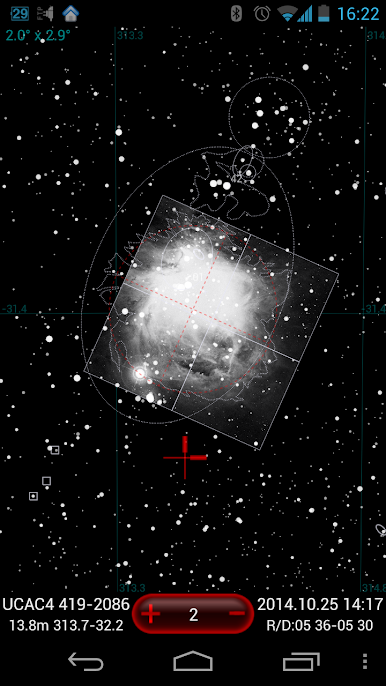
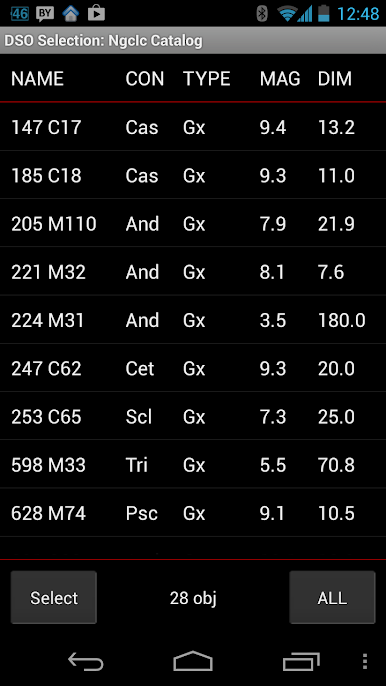
- Massive catalogs: Explore an enormous star database (UCAC4 with 113 million stars), plus Tycho-2 and the Yale bright star list. Deep-sky fans get NGC/IC, UGC, PGC (~1.6M galaxies), SAC, Abell, SH2, Barnard, Lynds, Hickson, and more.
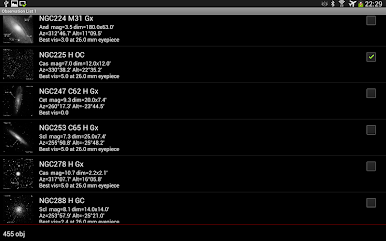
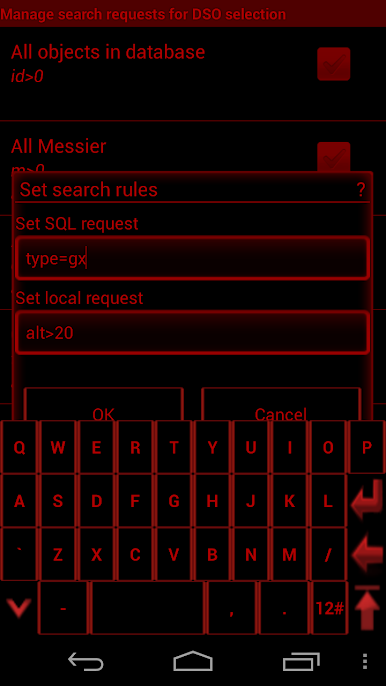
- Smart planning & visibility: Filter by site, sky quality, time window, gear, magnitude, size, and altitude. See only objects that are actually visible with your setup and build up to four organized observing lists.
- PushTo and GoTo ready: Use PushTo with a Dobsonian and setting circles (simple leveling and a quick one-star alignment), or connect via Bluetooth to GoTo mounts from Meade and Celestron.
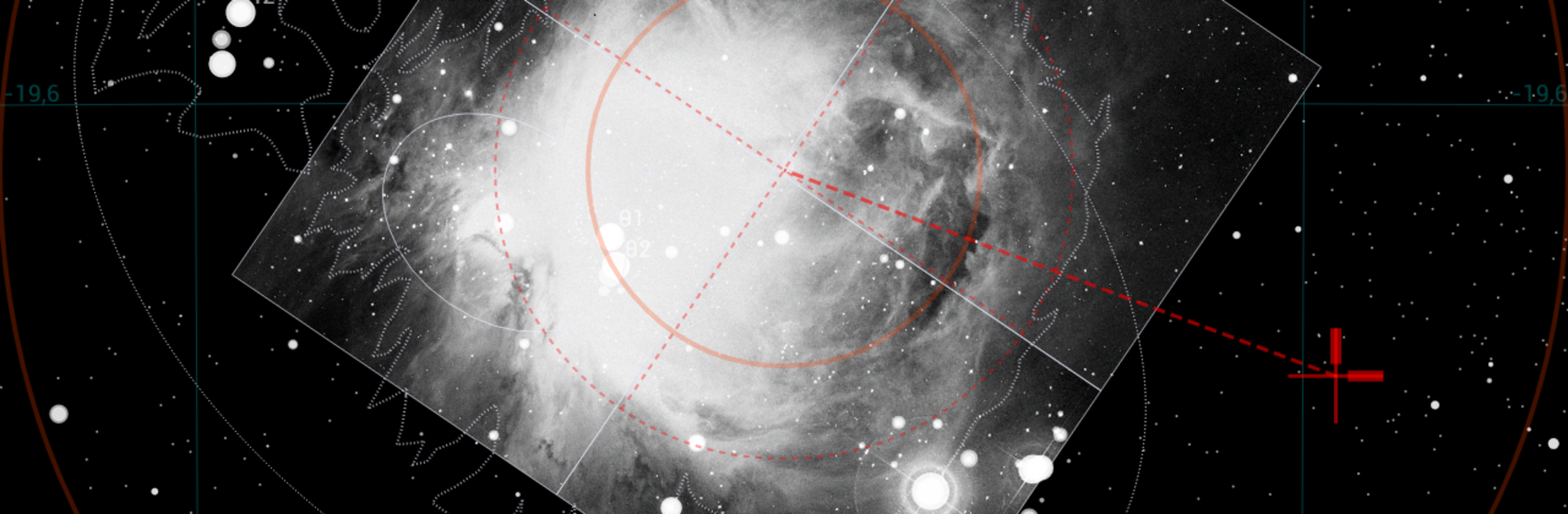
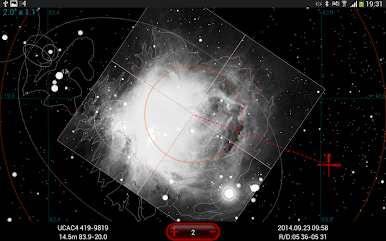
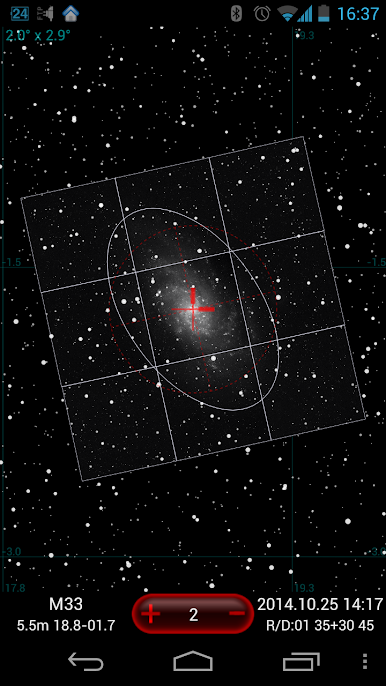
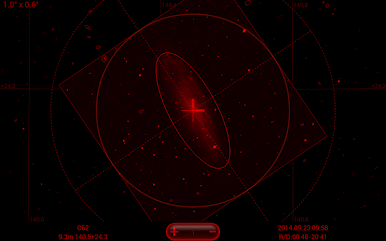
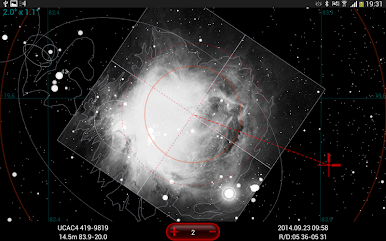
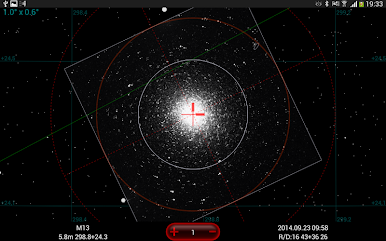
- Rich charts & overlays: Turn on nebula and object contours, real-size ellipses with orientation, and overlay DSS imagery that you can cache for offline use. Switch between bright and dark themes; there’s a true red night mode too.
- Custom catalogs: Create unlimited, fully searchable personal catalogs and add your own images. Cross-match by alternate names so odd labels don’t slow you down.
- Comets and minor planets: Keep orbital data fresh for hundreds of observable comets and browse a built-in list of 10,000 bright minor planets.
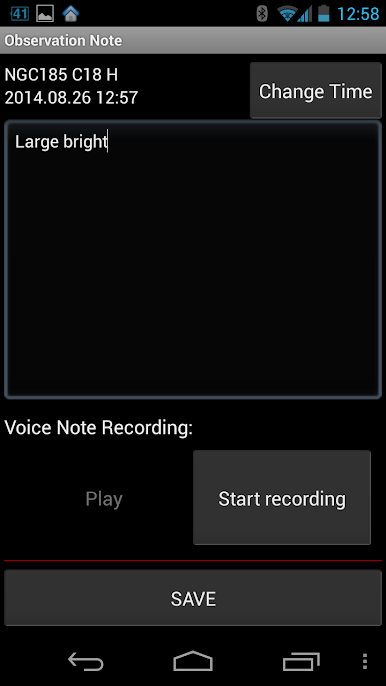
- Notes that stick: Attach text or audio notes to targets and keep track of what you’ve already observed. You’ll also find Steve Gottlieb’s write-ups on NGC/IC objects for extra context at the eyepiece.
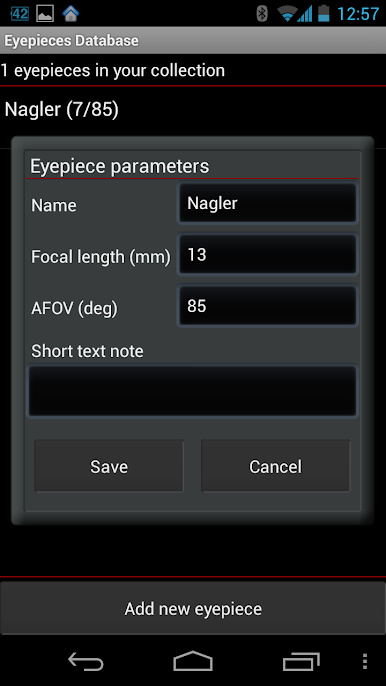
- Locations & gear: Pick sites via GPS or manual coordinates and browse a database of 24,000 cities. Manage telescopes and eyepieces (with a 500-eyepiece reference) to get accurate field of view and visibility calculations.
- Timing tools: A handy twilight/darkness calculator shows when full darkness hits tonight and for the month ahead.
- Import/export friendly: Bring in lists from SkySafari or SkyTools, use NSOG sets, and share your catalogs, notes, and plans with ease.
- Storage note: The bundled databases are hefty—plan for about 2 GB of free internal storage for the initial downloads.
Ready to experience DSO Planner Pro (Astronomy) on a bigger screen, in all its glory? Download BlueStacks now.
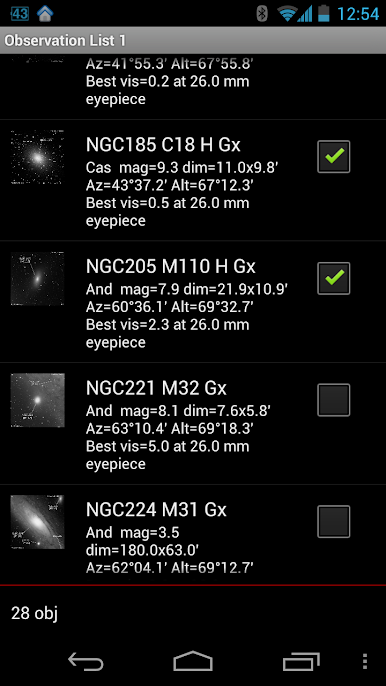
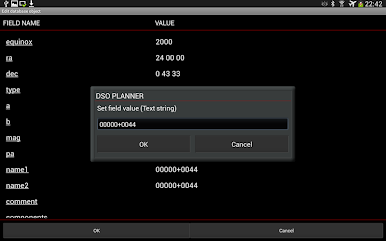
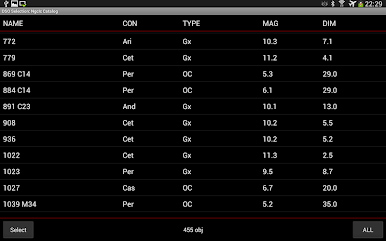
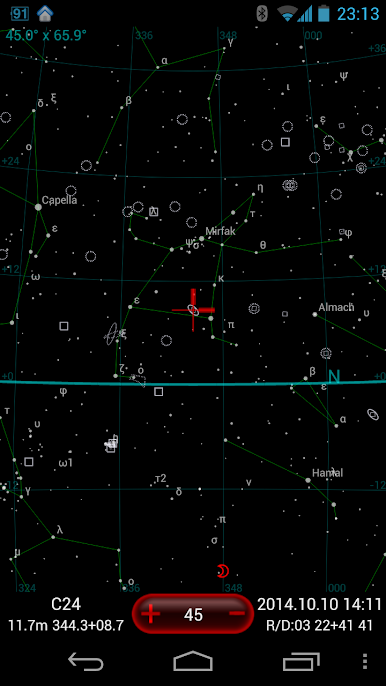

Mainkan DSO Planner (Astronomy) di PC Mudah saja memulainya.
-
Unduh dan pasang BlueStacks di PC kamu
-
Selesaikan proses masuk Google untuk mengakses Playstore atau lakukan nanti
-
Cari DSO Planner (Astronomy) di bilah pencarian di pojok kanan atas
-
Klik untuk menginstal DSO Planner (Astronomy) dari hasil pencarian
-
Selesaikan proses masuk Google (jika kamu melewati langkah 2) untuk menginstal DSO Planner (Astronomy)
-
Klik ikon DSO Planner (Astronomy) di layar home untuk membuka gamenya

