

Tafseer al Jalalain
Gioca su PC con BlueStacks: la piattaforma di gioco Android, considerata affidabile da oltre 500 milioni di giocatori.

Pagina modificata il: Sep 7, 2025
Run Tafseer al Jalalain - Urdu Translation and Tafseer on PC or Mac
Multitask effortlessly on your PC or Mac as you try out Tafseer al Jalalain – Urdu Translation and Tafseer, a Education app by UsmanPervez on BlueStacks.
About the App
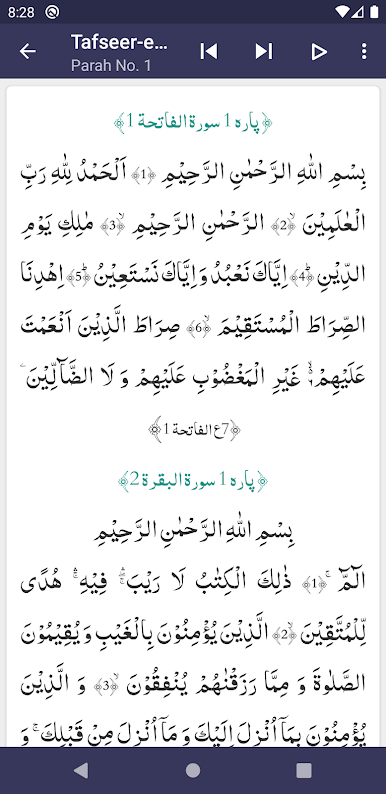
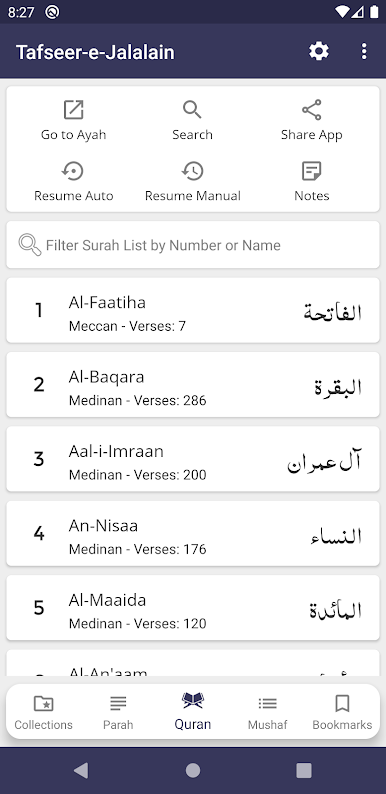
Tafseer al Jalalain – Urdu Translation and Tafseer is your handy companion for exploring one of the most respected classical interpretations of the Qur’an—with everything available right at your fingertips. Whether you’re deepening your understanding, looking for guidance, or just curious about what a certain verse means, this app makes it all a lot easier. Plus, if you like reading on a bigger screen every now and then, it works great with BlueStacks too.
App Features
-
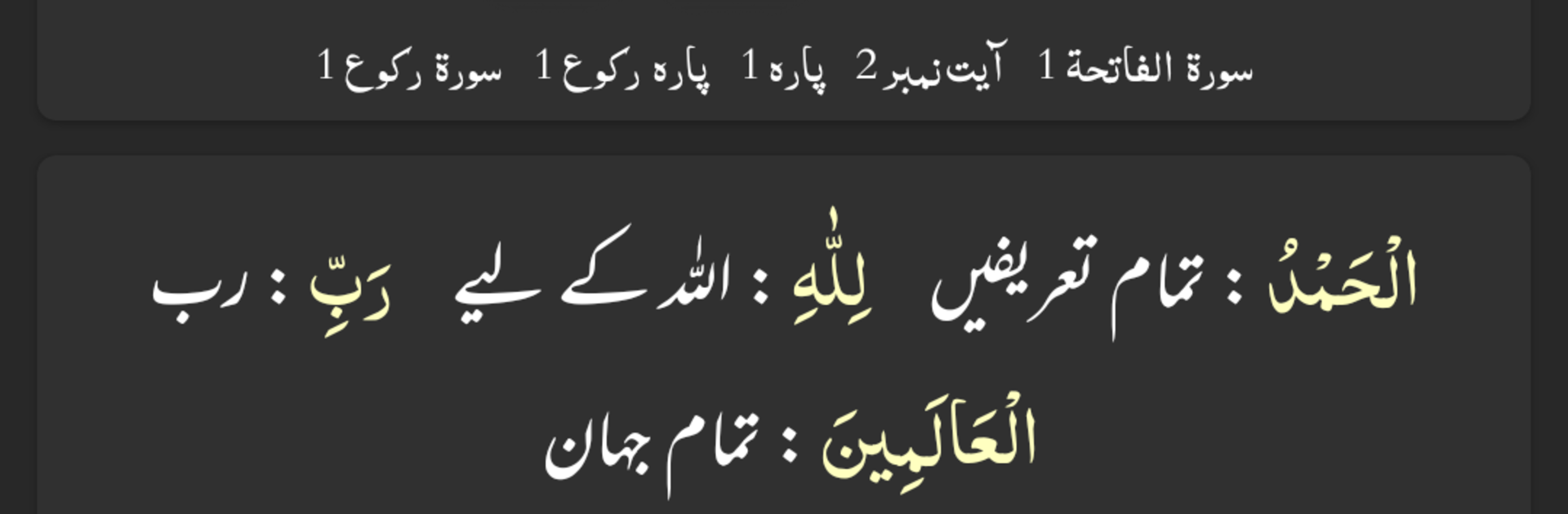
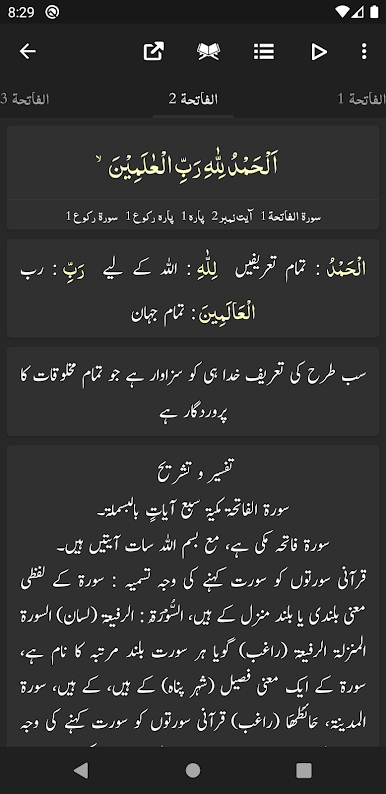
Full Tafseer in Urdu
Get the complete Tafseer al Jalalain text alongside a clear Urdu translation, so you can really grasp the meaning of every verse. -
Word-by-Word Translation with Color Coding
Not only can you read the translation, but you’ll also find each word clearly distinguished by color, making verse-by-verse study simpler. -
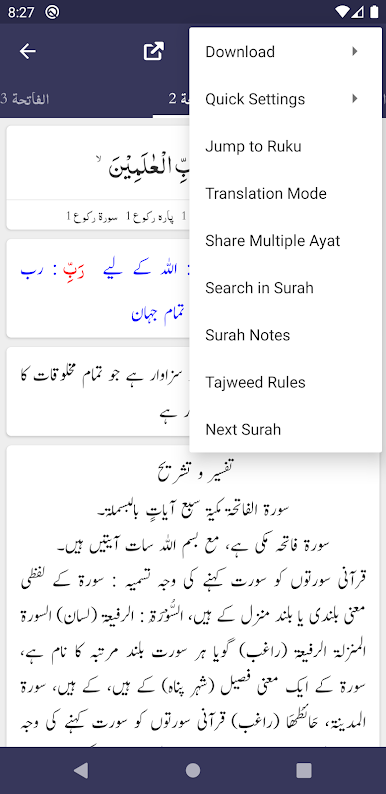
Flexible Search Tools
Looking for a specific passage or topic? The advanced search lets you jump right to the content you’re after—across the Qur’an, translation, and tafseer sections. -
Modern, Customizable Look
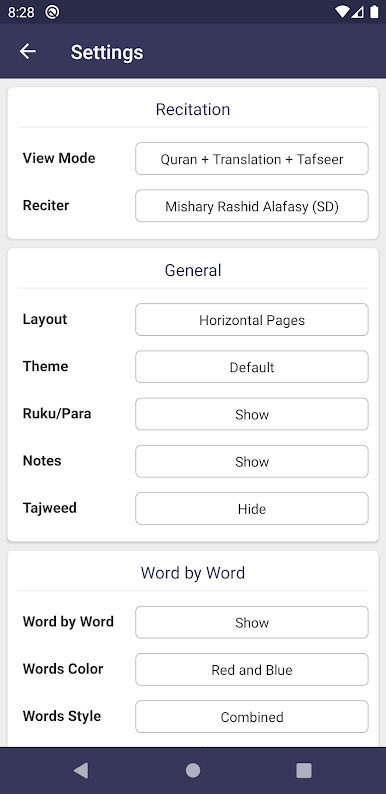
With options from Arabic and Urdu font choices to color themes, it’s easy to get everything just the way you like it, whether you prefer classic or dark modes for late-night reading. -
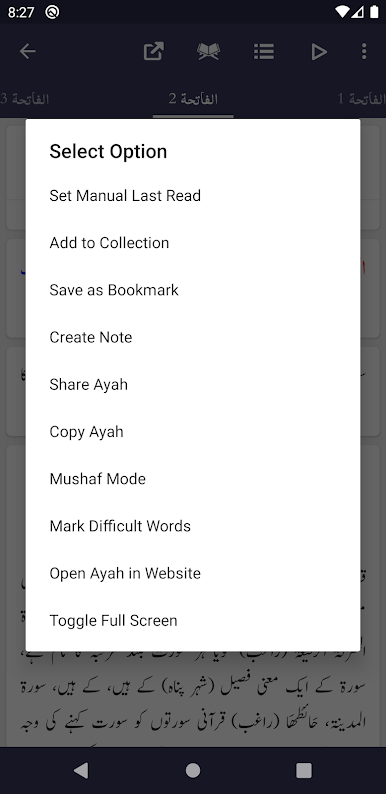
Bookmark and Pick Up Where You Left Off
Mark an unlimited number of ayat, so you can always return to your spot, and never lose your place no matter how many sessions you take. -
Share with Family and Friends
Send an ayah—or several—directly from the app, with translation and tafseer if you want, making it simple to share insights or questions. -
Versatile Reading Modes
Switch easily between Mushaf Mode (to recite with translation or tafseer), Translation Only Mode, or tweak your layout between list view and slider to fit your reading habits. -
Quick Navigation
Jump instantly to any ayah, ruku, ruku info, or para you need, without endless scrolling. -
Personalize Your Experience
From font size and color to visibility of word-by-word translation and tafseer, you control what’s on your screen. -
Beautiful on Any Device
Looks and works great, even if you’re reading on BlueStacks on your laptop or PC.
With Tafseer al Jalalain – Urdu Translation and Tafseer by UsmanPervez, studying and understanding the Qur’an in depth—right in Urdu—becomes simple and straightforward.
BlueStacks brings your apps to life on a bigger screen—seamless and straightforward.

Gioca Tafseer al Jalalain su PC. È facile iniziare.
-
Scarica e installa BlueStacks sul tuo PC
-
Completa l'accesso a Google per accedere al Play Store o eseguilo in un secondo momento
-
Cerca Tafseer al Jalalain nella barra di ricerca nell'angolo in alto a destra
-
Fai clic per installare Tafseer al Jalalain dai risultati della ricerca
-
Completa l'accesso a Google (se hai saltato il passaggio 2) per installare Tafseer al Jalalain
-
Fai clic sull'icona Tafseer al Jalalain nella schermata principale per iniziare a giocare

