

Maarif ul Quran
Juega en PC con BlueStacks: la plataforma de juegos Android, en la que confían más de 500 millones de jugadores.

Página modificada el: Aug 11, 2025
Run Maarif ul Quran on PC or Mac
Let BlueStacks turn your PC, Mac, or laptop into the perfect home for Maarif ul Quran, a fun Education app from UsmanPervez.
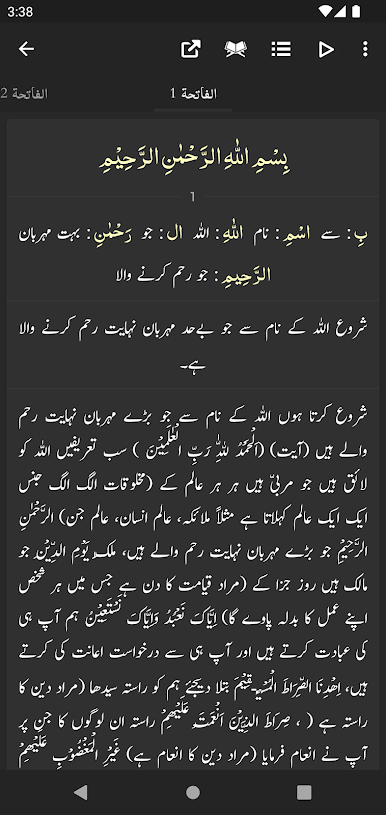
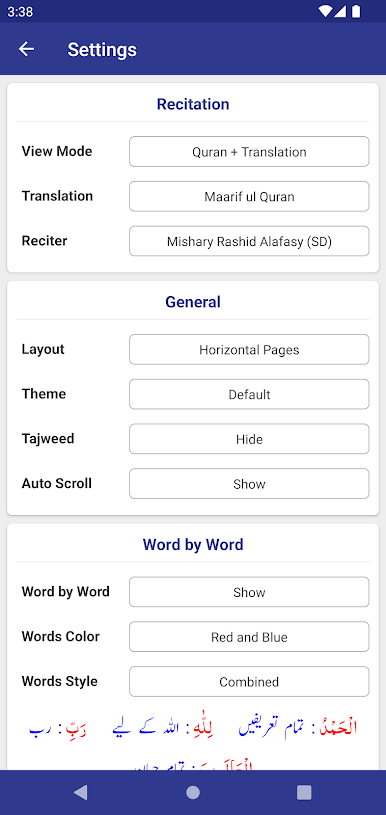
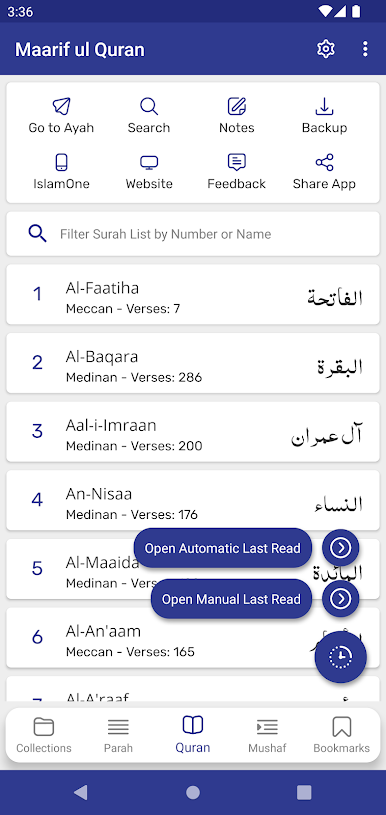
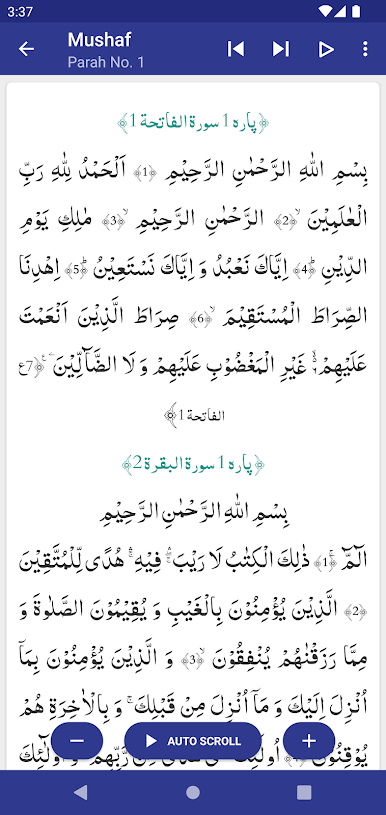
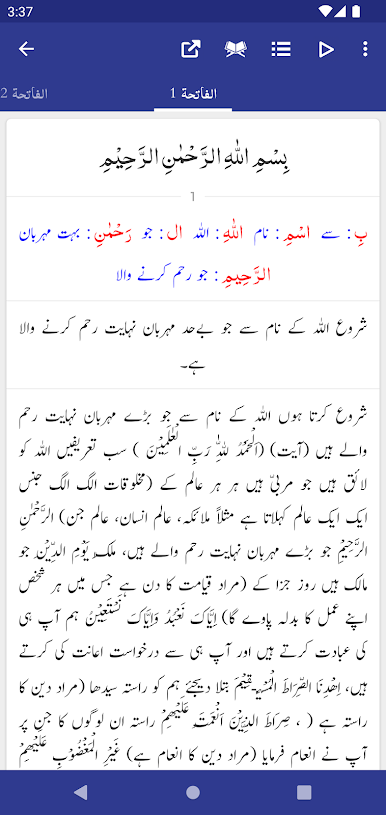
This app is basically a packed reading tool for the Quran with full Tafseer Maarif ul Quran by Mufti Muhammad Shafi and an Urdu translation by Mufti Muhammad Taqi Usmani. It feels like an organized study copy more than a simple reader. The Arabic text can be colored word by word so following along with the translation is easier, and there are several Arabic and Urdu fonts to try if someone prefers bigger text or a different look. There are a lot of little options to tweak font sizes and colors, switch between a mushaf layout or a translation-only view, and hide or show word-by-word, translation or tafseer whenever needed. That flexibility makes it easy to set up for long reading sessions or quick lookups.
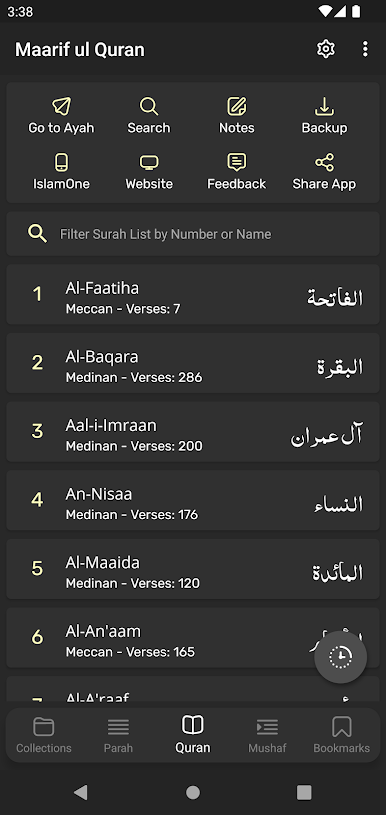
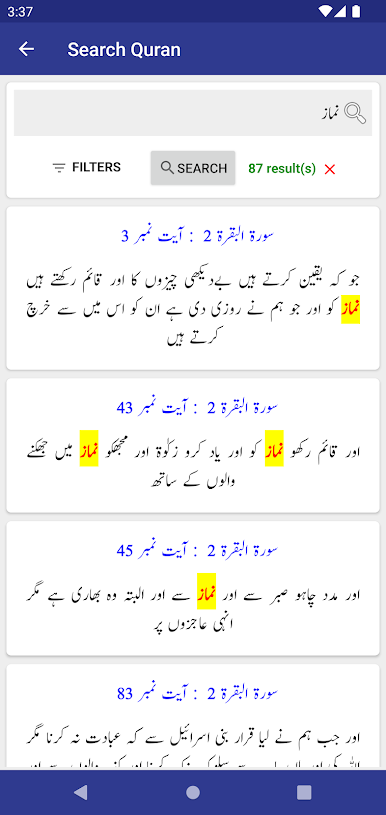
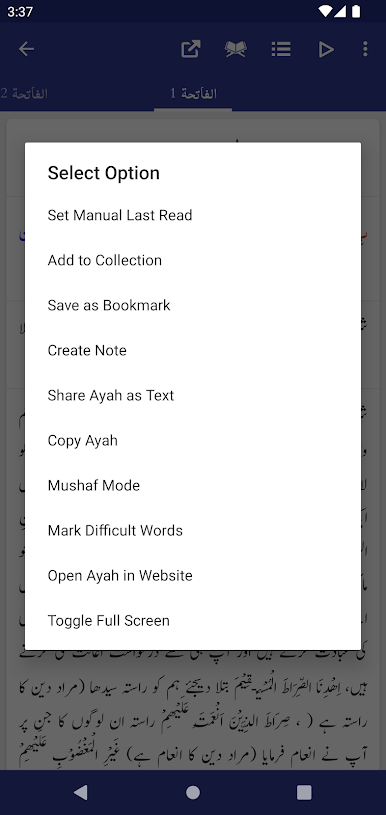
Navigation is straightforward with quick jumps to ayah, ruku or para, unlimited bookmarks, and a continue from last read feature. The search works across Quran, translation and tafseer, which helps when someone remembers a phrase but not the place. Sharing single or multiple ayat with or without translation is built in. The interface follows modern material design and has light, dark and night themes for easier reading at different times. On a PC using BlueStacks it opens up nicely on a larger screen and the mouse makes moving through tafseer faster than on a phone. There are so many settings that there may be a small moment of figuring out where everything is, but once it is set up it is solid for study or casual recitation.
BlueStacks brings your apps to life on a bigger screen—seamless and straightforward.
Juega Maarif ul Quran en la PC. Es fácil comenzar.
-
Descargue e instale BlueStacks en su PC
-
Complete el inicio de sesión de Google para acceder a Play Store, o hágalo más tarde
-
Busque Maarif ul Quran en la barra de búsqueda en la esquina superior derecha
-
Haga clic para instalar Maarif ul Quran desde los resultados de búsqueda
-
Complete el inicio de sesión de Google (si omitió el paso 2) para instalar Maarif ul Quran
-
Haz clic en el ícono Maarif ul Quran en la pantalla de inicio para comenzar a jugar

