


DI.FM: Electronic Music Radio
Mainkan di PC dengan BlueStacks – platform Game-Game Android, dipercaya oleh lebih dari 500 juta gamer.

Run DI.FM: Electronic Music Radio on PC or Mac
Why limit yourself to your small screen on the phone? Run DI.FM: Electronic Music Radio, an app by Digitally Imported Inc, best experienced on your PC or Mac with BlueStacks, the world’s #1 Android emulator.
About the App
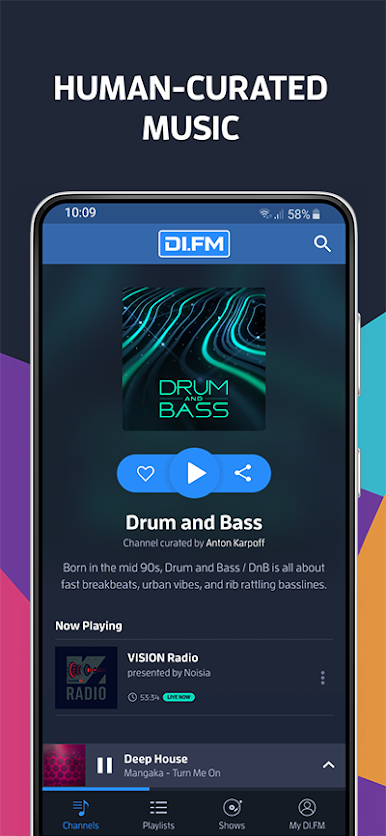
If you’re serious about electronic music, DI.FM: Electronic Music Radio is a place built just for you. This app serves up a ton of hand-picked mixes, live shows, and non-stop radio made for folks who like to explore every corner of the genre. Whether you’re after chill beats, high-energy trance, or a little of both, you’ll always stumble onto something fresh.
App Features
-
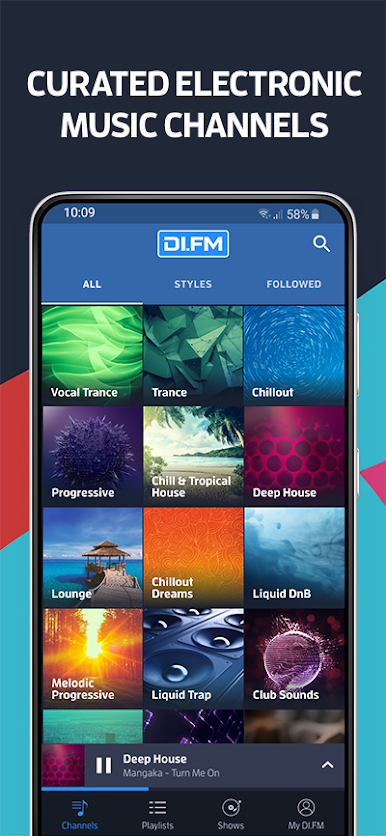
All-Electronic, All the Time
There are more than 100 stations here, each zeroed in on a different mood, style, or subgenre. You’ll never run out of music, and there’s a station for just about every electronic taste imaginable. -
Curated Playlists & New Sounds
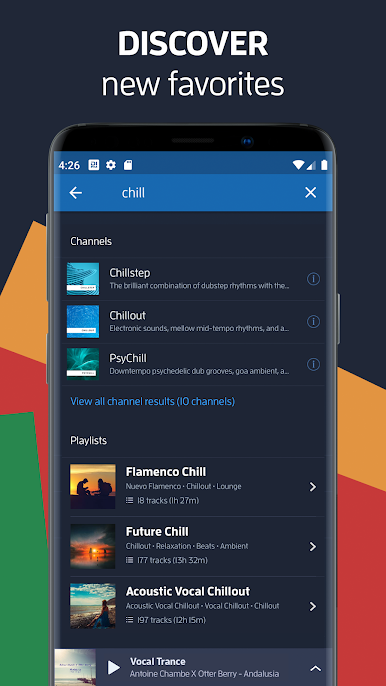
Discover 65+ playlists, each crafted by enthusiasts who know their stuff. Expect to hear everything from rare gems to up-and-coming artists, plus the classics you might have forgotten about. -
Live DJ Shows & Exclusive Mixes
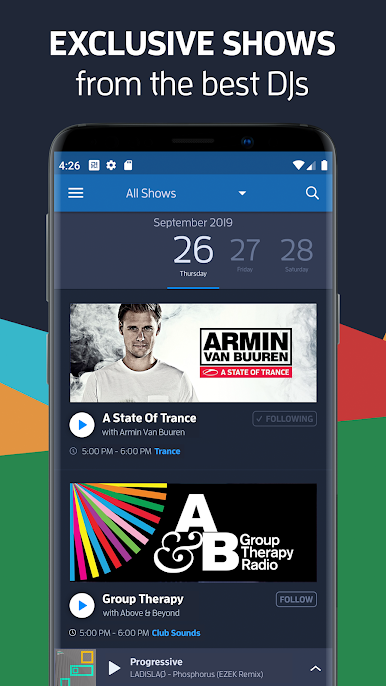
Catch live broadcasts and one-of-a-kind mixes from heavy-hitters in the electronic music world—think Martin Garrix, Armin van Buuren, Hardwell, and more. -
Stay in the Loop
Planning on catching a live set or specific show? There’s a handy calendar so you can set reminders and never miss a thing. -
Personalized Listening
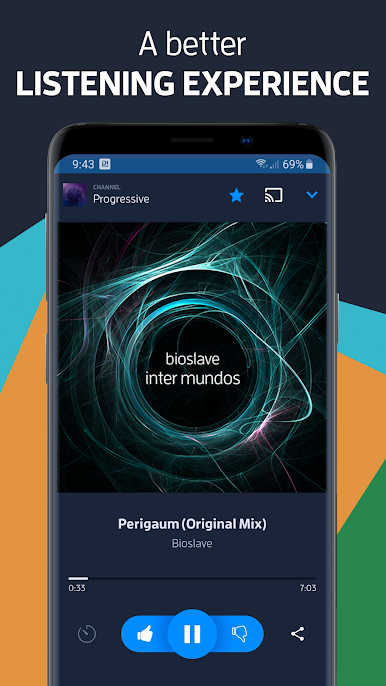
Fine-tune your experience by filtering by style or saving your favorites, so the music you want is always within easy reach. -
Works Anywhere, Even on the Road
Got Android Auto? Plug in for uninterrupted road trip playlists, with a simple interface that keeps you focused. -
Lock Screen Controls
Skip tracks or check song titles right from your phone’s lock screen. No need to dig around when you’re busy. -
Ad-Free with Subscription
Go premium and skip the interruptions. Higher audio quality and a totally ad-free listening space await. -
Device Friendly
Streaming’s easy; connect via Bluetooth, Wi-Fi, or even use it alongside BlueStacks for a bigger listening setup. -
Massive Artist Roster
Tune into legendary DJ sets and exclusive radio hours from the biggest names and freshest new acts, all in one place.
This is a must-try for anyone after that perfect mix of community, discovery, and endless electronic music.
BlueStacks brings your apps to life on a bigger screen—seamless and straightforward.

Mainkan DI.FM: Electronic Music Radio di PC Mudah saja memulainya.
-
Unduh dan pasang BlueStacks di PC kamu
-
Selesaikan proses masuk Google untuk mengakses Playstore atau lakukan nanti
-
Cari DI.FM: Electronic Music Radio di bilah pencarian di pojok kanan atas
-
Klik untuk menginstal DI.FM: Electronic Music Radio dari hasil pencarian
-
Selesaikan proses masuk Google (jika kamu melewati langkah 2) untuk menginstal DI.FM: Electronic Music Radio
-
Klik ikon DI.FM: Electronic Music Radio di layar home untuk membuka gamenya

