


Take5 Personal Risk Assessment
Mainkan di PC dengan BlueStacks – platform Game-Game Android, dipercaya oleh lebih dari 500 juta gamer.

Run Take5 Personal Risk Assessment on PC or Mac
What’s better than using Take5 Personal Risk Assessment by ThatAppGuy01? Well, try it on a big screen, on your PC or Mac, with BlueStacks to see the difference.
About the App
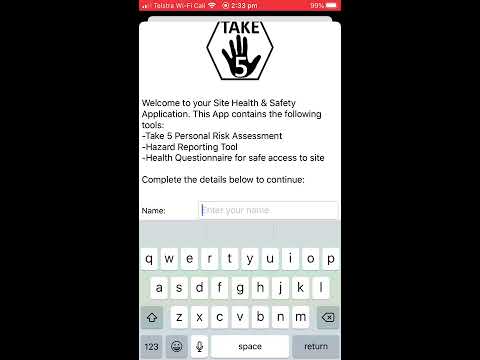
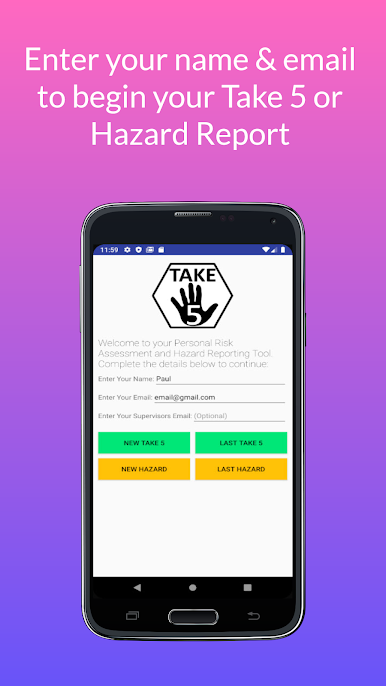
Ever wish you had a quick, straightforward way to check for risks before starting a task—whether at work or just fixing something up around the house? Take5 Personal Risk Assessment from ThatAppGuy01 is designed for just that. This handy tool lets you slow down for a moment and make sure you’re not missing any important safety steps. It’s friendly for all industries (and even at-home projects), super simple to use, and it fits right in your pocket, so important safety checks never have to slip your mind.
App Features
-
Quick, Guided Assessments
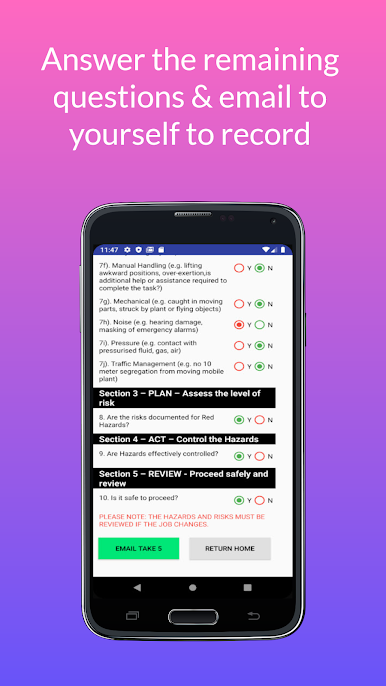
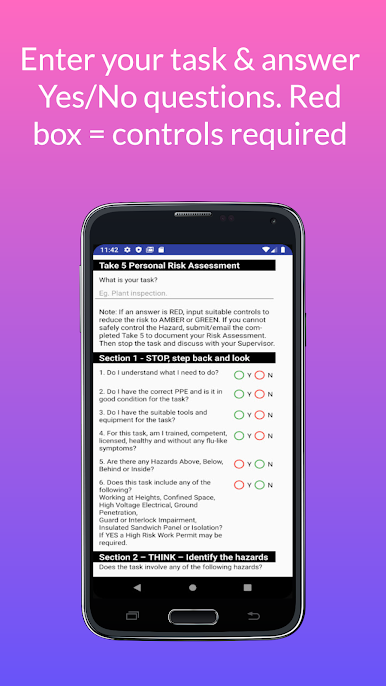
Take5 Personal Risk Assessment walks you through smart, targeted questions so you spot hazards you might not have thought of. Different industries? No problem. Starting a new project at home? Still works. If you’ve got five minutes and your phone, you’re set. -
Hazard and Incident Reporting
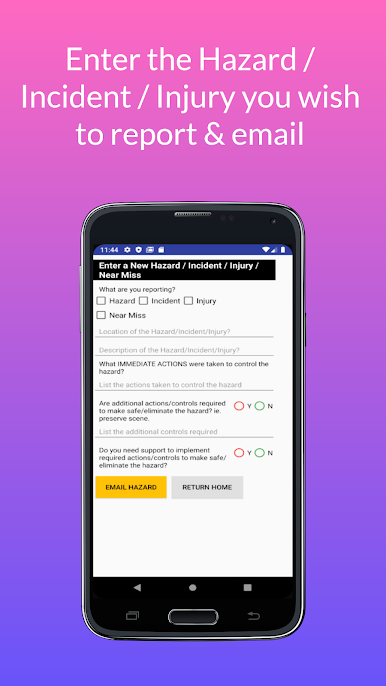
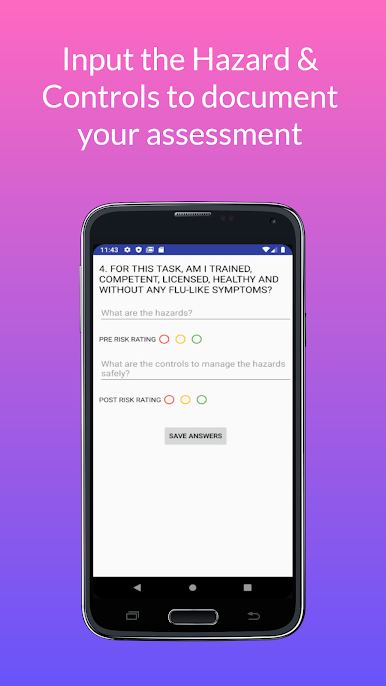
Got something to report—hazard, injury, a near miss, or something more serious? The new reporting tool lets you log these right away, without searching for pen and paper, keeping everything all in one place. -
Risk Level Selection
Easily set risk levels (High/Red, Medium/Amber, or Low/Green) as you go through your task. The app helps flag things that might need controls or changes before you get started. -
Save and Resume Anytime
If you get interrupted mid-checklist, there’s no worry—the app remembers where you left off. Pause and pick up right where you stopped, whenever you’re ready. -
Simple Email Sharing
Need to send your assessment to a supervisor, teammate, or just want to save a record? With email output built in, you can quickly share your results or add in extra notes if needed. Want a PDF? No problem—just send it to the special address provided. -
Paperless and Convenient
No more carrying around notepads or stacks of paper checklists. Take5 Personal Risk Assessment lives on your device, making it easy (and greener) to use. -
Multi-language Support
For those working in teams or with friends who prefer other languages, the app’s available in Français, Português, and Español. -
User-Friendly Layout
Whether you’re viewing on a tablet, phone, or even need to use horizontal scrolling, the layout adapts to fit your screen. -
Great for Workplace Safety Compliance
Many companies require risk assessments—this app gives you a straightforward, just-takes-minutes way to get it done and documented.
For a better workflow, a lot of users find it handy to run Take5 Personal Risk Assessment through BlueStacks on bigger screens, making the whole risk-checking process even smoother.
BlueStacks gives you the much-needed freedom to experience your favorite apps on a bigger screen. Get it now.
Mainkan Take5 Personal Risk Assessment di PC Mudah saja memulainya.
-
Unduh dan pasang BlueStacks di PC kamu
-
Selesaikan proses masuk Google untuk mengakses Playstore atau lakukan nanti
-
Cari Take5 Personal Risk Assessment di bilah pencarian di pojok kanan atas
-
Klik untuk menginstal Take5 Personal Risk Assessment dari hasil pencarian
-
Selesaikan proses masuk Google (jika kamu melewati langkah 2) untuk menginstal Take5 Personal Risk Assessment
-
Klik ikon Take5 Personal Risk Assessment di layar home untuk membuka gamenya

