


Click Bot
Mainkan di PC dengan BlueStacks – platform Game-Game Android, dipercaya oleh lebih dari 500 juta gamer.

Run Click Bot on PC or Mac
Let BlueStacks turn your PC, Mac, or laptop into the perfect home for Click Bot, a fun Tools app from Must Have Apps SRL.
About the App
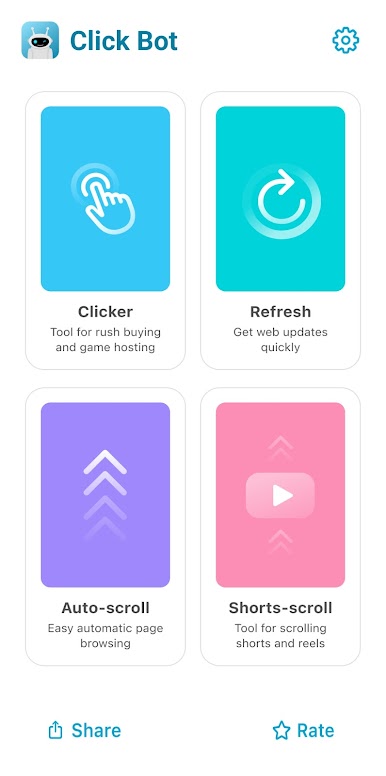
Ever get tired of tapping the same spot or scrolling endlessly on your phone or tablet? With Click Bot by Must Have Apps SRL, you can let your device do all that repetitive work while you just kick back and relax. Whether you’re catching up on articles, keeping an eye on sports scores, or need some help with games that require constant tapping, Click Bot takes care of those chores so you don’t have to. Seriously, it’s like your own little digital assistant for any Android™ device, freeing up your time for the fun stuff.
App Features
-
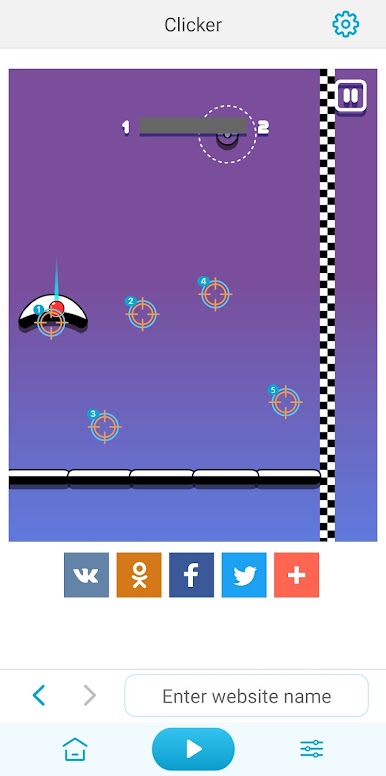
Auto Clicking Made Simple
Set up Click Bot to tap where you want, as often as you want. No more tired fingers from games or apps that require a ton of repetitive touches. -
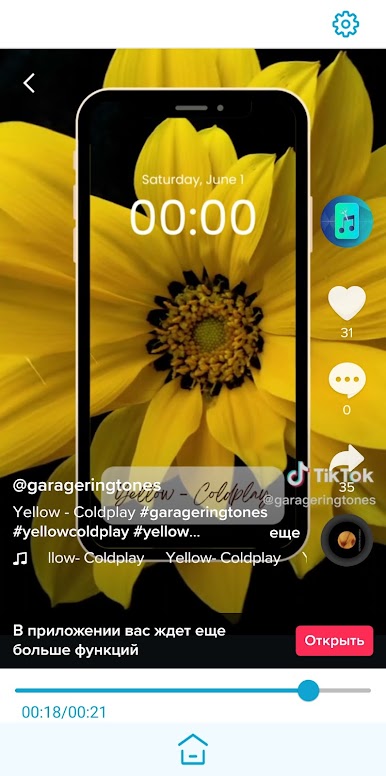
Smooth Auto Scrolling
Hate scrolling through long posts or articles? Just let Click Bot handle the scrolling. You can adjust the settings to fit your pace, so reading feels a lot smoother. -
Live Sports Score Refresh
Need to keep track of scores or breaking news? Set Click Bot to auto-refresh your screen, and you’ll always be up to date without needing to pull down to refresh every five seconds. -
Handy Text Prompter
Turn your device into a teleprompter by entering your own text—great for practicing speeches or presentations. Click Bot scrolls your script for you, keeping things fuss-free. -
Customizable Controls
It’s really easy to tweak the settings. Whether you need faster clicks, slower scrolls, or different intervals, you’re in control here. -
Perfect for Gaming
If you’re into games that make you tap and tap (and tap), Click Bot steps in so your fingers get a break. Focus on strategy or just enjoy watching the action. -
Works Great on BlueStacks
If you prefer using your favorite tools on a bigger screen, Click Bot fits right in when running Android apps through BlueStacks.
No more wearing out your thumbs or losing focus during long browsing sessions—Click Bot is all about making your device work smarter, not harder.
Switch to BlueStacks and make the most of your apps on your PC or Mac.
Mainkan Click Bot di PC Mudah saja memulainya.
-
Unduh dan pasang BlueStacks di PC kamu
-
Selesaikan proses masuk Google untuk mengakses Playstore atau lakukan nanti
-
Cari Click Bot di bilah pencarian di pojok kanan atas
-
Klik untuk menginstal Click Bot dari hasil pencarian
-
Selesaikan proses masuk Google (jika kamu melewati langkah 2) untuk menginstal Click Bot
-
Klik ikon Click Bot di layar home untuk membuka gamenya

