


Morgz Ultimate Challenge
Gioca su PC con BlueStacks: la piattaforma di gioco Android, considerata affidabile da oltre 500 milioni di giocatori.

Pagina modificata il: May 27, 2021
Gioca Morgz Ultimate Challenge per PC
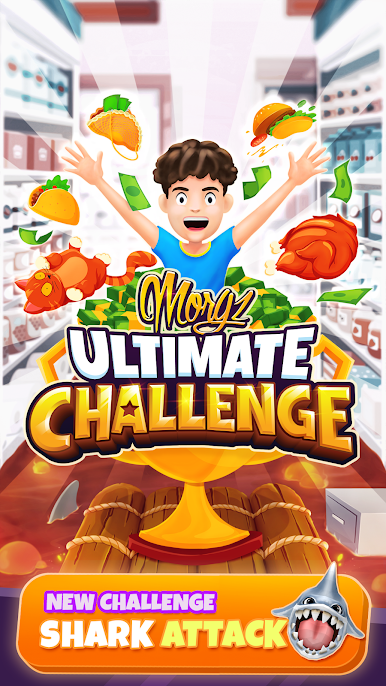
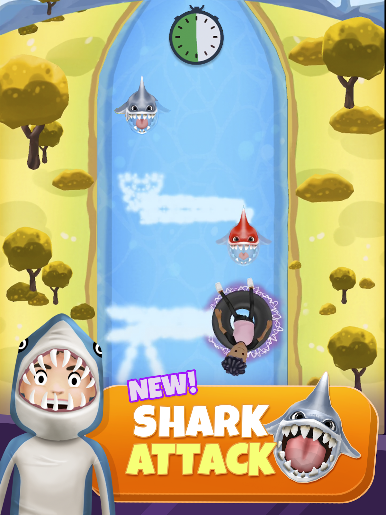
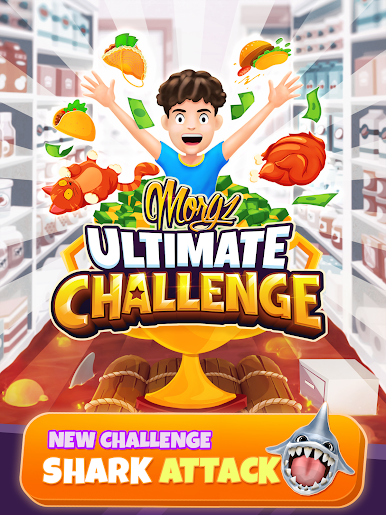
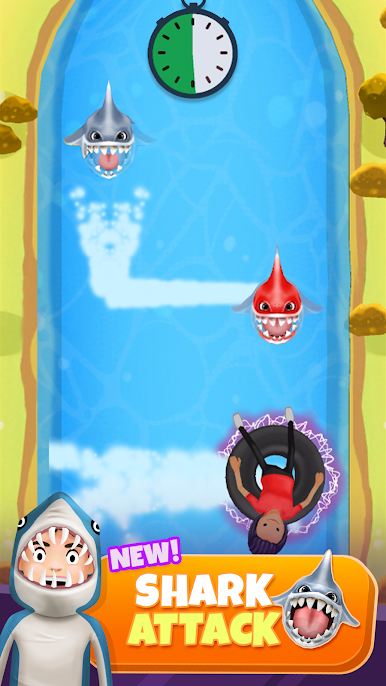
► * NOVITÀ! * SHARK ATTACK 🦈💦 - Scendi con i tubi lungo il fiume - fai attenzione agli squali!
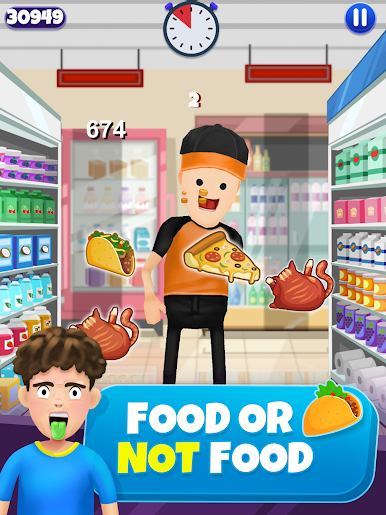
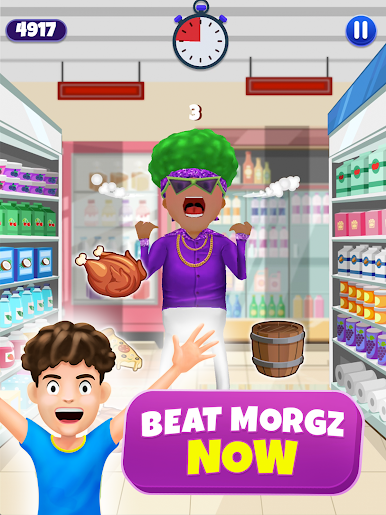
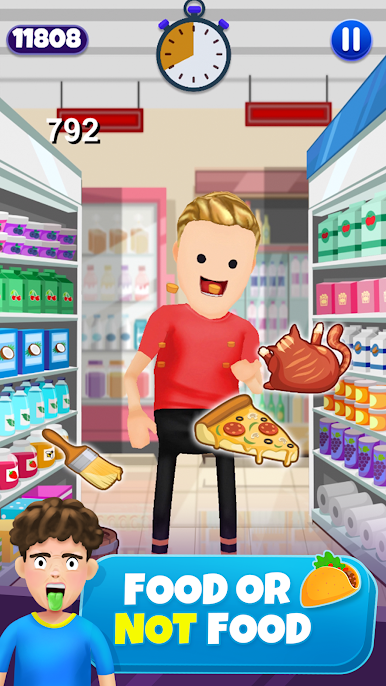
► CIBO O NON CIBO 🍗🐱 - Mangia il più possibile prima che scada il tempo! Non mangiare il gatto !!
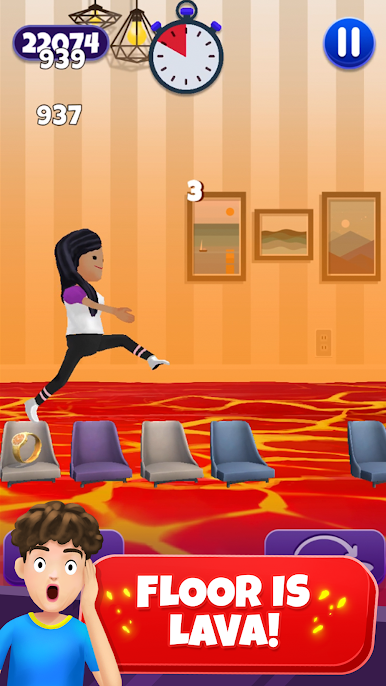
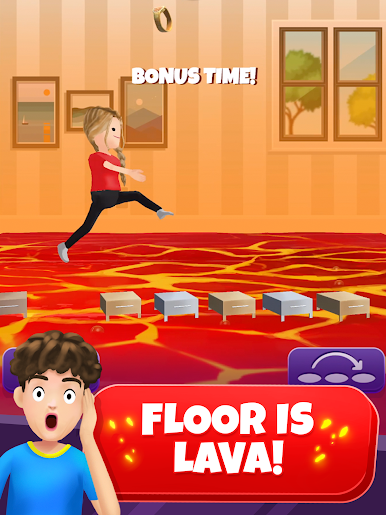
► IL PAVIMENTO È LAVA 🔥🏃♂️ - Vai il più lontano possibile senza entrare nella lava !!
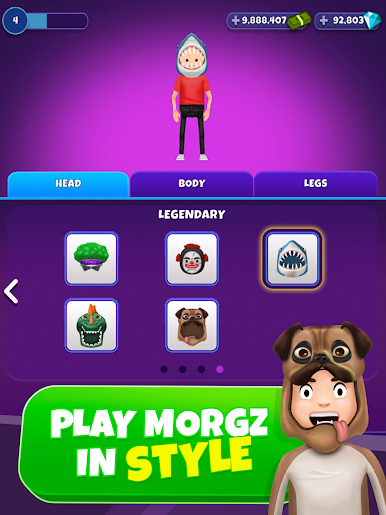
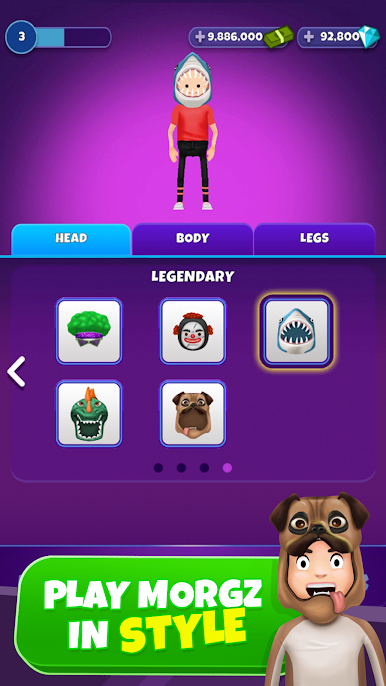
► GIOCA CON STILE 🕺😎 - Colleziona tutti gli abiti! Stile come uno zombi, uno squalo, un cavaliere e altro ancora.
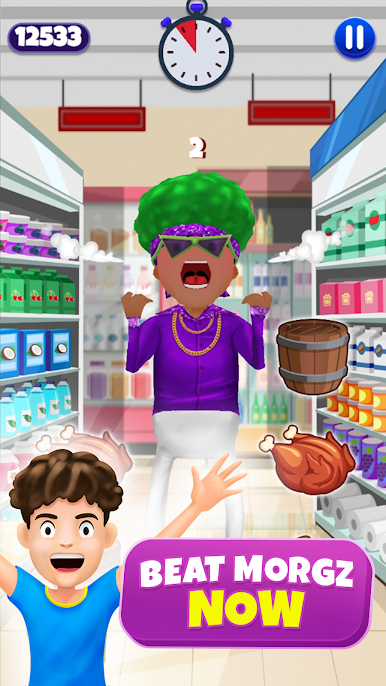
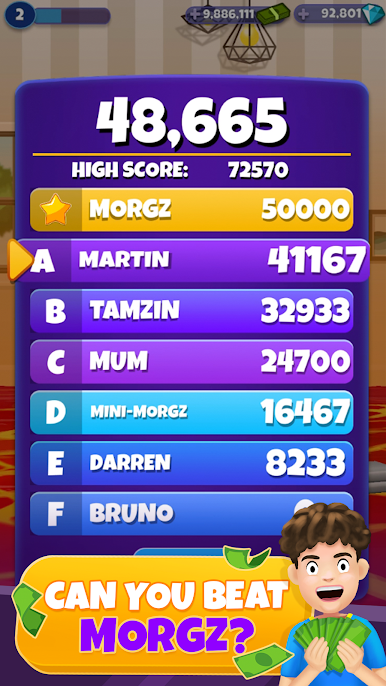
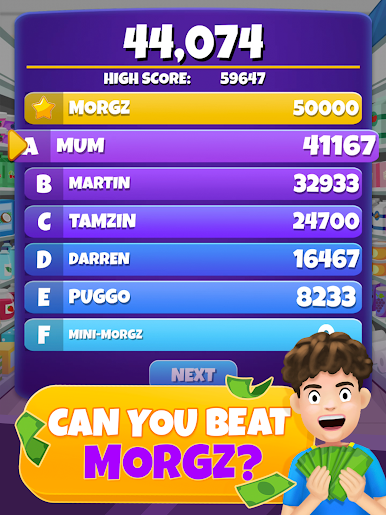
► PUOI BATTERE MORGZ ?! 👊🥇 Battere Bald Martin forse ... ma puoi affrontare lo stesso Morgz ??
Unisciti a MORGZ e vedi se puoi essere il campione della Morgz Ultimate Challenge! 🤳
SCARICA E GIOCA ORA!
🏆🏆🏆
STAI FANTASTICO TEAMMORGZ !! : D

Gioca Morgz Ultimate Challenge su PC. È facile iniziare.
-
Scarica e installa BlueStacks sul tuo PC
-
Completa l'accesso a Google per accedere al Play Store o eseguilo in un secondo momento
-
Cerca Morgz Ultimate Challenge nella barra di ricerca nell'angolo in alto a destra
-
Fai clic per installare Morgz Ultimate Challenge dai risultati della ricerca
-
Completa l'accesso a Google (se hai saltato il passaggio 2) per installare Morgz Ultimate Challenge
-
Fai clic sull'icona Morgz Ultimate Challenge nella schermata principale per iniziare a giocare

