


Bible Songs for Kids (Offline)
Gioca su PC con BlueStacks: la piattaforma di gioco Android, considerata affidabile da oltre 500 milioni di giocatori.

Pagina modificata il: Jan 8, 2025
Run Bible Songs for Kids (Offline) on PC or Mac
What’s better than using Bible Songs for Kids (Offline) by Crown Banana Studio? Well, try it on a big screen, on your PC or Mac, with BlueStacks to see the difference.
About the App
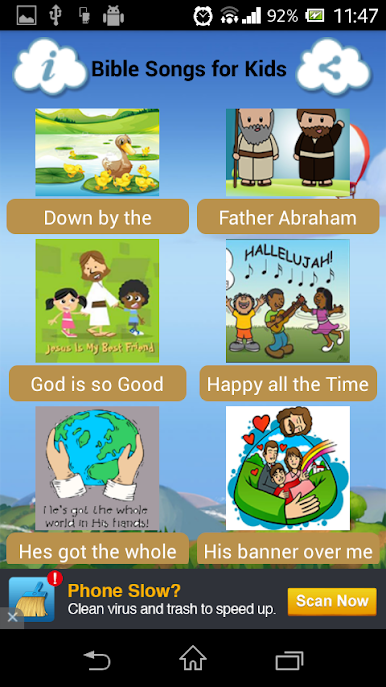
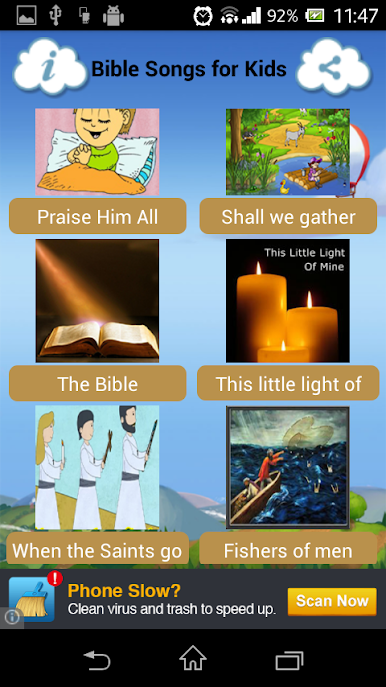
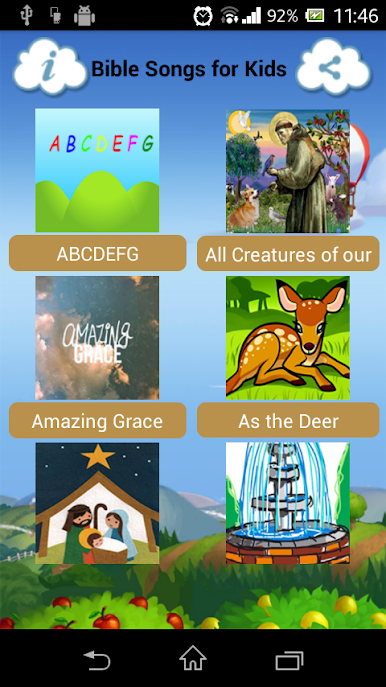
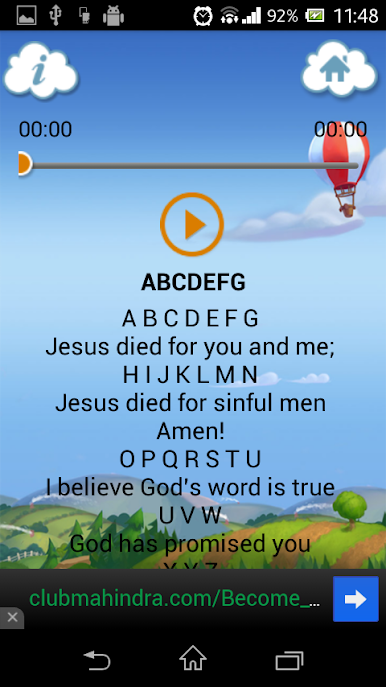
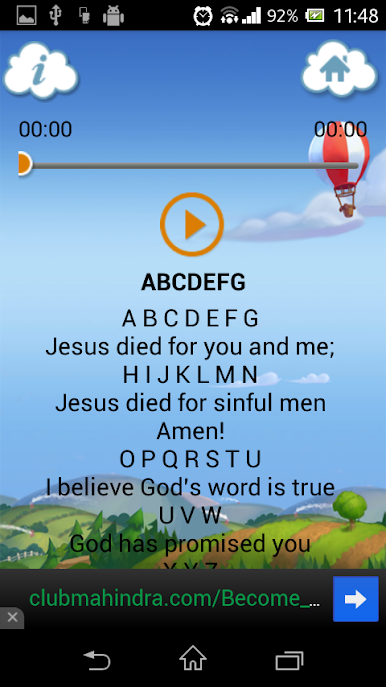
Bible Songs for Kids (Offline) is that little companion every parent wishes for—packed with cheerful tunes and easy-to-read lyrics meant for kids. If you want kids to sing along to their favorite Christian songs, whether at home, in the car, or at church, this one’s got you covered. You get clear audio and full lyric support, all designed so your kids can have fun and learn, no matter where you are.
App Features
-
Listen Without Wi-Fi
All songs and lyrics work offline, which means you can access every sing-along moment wherever you are—no internet required. -
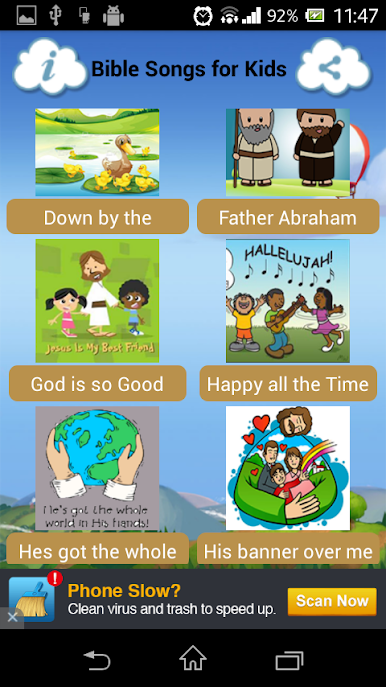
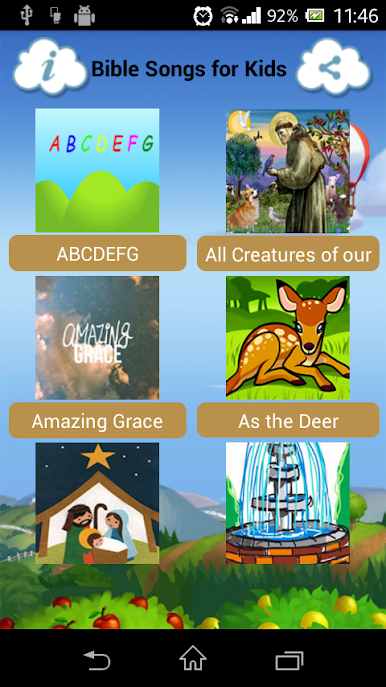
Kid-Friendly Song Collection
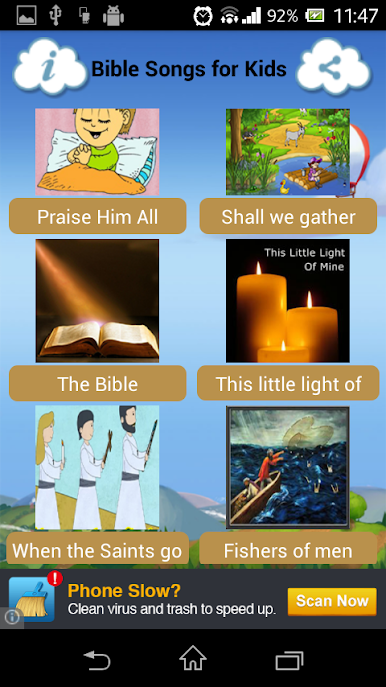
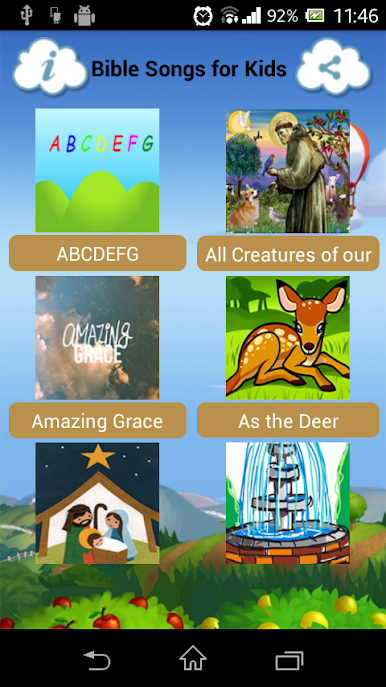
You’ll find a sweet playlist of Christian tunes made just for children and toddlers. They’re perfect for introducing little ones to joyful praise and worship. -
Simple Controls
Pause, play, and switch tracks with zero hassle. Even the youngest users (or sleepy grown-ups) won’t get lost here. -
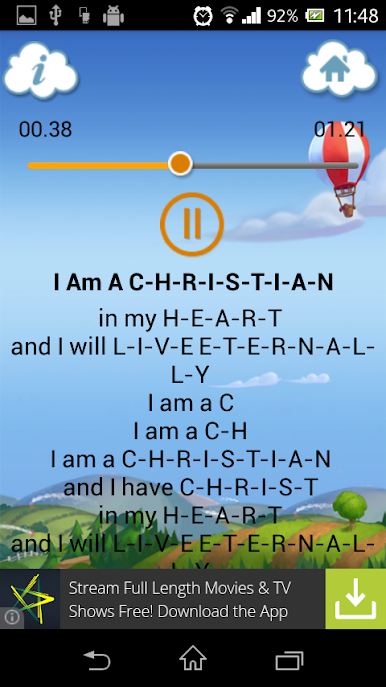
Lyrics You Can Scroll
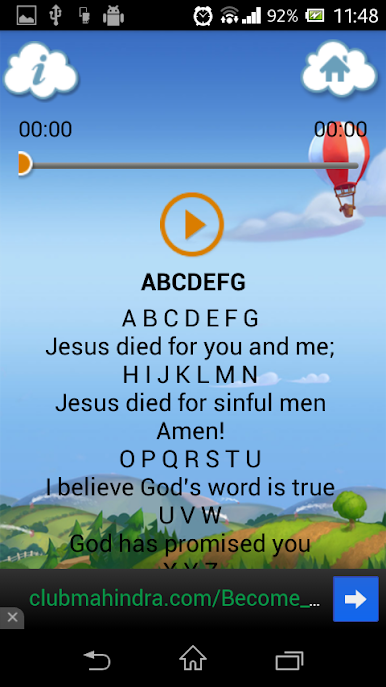
Need to follow along? The full lyrics are right there, and you can swipe up and down to keep up with each verse. -
Always Free
There are no hidden charges. Everything in Bible Songs for Kids (Offline) is available at zero cost. -
Great Companion on BlueStacks
Whether you’re using a phone, tablet, or feeling fancy and launching it through BlueStacks on your computer, it works smoothly.
Ready to experience Bible Songs for Kids (Offline) on a bigger screen, in all its glory? Download BlueStacks now.





Gioca Bible Songs for Kids (Offline) su PC. È facile iniziare.
-
Scarica e installa BlueStacks sul tuo PC
-
Completa l'accesso a Google per accedere al Play Store o eseguilo in un secondo momento
-
Cerca Bible Songs for Kids (Offline) nella barra di ricerca nell'angolo in alto a destra
-
Fai clic per installare Bible Songs for Kids (Offline) dai risultati della ricerca
-
Completa l'accesso a Google (se hai saltato il passaggio 2) per installare Bible Songs for Kids (Offline)
-
Fai clic sull'icona Bible Songs for Kids (Offline) nella schermata principale per iniziare a giocare

