


Autovelox Fissi e Mobili
Gioca su PC con BlueStacks: la piattaforma di gioco Android, considerata affidabile da oltre 500 milioni di giocatori.

Pagina modificata il: Dec 1, 2025
Play Speed Cameras Radar on PC
Why our app Speed Cameras Radar?
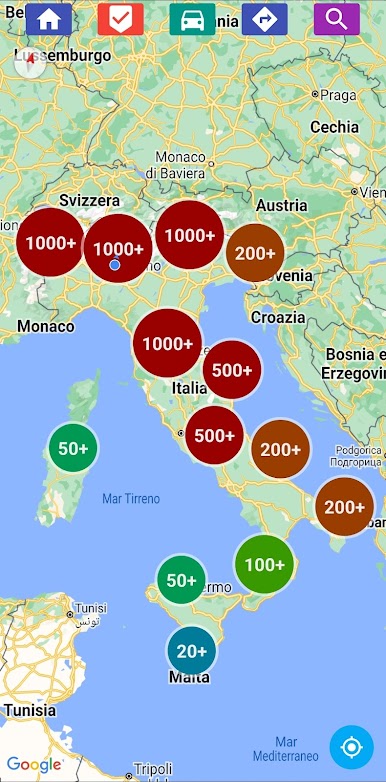
◦ Map - Discover all the speed cameras, speed traps, radars, traffic light cameras and more.
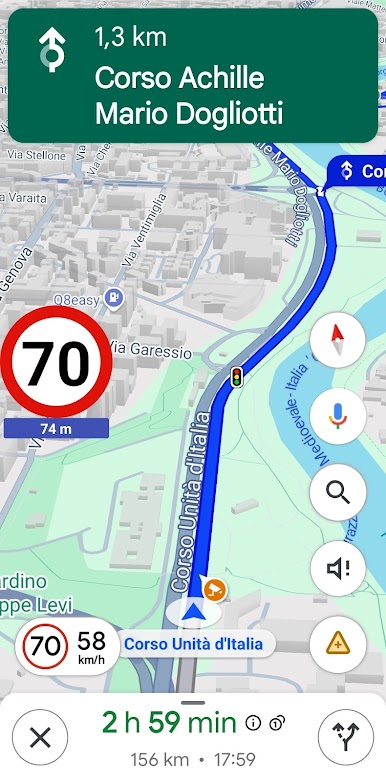
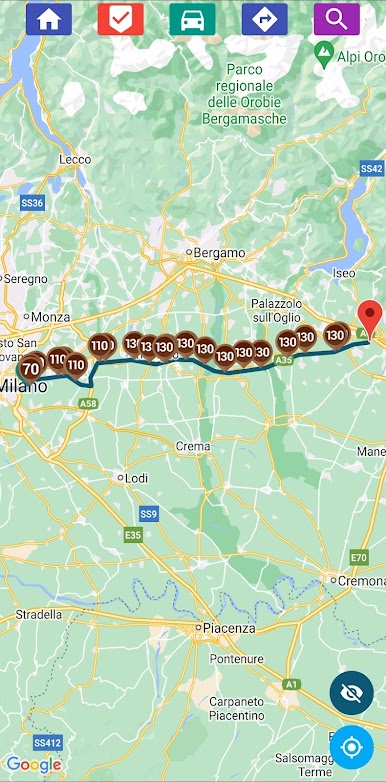
◦ Routes - Display the route on the map and find out the speed cameras along the way.
◦ Widget - Use the app on the background even when the phone is locked.
◦ Speedometer - Receive warnings when the speed is higher than the speed cameras limit.
◦ Integrate it with other apps - Integrate the app with external navigators.
◦ Report and vote speed cameras - You can upload your speed cameras and vote other’s speed cameras.
◦ Android Auto - Compatibility with Android Auto.
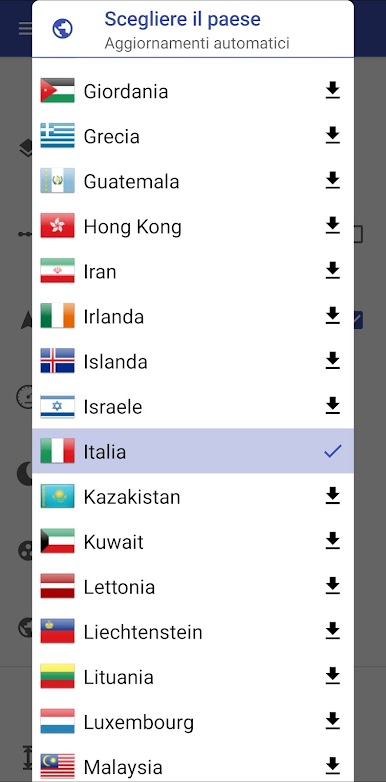
◦ High coverage - 42 Countries covered by speed cameras and supported by our app.
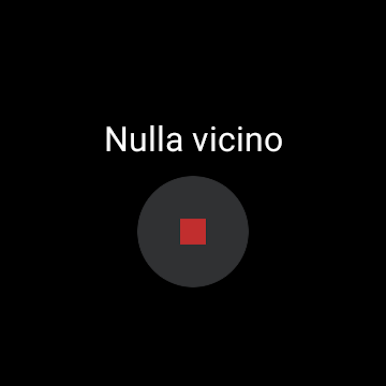
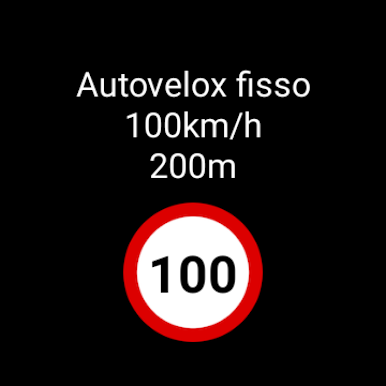
◦ Support for Wear OS - Get speed camera alerts in your android watch with Wear OS.
Drive safe, drive with us!
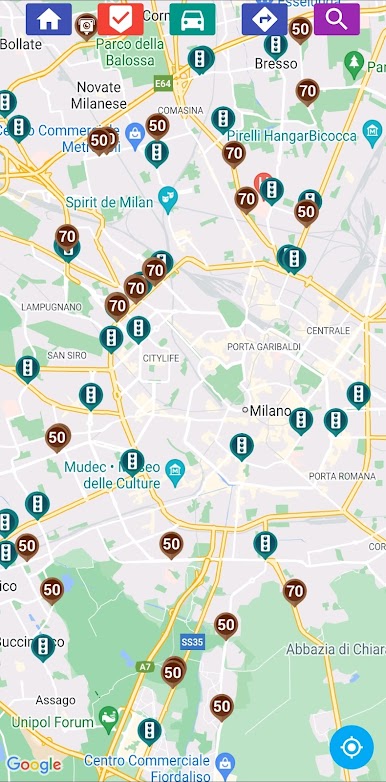
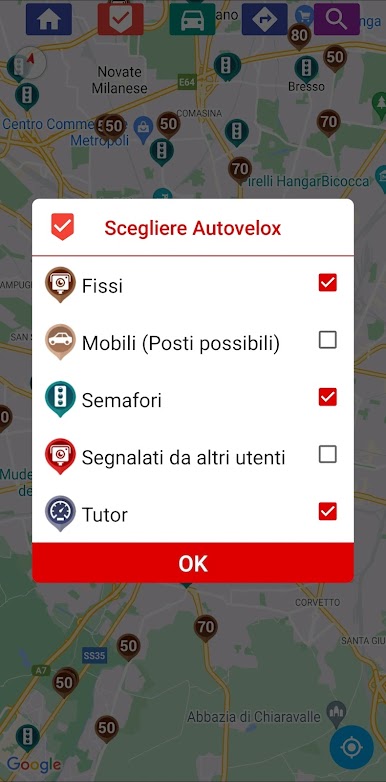

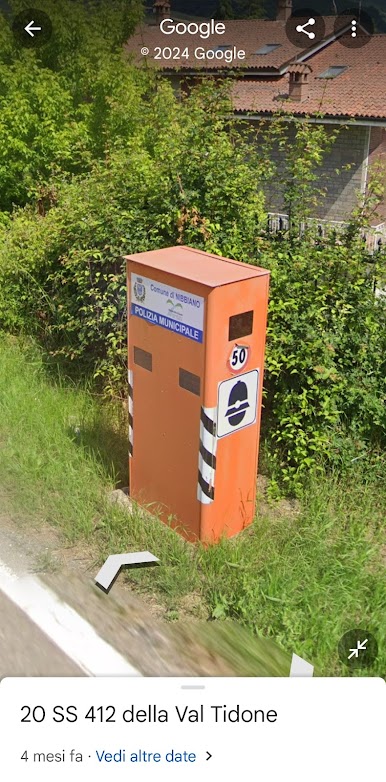
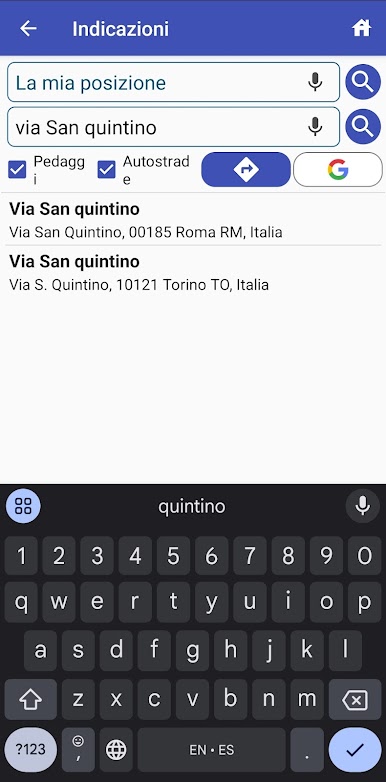
Gioca Autovelox Fissi e Mobili su PC. È facile iniziare.
-
Scarica e installa BlueStacks sul tuo PC
-
Completa l'accesso a Google per accedere al Play Store o eseguilo in un secondo momento
-
Cerca Autovelox Fissi e Mobili nella barra di ricerca nell'angolo in alto a destra
-
Fai clic per installare Autovelox Fissi e Mobili dai risultati della ricerca
-
Completa l'accesso a Google (se hai saltato il passaggio 2) per installare Autovelox Fissi e Mobili
-
Fai clic sull'icona Autovelox Fissi e Mobili nella schermata principale per iniziare a giocare

