

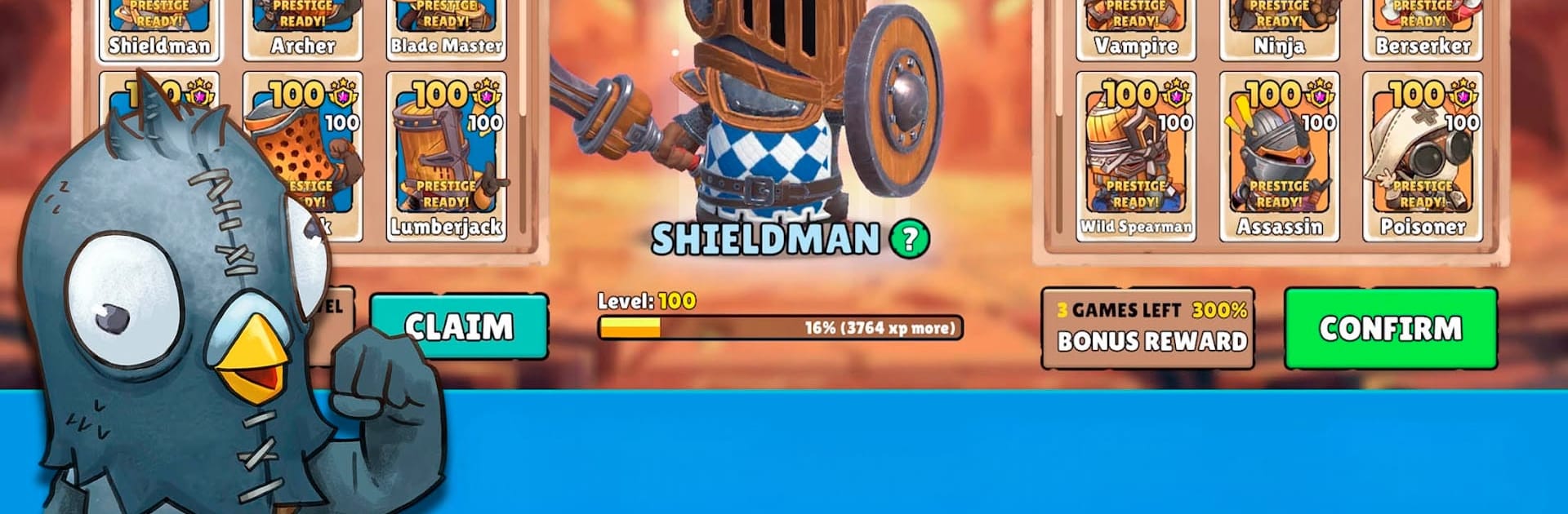
Big Helmets: Heroes of Destiny
Juega en PC con BlueStacks: la plataforma de juegos Android, en la que confían más de 500 millones de jugadores.

Página modificada el: Nov 28, 2025
Play Big Helmets: Heroes of Destiny on PC or Mac
Big Helmets: Heroes of Destiny brings the Action genre to life, and throws up exciting challenges for gamers. Developed by BoomBit Games, this Android game is best experienced on BlueStacks, the World’s #1 app player for PC and Mac users.
About the Game
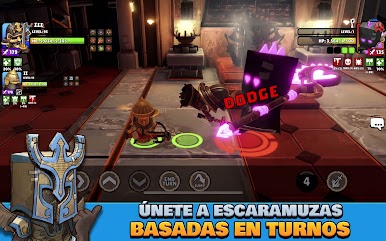
Big Helmets: Heroes of Destiny is an Action RPG from BoomBit Games that blends roguelike dungeon runs with tactical, turn-based battles and quick-hit PvP. Build a squad of distinct heroes, pick your path through shifting maps, and outplay rivals in the arena while a larger faction war rumbles in the background. Prefer a bigger screen and keyboard clicks? It plays smoothly on BlueStacks, too.
Game Features
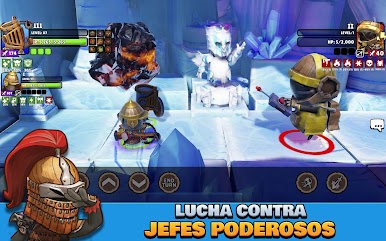
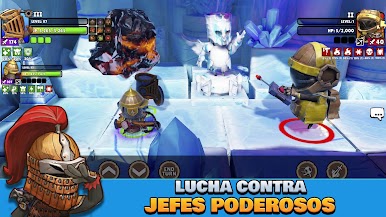
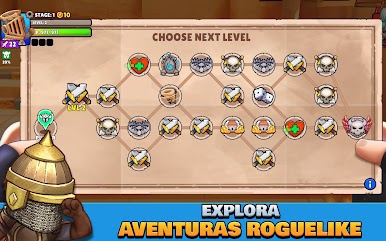
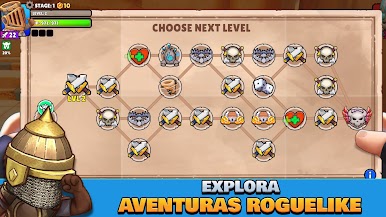
- Roguelike campaign runs — Explore changing maps, face surprise encounters, and tackle bosses that push you to rethink your strategy every time.
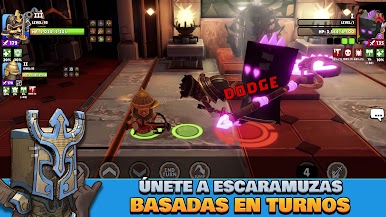
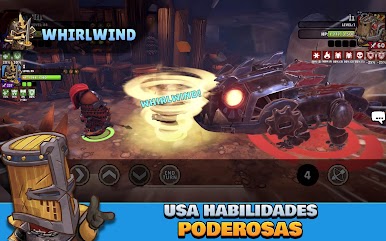
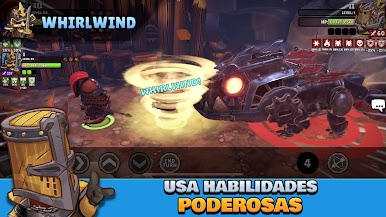
- Tactical, turn-based clashes — Time your skills, chain abilities, and make smart trades; a good combo beats brute force.
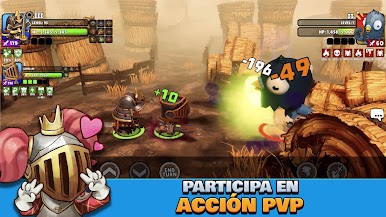
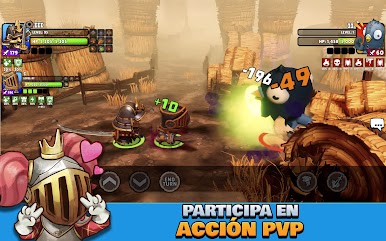
- 1v1 and 2v2 PvP — Jump into fast arena fights that test builds and reactions. Every victory nudges the ongoing global conflict one way or the other.
- Co-op boss hunts — Team up for raids and big monsters that demand coordination and smart use of your toolkit.
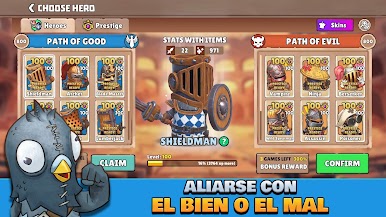
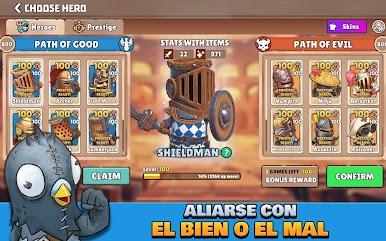
- 16 heroes, 2 factions — Mix styles and roles to create squads that suit how you like to fight, from heavy hitters to crafty supports.
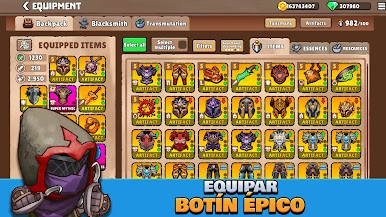
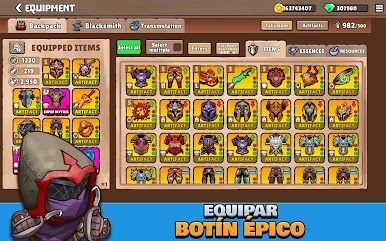
- Progress that feels good — Unlock gear, relics, and new skills, then refine your loadouts to chase nastier dungeons and tougher opponents.
- Evolving meta — As you invest time, new builds open up and the arena shifts, keeping tactics fresh day after day.
- Play anywhere — Quick solo runs on the go, longer sessions for co-op or PvP at home; it’s flexible, and it fits how you play.
Ready to top the leaderboard? We bet you do. Let precise controls and sharp visuals optimized on BlueStacks lead you to victory.

Juega Big Helmets: Heroes of Destiny en la PC. Es fácil comenzar.
-
Descargue e instale BlueStacks en su PC
-
Complete el inicio de sesión de Google para acceder a Play Store, o hágalo más tarde
-
Busque Big Helmets: Heroes of Destiny en la barra de búsqueda en la esquina superior derecha
-
Haga clic para instalar Big Helmets: Heroes of Destiny desde los resultados de búsqueda
-
Complete el inicio de sesión de Google (si omitió el paso 2) para instalar Big Helmets: Heroes of Destiny
-
Haz clic en el ícono Big Helmets: Heroes of Destiny en la pantalla de inicio para comenzar a jugar

