


BlackBerry Tasks
Mainkan di PC dengan BlueStacks – platform Game-Game Android, dipercaya oleh lebih dari 500 juta gamer.

Play BlackBerry Tasks on PC
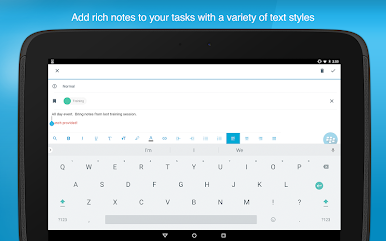
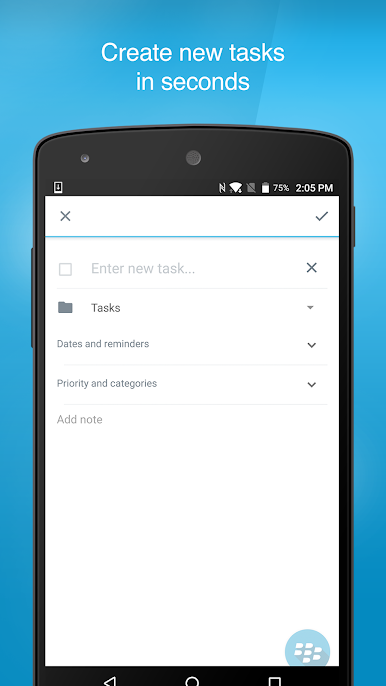
BlackBerry Tasks is an enterprise PIM application that allows you to create, edit, and manage tasks that are synchronized with Microsoft® Exchange.
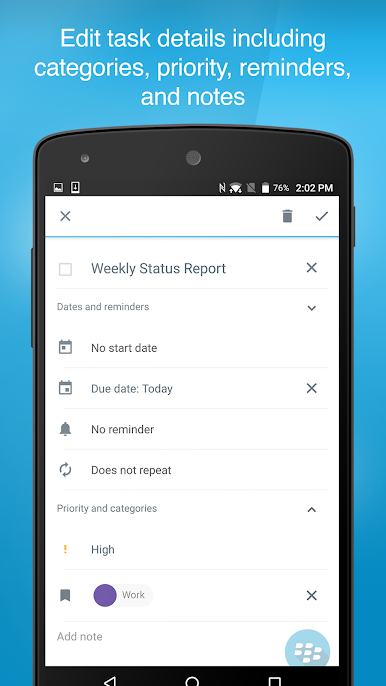
Organize your tasks:
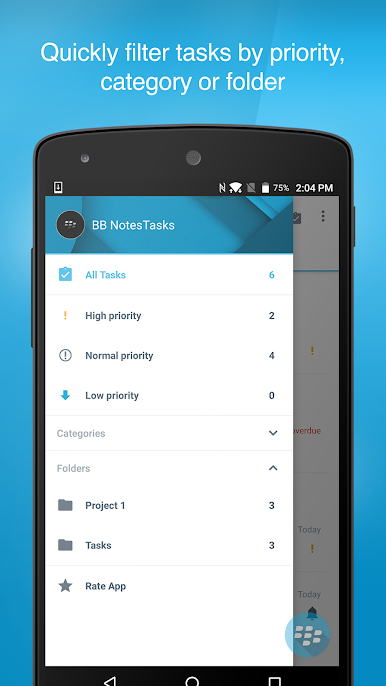
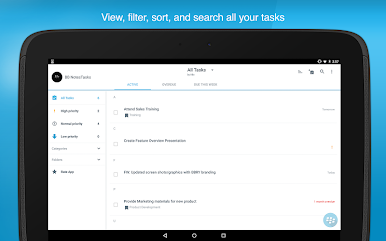
• Sort tasks by title, due date, priority, or creation date.
• Find a task by title and body with the search tool.
• Create and assign categories to your tasks for an added level of organization.
Never miss a deadline:
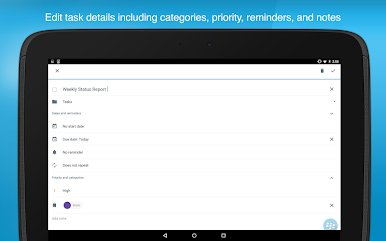
• Set reminders and due dates to get everything done on time.
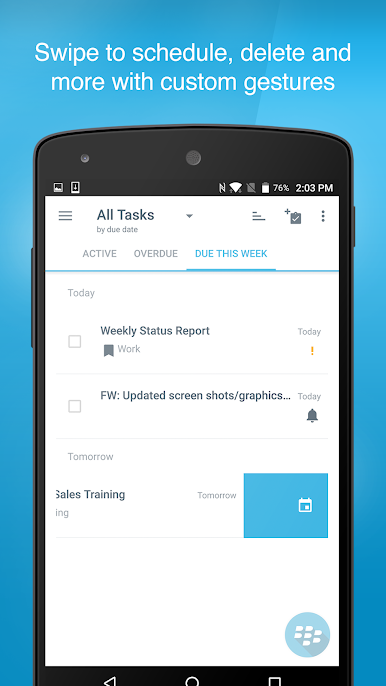
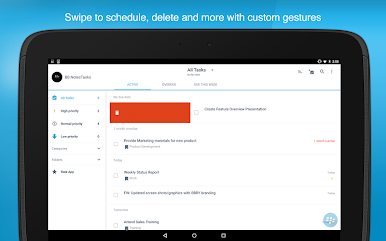
• Quickly view which tasks are overdue, due today, and due this week with a handy tabbed interface.
• Create recurring tasks for things that need to get done daily, weekly, monthly, or yearly.
Keep your data secure and up to date:
• Protect business data in transit and at rest with FIPS-validated cryptography.
• Synchronize tasks with Microsoft Exchange.
Mainkan BlackBerry Tasks di PC Mudah saja memulainya.
-
Unduh dan pasang BlueStacks di PC kamu
-
Selesaikan proses masuk Google untuk mengakses Playstore atau lakukan nanti
-
Cari BlackBerry Tasks di bilah pencarian di pojok kanan atas
-
Klik untuk menginstal BlackBerry Tasks dari hasil pencarian
-
Selesaikan proses masuk Google (jika kamu melewati langkah 2) untuk menginstal BlackBerry Tasks
-
Klik ikon BlackBerry Tasks di layar home untuk membuka gamenya

