


Block Puzzle Guardian
Juega en PC con BlueStacks: la plataforma de juegos Android, en la que confían más de 500 millones de jugadores.

Página modificada el: Nov 4, 2025
Play Block Puzzle Guardian - New Block Puzzle Game 2019 on PC or Mac
Join millions to experience Block Puzzle Guardian – New Block Puzzle Game 2019, an exciting Puzzle game from Hippo Lab. With BlueStacks App Player, you are always a step ahead of your opponent, ready to outplay them with faster gameplay and better control with the mouse and keyboard on your PC or Mac.
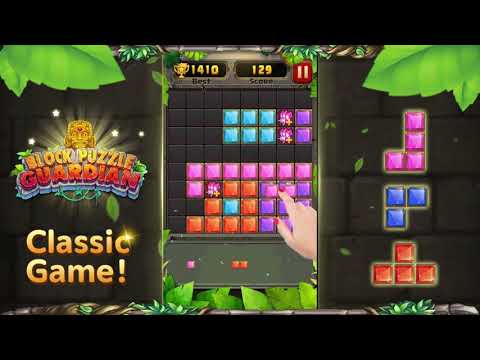
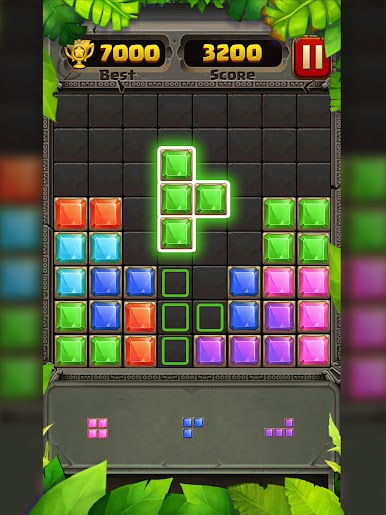
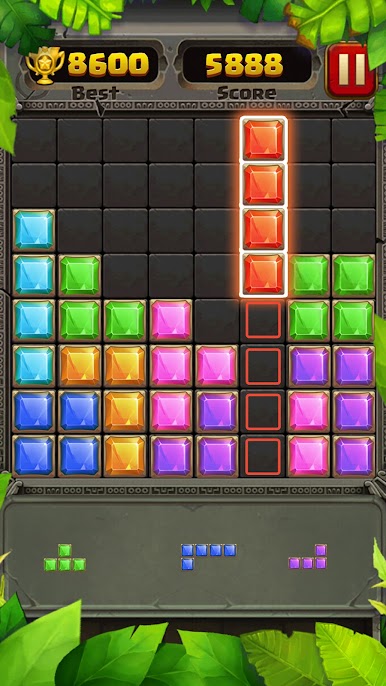
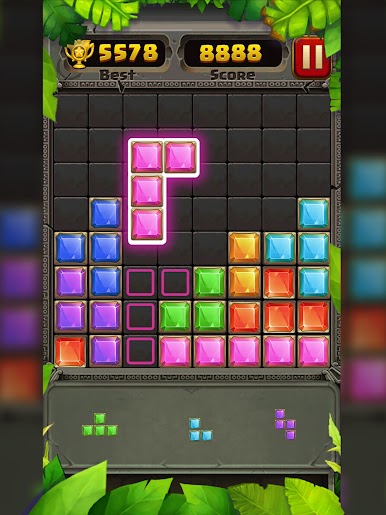
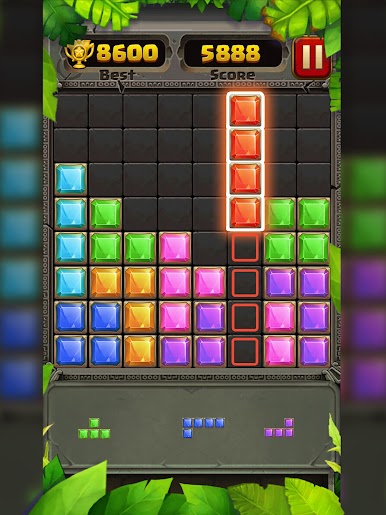
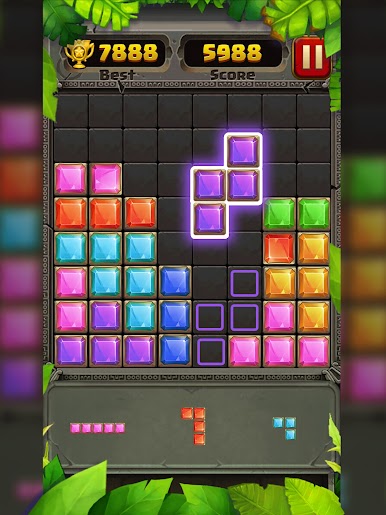
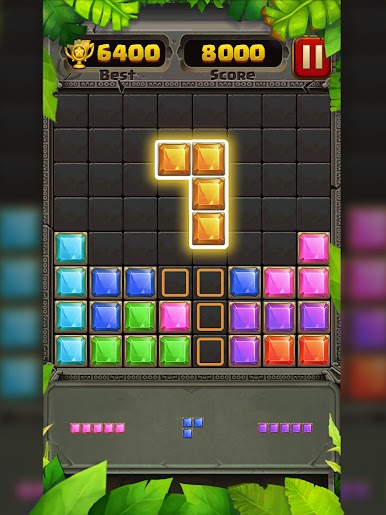
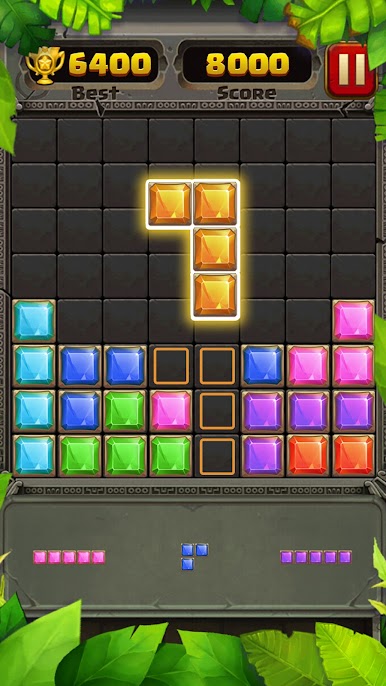
So, Block Puzzle Guardian is one of those games that’s really easy to pick up but still manages to hook you for much longer than you’d expect. The idea’s simple—just drag the blocks onto the board and try to make complete lines, either vertical or horizontal. When a line fills up, it clears away, giving you more room for new blocks. It’s not about rushing or beating the clock, just finding the best spots and seeing how long you can keep going before you run out of space. There’s kind of a match-3 feel to it because of the jewel-style graphics, which actually look pretty nice, especially when you line things up just right and watch everything clear out.
It doesn’t mess around with timers or levels or any fancy stuff; the challenge is all about how well you can plan ahead and squeeze pieces in. No WiFi is needed, so it’s one of those games you can play anywhere, like in between things or just to chill for a few minutes (or a lot longer if you get into the flow). Playing it on PC with BlueStacks feels good too, since you get a bigger view and dragging the blocks is pretty satisfying with a mouse. If someone likes puzzles that don’t rush you, but still make you think a bit, this fits right in.
Start your journey now. Download the game on BlueStacks, invite your friends, and march on a new adventure.
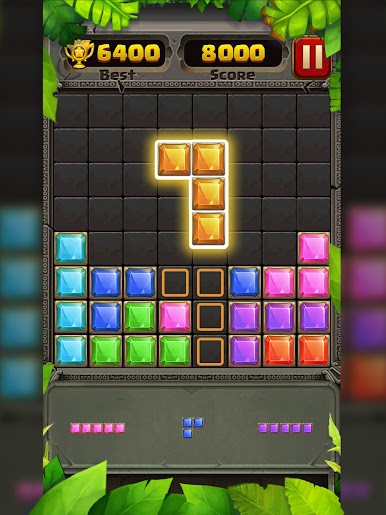
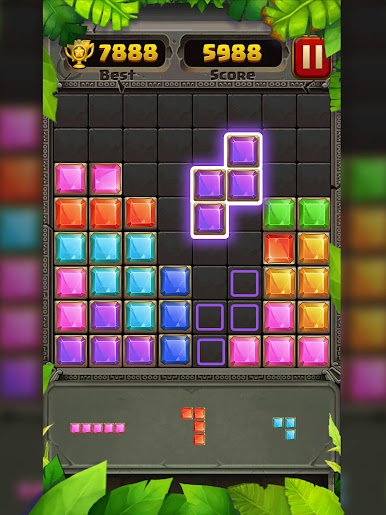
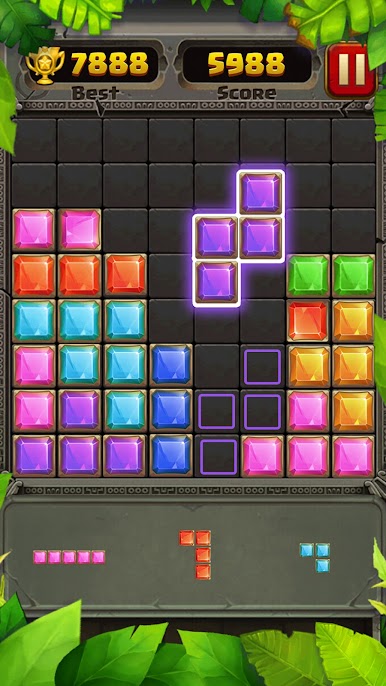
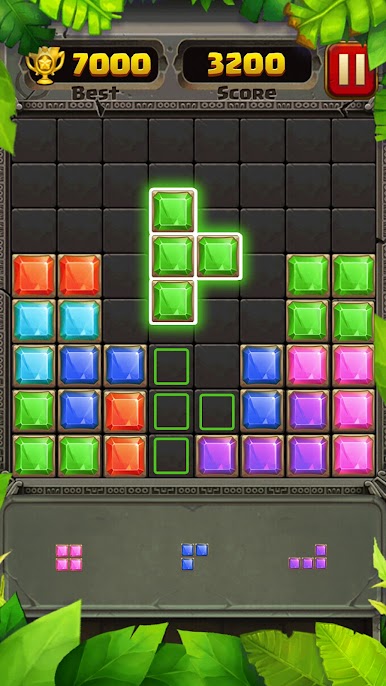
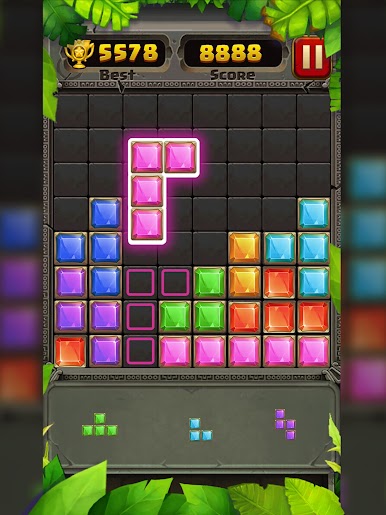
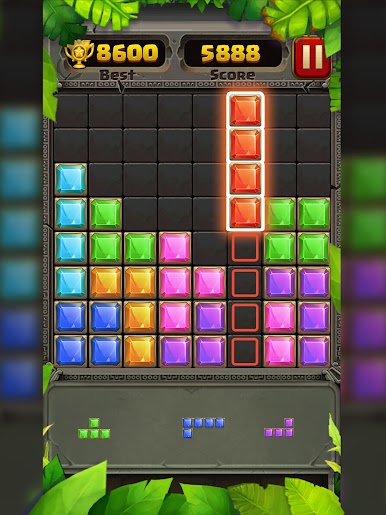
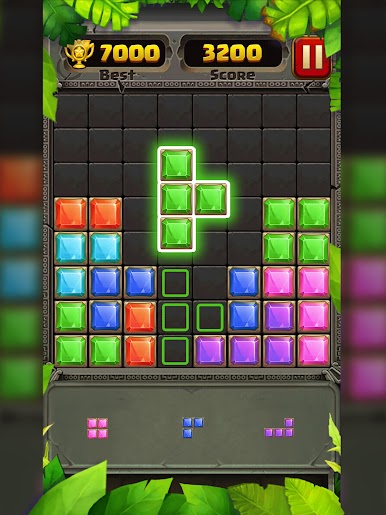
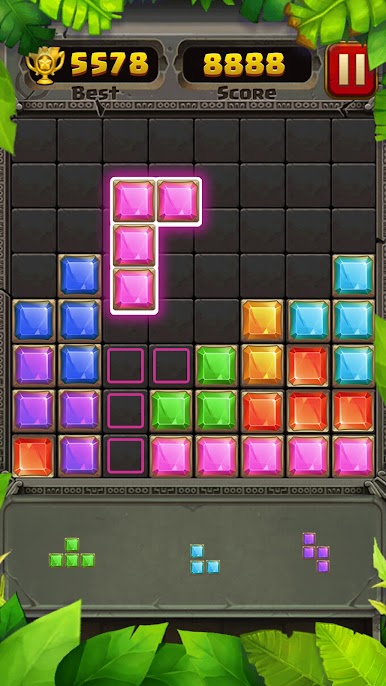
Juega Block Puzzle Guardian en la PC. Es fácil comenzar.
-
Descargue e instale BlueStacks en su PC
-
Complete el inicio de sesión de Google para acceder a Play Store, o hágalo más tarde
-
Busque Block Puzzle Guardian en la barra de búsqueda en la esquina superior derecha
-
Haga clic para instalar Block Puzzle Guardian desde los resultados de búsqueda
-
Complete el inicio de sesión de Google (si omitió el paso 2) para instalar Block Puzzle Guardian
-
Haz clic en el ícono Block Puzzle Guardian en la pantalla de inicio para comenzar a jugar

