



Barcode Generator
Juega en PC con BlueStacks: la plataforma de juegos Android, en la que confían más de 500 millones de jugadores.

Página modificada el: Nov 9, 2015
Run Barcode Generator on PC or Mac
Why limit yourself to your small screen on the phone? Run Barcode Generator, an app by Aeiou, best experienced on your PC or Mac with BlueStacks, the world’s #1 Android emulator.
About the App
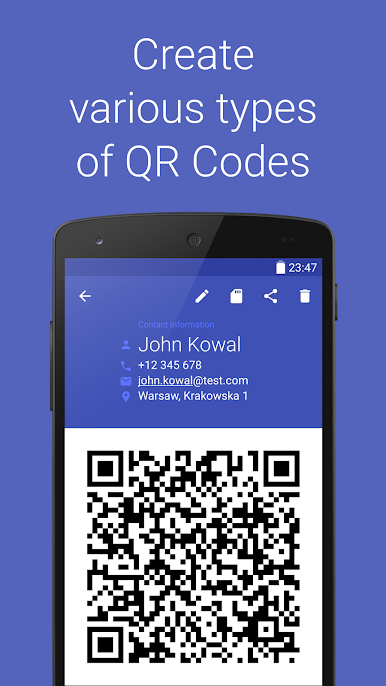
Looking to whip up a barcode or QR code in seconds without any fuss? Barcode Generator by Aeiou does exactly that. This handy tool puts a full menu of barcode formats right at your fingertips—no ads, no sketchy permissions, just straightforward code making. Whether you’re putting together inventory, tracking products, or just want a QR code to share info, you’ll find it simple, clean, and surprisingly flexible.
App Features
-
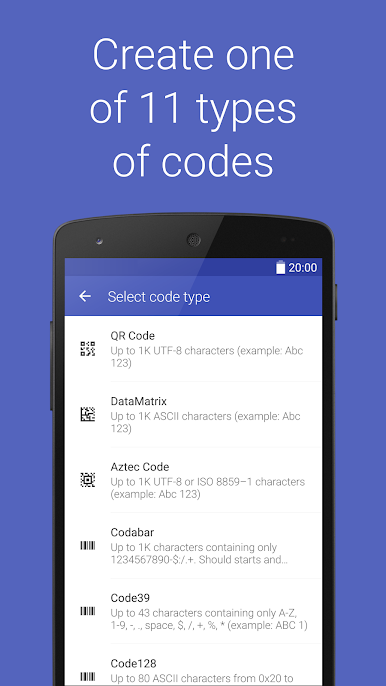
Generates All the Popular Barcodes
Create everything from QR codes and DataMatrix to Aztec codes and beyond. It’s got a long list—chances are, if you need a code type, you’ll find it here. -
Zero Distractions
No ads popping up, no strange permissions required. You open Barcode Generator, you make your code, you’re done. -
Multiple Barcode Standards
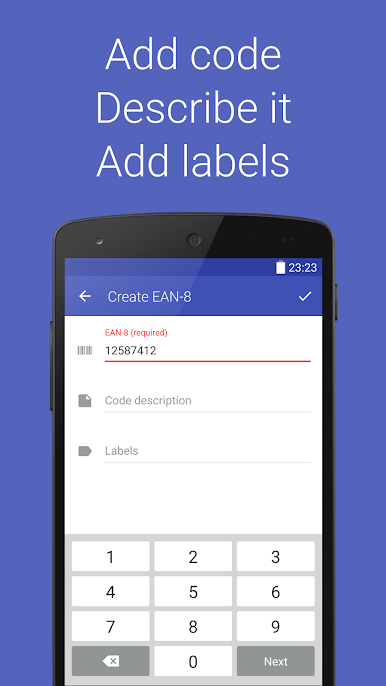
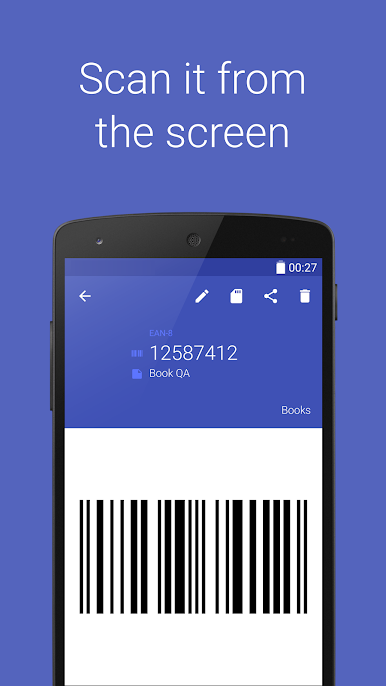
It doesn’t just stop at QR codes. Generate barcodes like Code 39, Code 128, EAN-8, EAN-13, UPC-A, ITF, Codabar, or PDF 417, tailored to your needs—from organizing your comic book stash to labeling products for retail. -
Easy to Use
No confusing menus or settings. Choose your code type, fill in your data, and get your barcode. It’s that simple. -
Lightweight and Reliable
The app is as straightforward as it gets, running smoothly even on older phones—or, if you want a bigger screen, Barcode Generator works great with BlueStacks. -
Flexible Output Options
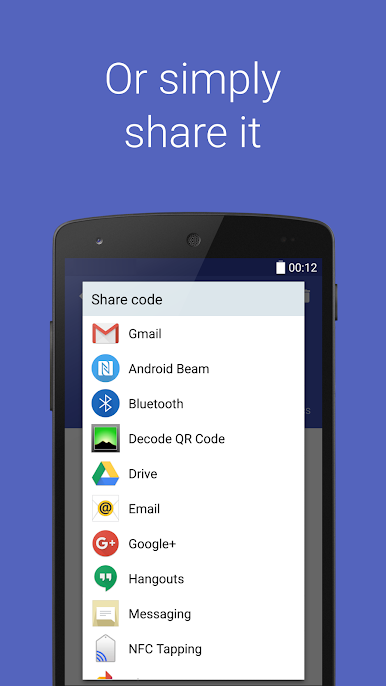
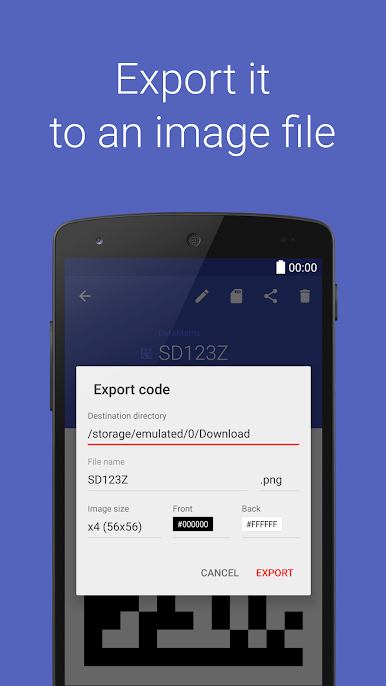
Save your generated codes for later, share them, or print them straight from your device—the app keeps your codes handy and ready to go.
BlueStacks brings your apps to life on a bigger screen—seamless and straightforward.
Juega Barcode Generator en la PC. Es fácil comenzar.
-
Descargue e instale BlueStacks en su PC
-
Complete el inicio de sesión de Google para acceder a Play Store, o hágalo más tarde
-
Busque Barcode Generator en la barra de búsqueda en la esquina superior derecha
-
Haga clic para instalar Barcode Generator desde los resultados de búsqueda
-
Complete el inicio de sesión de Google (si omitió el paso 2) para instalar Barcode Generator
-
Haz clic en el ícono Barcode Generator en la pantalla de inicio para comenzar a jugar

