


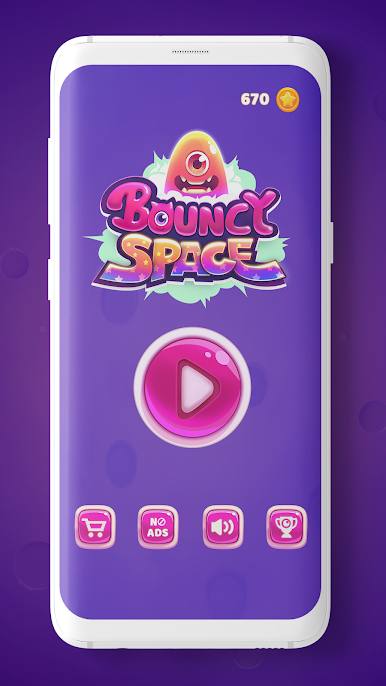
Bouncy Space
Juega en PC con BlueStacks: la plataforma de juegos Android, en la que confían más de 500 millones de jugadores.

Página modificada el: Dec 11, 2025
Play Bouncy Space on PC
How to Play?
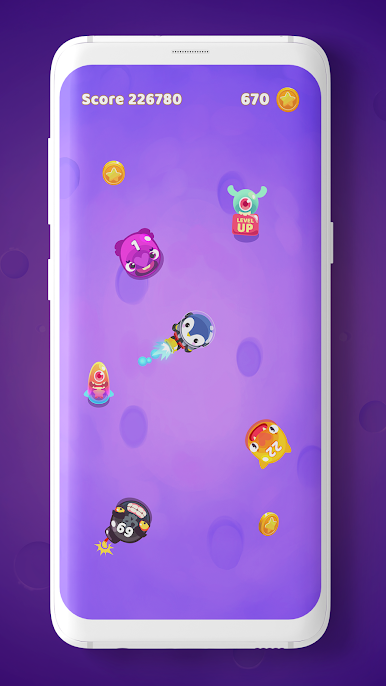
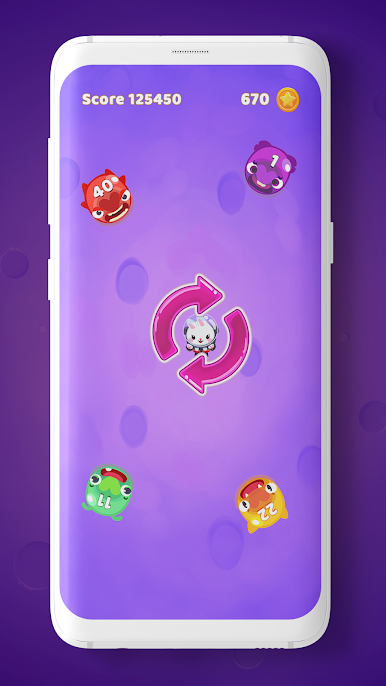
Your spacecraft was damaged on a mission and you are an astronaut lost on Saturn. An invasion of various martians and aliens are coming to kill you and you have to survive until the rescue from the earth arrives. Shoot them down with balls and continue to level-up your skills and powers. Each alien has an unique life count but you can take advantage of the bombs to kill them faster.
Bouncy Space Game Features:
✔️ FREE FOREVER - Always free for everyone. Play this new arcade game where and when you want it.
✔️ VISUAL EFFECTS - Amazing effects and power-up’s to help you enjoy the most of Bouncy Space. But warning… this game is addictive!
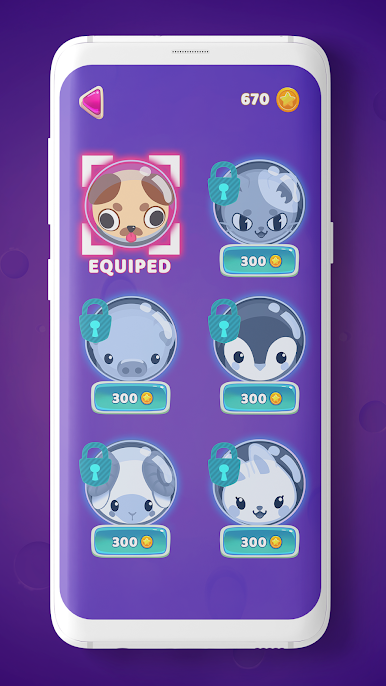
✔️ CUSTOM ASTRONAUT - Level-up and win different skins for your astronaut
✔️ NO ADS - If you prefer to play without ads, for just a small amount of money you can remove them forever. All your game play, free of ads.
¿How long will you survive? Will you achieve level 10? Download the app today and start playing this amazing Free Arcade Game now! If you want to survive the alien invasion you will need to shoot them all with the balls and explode all the bombs.
A fantastic arcade game for all ages proudly developed by ZigZag Games. Send all your comments to hello@zigzag.games. The entire team of ZigZag Games will be happy to hear from you.
Juega Bouncy Space en la PC. Es fácil comenzar.
-
Descargue e instale BlueStacks en su PC
-
Complete el inicio de sesión de Google para acceder a Play Store, o hágalo más tarde
-
Busque Bouncy Space en la barra de búsqueda en la esquina superior derecha
-
Haga clic para instalar Bouncy Space desde los resultados de búsqueda
-
Complete el inicio de sesión de Google (si omitió el paso 2) para instalar Bouncy Space
-
Haz clic en el ícono Bouncy Space en la pantalla de inicio para comenzar a jugar

