


FreeCell Solitaire
Juega en PC con BlueStacks: la plataforma de juegos Android, en la que confían más de 500 millones de jugadores.

Página modificada el: Sep 25, 2025
Juega FreeCell Solitaire en PC
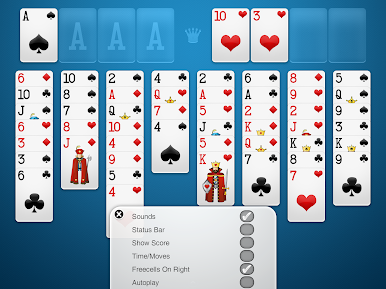
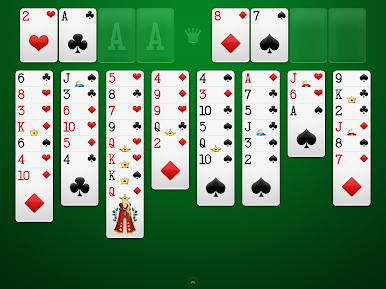
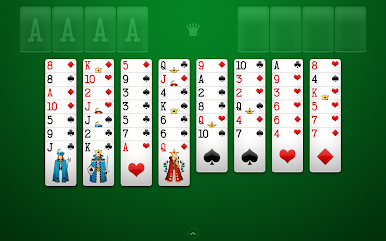
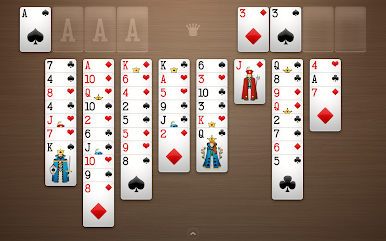
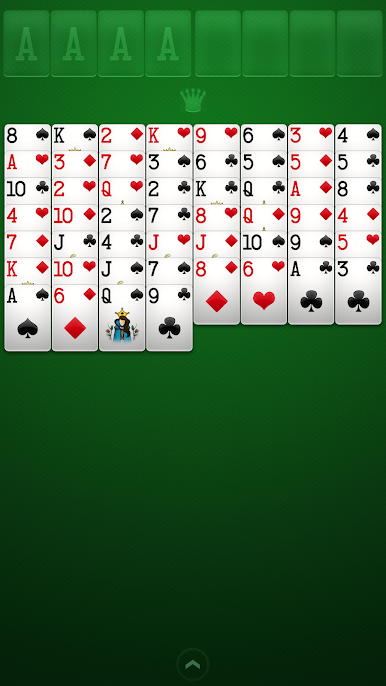
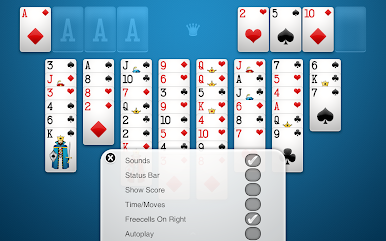
Si te encantan los juegos de cartas de solitario gratuitos, ¡FreeCell de Brainium te encantará aún más! Una experiencia de solitario verdaderamente agradable, relajante y divertida, con cartas fáciles de leer y controles intuitivos.
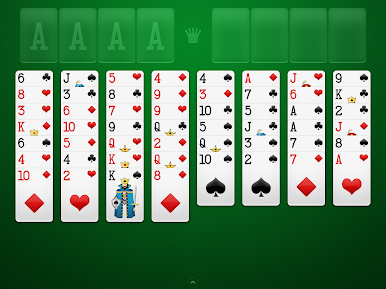
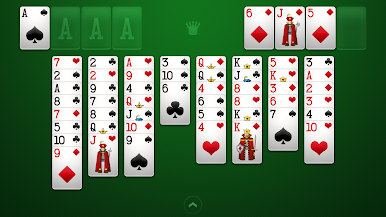
FreeCell se ha mantenido fiel al espíritu del juego clásico: el objetivo es construir las cuatro bases en orden ascendente del As al Rey con cartas del mismo palo.
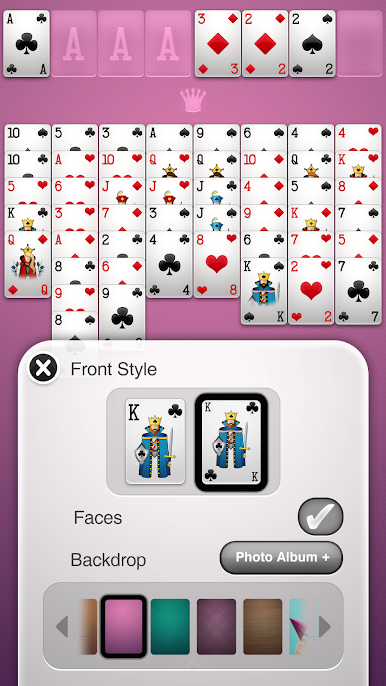
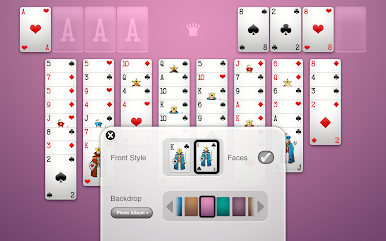
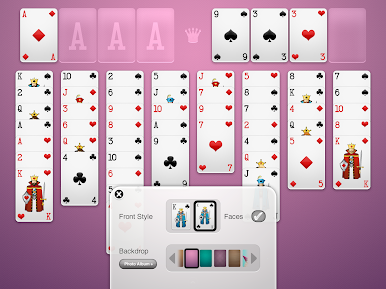
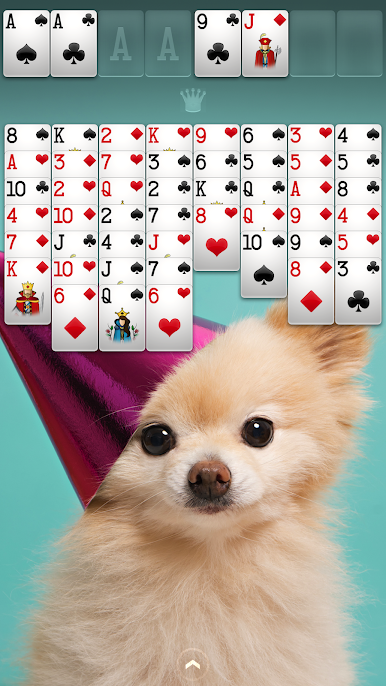
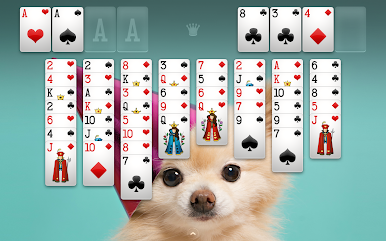
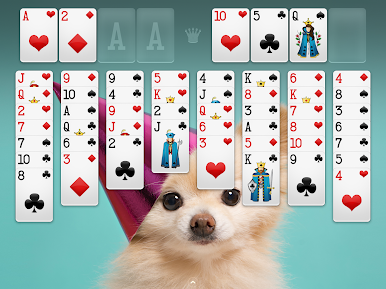
Hemos creado una aplicación cuidadosamente diseñada con gráficos nítidos y limpios. Optimizamos el juego específicamente para teléfonos y tabletas Android de todos los tamaños de pantalla para una experiencia inigualable. Para darle un toque personal, también puedes elegir al protagonista de tu juego de cartas gratuito seleccionando tus propias fotos para crear fondos personalizados.
Si te encanta el solitario FreeCell, el solitario Klondike, el solitario Spider, Spiderette, el Mahjong, el solitario Pyramid, Tripeaks o cualquier otro juego de cartas de Patience, ¡no te pierdas el mejor solitario FreeCell para tu teléfono y tableta!
Pruébalo y te prometemos que el solitario FreeCell gratuito de Brainium es el más bonito y fácil de usar que jamás hayas jugado.
Características destacadas:
♦ Gratis
♦ Clásico juego de cartas Free Cell
♦ Magníficos gráficos de alta resolución
♦ Tutorial animado para aprender Free Cell rápidamente
♦ Consejos inteligentes
♦ Deshacer opciones ilimitadas
♦ Juego automático
♦ Estadísticas del juego
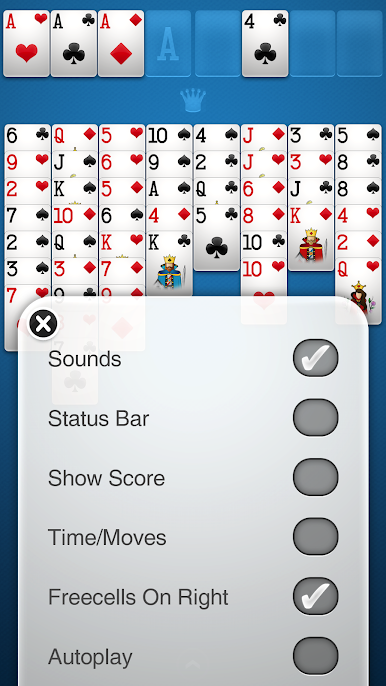
♦ Vista vertical y horizontal
♦ Sin interrupciones con guardado y reanudación automáticos
♦ Temas personalizados con tus propias fotos
♦ Divertidos y sorprendentes logros de FreeCell
♦ Compatible con teléfonos y tabletas para una experiencia de juego perfecta
Más juegos clásicos divertidos y gratuitos de Brainium:
♦ Solitario Klondike
♦ Solitario Spider
♦ Sudoku
♦ Blackjack
Contacta con nuestro soporte de cinco estrellas si tienes alguna pregunta sobre FreeCell Free: support@brainium.com
Visítanos en Facebook: http://www.facebook.com/BrainiumStudios
Síguenos en Twitter
@BrainiumStudios
Visítanos en la web:
https://Brainium.com/

Juega FreeCell Solitaire en la PC. Es fácil comenzar.
-
Descargue e instale BlueStacks en su PC
-
Complete el inicio de sesión de Google para acceder a Play Store, o hágalo más tarde
-
Busque FreeCell Solitaire en la barra de búsqueda en la esquina superior derecha
-
Haga clic para instalar FreeCell Solitaire desde los resultados de búsqueda
-
Complete el inicio de sesión de Google (si omitió el paso 2) para instalar FreeCell Solitaire
-
Haz clic en el ícono FreeCell Solitaire en la pantalla de inicio para comenzar a jugar

