


Korean English Dictionary 영한사전
Juega en PC con BlueStacks: la plataforma de juegos Android, en la que confían más de 500 millones de jugadores.

Página modificada el: Aug 1, 2025
Run Korean English Dictionary 영한사전 on PC or Mac
Let BlueStacks turn your PC, Mac, or laptop into the perfect home for Korean English Dictionary 영한사전, a fun Education app from Bravolol – Language Learning.
About the App
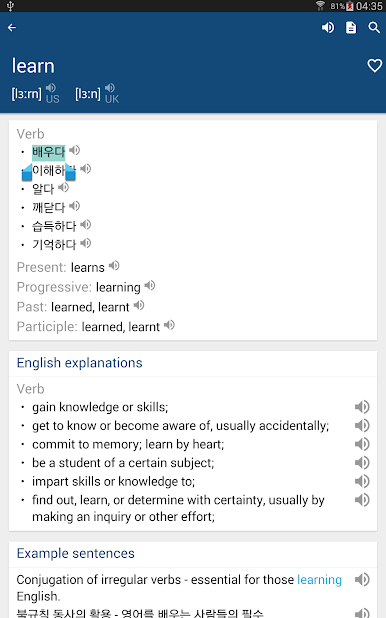
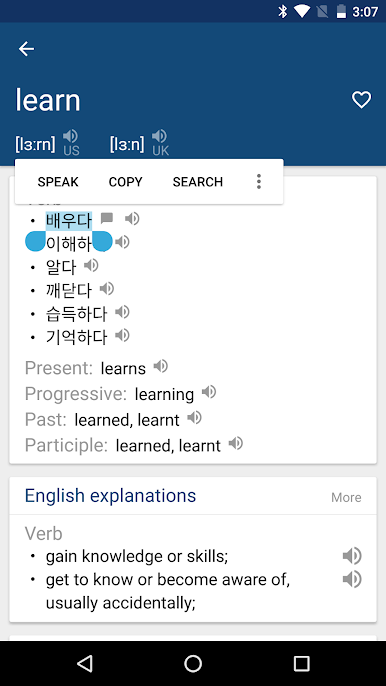
Korean English Dictionary 영한사전 makes looking up Korean and English feel easy and natural. Whether you’re studying, traveling, or just curious about a phrase you heard in a show, it gives you clear meanings, audio, and examples right when you need them. It’s built by Bravolol – Language Learning, and it fits nicely into your daily Education routine without getting in the way.
App Features
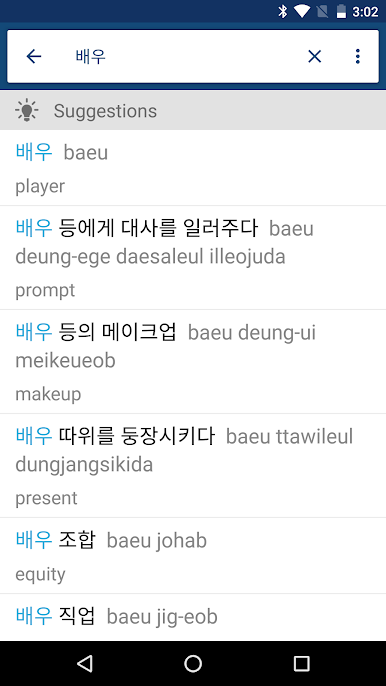
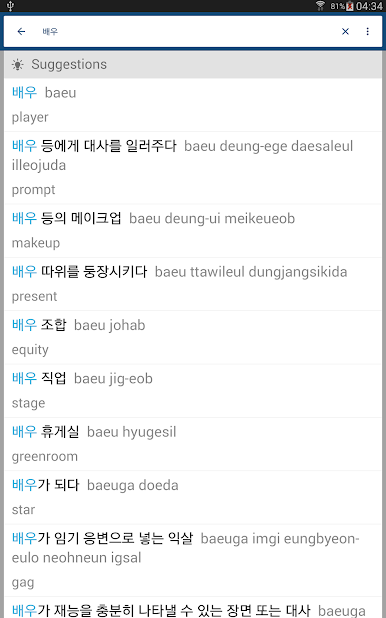
- Bilingual search made simple: Look up words in Korean or English, even if you’re not sure of the spelling—wildcard search has your back.
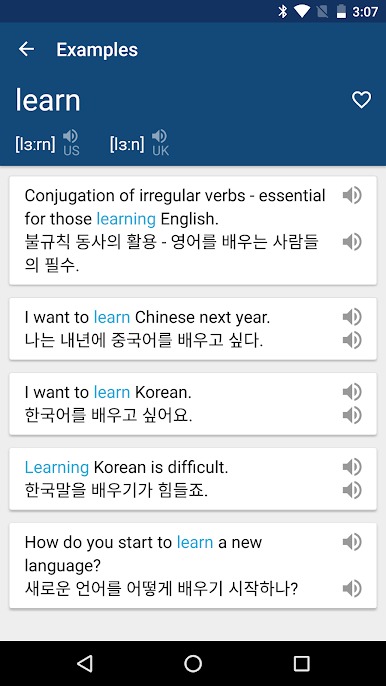
- Clear meanings with context: See concise definitions plus example sentences so you understand how words actually sound in real life.
- Pronunciation you can trust: Hear Korean, British English, and American English audio, with phonetics to guide your speech.
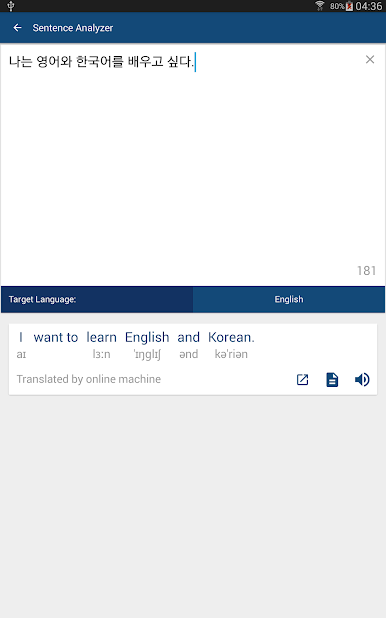
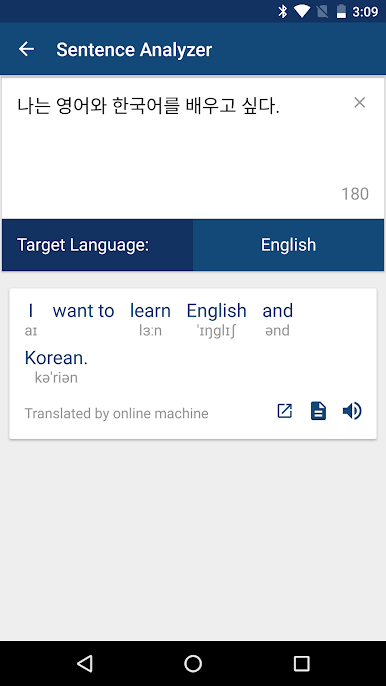
- Sentence analyzer: Paste a sentence to break it down and make sense of structure and vocabulary faster.
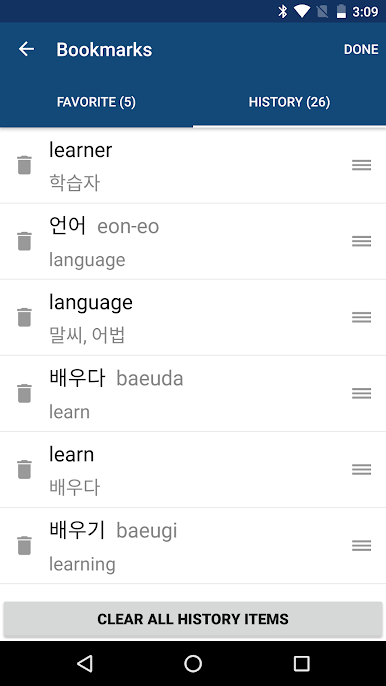
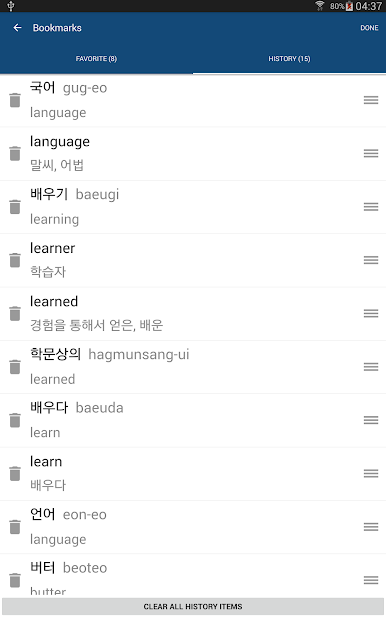
- Favorites and history: Save tricky words and revisit past lookups without starting from scratch.
- Flashcards for quick review: Turn saved entries into bite-sized study sessions whenever you have a minute.
- Works offline: Keep the full dictionary at hand—even without a connection.
- Read your way: Adjust font size so long sessions feel easier on the eyes.
- Helpful suggestions: Get related terms and nearby matches to explore meanings and nuances.
- BlueStacks friendly: Prefer a bigger screen for focused study? It runs smoothly on BlueStacks on your desktop.
Ready to experience Korean English Dictionary 영한사전 on a bigger screen, in all its glory? Download BlueStacks now.
Juega Korean English Dictionary 영한사전 en la PC. Es fácil comenzar.
-
Descargue e instale BlueStacks en su PC
-
Complete el inicio de sesión de Google para acceder a Play Store, o hágalo más tarde
-
Busque Korean English Dictionary 영한사전 en la barra de búsqueda en la esquina superior derecha
-
Haga clic para instalar Korean English Dictionary 영한사전 desde los resultados de búsqueda
-
Complete el inicio de sesión de Google (si omitió el paso 2) para instalar Korean English Dictionary 영한사전
-
Haz clic en el ícono Korean English Dictionary 영한사전 en la pantalla de inicio para comenzar a jugar

