

Edit video & foto - InShot
Mainkan di PC dengan BlueStacks – platform Game-Game Android, dipercaya oleh lebih dari 500 juta gamer.

Jalankan InShot - Editor Video Musik di PC atau Mac
InShot – Editor Video Musik adalah aplikasi Fotografi yang dikembangkan oleh InShot Video Editor. BlueStacks App Player merupakan platform (emulator) terbaik untuk menjalankan aplikasi Android ini di PC atau Mac kamu untuk pengalaman pengguna yang imersif.
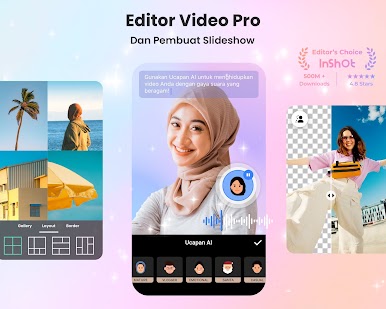
Edit Video
- Potong video, split video menjadi dua bagian, bagi satu video menjadi beberapa klip.
- Gabungkan beberapa video menjadi satu dengan efek transisi yang keren.
- Buat slideshow dari foto dan tambahkan musik.
- Kontrol kecepatan video dari 0,2x hingga 100x.
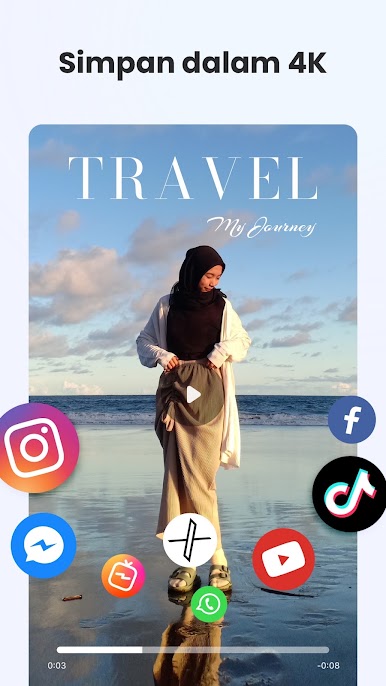
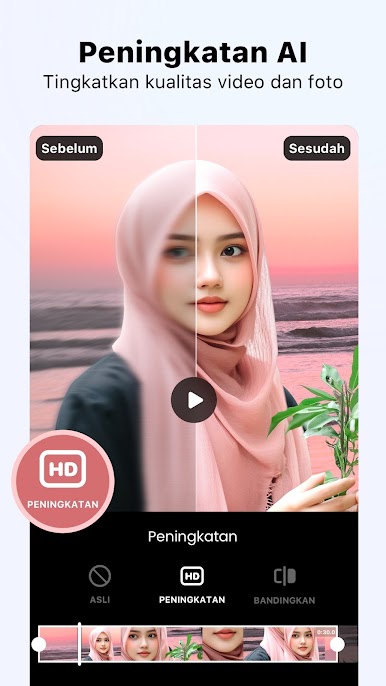
- Ekspor video dalam kualitas HD, ideal untuk YouTube.
Filter & Efek Video
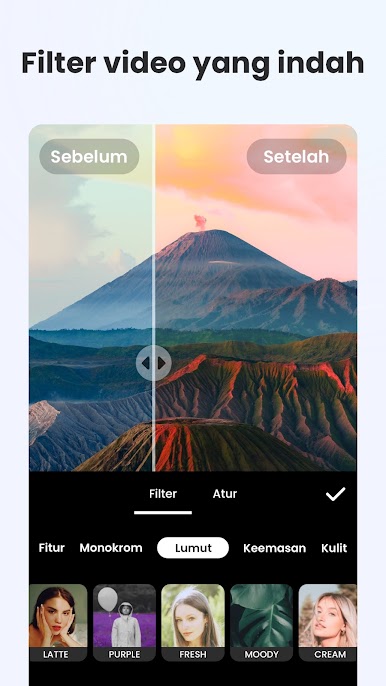
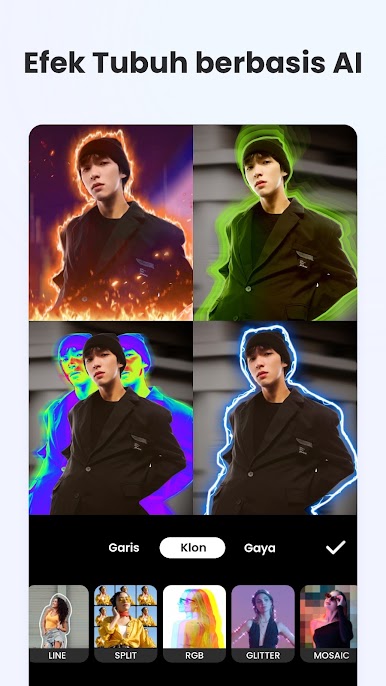
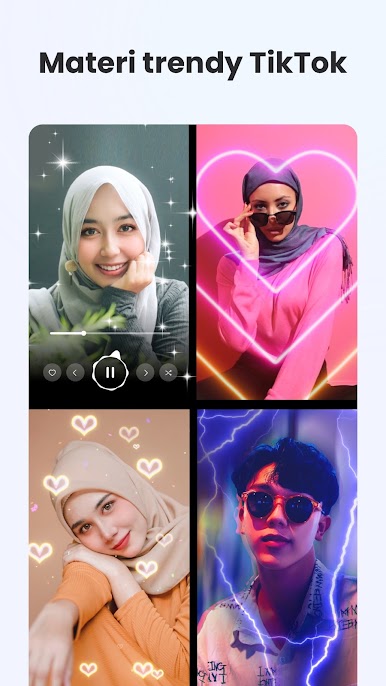
- Aplikasi edit video dengan filter fantastis dan efek glitch.
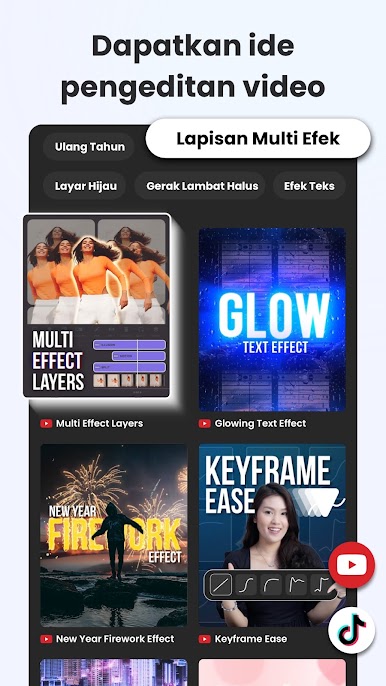
- Buat vlog atau video bergaya dengan efek keren dari InShot.
- Tambahkan filter gaya film ke video dan foto untuk cerita yang luar biasa.
Musik, Efek Suara & Perekam
- Edit video dan foto dengan lagu favoritmu.
- Tambahkan musik dari InShot atau file musik pribadi.
- Ekstrak audio dari video.
- Tambahkan sulih suara ke video.
Teks & Emoji
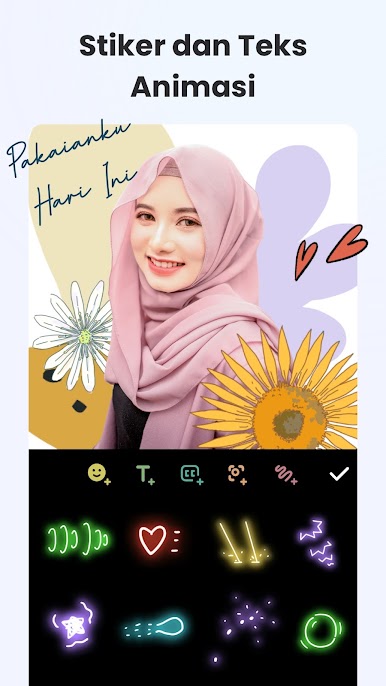
- Tambahkan teks dan emoji ke video dan foto dengan berbagai font.
- Gunakan lebih dari 1000 stiker dan banyak font cantik.
- Tambahkan efek gerakan pada teks dan stiker, seperti fade in/out dan detak jantung.
- Buat kutipan, meme, dan terjemahan dengan gaya teks yang berbeda.
Efek Transisi Video
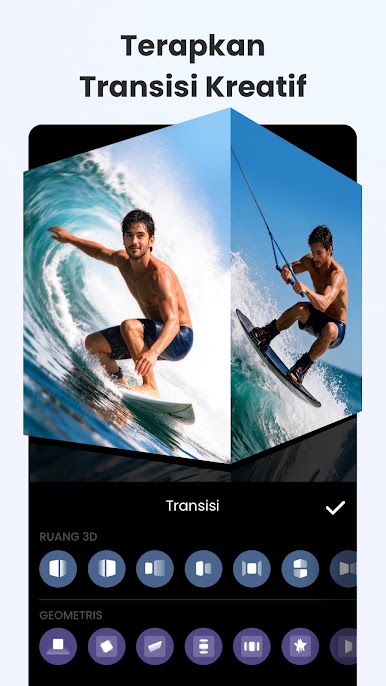
- Gabungkan 2 klip dengan efek transisi untuk hasil yang sinematik.
- Gunakan lebih dari 60 jenis transisi seperti Fade in/out, Glitch, Light, dan Slice.
Aneka Fitur InShot – Editor Video Musik
- Edit Video: Potong, gabungkan, percepat, dan ekspor dalam kualitas HD.
- Filter & Efek: Tambahkan filter dan efek glitch untuk hasil yang keren.
- Musik & Perekam: Tambahkan musik, efek suara, dan sulih suara.
- Teks & Emoji: Berbagai font dan stiker untuk memperkaya karya.
- Efek Transisi: 60+ jenis transisi untuk hasil yang sinematik.

Mainkan Edit video & foto - InShot di PC Mudah saja memulainya.
-
Unduh dan pasang BlueStacks di PC kamu
-
Selesaikan proses masuk Google untuk mengakses Playstore atau lakukan nanti
-
Cari Edit video & foto - InShot di bilah pencarian di pojok kanan atas
-
Klik untuk menginstal Edit video & foto - InShot dari hasil pencarian
-
Selesaikan proses masuk Google (jika kamu melewati langkah 2) untuk menginstal Edit video & foto - InShot
-
Klik ikon Edit video & foto - InShot di layar home untuk membuka gamenya

