

Parking City Tycoon
Mainkan di PC dengan BlueStacks – platform Game-Game Android, dipercaya oleh lebih dari 500 juta gamer.

Play Parking Jam: Mega Escape on PC or Mac
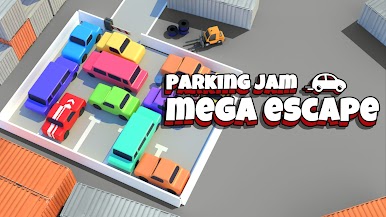
Bring your A-game to Parking Jam: Mega Escape, the Puzzle game sensation from Joymaster Studio. Give your gameplay the much-needed boost with precise game controls, high FPS graphics, and top-tier features on your PC or Mac with BlueStacks.
About the Game
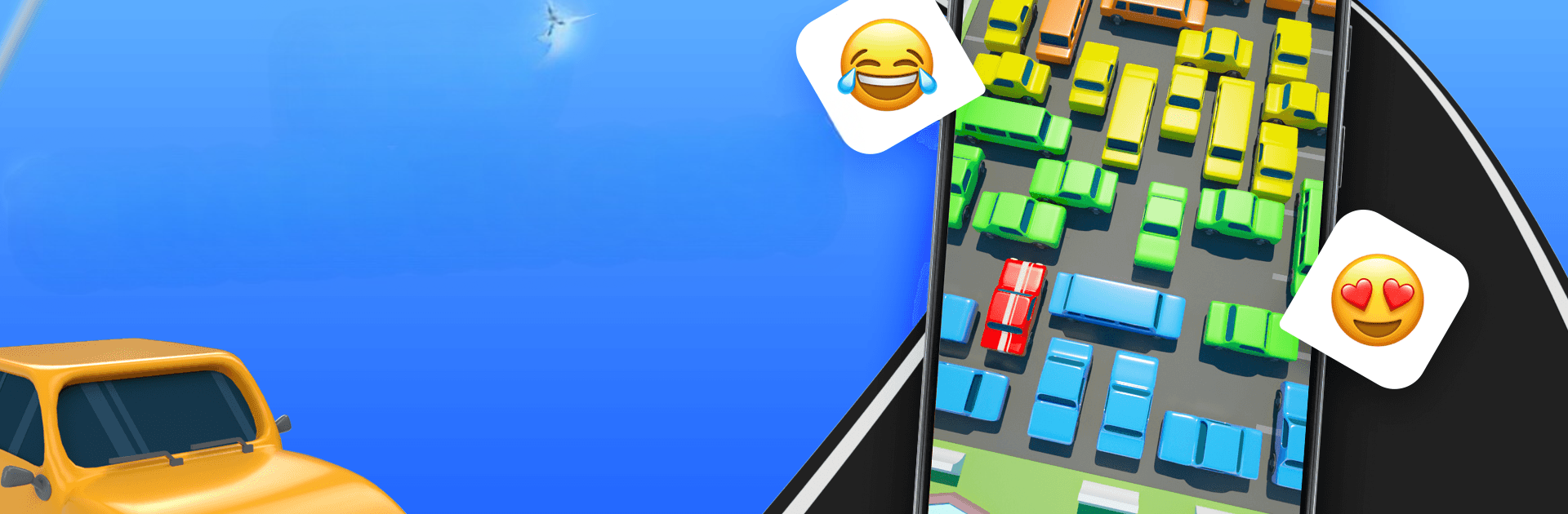
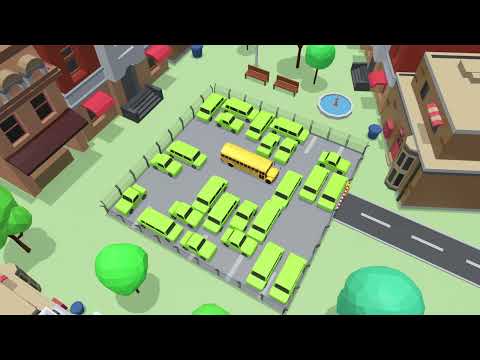
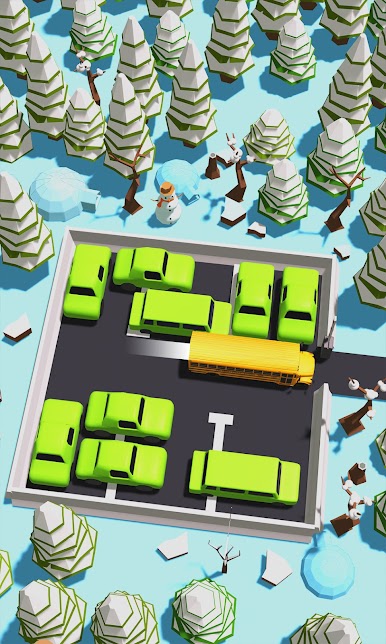
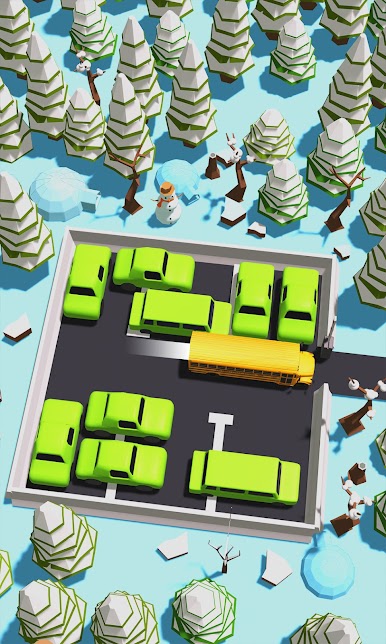
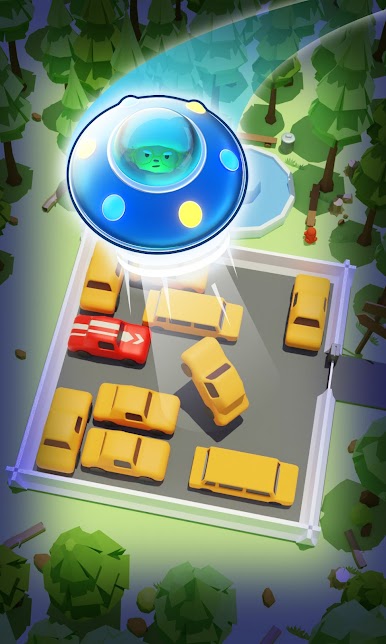
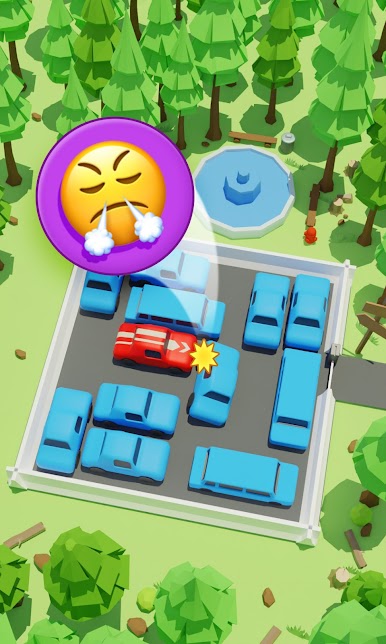
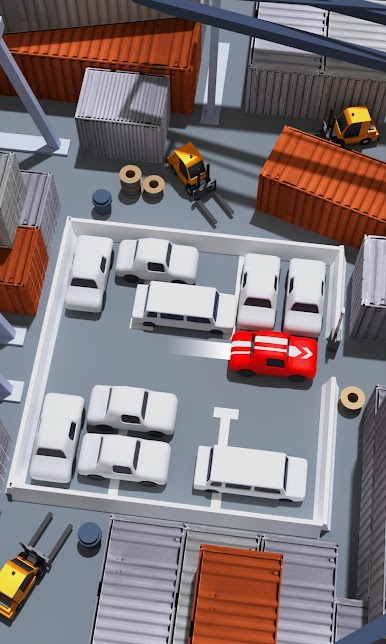
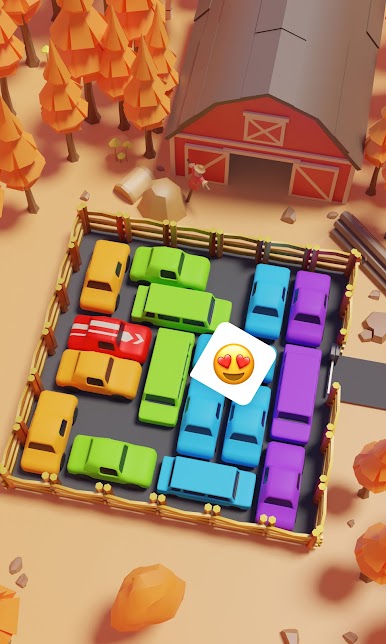
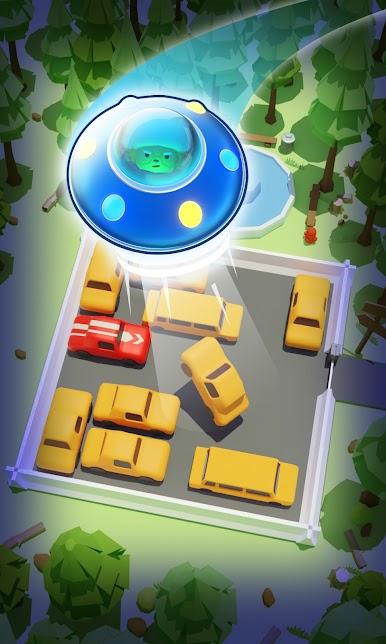
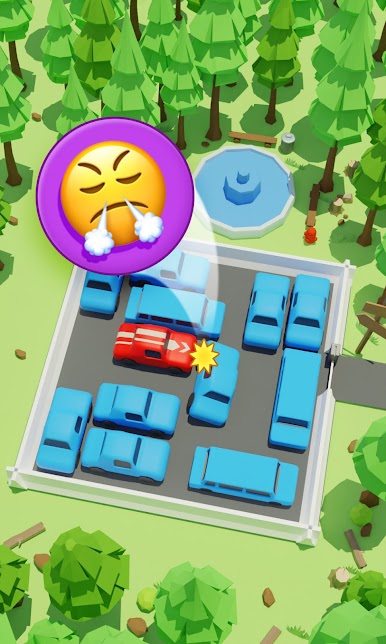
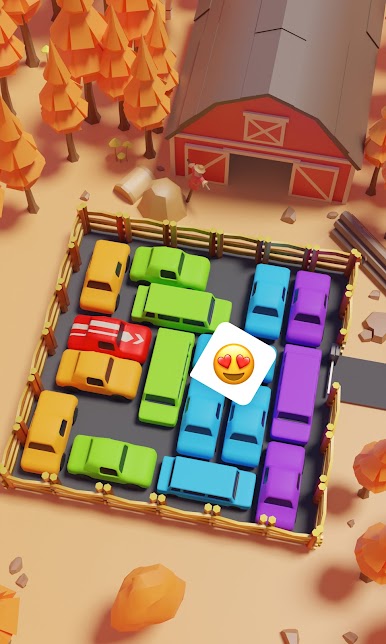
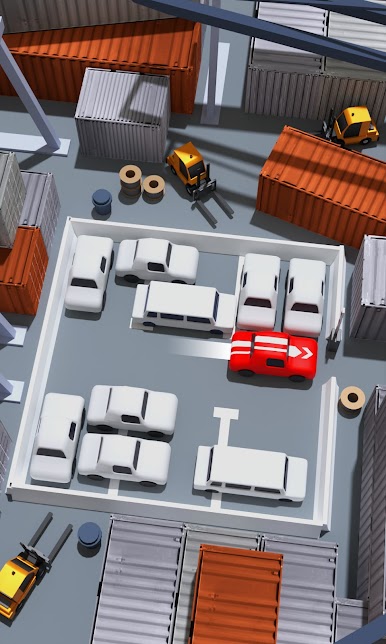
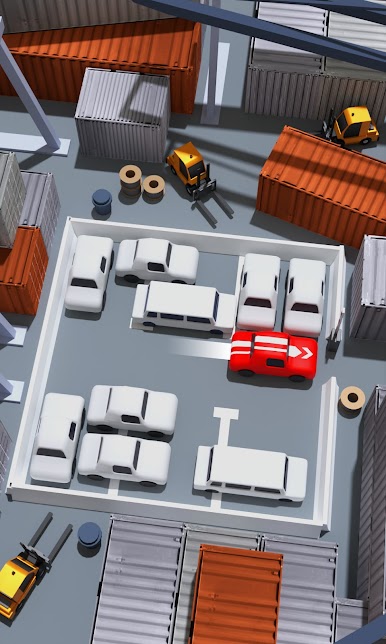
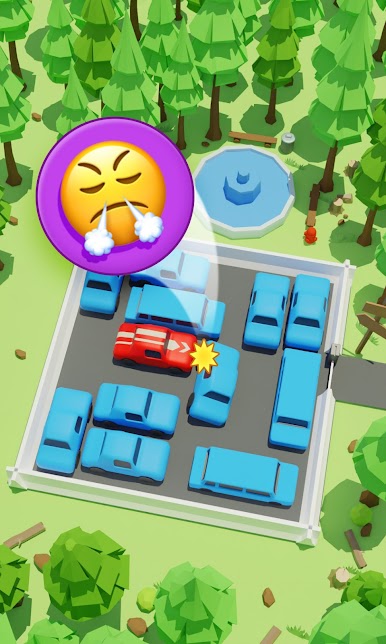
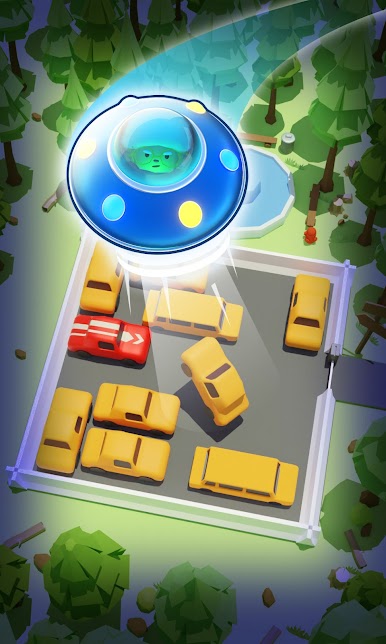
Ever found yourself staring at a jam-packed parking lot, wishing you could magically sort out the chaos? Parking Jam: Mega Escape turns that everyday mess into a fun puzzle challenge. This is a brainy, lighthearted game where you’ll guide cars out of tricky spots, all while aiming for that oh-so-satisfying sense of escape. Expect a mix of quick-thinking strategy, casual sliding action, and plenty of moments where you’ll want to outsmart the chaos.
Game Features
-
Challenging Puzzles for All
With hundreds of levels that ease you in and ramp up the challenge as you go, there’s always something new to figure out—whether you’re a puzzle newbie or love brain teasers. -
Easy to Start, Hard to Master
Just slide the cars according to their direction—simple at first, but you’ll quickly see it takes some slick thinking when space gets tight. -
Smart Controls
Horizontal cars move across; vertical cars move up and down. That twist makes each parking jam a unique problem to solve. -
Stress-Free Fun
Great for those quick breaks or when you need to unwind—play for a minute, or get caught up clearing jams for an hour. -
Suitable for Everyone
The difficulty strikes just the right balance, making Parking Jam: Mega Escape a solid pick for puzzle fans of all ages. -
Play Bigger with BlueStacks
If you’re after a different kind of experience, take your puzzle-solving up a notch with BlueStacks for a bigger screen and even trickier solutions.
Make your gaming sessions memorable with precise controls that give you an edge in close combats and visuals that pop up, bringing every character to life.



Mainkan Parking City Tycoon di PC Mudah saja memulainya.
-
Unduh dan pasang BlueStacks di PC kamu
-
Selesaikan proses masuk Google untuk mengakses Playstore atau lakukan nanti
-
Cari Parking City Tycoon di bilah pencarian di pojok kanan atas
-
Klik untuk menginstal Parking City Tycoon dari hasil pencarian
-
Selesaikan proses masuk Google (jika kamu melewati langkah 2) untuk menginstal Parking City Tycoon
-
Klik ikon Parking City Tycoon di layar home untuk membuka gamenya

