


mein cerascreen
Juega en PC con BlueStacks: la plataforma de juegos Android, en la que confían más de 500 millones de jugadores.

Página modificada el: Dec 9, 2025
Play my cerascreen on PC
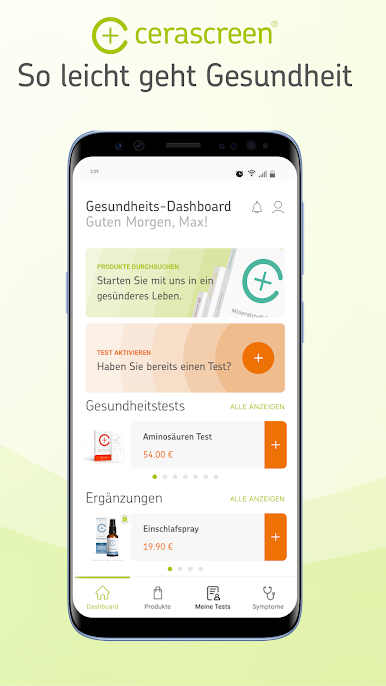
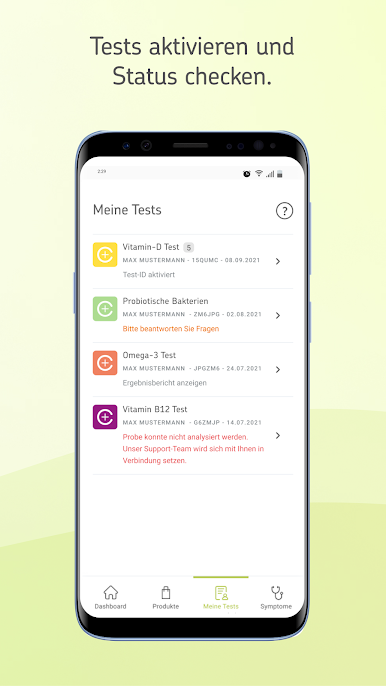
Our app is a fast, convenient, and secure way to activate your tests. You simply enter the test ID from the test kit, and the app guides you through the activation process. You can later view your result reports directly in the app. Depending on the results, you will receive personalized recommendations, including regarding any symptoms you may have indicated during test activation.
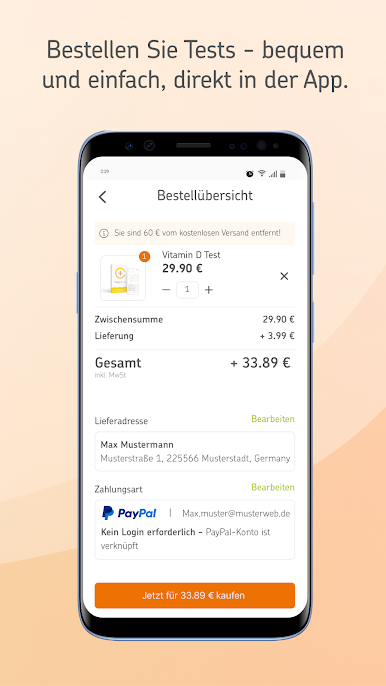
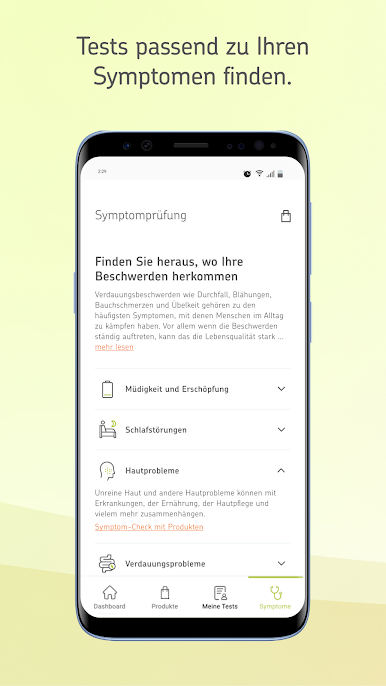
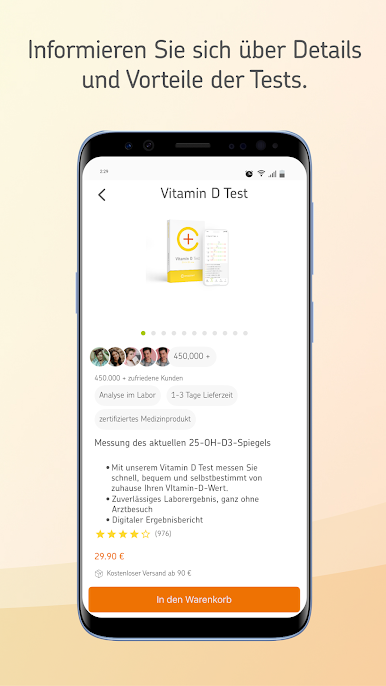
The new, revised edition of the app is also featuring a product catalogue in which you can shop for health tests, as well as a Symptom Check interface for choosing and buying cerascreen Health Tests based on your symptoms.
The information provided in this app is not intended and should not be considered or used as a substitute for medical advice, diagnosis, or treatment. This blog does not constitute the practice of any medical, nursing, or other professional health care advice, diagnosis, or treatment. We cannot diagnose conditions, provide second opinions or make specific treatment recommendations through this app.


Juega mein cerascreen en la PC. Es fácil comenzar.
-
Descargue e instale BlueStacks en su PC
-
Complete el inicio de sesión de Google para acceder a Play Store, o hágalo más tarde
-
Busque mein cerascreen en la barra de búsqueda en la esquina superior derecha
-
Haga clic para instalar mein cerascreen desde los resultados de búsqueda
-
Complete el inicio de sesión de Google (si omitió el paso 2) para instalar mein cerascreen
-
Haz clic en el ícono mein cerascreen en la pantalla de inicio para comenzar a jugar

