

TacticalPad Basketball
Mainkan di PC dengan BlueStacks – platform Game-Game Android, dipercaya oleh lebih dari 500 juta gamer.

Play TacticalPad Basketball on PC or Mac
Bring your A-game to TacticalPad Basketball, the Sports game sensation from Temma Software – TacticalPad. Give your gameplay the much-needed boost with precise game controls, high FPS graphics, and top-tier features on your PC or Mac with BlueStacks.
About the Game
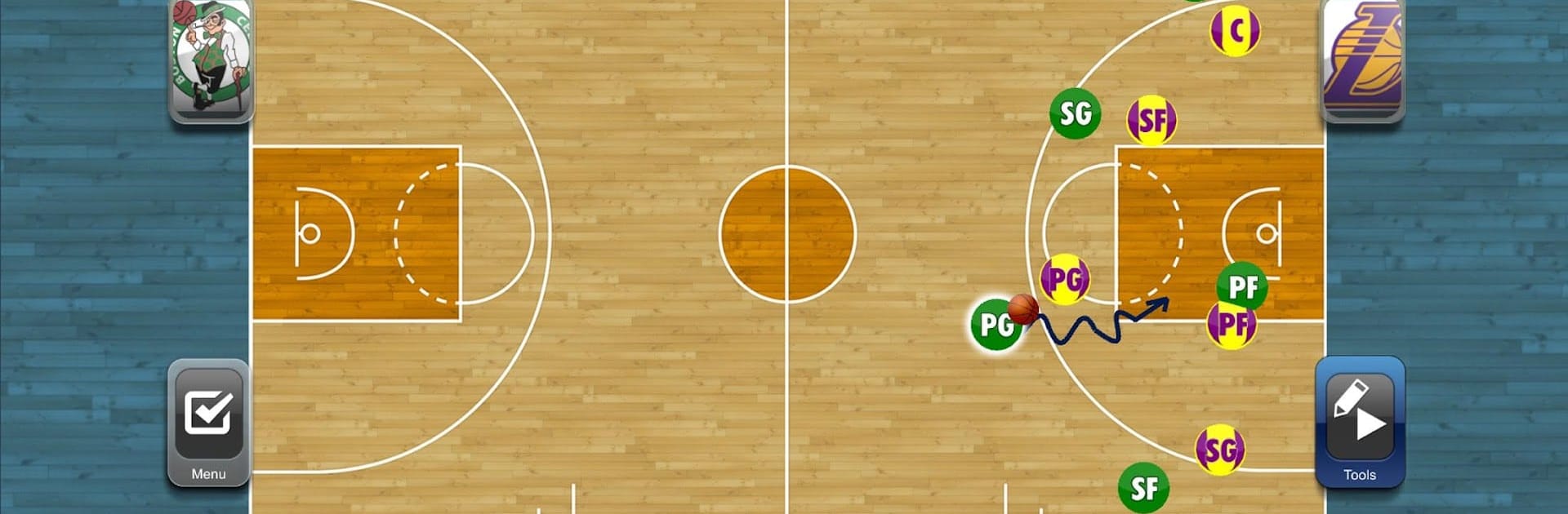
Ever wished you could sketch out your basketball strategies just like the pros? With TacticalPad Basketball by Temma Software – TacticalPad, you’re set to bring your playbook ideas to life, whether you’re running drills with a youth squad or prepping detailed set-plays for the big leagues. This sports app takes those sideline chalk talks to a whole new level—no mess, no hassle, just everything at your fingertips. Use it on your device or seamlessly on BlueStacks for a roomy PC experience.
Game Features
-
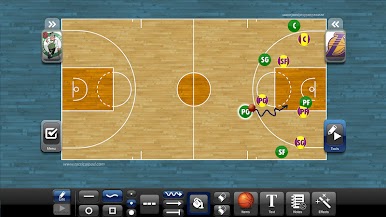
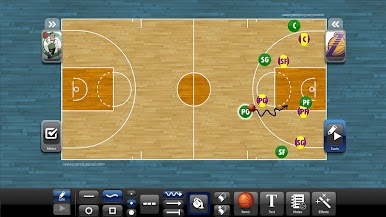
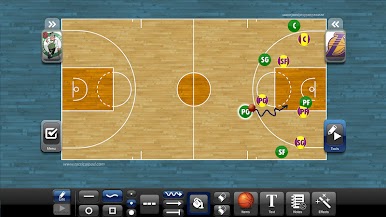
Multiple Tactical Boards
Plan out as many plays and scenarios as you need. Switch between boards and keep all your ideas right where you can reach them. -
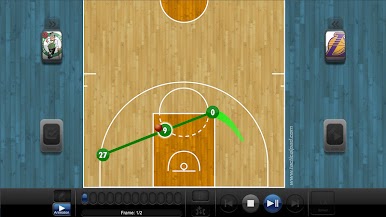
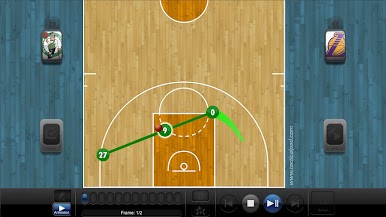
Animated Drills and Plays
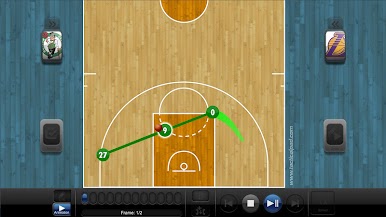
Ever had trouble explaining a moving play? Just animate your drills, set-pieces, or strategies for crystal-clear presentations that players can watch and understand in real time. -
Handwritten Notes & Diagrams
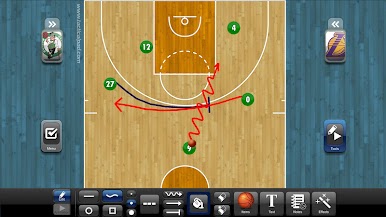
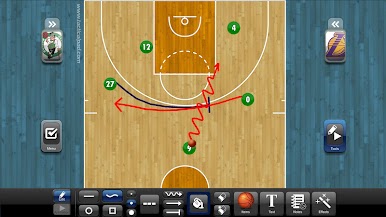
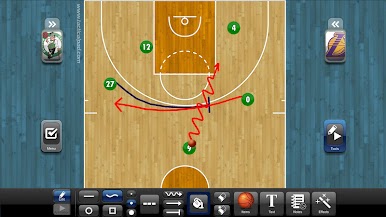
Got something specific in mind? Use digital ink to freehand draw tactics, draw arrows, or jot down notes with custom colors, different thickness settings, and even dashed lines if you want to get fancy. -
Pro-Quality Graphics
Everything looks sharp, clean, and totally pro—even when you’re just sketching out a new idea during halftime. -
Customizable Playbooks
Tons of document templates let you build your playbook your way. Add images, notes, and personalized details with a few quick taps. -
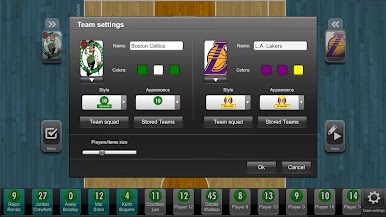
Team and Player Management
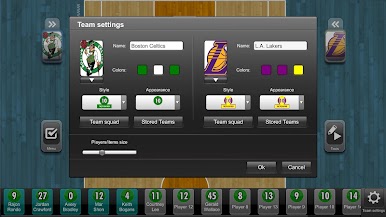
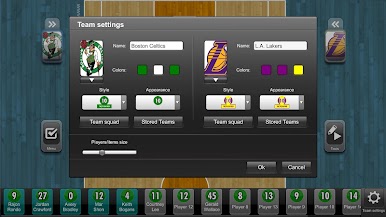
Easily set up team rosters, adjust names, jersey numbers, colors, badges, and positions. Create lineups and tweak appearances to match your squad. -
Instant Sharing & Export
Need to share plans with your coaching staff or print out notes for the locker room? Export everything as images, PDFs, or documents—just like that. -
Flexible Usage On the Go
Whether you’re prepping before a game, coaching mid-session, or making quick changes at home, take TacticalPad Basketball anywhere. Display tactics on a TV or projector for full-team meetings. -
Save & Load Teams
Mix up lineups, tweak formations, and come back to earlier setups by saving and loading different teams or projects whenever you want.
Get ready for a buttery smooth, high-performance gaming action only on BlueStacks.
Mainkan TacticalPad Basketball di PC Mudah saja memulainya.
-
Unduh dan pasang BlueStacks di PC kamu
-
Selesaikan proses masuk Google untuk mengakses Playstore atau lakukan nanti
-
Cari TacticalPad Basketball di bilah pencarian di pojok kanan atas
-
Klik untuk menginstal TacticalPad Basketball dari hasil pencarian
-
Selesaikan proses masuk Google (jika kamu melewati langkah 2) untuk menginstal TacticalPad Basketball
-
Klik ikon TacticalPad Basketball di layar home untuk membuka gamenya

