

Bronze Age
Mainkan di PC dengan BlueStacks – platform Game-Game Android, dipercaya oleh lebih dari 500 juta gamer.

Play Bronze Age on PC or Mac
Bronze Age brings the Strategy genre to life, and throws up exciting challenges for gamers. Developed by Clarus Victoria, this Android game is best experienced on BlueStacks, the World’s #1 app player for PC and Mac users.
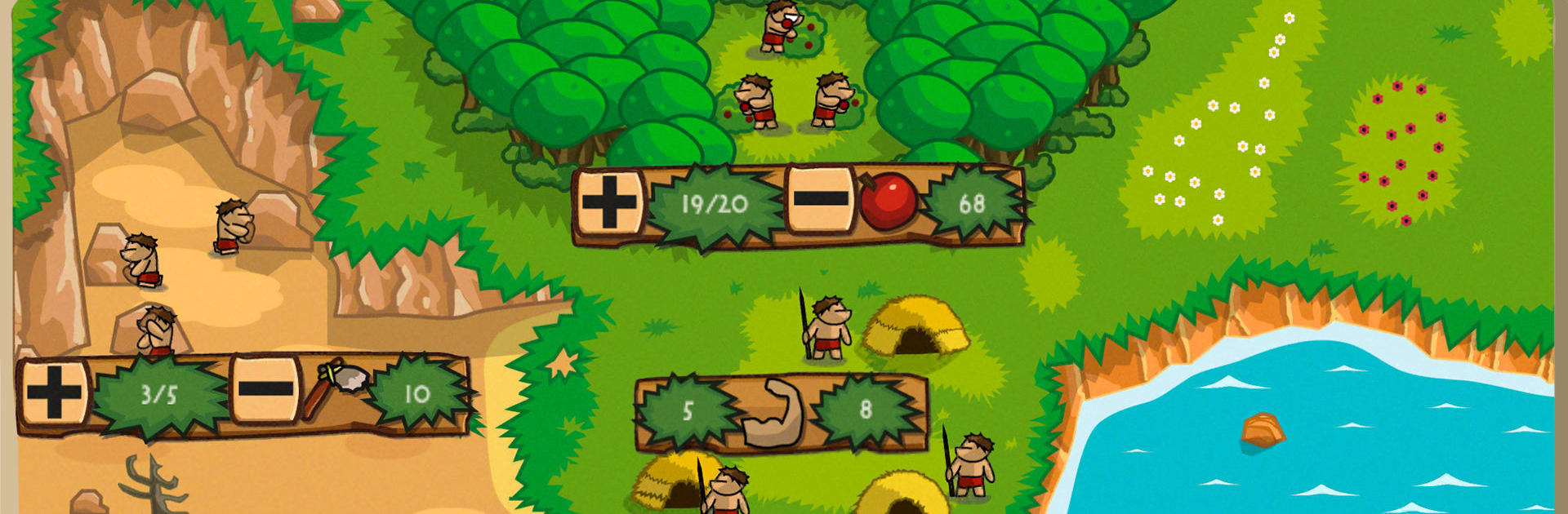
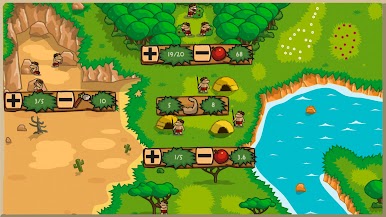
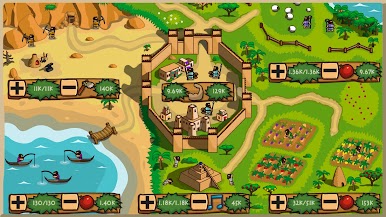
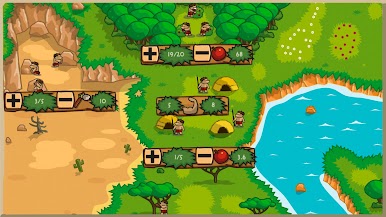
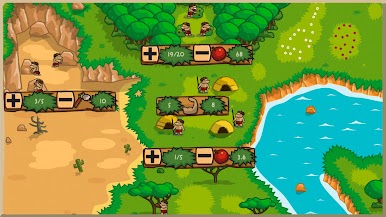
Bronze Age is a chill, old-school strategy builder about guiding a small tribe into a real civilization. Players pick a starting date, either the long crawl from the Stone Age or jump straight into 6000 B.C., then juggle resources to keep everyone fed, safe, and moving forward. The interface is simple on purpose: shift people into food, production, science, culture, or army, watch the numbers tick, then deal with whatever history throws next. It is not only harvests and houses either. Ice Age cold snaps, floods, droughts, enemy raids, nomads showing up at the border, a new dynasty changing the rules, a priest stirring things up, even a revolt can hit, and the city has to bend without breaking. There is also a survival mode that keeps turning the screws with stronger enemies.
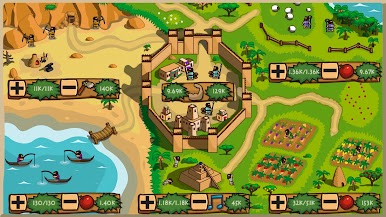
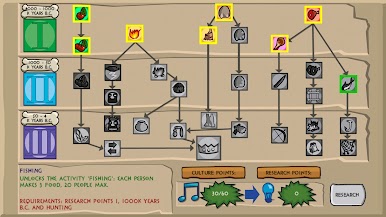
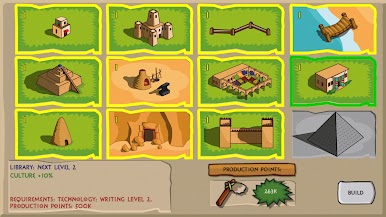
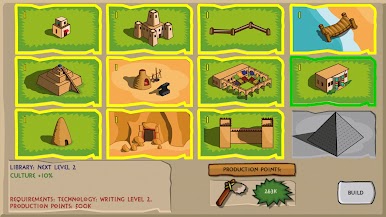
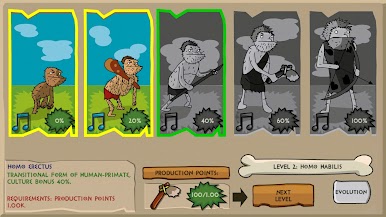
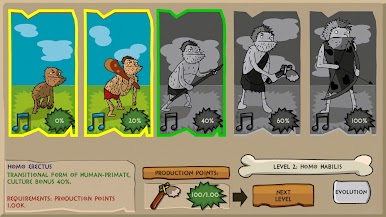
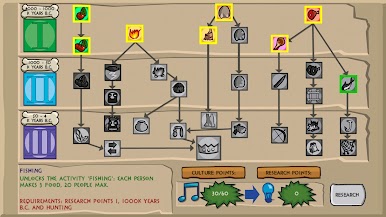
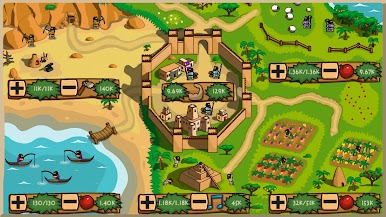
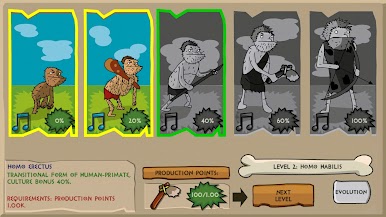
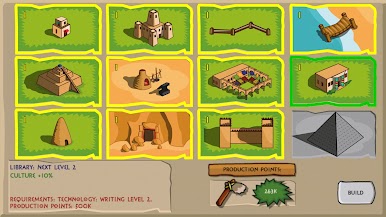
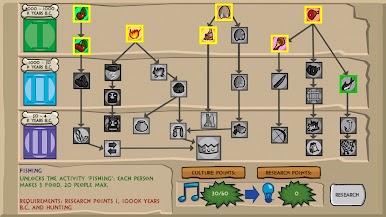
What stands out is the history flavor. Technology creeps from mastering fire through pottery and agriculture to writing and laws, more than sixty techs that actually change the way the settlement runs. Buildings feel pulled from old world architecture, temples, granaries, walls, workshops, maybe even a ziggurat if the plan goes well. The Stone Age path tracks the evolution from early hominids to Homo sapiens, which is neat to watch. Battles are more about preparation than spectacle. Build defenses, keep happiness stable, stockpile for bad seasons, then hope the army holds the line. It scratches that one more turn itch without drowning in menus.
On PC through BlueStacks, clicking sliders and menus with a mouse feels quick, and everything runs smooth in a window, so planning turns is easy and calm.
Ready to top the leaderboard? We bet you do. Let precise controls and sharp visuals optimized on BlueStacks lead you to victory.
Mainkan Bronze Age di PC Mudah saja memulainya.
-
Unduh dan pasang BlueStacks di PC kamu
-
Selesaikan proses masuk Google untuk mengakses Playstore atau lakukan nanti
-
Cari Bronze Age di bilah pencarian di pojok kanan atas
-
Klik untuk menginstal Bronze Age dari hasil pencarian
-
Selesaikan proses masuk Google (jika kamu melewati langkah 2) untuk menginstal Bronze Age
-
Klik ikon Bronze Age di layar home untuk membuka gamenya

