


Learn C Programming [ Pro ]
Juega en PC con BlueStacks: la plataforma de juegos Android, en la que confían más de 500 millones de jugadores.

Página modificada el: Mar 14, 2019
Play Learn C Programming [ Pro ] on PC
★ NO Advertisements
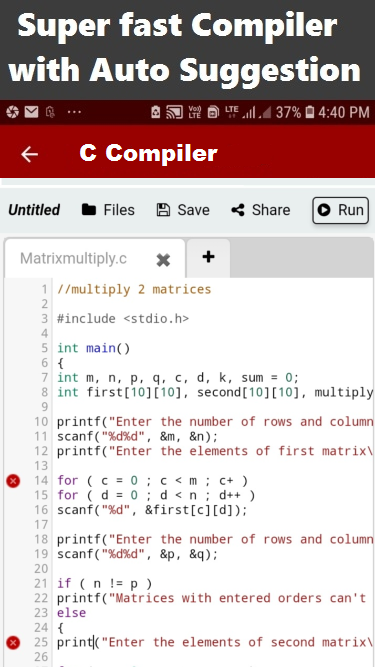
★ Compiler to compiler C, C++ & Java Program instantly
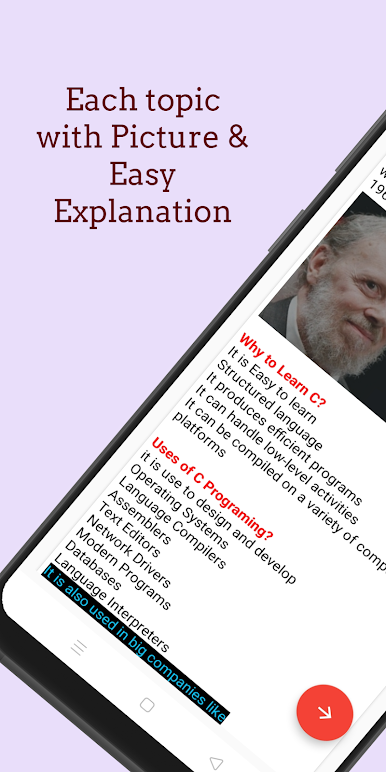
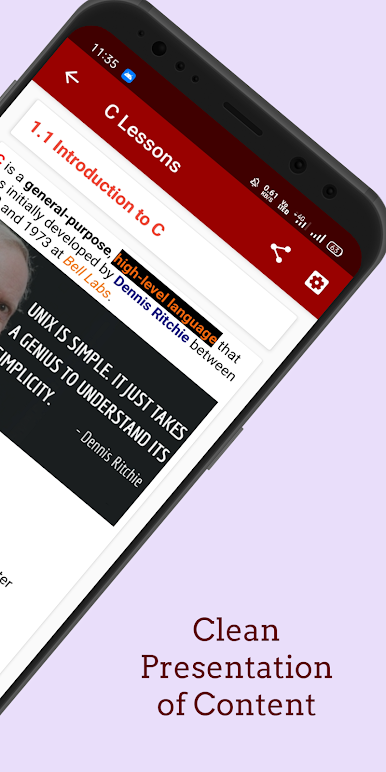
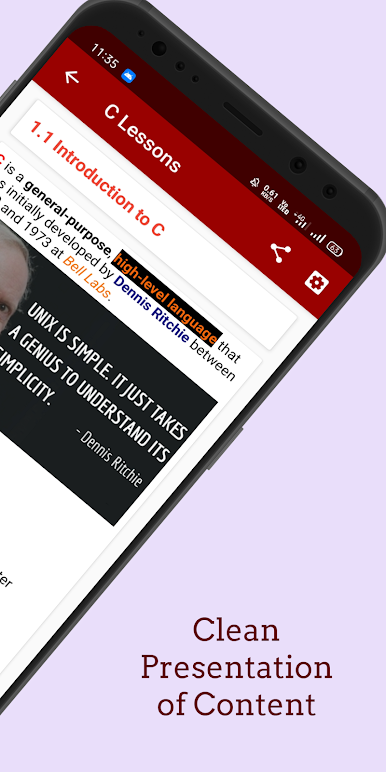
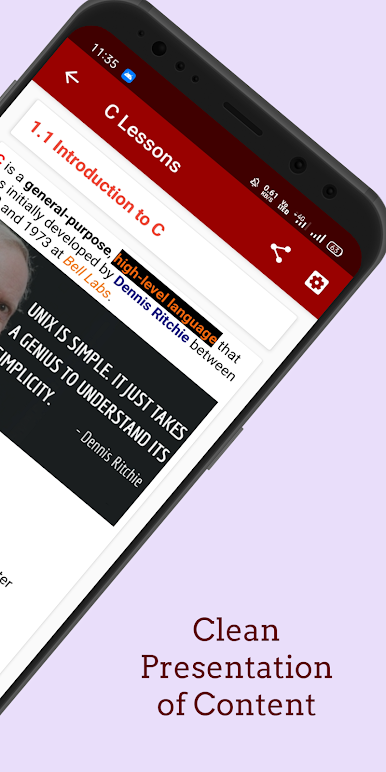
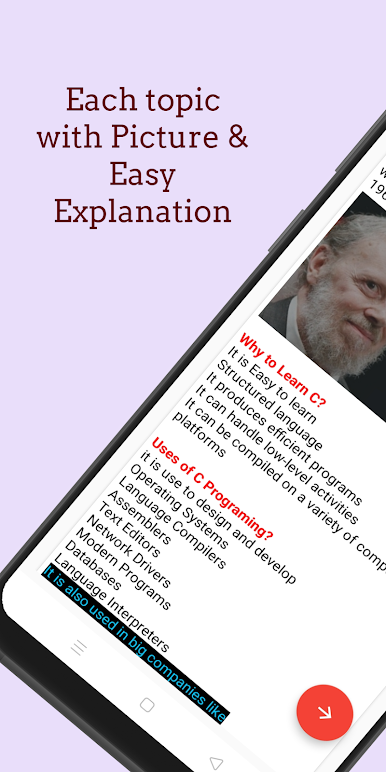
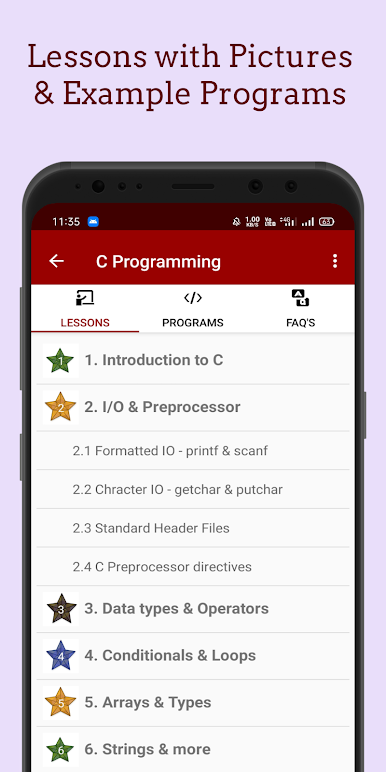
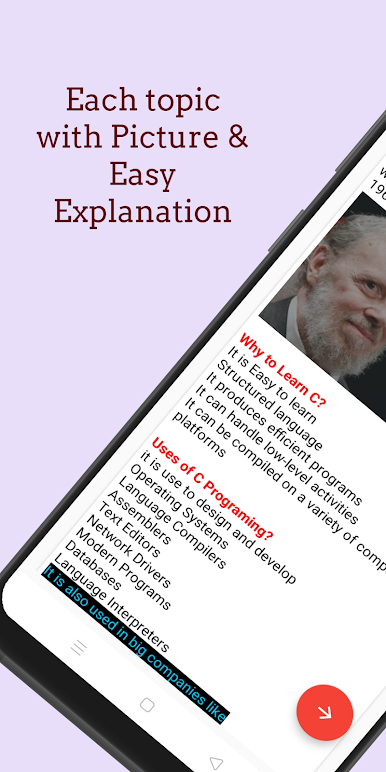
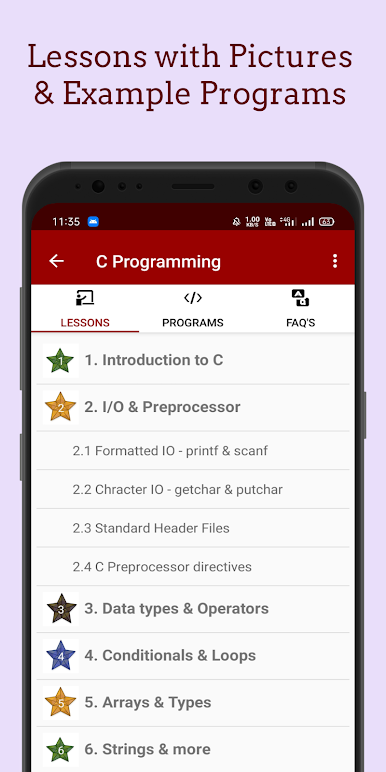
★ 10+ Lessons [ 100+ sub-topics With Pictures and Example Programs]
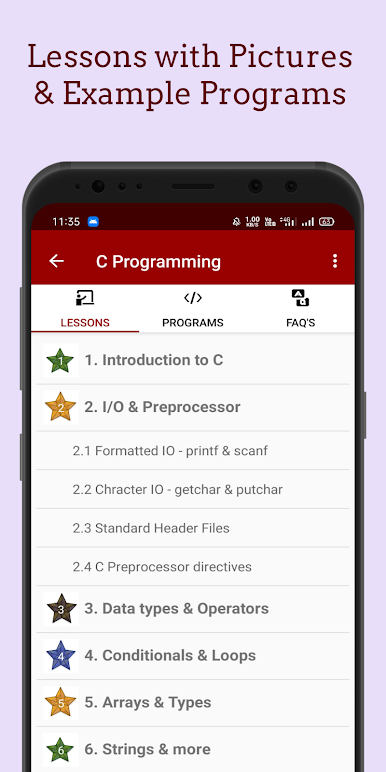
Topic Covered :
1. Introduction to C [ 8+ SUB Topics ]
2. I/0 & Preprocessor [ 7+ SUB Topics ]
3. Data types & Variables [ 9+ SUB Topics ]
4. Conditionals & Loops [ 8+ SUB Topics ]
5. Arrays & Types [ 8+ SUB Topics ]
6. Strings & more [ 7+ SUB Topics ]
7 Pointers & Structure [ 8+ SUB Topics ]
8. Functions [ 7+ SUB Topics ]
9. Type Conversion & References [ 4+ SUB Topics ]
10. File Handling [ 9+ SUB Topics ]
Which makes Learn C Programming easier.
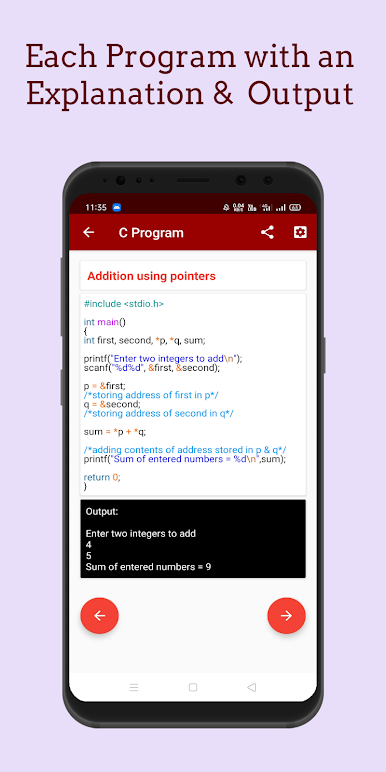
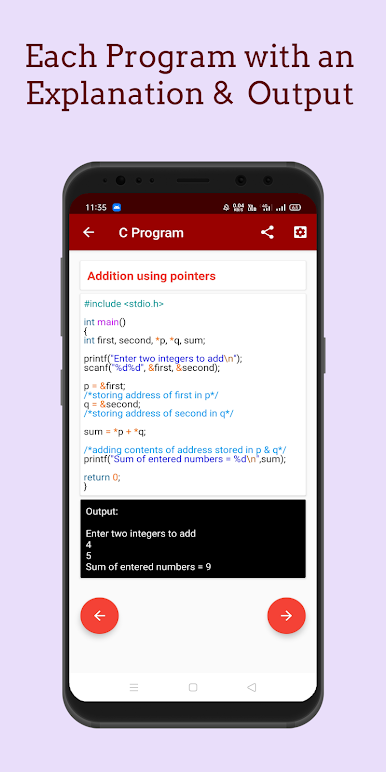
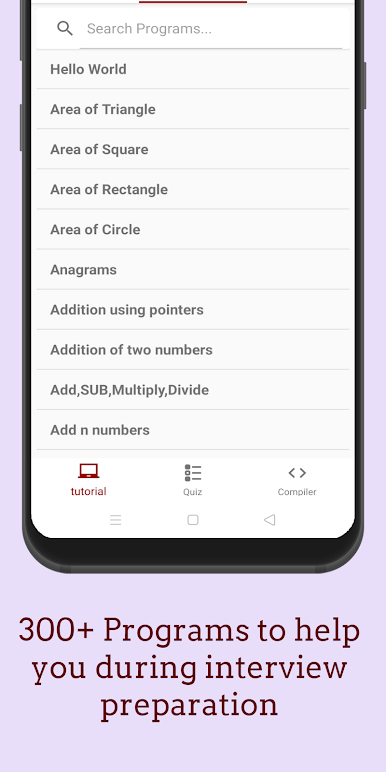
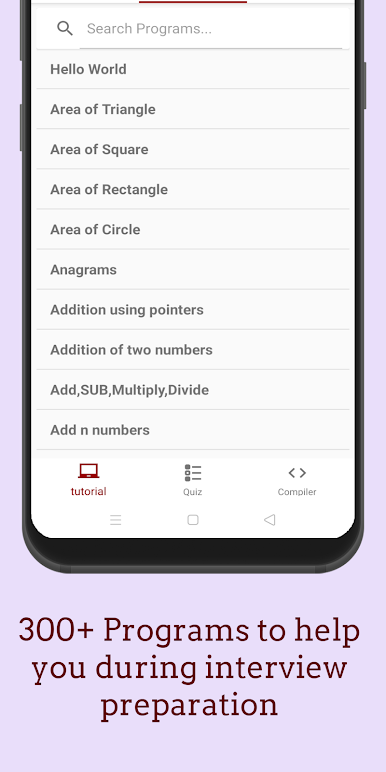
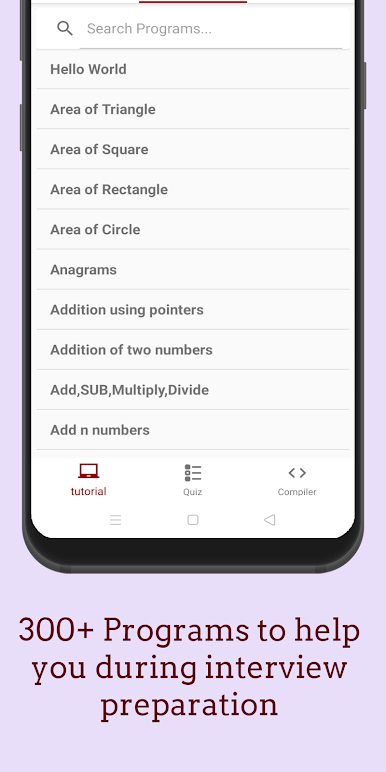
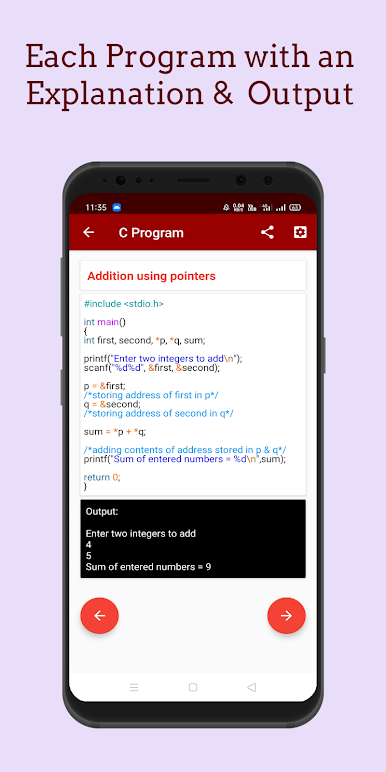
★ 300+ Programs with comments & documentation which helps you during your exams ,Sems or any other competitions.
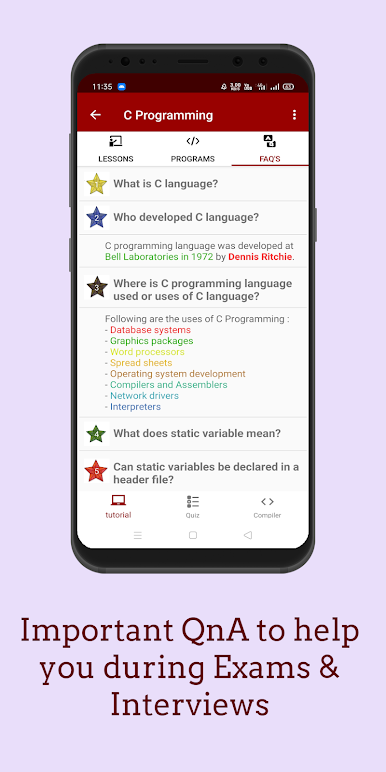
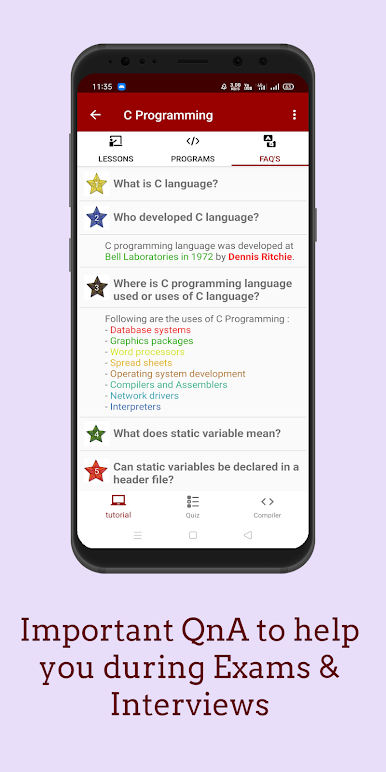
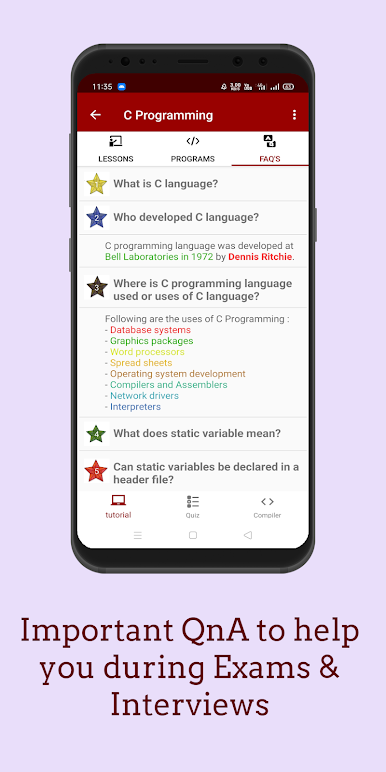
★ Star Important FAQ's(VIVA || C Interview Questions and Answers) Which helps you during Interview or any College practical Lab Viva
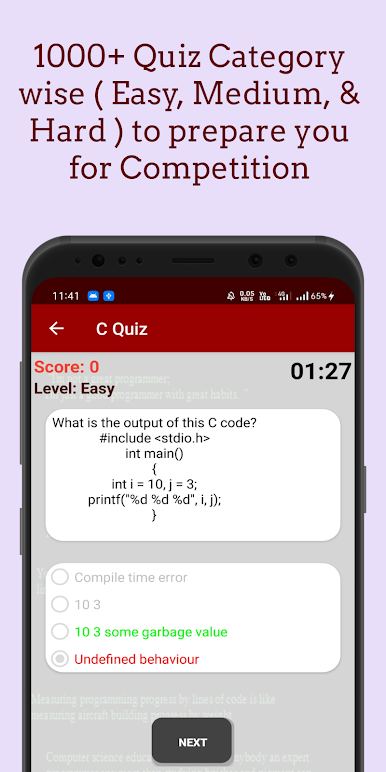
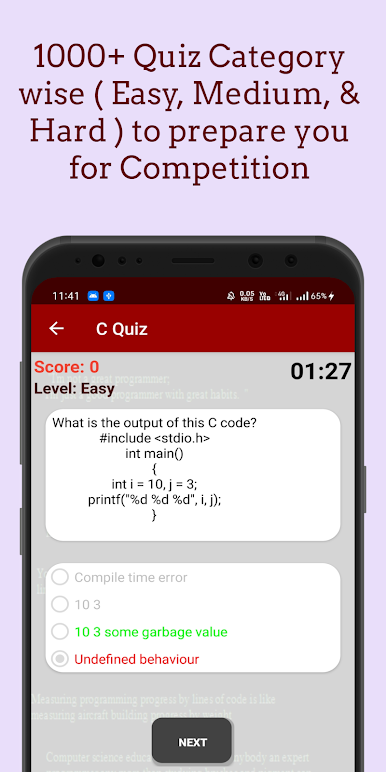
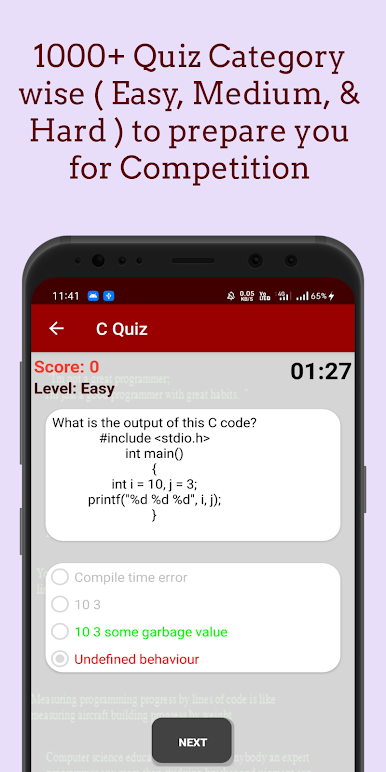
★ 1000+ C Programming Quiz with [Easy, Medium & Hard] Category to prepare you for Competitive Exams
★★★If you want to Download C++ Programming App clicking the link below:👇🏼★★★
https://play.google.com/store/apps/details?id=com.codetoinvent.malik.cplusplus
★ This C Programming Language app enables you to carry C programming Tutorial offline in your android phone.
★★★If you want to Download Java Programming App clicking the link below:👇🏼★★★
https://play.google.com/store/apps/details?id=com.java.malik.javaanim
Java Programming App
★★★If you want ( NO Ads + Super Fast Compiler for Java, C & C++ ) Download Pro Version of Java App. [ Java Programming App Pro - with Fast Compiler ] by clicking the link below:👇🏼★★★
https://play.google.com/store/apps/details?id=com.java.malik.javaprogramming
Java Programming App Pro - with Fast Compiler
If you Like My work please Rate it 5 stars & don't forget to share the C Tutorial App with your friends. Happy coding:)
Juega Learn C Programming [ Pro ] en la PC. Es fácil comenzar.
-
Descargue e instale BlueStacks en su PC
-
Complete el inicio de sesión de Google para acceder a Play Store, o hágalo más tarde
-
Busque Learn C Programming [ Pro ] en la barra de búsqueda en la esquina superior derecha
-
Haga clic para instalar Learn C Programming [ Pro ] desde los resultados de búsqueda
-
Complete el inicio de sesión de Google (si omitió el paso 2) para instalar Learn C Programming [ Pro ]
-
Haz clic en el ícono Learn C Programming [ Pro ] en la pantalla de inicio para comenzar a jugar

