


Libro colorante para adultos
Juega en PC con BlueStacks: la plataforma de juegos Android, en la que confían más de 500 millones de jugadores.

Página modificada el: Oct 30, 2025
Play Coloring Book for Adults on PC
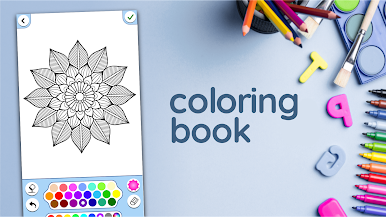
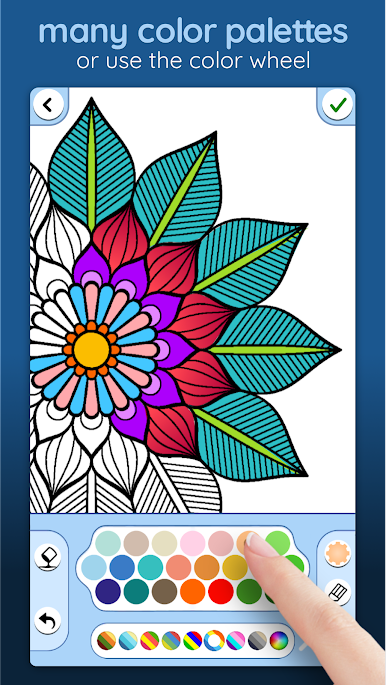
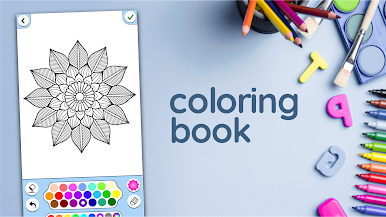
Start painting beautiful pictures now by downloading and playing this game.
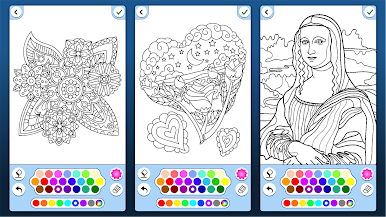
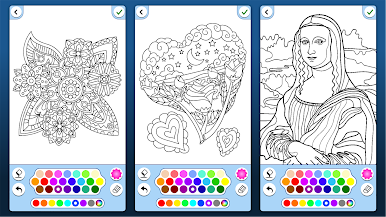
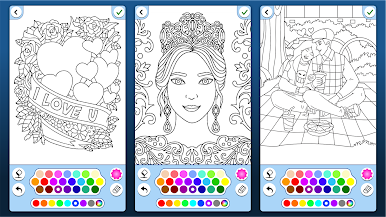
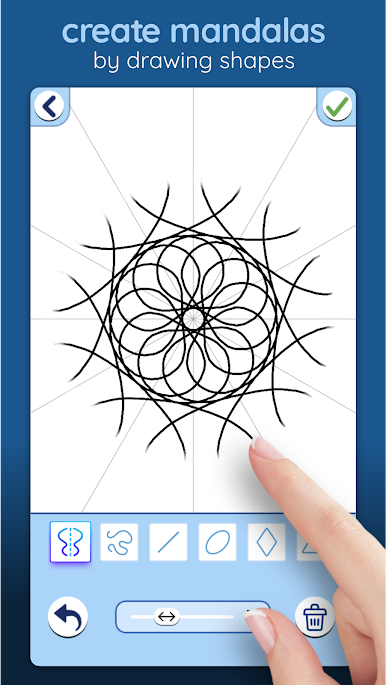
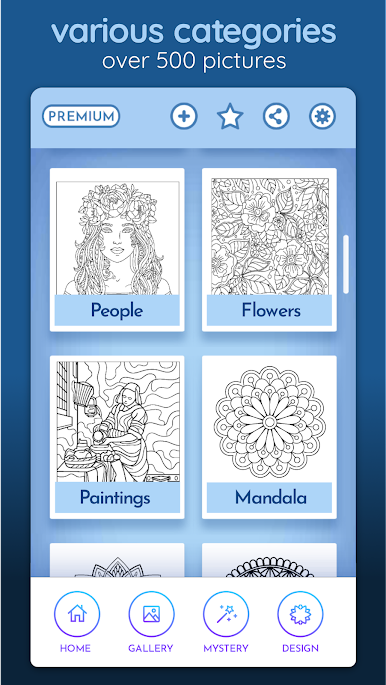
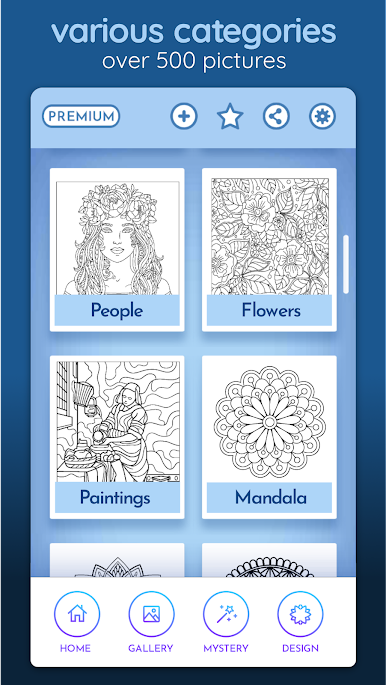
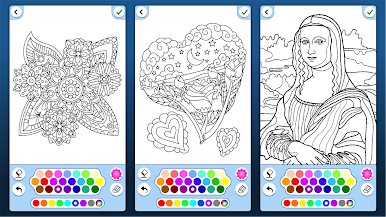
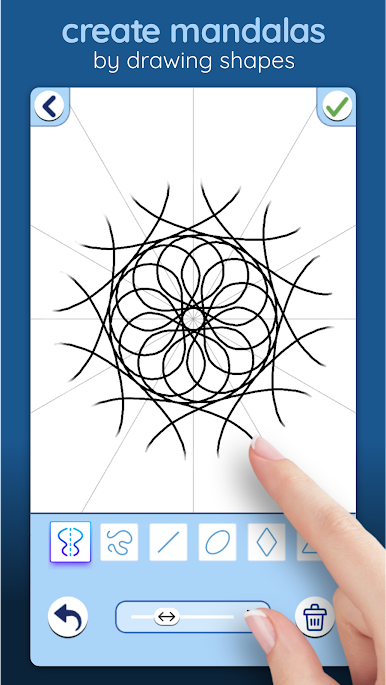
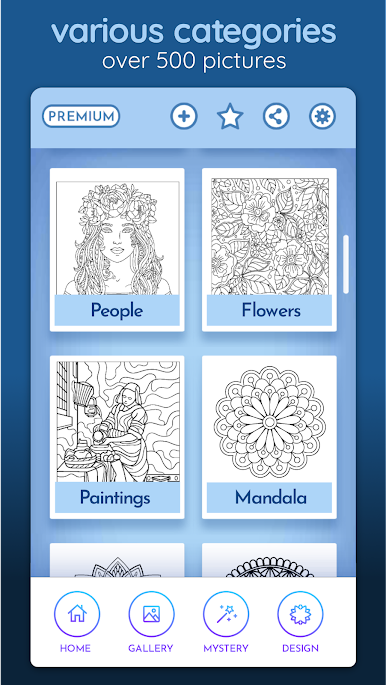
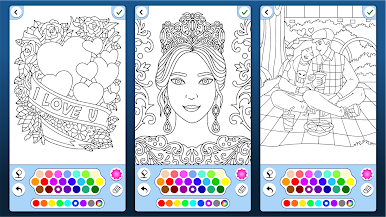
Many different illustrations and coloring pages of:
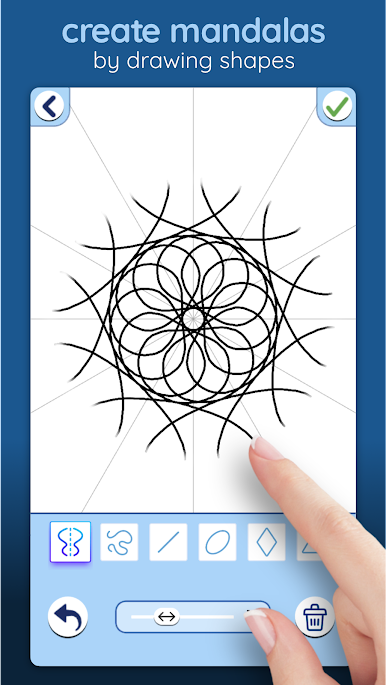
- Mandala and zen illustrations.
- Flowers: realistic and Mandala style
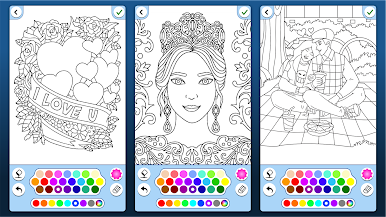
- Hearts and love coloring pages.
- Famous paintings by artists like Vermeer and van Gogh
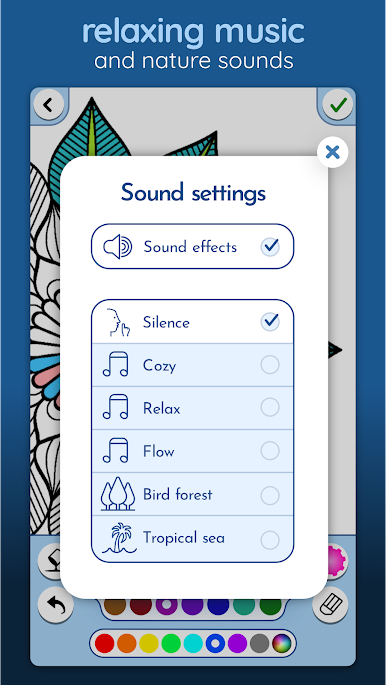
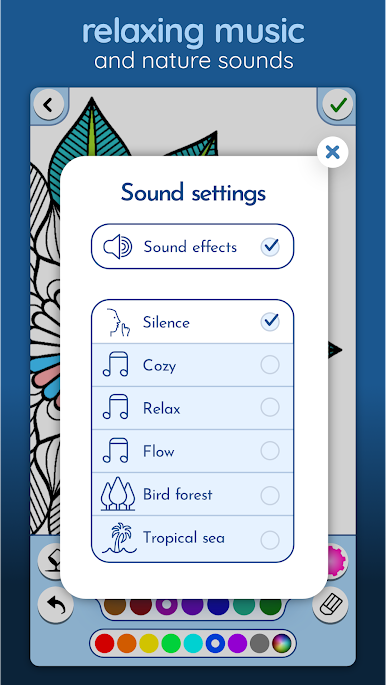
Have fun in this relaxing painting experience, sit back, relax and take your time for Mindful coloring games.
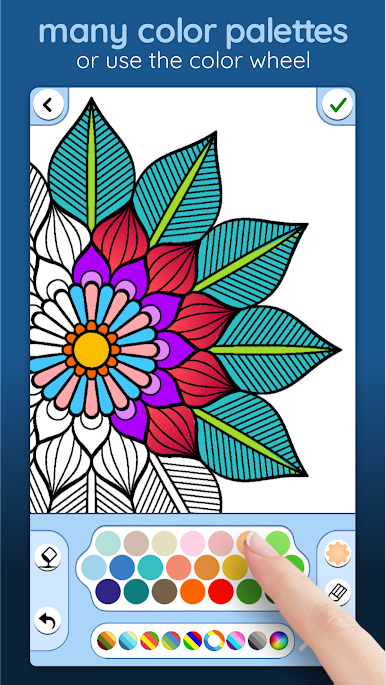
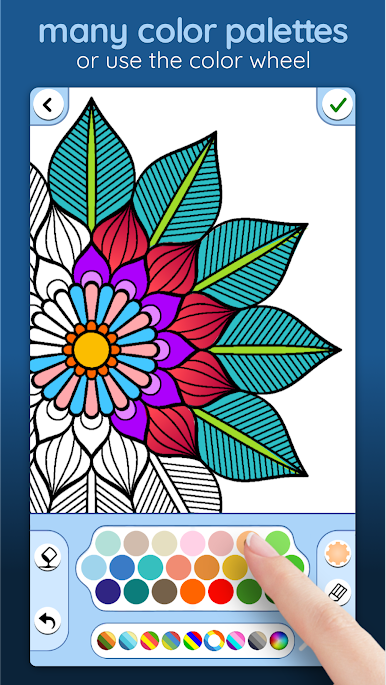
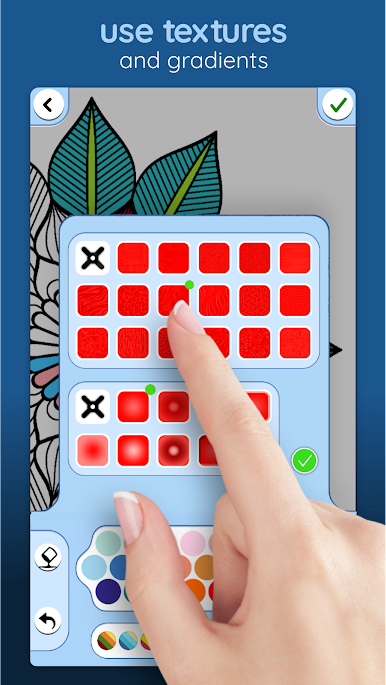
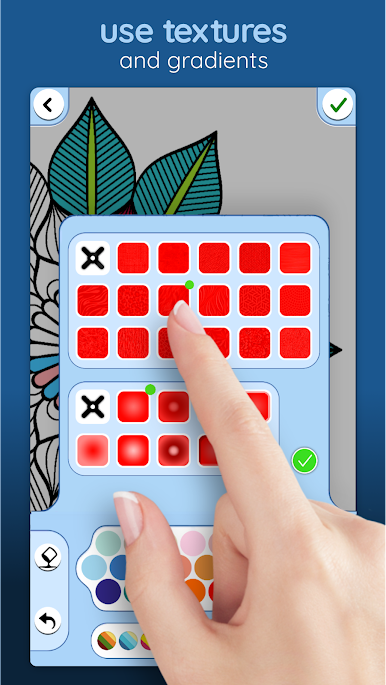
Simply tap to pick color and paint, all you need is your imagination!
- Lots of beautiful illustrations and drawings to color, and more are coming in next bi-weekly update!
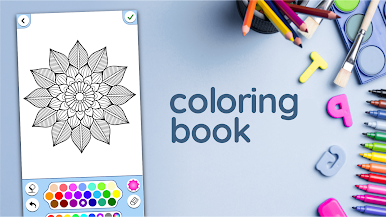
- Real drawing by using brushes and pencils.
- Use stickers of flowers, hearts weather icons and many many more to illustrate your artwork.
- Easy to save your work and share them with all your friends.
- Pinch to zoom in/out, easy coloring games!
- Unique Mystery option for all Colortime apps.
● Coloring books help reduce stress and relax. Good for a moment of relaxation in the evening. Also great for Mindfulness exercises.
● Support.
We work hard to keep Colortime running on all available Android devices. If your run into any issues please send us an email so we can try to solve it for you and other players.
And if you like this app we have many more coloring pages to offer in our other ColorTime games.
Have Fun!
Juega Libro colorante para adultos en la PC. Es fácil comenzar.
-
Descargue e instale BlueStacks en su PC
-
Complete el inicio de sesión de Google para acceder a Play Store, o hágalo más tarde
-
Busque Libro colorante para adultos en la barra de búsqueda en la esquina superior derecha
-
Haga clic para instalar Libro colorante para adultos desde los resultados de búsqueda
-
Complete el inicio de sesión de Google (si omitió el paso 2) para instalar Libro colorante para adultos
-
Haz clic en el ícono Libro colorante para adultos en la pantalla de inicio para comenzar a jugar

