


Home Design : Merge & Dream
Juega en PC con BlueStacks: la plataforma de juegos Android, en la que confían más de 500 millones de jugadores.

Página modificada el: Jan 17, 2024
Play Home Design : Merge & Dream on PC or Mac
Step into the World of Home Design : Merge & Dream, a thrilling Puzzle game from the house of CookApps. Play this Android game on BlueStacks App Player and experience immersive gaming on PC or Mac.
About the Game
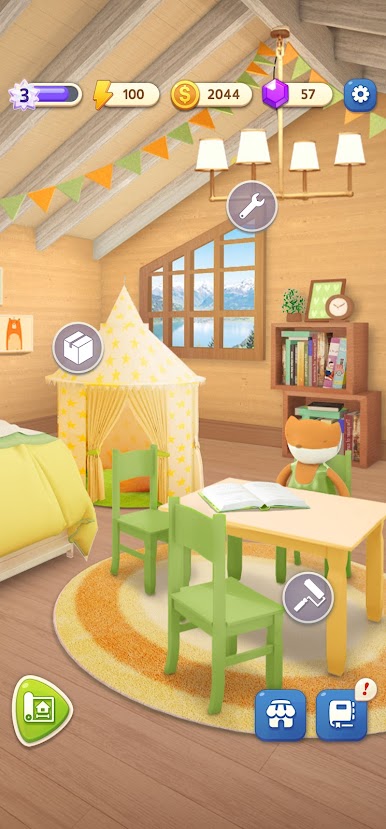
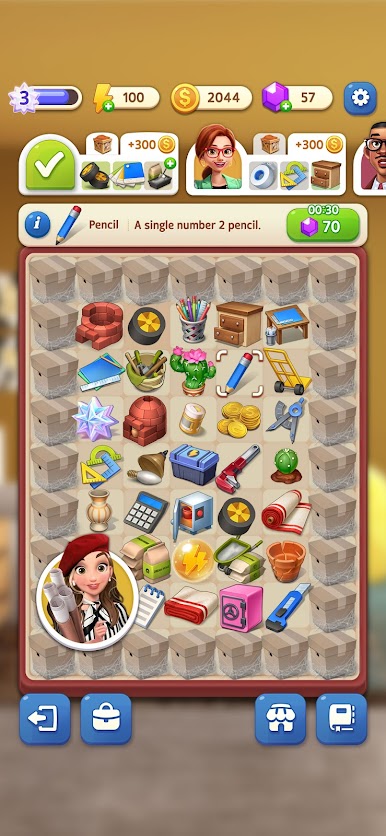
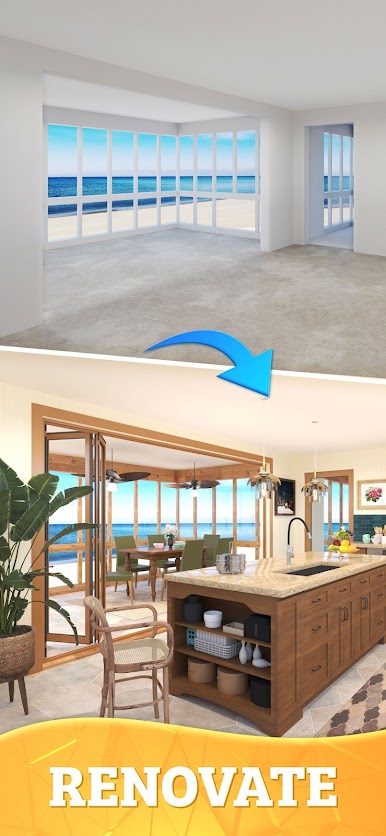
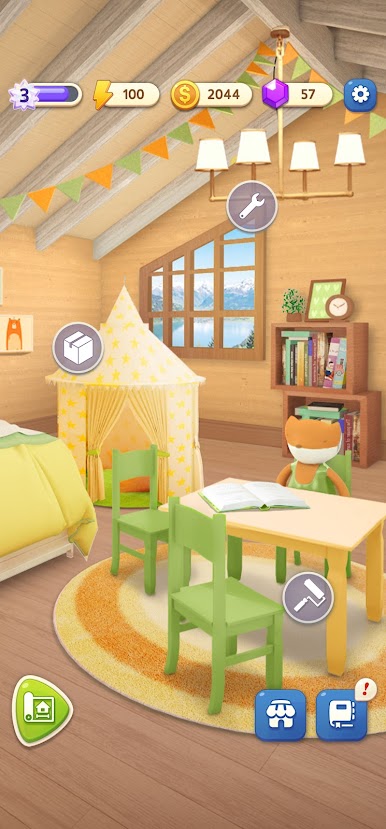
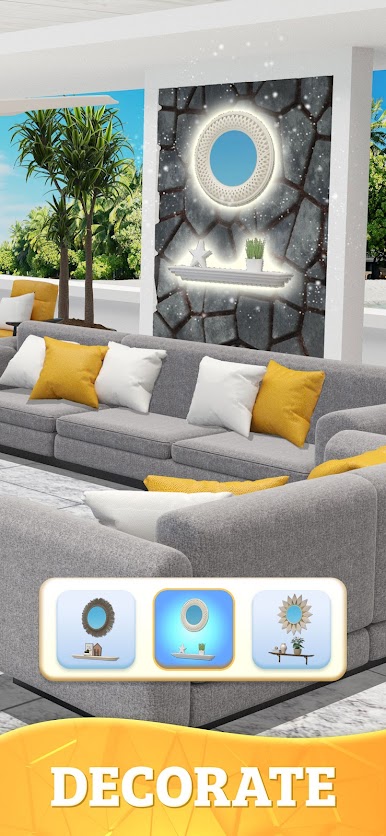
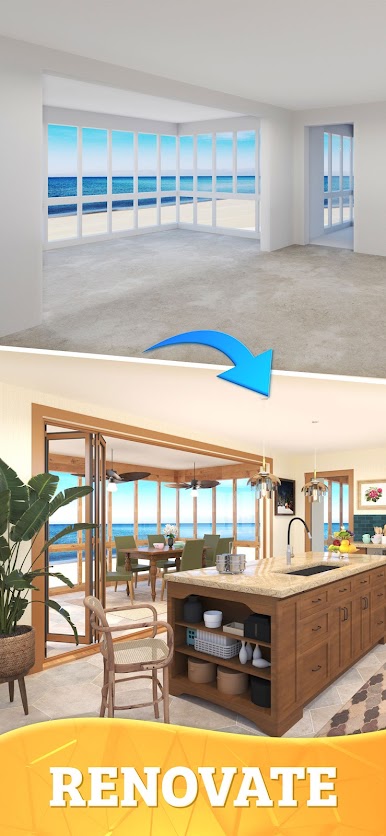
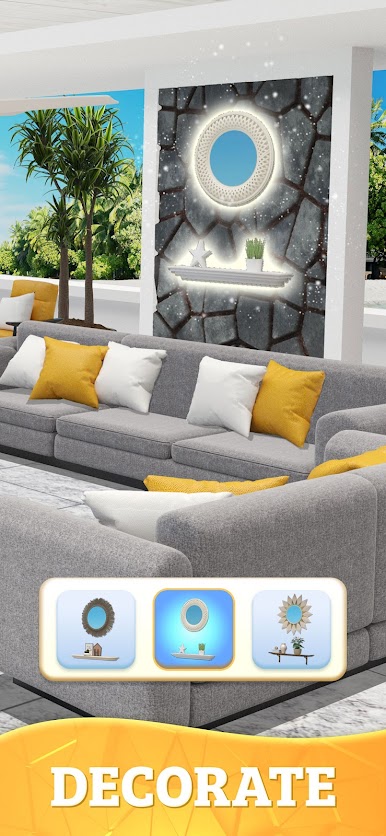
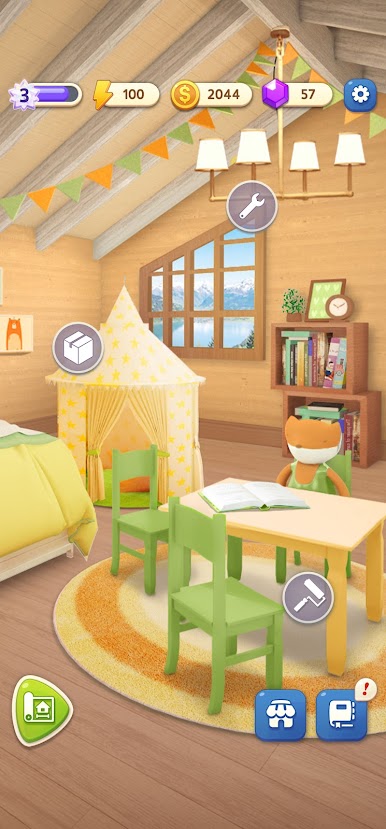
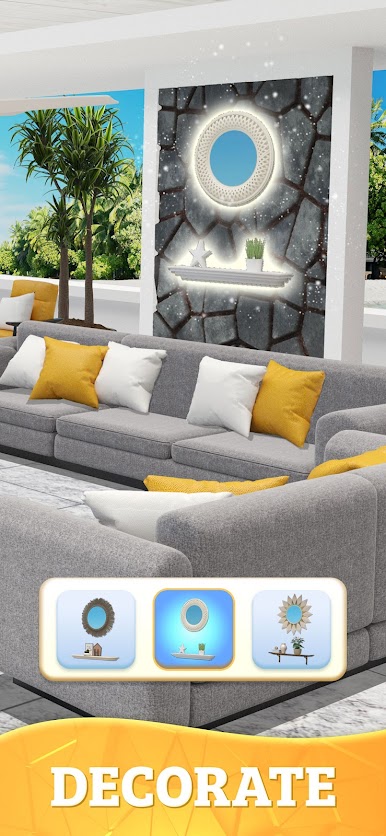
Home Design : Merge & Dream is a cozy Puzzle from CookApps where decorating meets clever merging. You’ll help Kristen and Will take on quirky clients, craft the tools you need, and turn empty rooms into homes with personality. It’s easy to pick up, satisfying to master, and looks great on a bigger screen with BlueStacks if that’s your thing.
Game Features
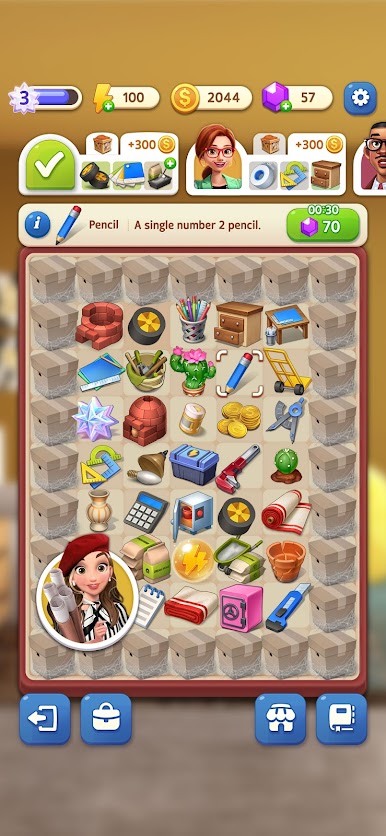
- Merge-to-Make Tools: Combine everyday bits and pieces to create the design tools and materials you need. Start small, keep merging, and unlock more useful items as your projects grow.
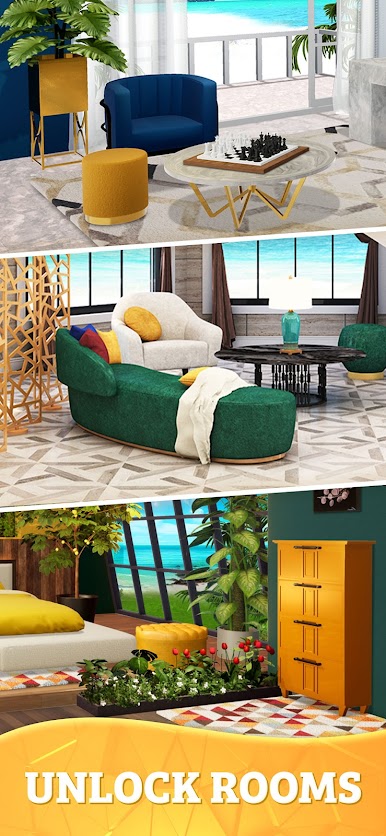
- Design That’s Truly Yours: Pick finishes, colors, and furniture that match each client’s taste—modern, rustic, luxe, minimalist, or somewhere in between. Your choices shape the final look.
- Explore the Board: Search the merge board to uncover new components, connect chains, and reveal items you didn’t know you needed until the next request pops up.
- Client Stories with Heart: Team up with Kristen and Will as they navigate picky requests, tight timelines, and charming surprises. Every project feels like a new chapter with fresh characters and rooms.
- Strategic Yet Relaxing: Plan merge chains, decide what to craft first, and balance goals without pressure. It’s thoughtful gameplay that still feels chill.
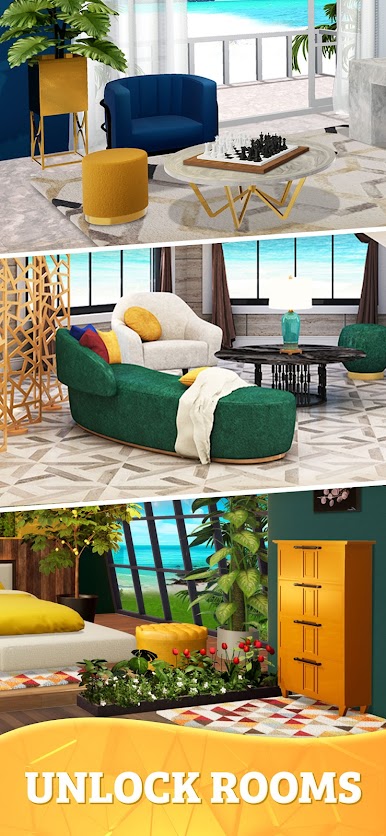
- Room-by-Room Progress: Complete tasks to unlock new areas and clients, from starter projects to full-on makeovers that transform entire spaces.
- Quick Sessions or Long Spree: Whether you’ve got five minutes or an hour, it’s easy to jump in, merge a little (or a lot), and see real progress in your designs.
Ready to top the leaderboard? We bet you do. Let precise controls and sharp visuals optimized on BlueStacks lead you to victory.




Juega Home Design : Merge & Dream en la PC. Es fácil comenzar.
-
Descargue e instale BlueStacks en su PC
-
Complete el inicio de sesión de Google para acceder a Play Store, o hágalo más tarde
-
Busque Home Design : Merge & Dream en la barra de búsqueda en la esquina superior derecha
-
Haga clic para instalar Home Design : Merge & Dream desde los resultados de búsqueda
-
Complete el inicio de sesión de Google (si omitió el paso 2) para instalar Home Design : Merge & Dream
-
Haz clic en el ícono Home Design : Merge & Dream en la pantalla de inicio para comenzar a jugar

