


Mejor forma del cuerpo
Juega en PC con BlueStacks: la plataforma de juegos Android, en la que confían más de 500 millones de jugadores.

Página modificada el: 3 de marzo de 2020
Play Best Body Shape on PC
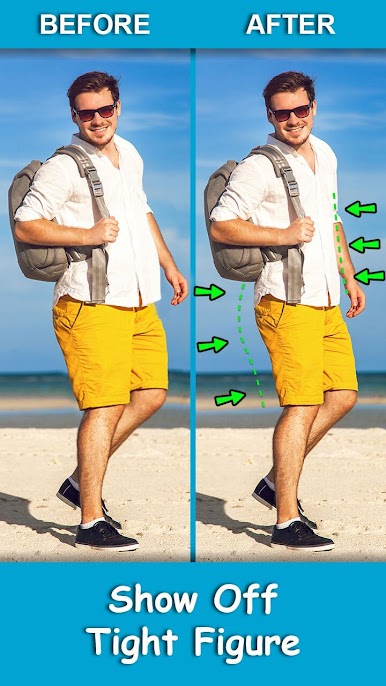
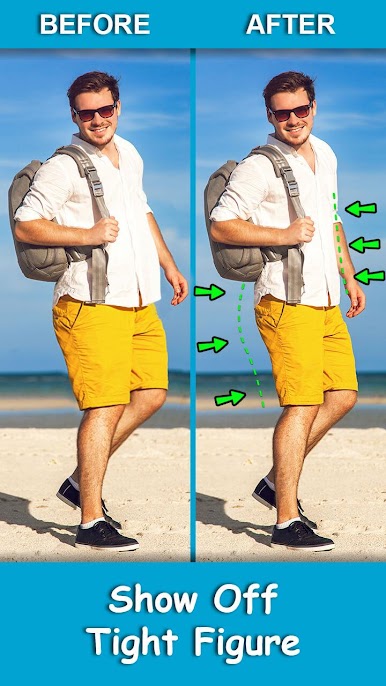
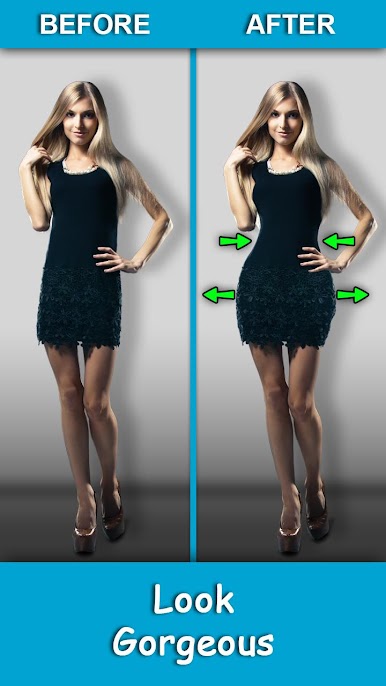
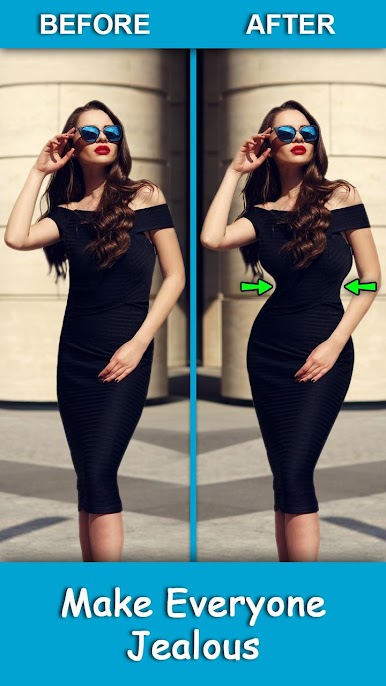
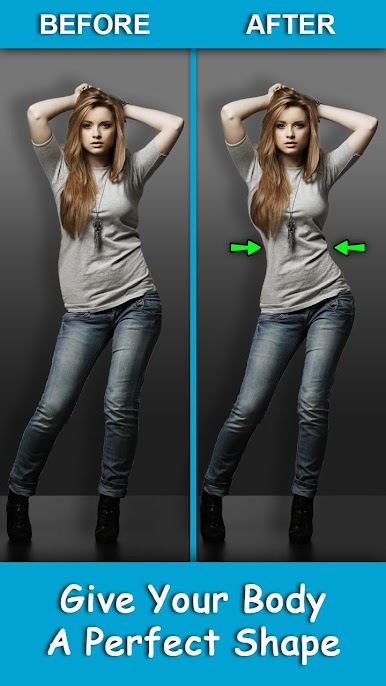
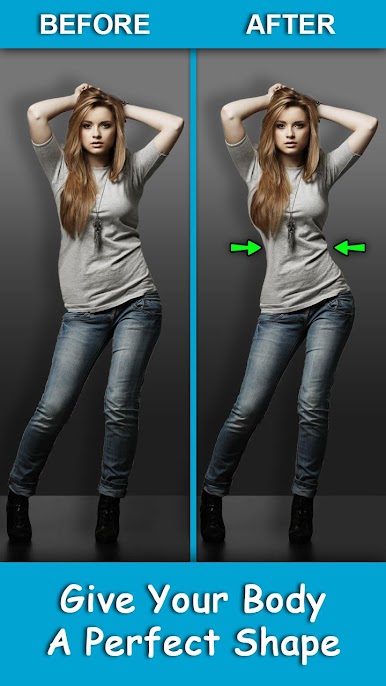
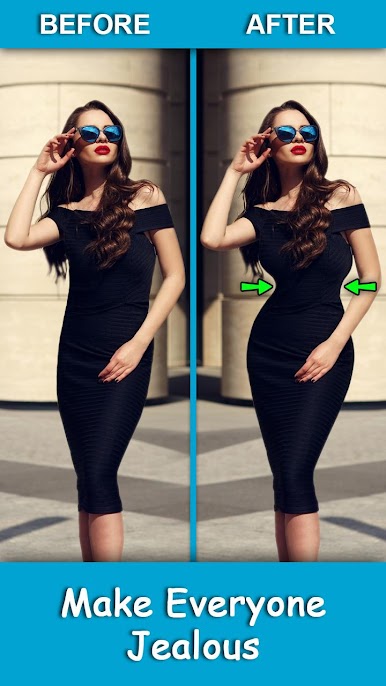
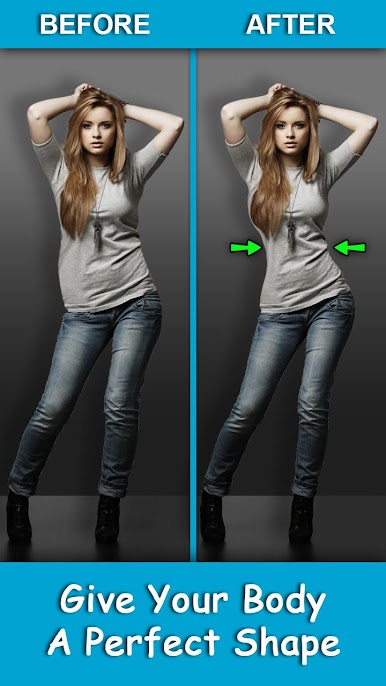
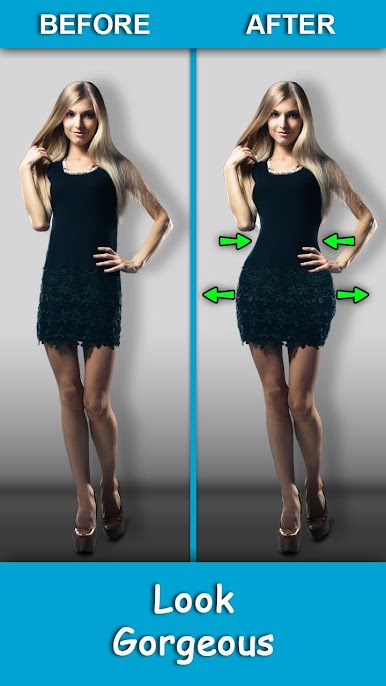
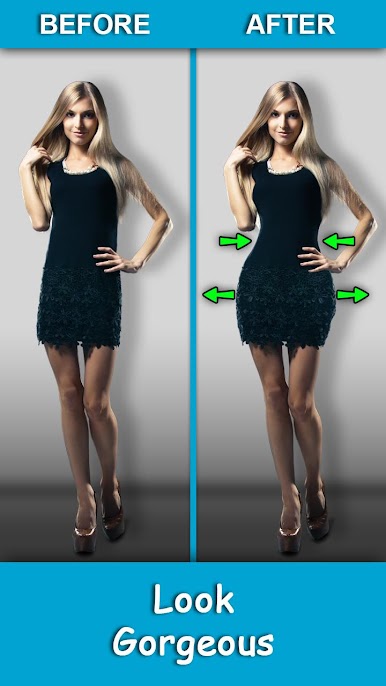
Do you want to quickly fix your photos to give your the perfect body shape?
Get the tight figure, show off your slim physique, have the blissful vibe.
Get Sculpted Legs, Arms, and Abs, look amazing while vacationing.
Look amazing, Look Fit
Best Body Shaping App allows you to quickly fix your figure and Body Parts
[Main features]
+ Body Shaping - Waist and hip correction will shape your fantastic body.
+ Slim down - Get a slim physique, sculpted legs, arms and Abs
+ Thighs - Sculpt your thighs
+ Eyes - For selfies you can enlarge your Eyes and look beautiful.
Best Body Shape is very easy to use and with simple tools
- Enlarge - Tap Body Part to Enlarge
- Compress - Tap Body Part to Compress
- Drag - Drag body part to Enlarge/Compress Side ways
- Erase Brush - Undo any effect by touching the body part
With Best Body Shaping App, be the queen/king of perfect body shape photos, and everyone’s favorite Instagrammer.


Juega Mejor forma del cuerpo en la PC. Es fácil comenzar.
-
Descargue e instale BlueStacks en su PC
-
Complete el inicio de sesión de Google para acceder a Play Store, o hágalo más tarde
-
Busque Mejor forma del cuerpo en la barra de búsqueda en la esquina superior derecha
-
Haga clic para instalar Mejor forma del cuerpo desde los resultados de búsqueda
-
Complete el inicio de sesión de Google (si omitió el paso 2) para instalar Mejor forma del cuerpo
-
Haz clic en el ícono Mejor forma del cuerpo en la pantalla de inicio para comenzar a jugar

