

ChargePoint
Gioca su PC con BlueStacks: la piattaforma di gioco Android, considerata affidabile da oltre 500 milioni di giocatori.

Pagina modificata il: Sep 17, 2025
Run ChargePoint on PC or Mac
What’s better than using ChargePoint by ChargePoint, Inc.? Well, try it on a big screen, on your PC or Mac, with BlueStacks to see the difference.
About the App
Charging your electric vehicle on the go just got a whole lot smoother with ChargePoint. This handy app puts everything you need to manage your EV charging in one spot—whether you’re at home, cruising across town, or planning a road trip. No more guessing where the next charging stop is, fiddling with another card, or worrying about when your car will be ready. With ChargePoint, it’s all taken care of right from your phone (or even from your laptop using BlueStacks).
App Features
-
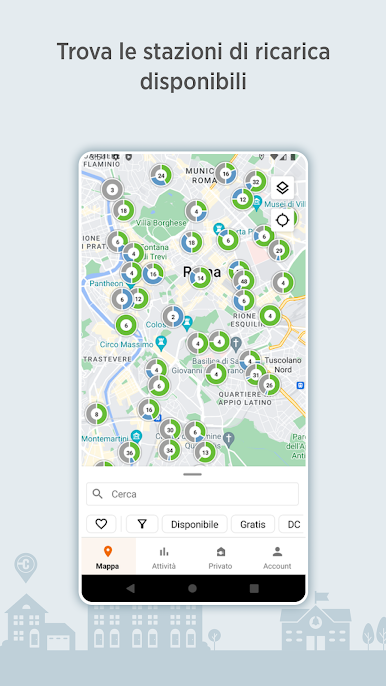
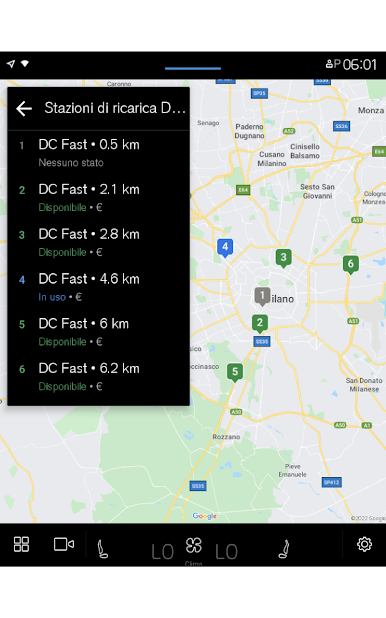
Find Stations Fast
Use the ChargePoint map to see which charging spots are available in real time. No more showing up to a full station—or a broken one. Just check, pick, and drive. -
Roam with Ease
Your ChargePoint account lets you use chargers from partner networks, like FLO, EVgo, Greenlot, and EV Connect, so you’re not limited to just one brand. -
Smarter Filters
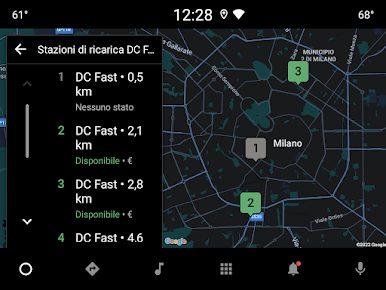
Tired of scrolling through stations you can’t even use? Filter by charger type (AC or DC fast charging) and find locations that fit your vehicle. -
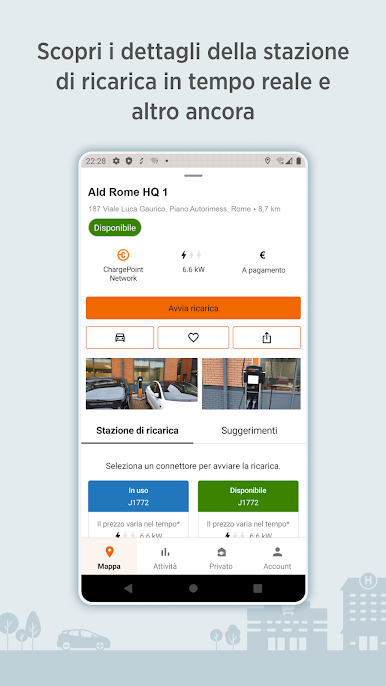
Station Details at a Glance
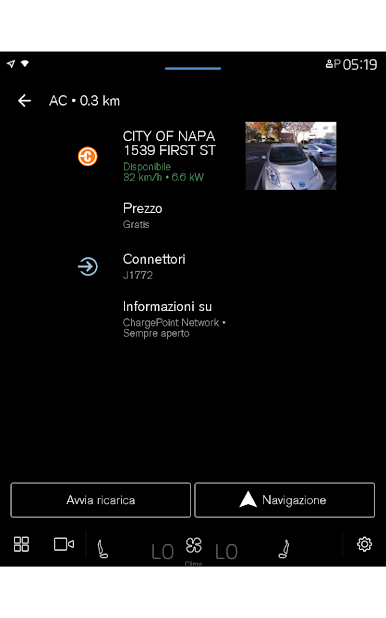
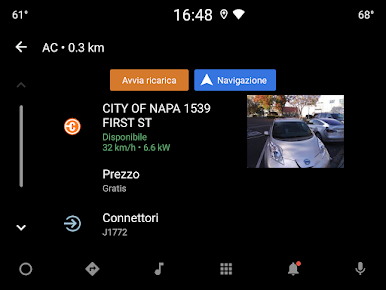
Quickly check the important stuff: availability, costs, when it’s usually busy, and even tips from fellow drivers. You’ll see charging history and more right in the app. -
Start Charging Instantly
Tap to start charging from your phone or smartwatch—no need to fumble through physical cards. Got an RFID card? That works too. -
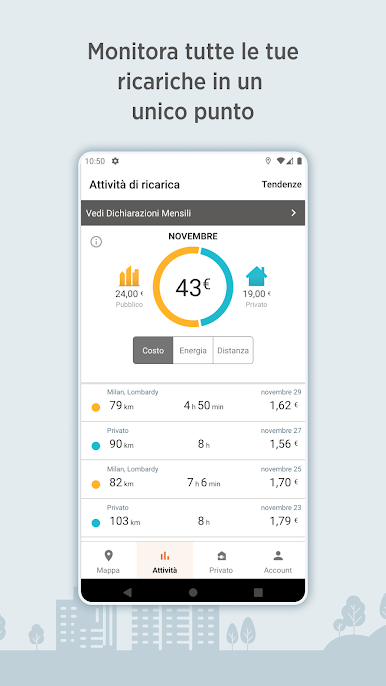
Track All Your Charging
The app keeps tabs on your charging sessions, showing totals for miles added, money spent, and where you’ve charged—both out in public and at home. -
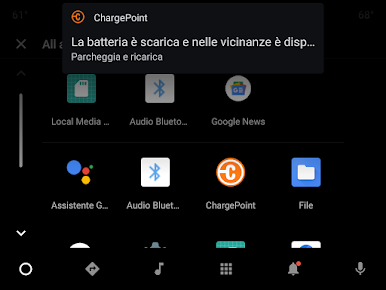
Live Notifications
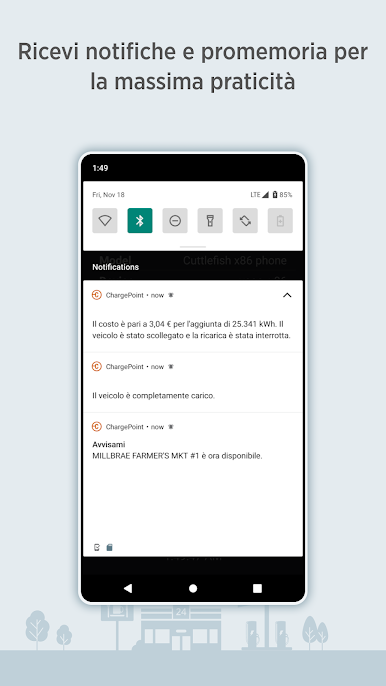
Get instant updates if a spot becomes free, your car is done charging, or you just want to know how much a session cost. -
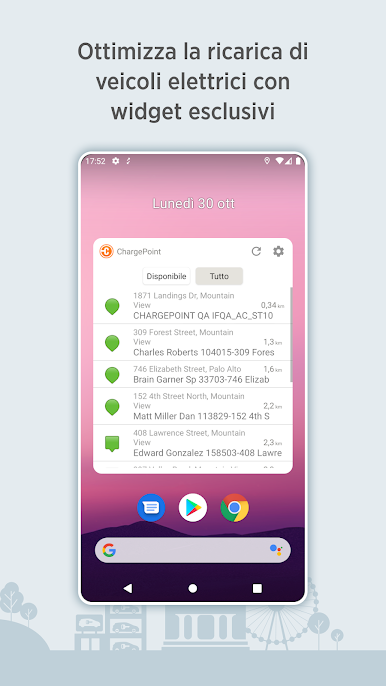
Convenient Widgets
Add widgets to your home screen to check your charging status, locate nearby stations, or manage home charging—no need to open the app every time. -
Tips from the Community
Real advice and photos from other EV drivers help you avoid tricky spots and track down the best stations. -
Home Charging Simplified
If you’ve got ChargePoint Home Flex, schedule home charging, set reminders, get alerts—it’s all in the app. -
Reserve a Spot
Use the virtual Waitlist feature to grab your place at crowded stations before you even arrive. -
Wear OS Support
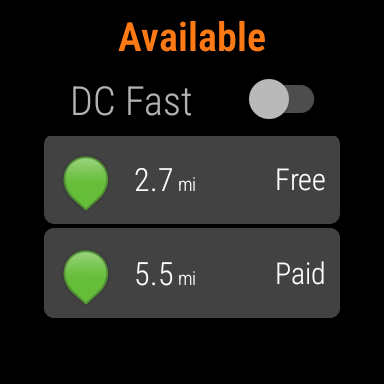
Got a Wear OS by Google smartwatch? Start and monitor your sessions from your wrist, including watching your range grow as you charge. -
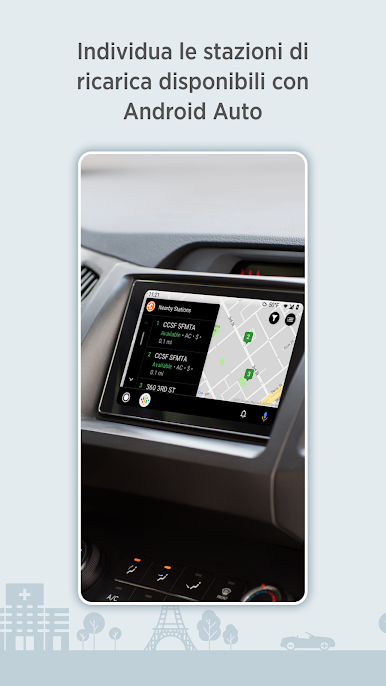
In-Car with Android Auto
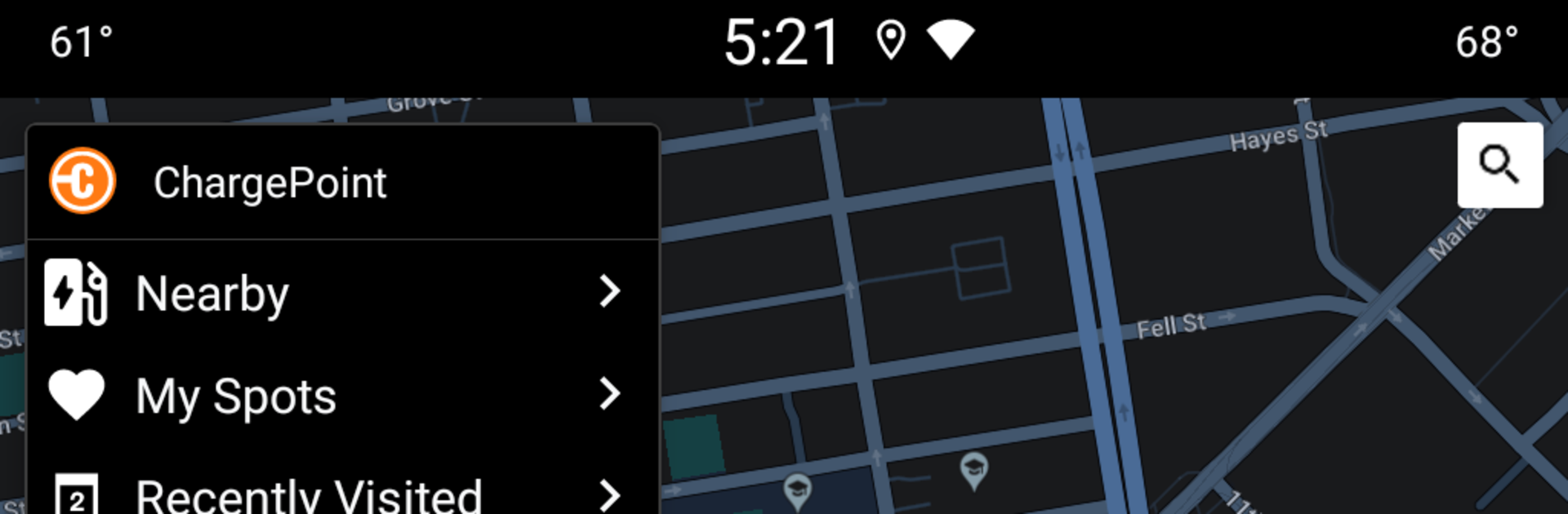
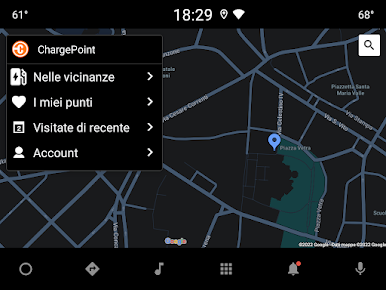
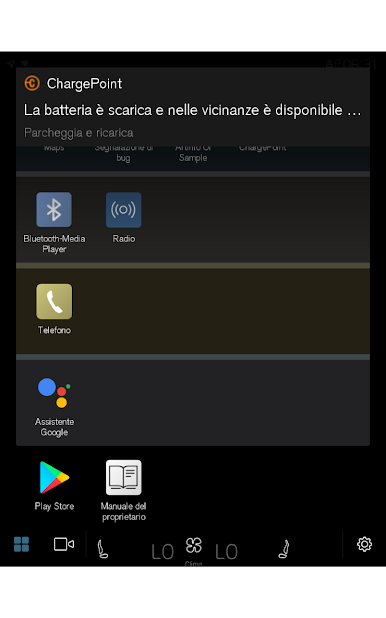
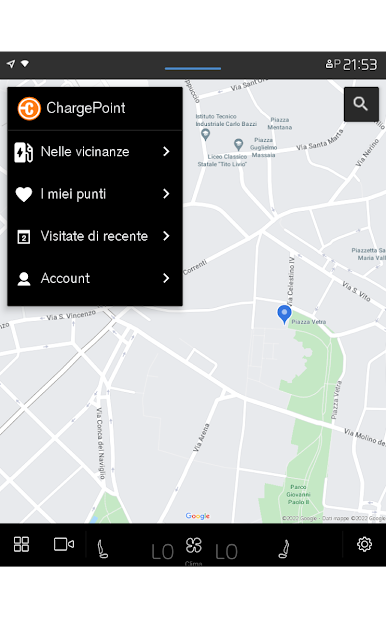
Access ChargePoint’s features on your in-vehicle display, so charging info is always handy on the road.
Ready to experience ChargePoint on a bigger screen, in all its glory? Download BlueStacks now.
Gioca ChargePoint su PC. È facile iniziare.
-
Scarica e installa BlueStacks sul tuo PC
-
Completa l'accesso a Google per accedere al Play Store o eseguilo in un secondo momento
-
Cerca ChargePoint nella barra di ricerca nell'angolo in alto a destra
-
Fai clic per installare ChargePoint dai risultati della ricerca
-
Completa l'accesso a Google (se hai saltato il passaggio 2) per installare ChargePoint
-
Fai clic sull'icona ChargePoint nella schermata principale per iniziare a giocare

