


C++ Placement Paper | MCQ | Co
Juega en PC con BlueStacks: la plataforma de juegos Android, en la que confían más de 500 millones de jugadores.

Página modificada el: Oct 10, 2020
Play C++ Placement Paper | MCQ | Company Written Paper on PC
*** Unique Features ***
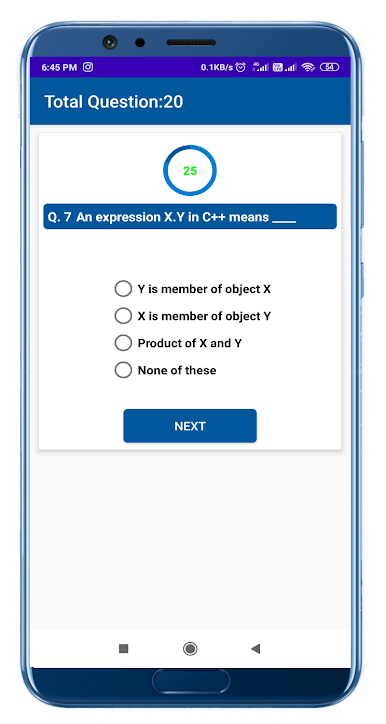
1.Company's asked question
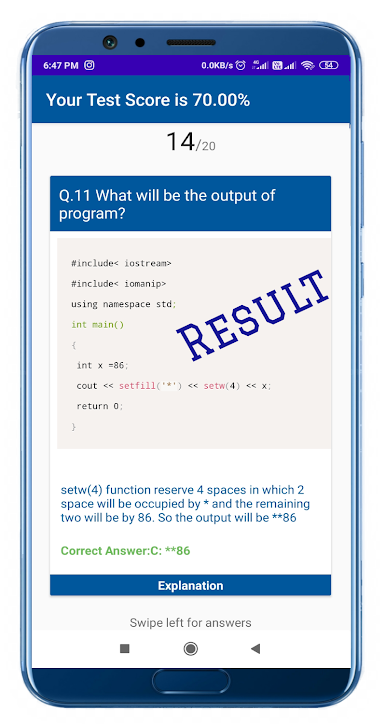
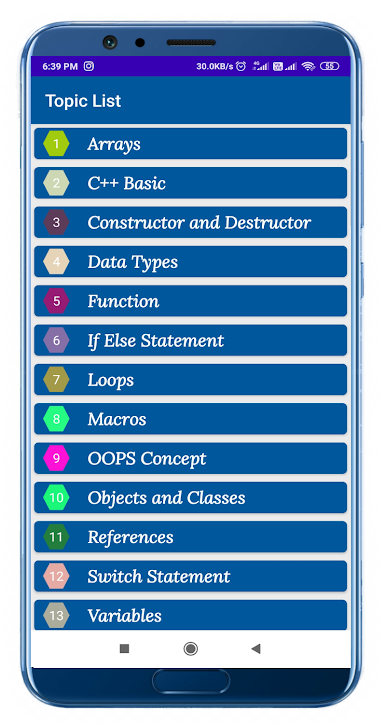
2.Topic wise objective questions
3.Theoretical objective questions
4.Program based objective questions
5.Test with timer
6.Result with high accuracy and percentage
7.Result with your submitted answer ans true answer for verification
8.Interactive User interface
9.Neat and clear layout for better visibility
10.Standard objective questions and answers
11.Very Simple and Understandable language
I will upload day by day new written questions as asked by company
There is one request that, because of giving low rating let me know if you are expecting more in this app.
Support me to serve you better by giving me good rating.
Thanks in Advance
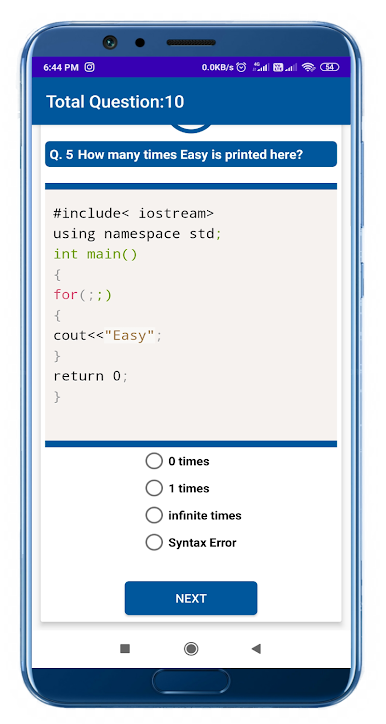
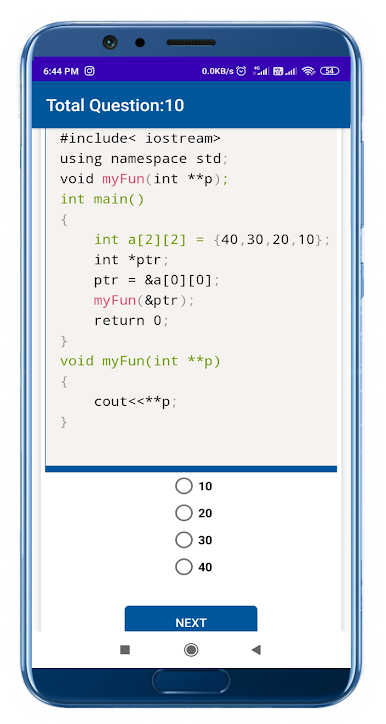
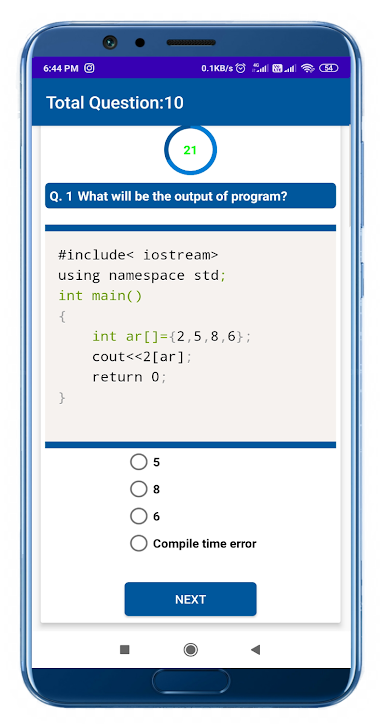
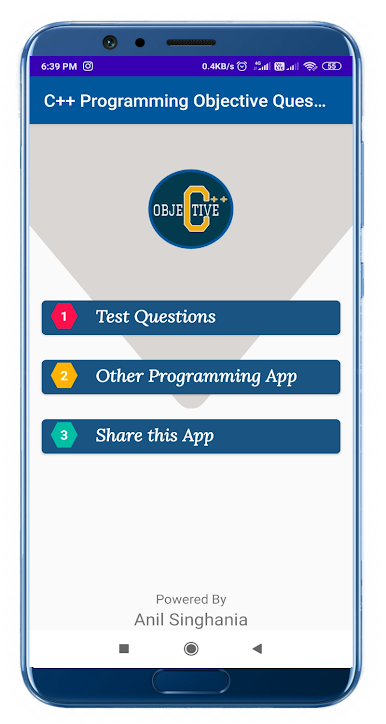
Juega C++ Placement Paper | MCQ | Co en la PC. Es fácil comenzar.
-
Descargue e instale BlueStacks en su PC
-
Complete el inicio de sesión de Google para acceder a Play Store, o hágalo más tarde
-
Busque C++ Placement Paper | MCQ | Co en la barra de búsqueda en la esquina superior derecha
-
Haga clic para instalar C++ Placement Paper | MCQ | Co desde los resultados de búsqueda
-
Complete el inicio de sesión de Google (si omitió el paso 2) para instalar C++ Placement Paper | MCQ | Co
-
Haz clic en el ícono C++ Placement Paper | MCQ | Co en la pantalla de inicio para comenzar a jugar

