


Crazy Rock
Mainkan di PC dengan BlueStacks – platform Game-Game Android, dipercaya oleh lebih dari 500 juta gamer.

Play Crazy Rock on PC or Mac
Explore a whole new adventure with Crazy Rock, a Strategy game created by DotVerse. Experience great gameplay with BlueStacks, the most popular gaming platform to play Android games on your PC or Mac.
About the Game
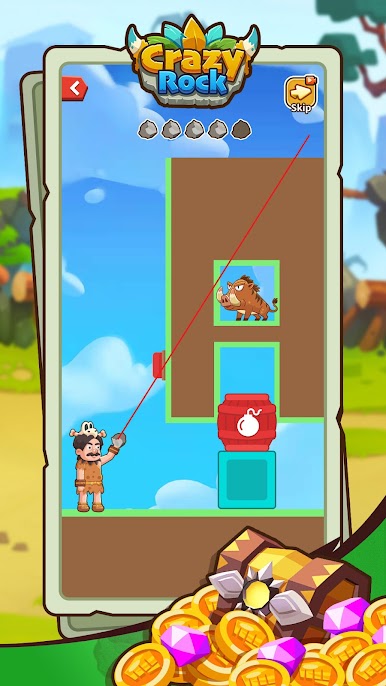
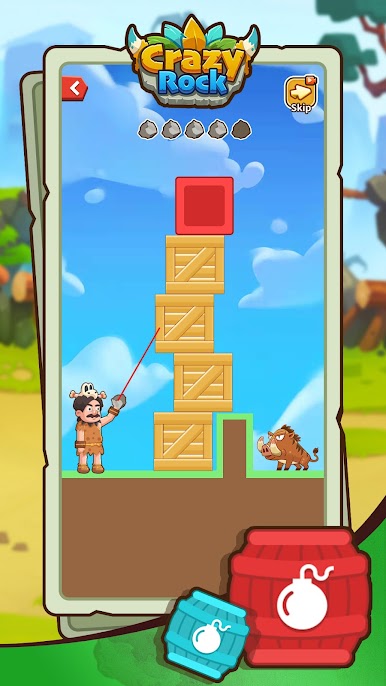
Crazy Rock is a Strategy puzzler where you play a crafty caveman with a killer arm and a bag of clever tricks. Each stage is a quick, physics-driven challenge: read the room, pick the right angle, and let a single throw set everything in motion. Made by DotVerse, it’s fast, light, and brainy—perfect for short sessions or a longer think-and-throw groove.
Game Features
- Smart Throws: Line up direct hits, bank shots, and ricochets to knock out monsters with minimal stones. One perfect toss can clear the screen.
- Three Modes:
- Direct Strike: Go straight for the target and drop multiple enemies in a single shot.
- Arc Throw: Curve your throws, sneak past walls, and nail foes hiding behind cover.
- Rescue Mission: Free hostages without scratching them—patience and precision matter.
- Physics Playground: Use everything around you—walls, explosive barrels, moving platforms—to set off chain reactions that feel extra satisfying.
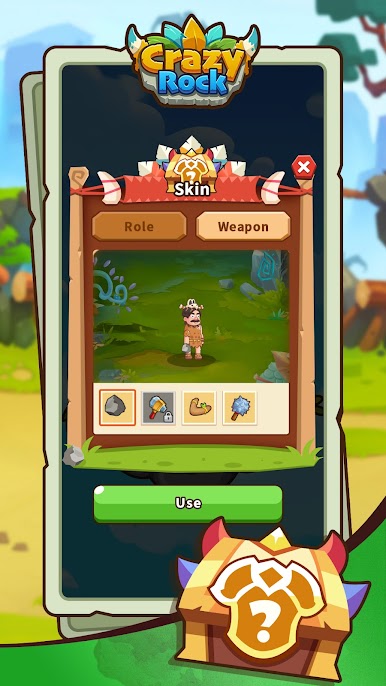
- Gear and Style: Unlock wild options like vampire stones, boomerangs, and thunder hammers. Each skin brings flashy effects while you ramp up your throwing power.
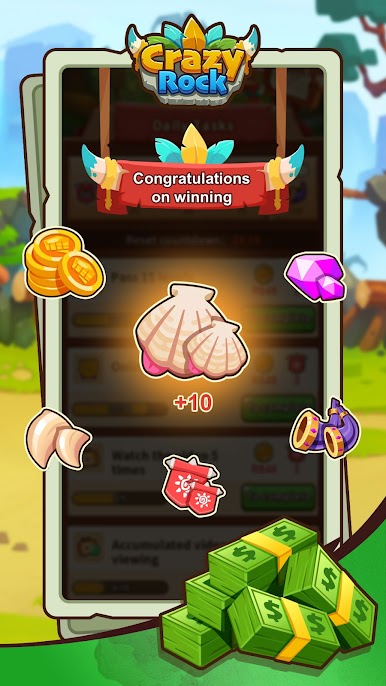
- Rewards and Surprises: Clear stages to earn coins, take on daily missions, spin lucky draws, and seek altar blessings. There are options to cash out your in-game earnings.
- Fresh Every Level: New mechanics and layouts keep the puzzle-solving snappy and varied, so runs don’t blur together.
- Big-Screen Friendly: Prefer playing on a PC? It runs smoothly on BlueStacks for a roomier view and comfy controls.
Make your gaming sessions memorable with precise controls that give you an edge in close combats and visuals that pop up, bringing every character to life.

Mainkan Crazy Rock di PC Mudah saja memulainya.
-
Unduh dan pasang BlueStacks di PC kamu
-
Selesaikan proses masuk Google untuk mengakses Playstore atau lakukan nanti
-
Cari Crazy Rock di bilah pencarian di pojok kanan atas
-
Klik untuk menginstal Crazy Rock dari hasil pencarian
-
Selesaikan proses masuk Google (jika kamu melewati langkah 2) untuk menginstal Crazy Rock
-
Klik ikon Crazy Rock di layar home untuk membuka gamenya

