

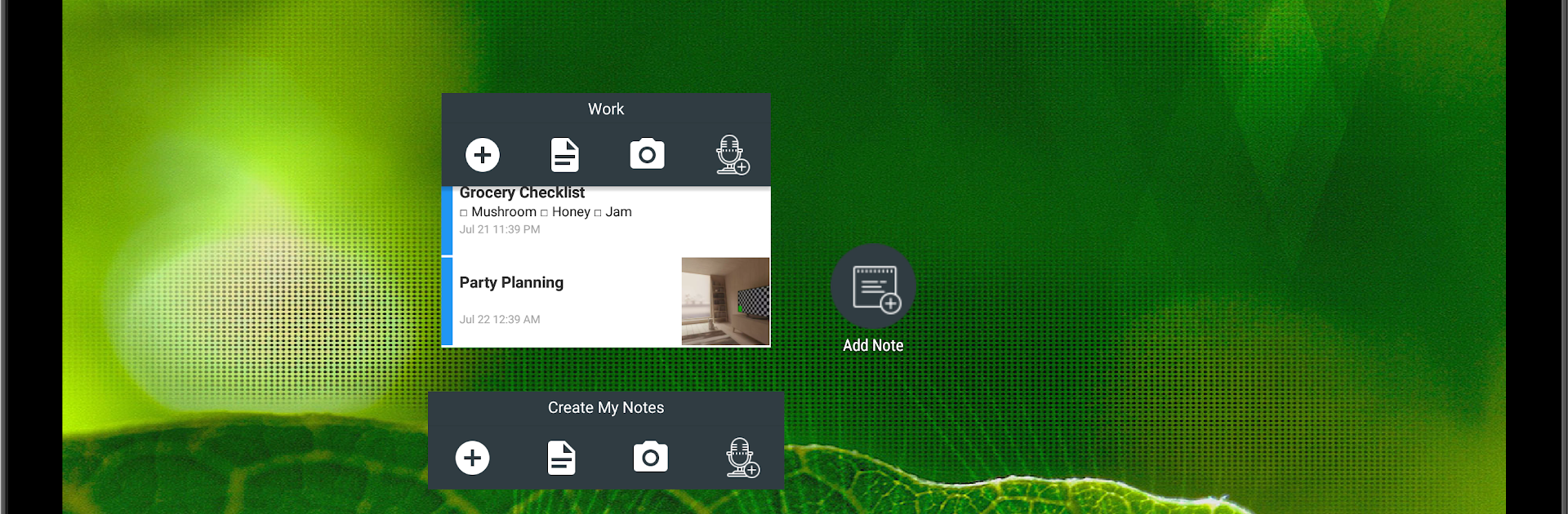
Buat catatan saya -Buku harian
Mainkan di PC dengan BlueStacks – platform Game-Game Android, dipercaya oleh lebih dari 500 juta gamer.

Run Create My Notes - Create Notes, Sync and share on PC or Mac
Upgrade your experience. Try Create My Notes – Create Notes, Sync and share, the fantastic Productivity app from Create My Notes, from the comfort of your laptop, PC, or Mac, only on BlueStacks.
Create My Notes feels like a straightforward, no‑pressure notebook that just happens to do a lot. It handles plain text, checklists, photos, documents, even voice and video notes, and it can grab text from images when someone snaps a pic of a receipt or a slide. There is a handwriting mode for scribbles, and notes can be locked with a password if something is private. Reminders work for one‑time things or recurring tasks, so a bill or weekly review will not slip. Everything lives in notebooks that can be color coded, with tags for quick sorting. Groups are nice too, since a note can be shared to a group so others can view the same info without a bunch of forwarding. Search is actually useful here, with filters across notes, notebooks, groups, reminders, and checklists, and there is voice search if typing feels slow. Location can be added to a note, and sorting options help keep big piles of notes sane.
The best part is that it does not force a login. Use it locally if that is easier, or sign in to sync across devices when that matters. On PC through BlueStacks, the bigger screen and a real keyboard make long notes, tagging, and reorganizing way less of a chore, and flipping between notebooks feels quicker. It is practical, not flashy, and it mostly stays out of the way so the note gets done.
Big screen. Bigger performance. Use BlueStacks on your PC or Mac to run your favorite apps.
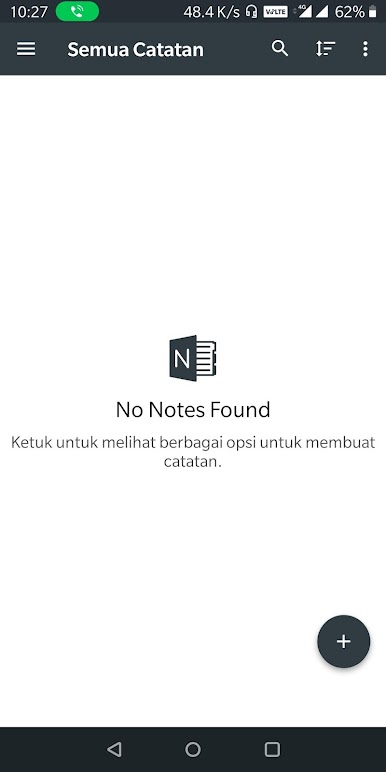
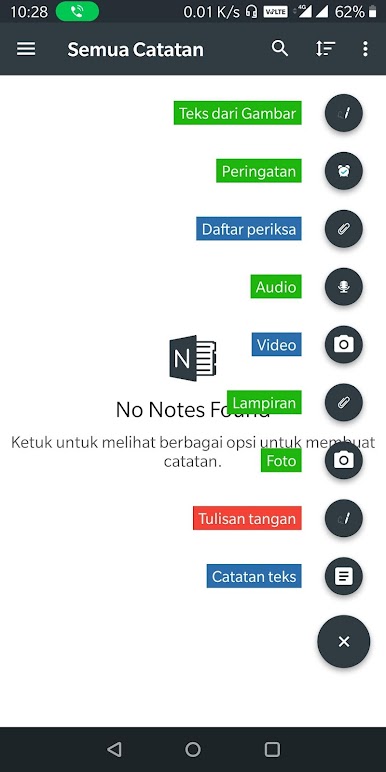
Mainkan Buat catatan saya -Buku harian di PC Mudah saja memulainya.
-
Unduh dan pasang BlueStacks di PC kamu
-
Selesaikan proses masuk Google untuk mengakses Playstore atau lakukan nanti
-
Cari Buat catatan saya -Buku harian di bilah pencarian di pojok kanan atas
-
Klik untuk menginstal Buat catatan saya -Buku harian dari hasil pencarian
-
Selesaikan proses masuk Google (jika kamu melewati langkah 2) untuk menginstal Buat catatan saya -Buku harian
-
Klik ikon Buat catatan saya -Buku harian di layar home untuk membuka gamenya

