


Pixly - Icon Pack
Mainkan di PC dengan BlueStacks – platform Game-Game Android, dipercaya oleh lebih dari 500 juta gamer.

Play Pixly - Icon Pack on PC
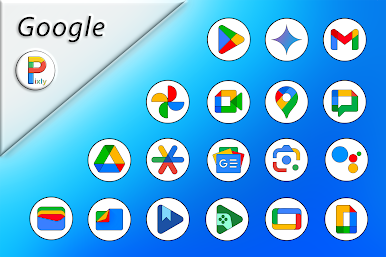
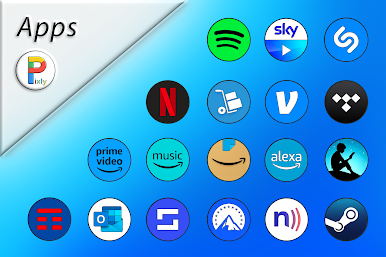
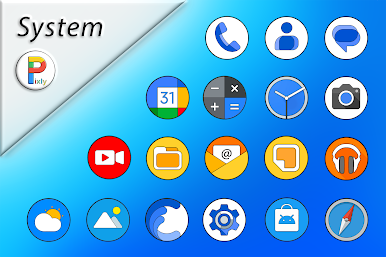
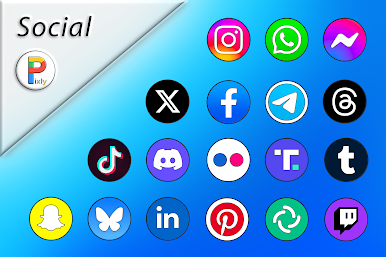
* 7900 Icons Resolution 2K SuperHD+(300 X 300)Pixel!
* 85 HD Wallpapers with Resolution 2K (2000x2000)Pixel!
* Each icon has been designed with extreme care of details!
* Triple Icons Rendering Process!
* Automatic Masking for Missing Icons!
* Dynamic Calendar for App Stock & Google Calendar!
* Missing Icons Request directly through the app (3 Free for each release)!
* Update Periodicals Guaranteed!
USER INFO:
• This Icon Pack needs a compatible launcher to be applied (Nova Launcher, Action Launcher, etc.)!
Special thanks to D. Mahardhika for CandyBar.
Mainkan Pixly - Icon Pack di PC Mudah saja memulainya.
-
Unduh dan pasang BlueStacks di PC kamu
-
Selesaikan proses masuk Google untuk mengakses Playstore atau lakukan nanti
-
Cari Pixly - Icon Pack di bilah pencarian di pojok kanan atas
-
Klik untuk menginstal Pixly - Icon Pack dari hasil pencarian
-
Selesaikan proses masuk Google (jika kamu melewati langkah 2) untuk menginstal Pixly - Icon Pack
-
Klik ikon Pixly - Icon Pack di layar home untuk membuka gamenya

