

miMind - Easy Mind Mapping
Juega en PC con BlueStacks: la plataforma de juegos Android, en la que confían más de 500 millones de jugadores.

Página modificada el: Jul 25, 2025
Run miMind - Easy Mind Mapping on PC or Mac
Upgrade your experience. Try miMind – Easy Mind Mapping, the fantastic Productivity app from CryptoBees, from the comfort of your laptop, PC, or Mac, only on BlueStacks.
About the App
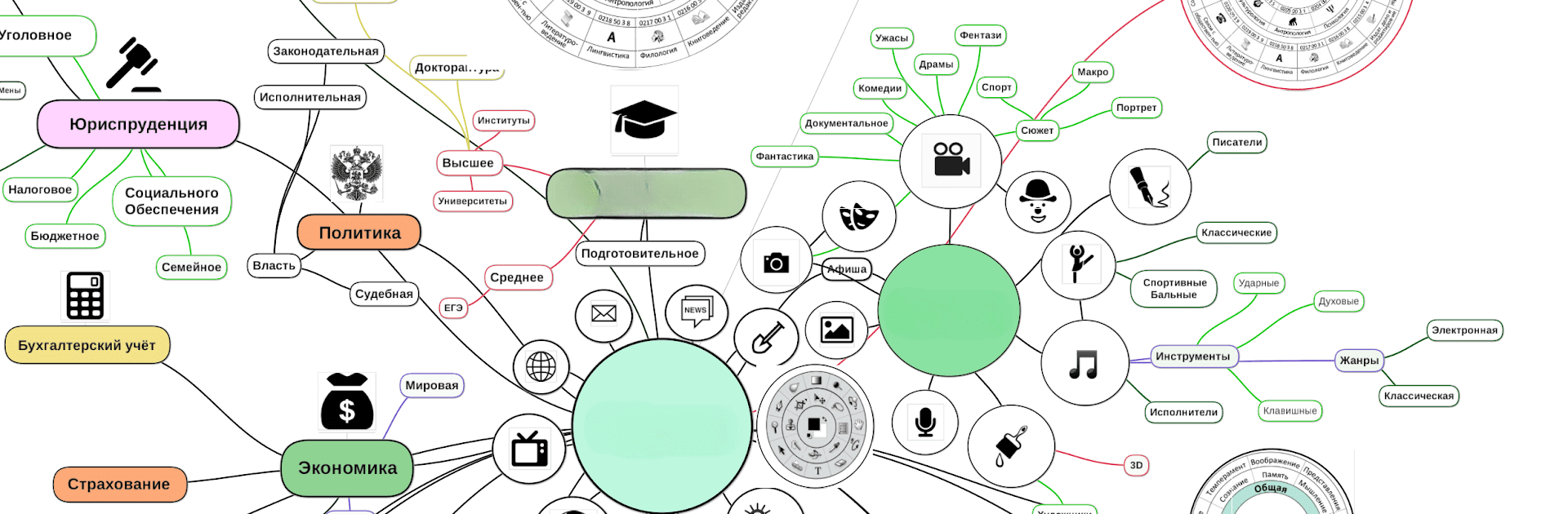
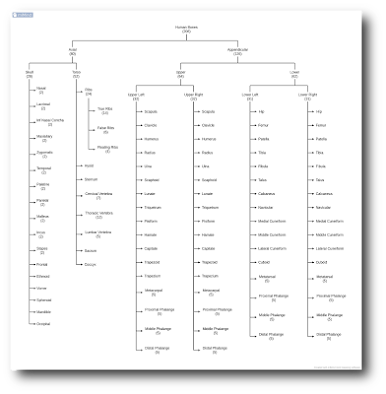
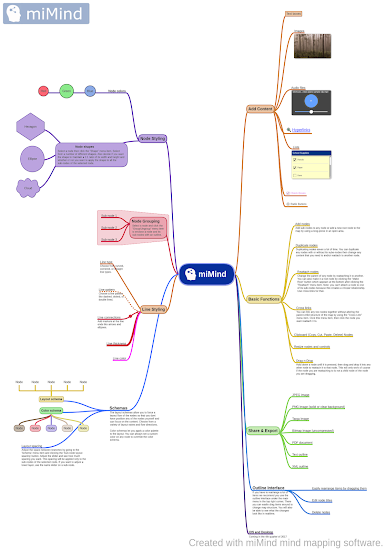
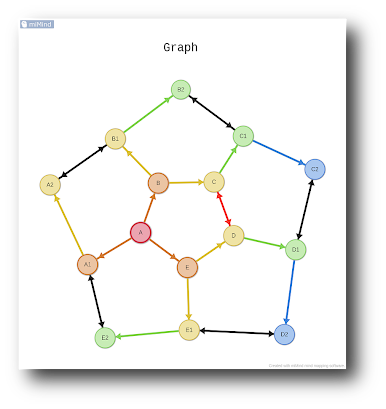
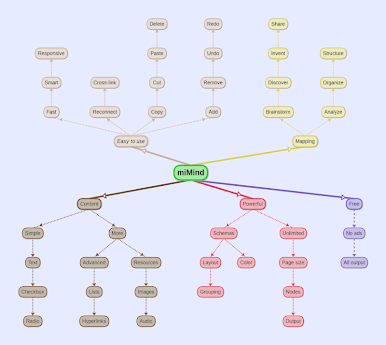
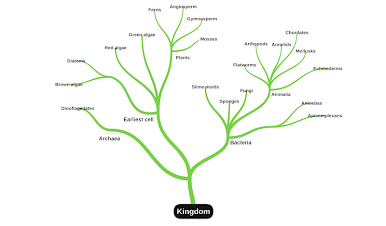
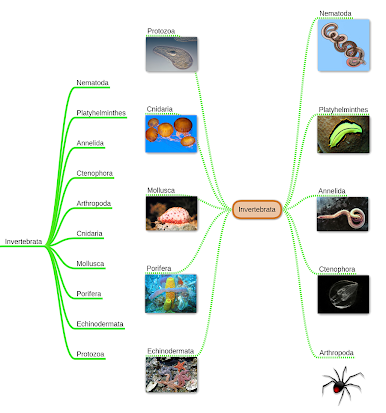
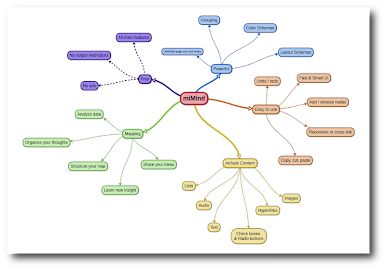
Ever wish you could just lay out your ideas in a way that actually makes sense to you? miMind – Easy Mind Mapping by CryptoBees is all about helping you get your thoughts out of your head and into a format that’s easy to see and play with. Whether you’re planning a project, drafting a novel, or just organizing your day, you’ll find tools here that fit your style. Available in the Productivity genre, miMind is flexible—it’s made for anyone who processes information visually, likes to see connections, or works best with notes and diagrams.
App Features
-
Intuitive Design
No one wants to wrestle with a complicated app. miMind keeps things straightforward, with an interface you can pick up in minutes, whether you’re on a phone or tablet—or running it smoothly on your desktop through BlueStacks. -
Multiple Export Options
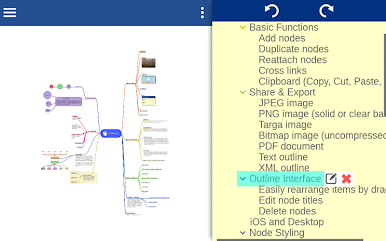
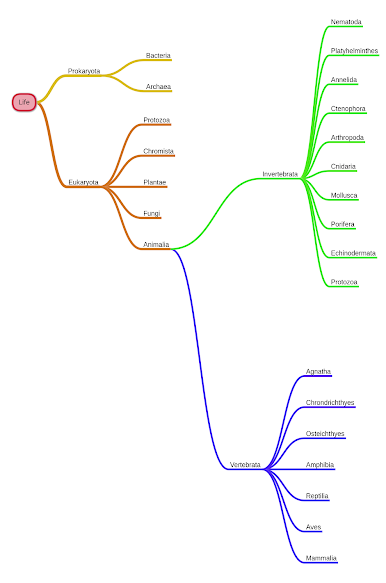
Done mapping out your brilliant ideas? Export your work as images (JPEG, PNG, and more), PDFs, text files, or even XML, so it’s super easy to share or store your maps however you like. -
Variety of Layouts and Styles
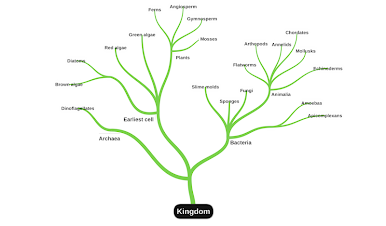
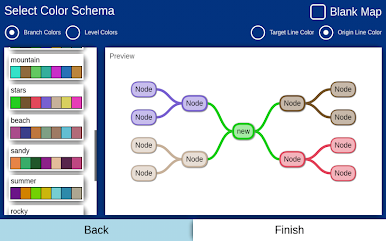
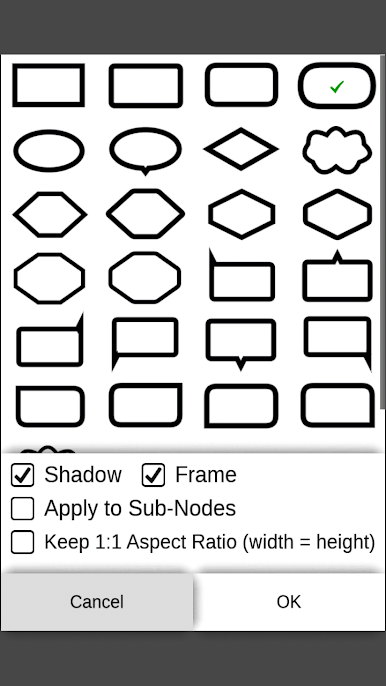
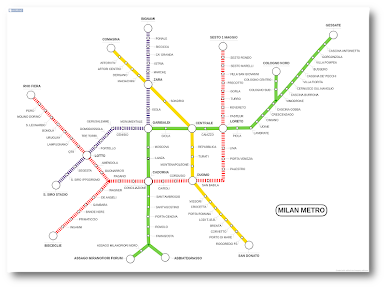
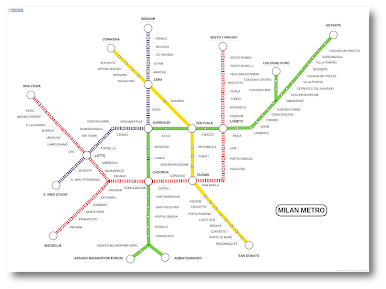
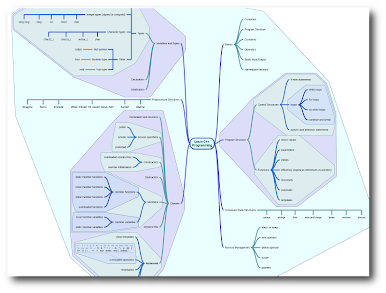
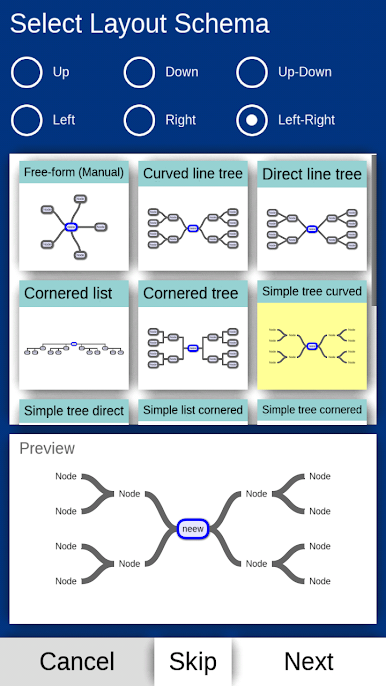
Choose from dozens of layout formats and color schemes. Got a thing for circles and clouds? Prefer rectangles and hexes? Create a look that fits your mood or project. -
Rich Formatting and Editing Tools
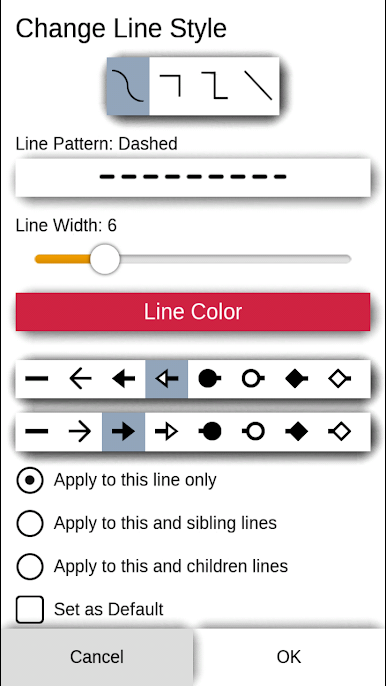
Bold, italic, underline—have fun with it! Arrange your notes using lines and curves, drop in different shapes, and tweak things with drag-n-drop, crop, zoom, or rotate functions. -
No Ads, No Sign-Ups
Jump right in—no need to register, and no pesky ads popping up while you work. You stay focused on your content. -
Backups and Cloud Integration
Worried about losing your latest mind map? You can back up your maps to popular cloud storage like Google Drive or Dropbox, and import them back with ease. -
Smart Node Management
Copy, paste, duplicate, detach, or reattach sections. Collapse or expand nodes to zoom out or dive into details, and quickly undo or redo changes—because creative thinking isn’t always a straight line. -
Import Existing Work
Got mind maps from other apps (even Freemind format)? Bring them into miMind and keep building on what you’ve already started. -
Ideal for Any Purpose
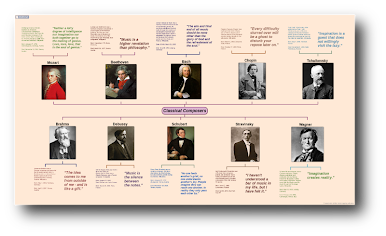
From jotting down lecture notes, planning vacations, and brainstorming business ideas to mapping out flows for engineering or making fancy checklists—miMind adapts to your needs, wherever your imagination goes.
BlueStacks brings your apps to life on a bigger screen—seamless and straightforward.
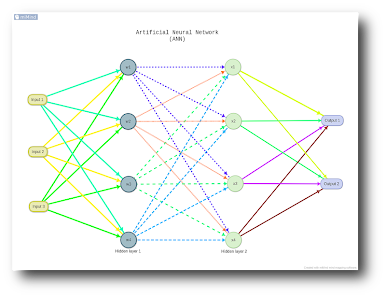
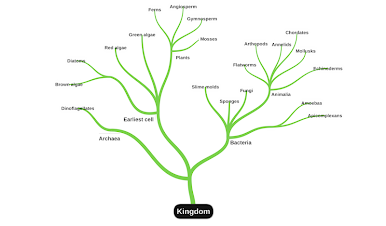
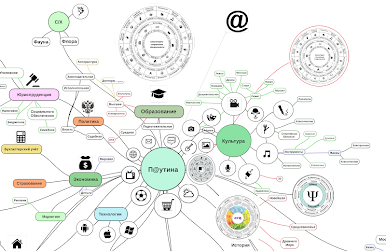
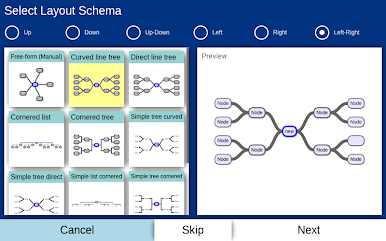
Juega miMind - Easy Mind Mapping en la PC. Es fácil comenzar.
-
Descargue e instale BlueStacks en su PC
-
Complete el inicio de sesión de Google para acceder a Play Store, o hágalo más tarde
-
Busque miMind - Easy Mind Mapping en la barra de búsqueda en la esquina superior derecha
-
Haga clic para instalar miMind - Easy Mind Mapping desde los resultados de búsqueda
-
Complete el inicio de sesión de Google (si omitió el paso 2) para instalar miMind - Easy Mind Mapping
-
Haz clic en el ícono miMind - Easy Mind Mapping en la pantalla de inicio para comenzar a jugar

