


Cutie Land: Cozy Adventures
Juega en PC con BlueStacks: la plataforma de juegos Android, en la que confían más de 500 millones de jugadores.

Página modificada el: Nov 4, 2024
Play Cutie Cuis - Brain teasers & Mind games on PC or Mac
Bring your A-game to Cutie Cuis – Brain teasers & Mind games, the Puzzle game sensation from Cuicui Studios. Give your gameplay the much-needed boost with precise game controls, high FPS graphics, and top-tier features on your PC or Mac with BlueStacks.
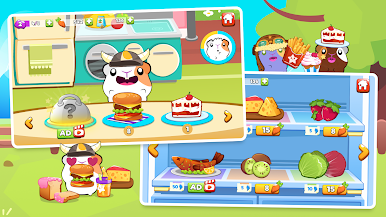
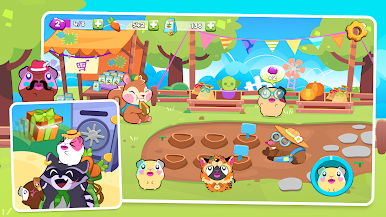
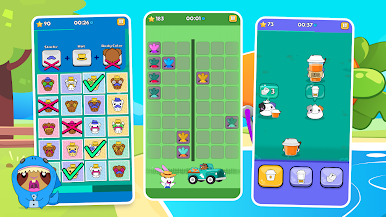
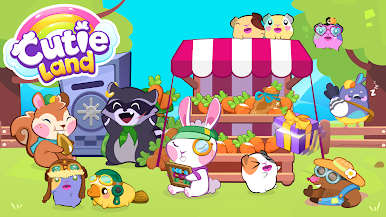
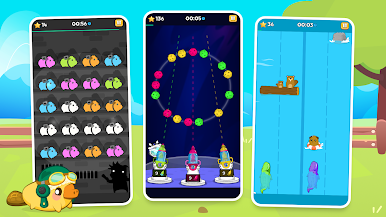
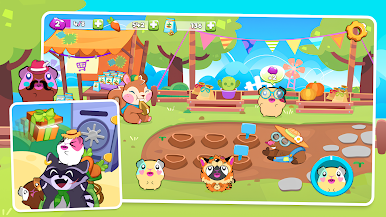
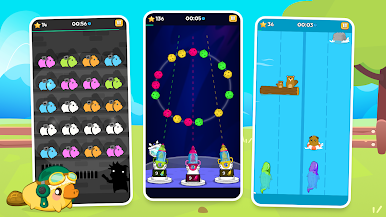
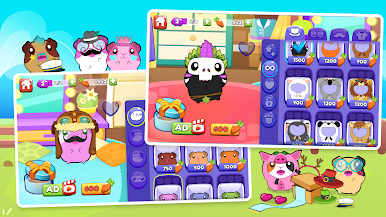
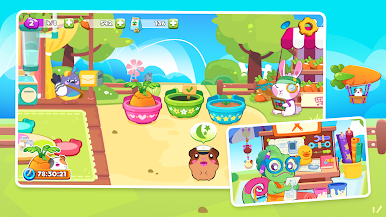
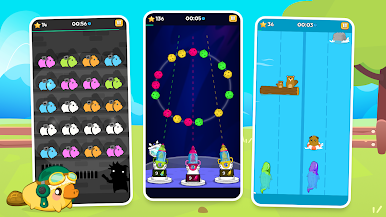
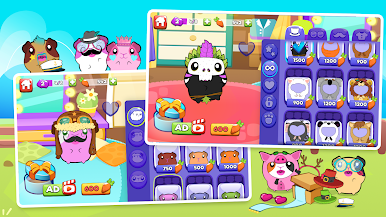
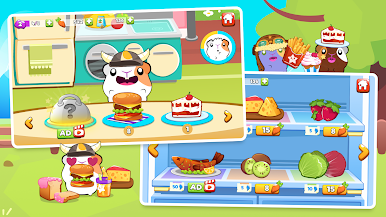
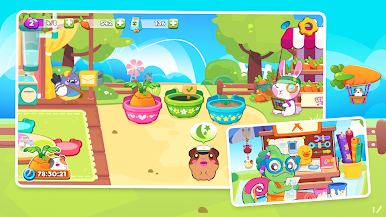
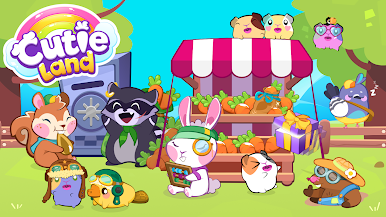
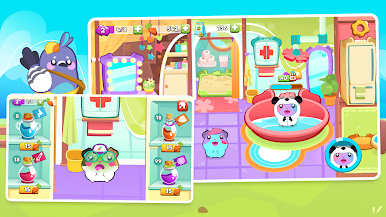
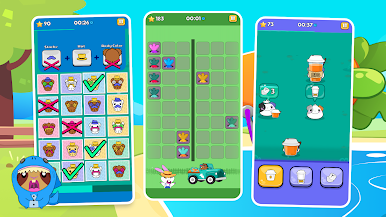
Cutie Cuis is a stack of quick brain teasers wrapped in a silly-cute guinea pig theme. The whole idea is that the little cuis live in a rough world and need brains to survive, so every round is another way to save them by thinking fast or thinking carefully. The tone stays light, nothing heavy, and the puzzles move fast, so it feels more like a snackable trainer than a slow puzzle game. There are loads of mini games, over a dozen, that poke at different skills like memory, attention, coordination, and even emotion recognition. Win rounds, collect rewards, and use them to dress up a pet guinea pig, then keep nudging it to be smarter and more famous, which is goofy in a good way.
What stands out is the tracking. It keeps stats and builds a little profile across different types of intelligence, not just logic or words. It says the activities are designed with scientists and teachers, and it leans on that multiple intelligences approach, so players get charts that feel more personal than a single score. There are tournaments, friend challenges, and rankings for the competitive crowd. Sessions can be short, about ten minutes, so it fits a coffee break. On PC with BlueStacks the mouse clicks make the faster minigames easier, and the bigger screen helps for those visual spatial ones. The game even mentions research around attention and ADHD, so the pacing and feedback are crisp and structured without being dry. If someone likes cute pets plus brain training, this hits that spot.
Get ready for a buttery smooth, high-performance gaming action only on BlueStacks.
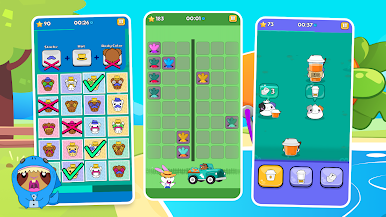
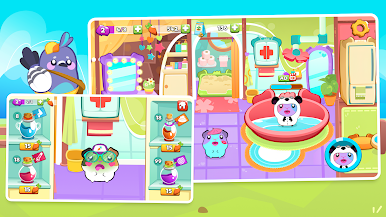
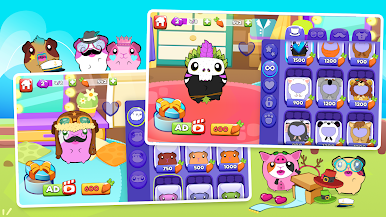
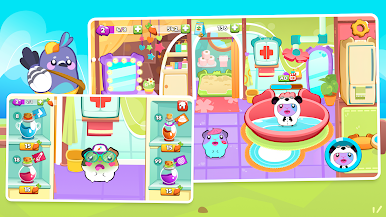

Juega Cutie Land: Cozy Adventures en la PC. Es fácil comenzar.
-
Descargue e instale BlueStacks en su PC
-
Complete el inicio de sesión de Google para acceder a Play Store, o hágalo más tarde
-
Busque Cutie Land: Cozy Adventures en la barra de búsqueda en la esquina superior derecha
-
Haga clic para instalar Cutie Land: Cozy Adventures desde los resultados de búsqueda
-
Complete el inicio de sesión de Google (si omitió el paso 2) para instalar Cutie Land: Cozy Adventures
-
Haz clic en el ícono Cutie Land: Cozy Adventures en la pantalla de inicio para comenzar a jugar

