


Lector rápido de PDF: leer PDF
Juega en PC con BlueStacks: la plataforma de juegos Android, en la que confían más de 500 millones de jugadores.

Página modificada el: Dec 9, 2024
Play PDF 2021 : PDF Reader & PDF Viewer on PC
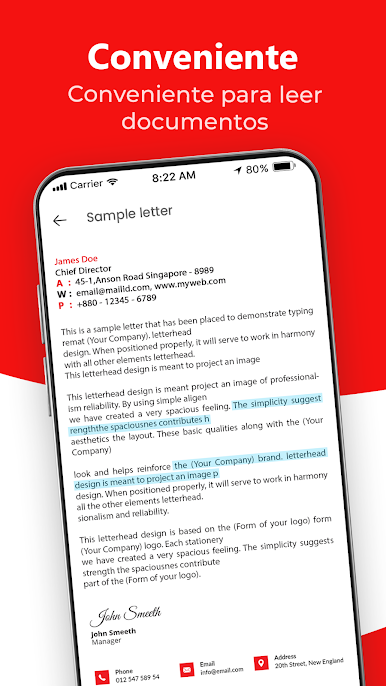
Top Features Of PDF 2021 - PDF Reader & PDF Viewer:
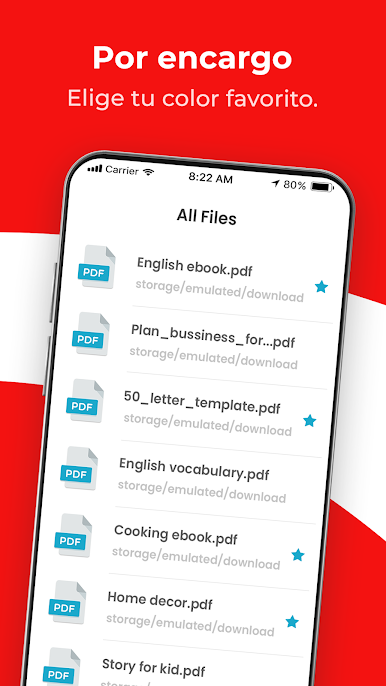
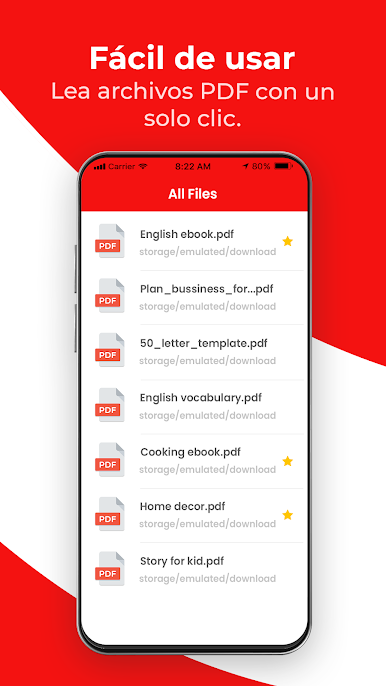
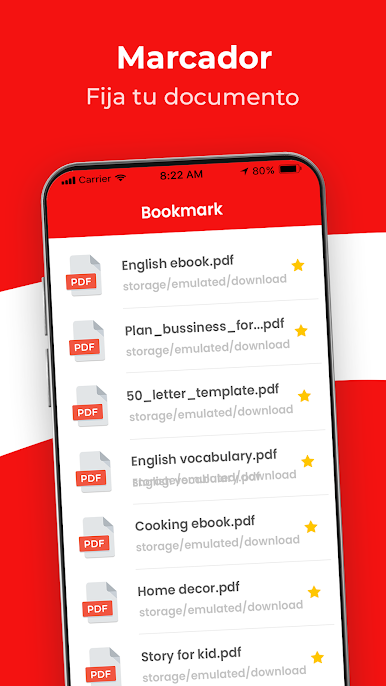
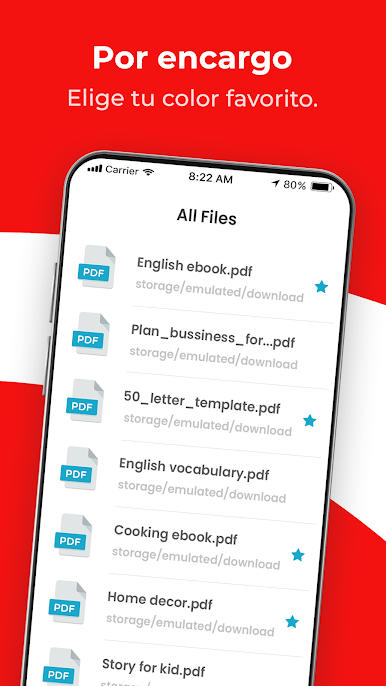
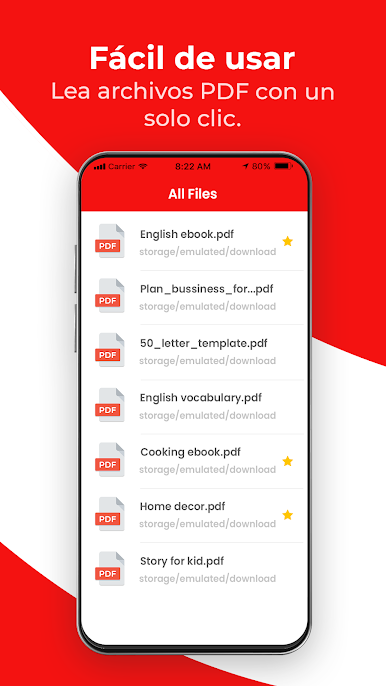
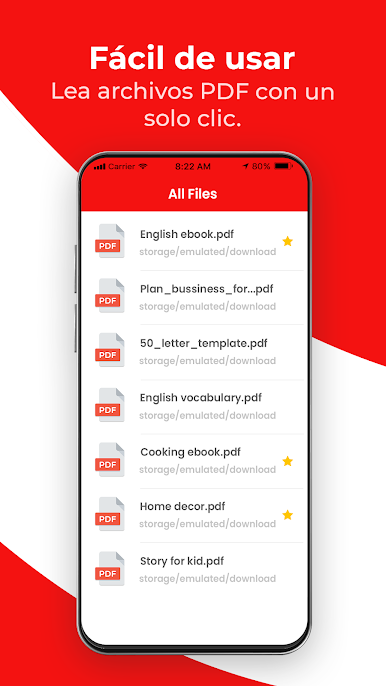
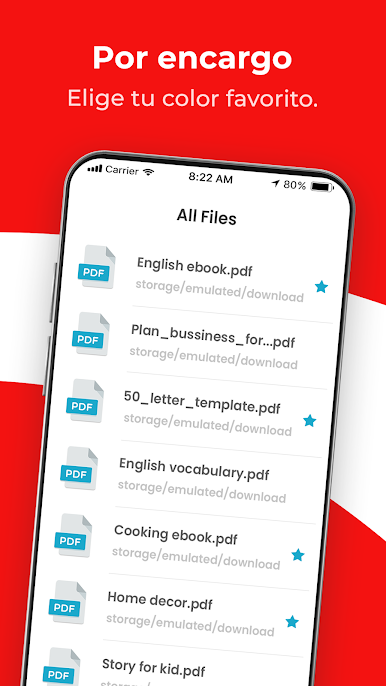
- Simple List of PDF Files
- File Search with keyword
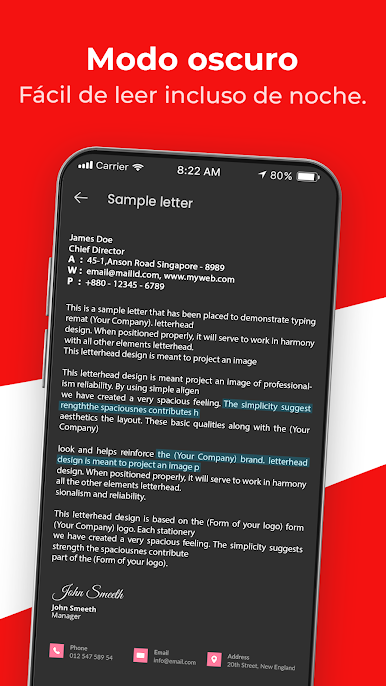
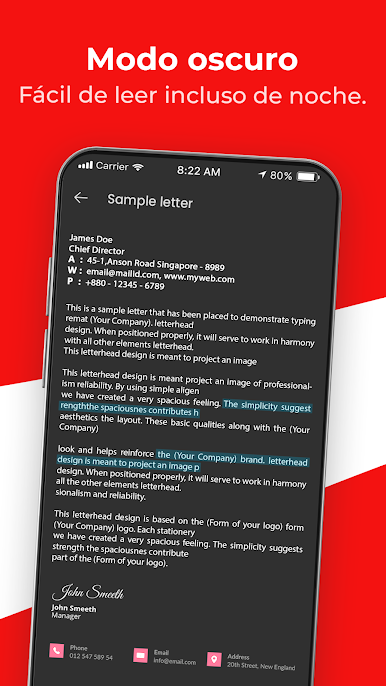
- Night mode for reading at night
- Open PDF files from the file manager or directly from other apps
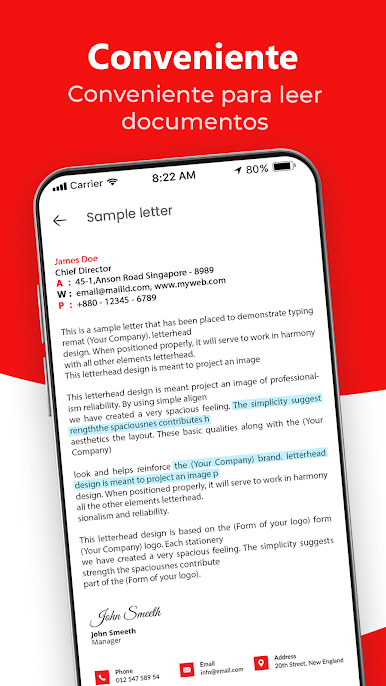
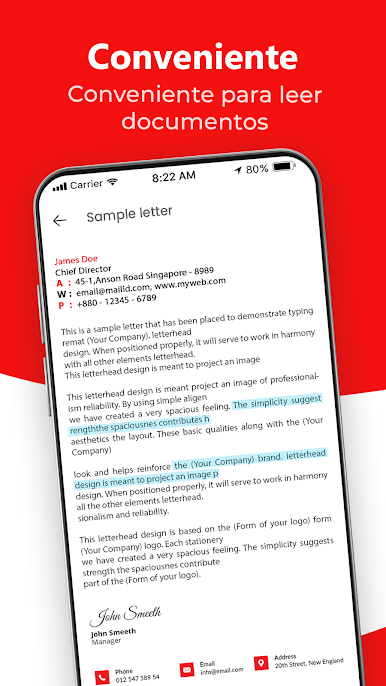
- Scroll PDF document pages and zoom in and out.
- Print PDF files directly from your mobile phone.
- Easily share PDF documents or PDF Ebooks from this PDF reader
- Export & Back up PDF files via the sharing feature
[Disclaimers]
- All copyrights reserved to their respective owners.
- If you notice that any content in our app violates copyrights than please inform us so that we remove that content.
Privacy Policy: https://sites.google.com/view/cutewallpapersstudio
Contact Us: azmobileapplication@gmail.com
Juega Lector rápido de PDF: leer PDF en la PC. Es fácil comenzar.
-
Descargue e instale BlueStacks en su PC
-
Complete el inicio de sesión de Google para acceder a Play Store, o hágalo más tarde
-
Busque Lector rápido de PDF: leer PDF en la barra de búsqueda en la esquina superior derecha
-
Haga clic para instalar Lector rápido de PDF: leer PDF desde los resultados de búsqueda
-
Complete el inicio de sesión de Google (si omitió el paso 2) para instalar Lector rápido de PDF: leer PDF
-
Haz clic en el ícono Lector rápido de PDF: leer PDF en la pantalla de inicio para comenzar a jugar

