


Dale Play GO
Juega en PC con BlueStacks: la plataforma de juegos Android, en la que confían más de 500 millones de jugadores.

Página modificada el: Sep 07, 2026
Visión general
Feature Overview
- Live, Movies, Series, and Radio Streaming Supported
- Support Xtream Codes API, M3U URL & Playlist, Local audio/video files
- Native Player and Built-in Player Added
- Master Search
- New layout / UI Design
- Episode Resuming Bar
- Support: EPG ( TV Program Guide)
- Support: External EPG Sources
- Ability to change the buffer size for the VIDEO Player
- Chrome Casting
- New Controls on the Media Player
- Auto Next Episode Play Supported
- Parental Controls
- Support: TV Catch Up Streaming
- Support: Continue Watching
- Support: Recently Added Movies & Series
- Support: Multi-Screens and Multi-Users
- Support: Local Audio / Video files Playing
- Ability to add external Players
- Speed Test facility Integrated and VPN Integration
- Support: Dynamic language switching
- Support: Picture-in-Picture
- The new way to download the content
- Load Your Playlist Or File/URL Improvements
- Ability to open the channel list on the Video Player
- Ability to open “ List of episodes” on the Video Player
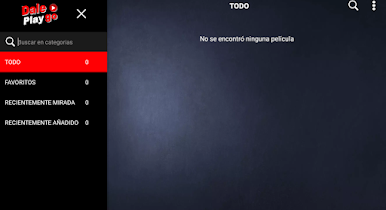
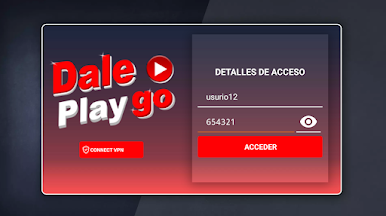
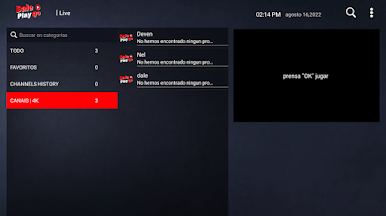
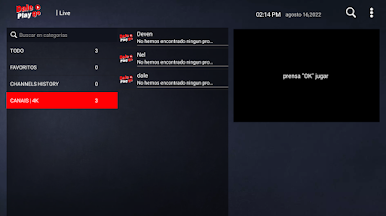
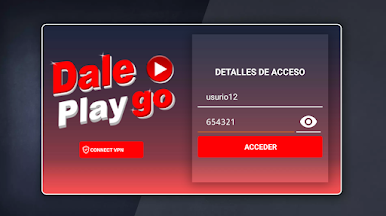
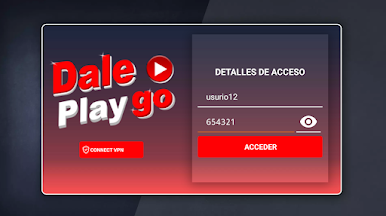
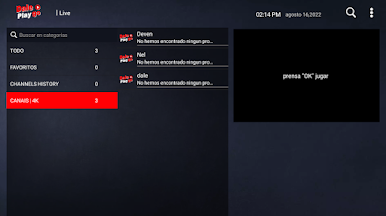
Juega Dale Play GO en la PC. Es fácil comenzar.
-
Descargue e instale BlueStacks en su PC
-
Complete el inicio de sesión de Google para acceder a Play Store, o hágalo más tarde
-
Busque Dale Play GO en la barra de búsqueda en la esquina superior derecha
-
Haga clic para instalar Dale Play GO desde los resultados de búsqueda
-
Complete el inicio de sesión de Google (si omitió el paso 2) para instalar Dale Play GO
-
Haz clic en el ícono Dale Play GO en la pantalla de inicio para comenzar a jugar

