


BeadStudio: Fuse bead designer
Juega en PC con BlueStacks: la plataforma de juegos Android, en la que confían más de 500 millones de jugadores.

Página modificada el: Oct 29, 2025
Run BeadStudio Free - Crafting fuse bead designs on PC or Mac
Let BlueStacks turn your PC, Mac, or laptop into the perfect home for BeadStudio Free – Crafting fuse bead designs, a fun Entertainment app from datscharf.
About the App
If you love getting crafty with fuse beads—and honestly, who doesn’t?—BeadStudio Free – Crafting fuse bead designs is about to become your new creative sidekick. Whether you’re just looking for a new way to unwind, want to prep a masterpiece before the ironing starts, or just feel like playing with color, this app has you covered. Designed by datscharf, BeadStudio Free puts endless design possibilities right at your fingertips, and yes—you can even bring your own photos to life in bead form.
App Features
-
Easy Digital Crafting
Get creative without the mess. Sketch out your ideas, experiment with patterns, or simply doodle with virtual beads before you ever grab a pegboard. -
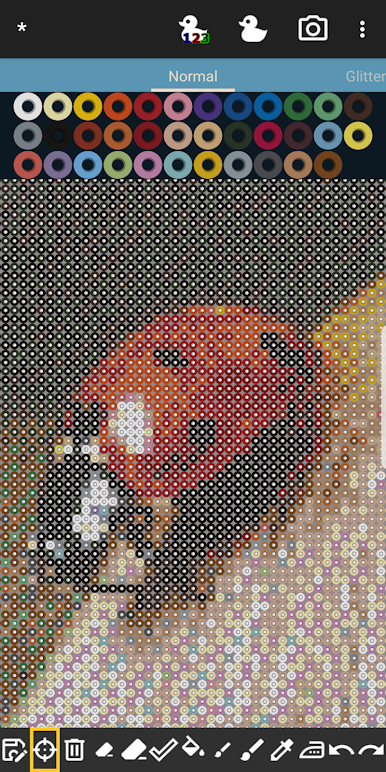
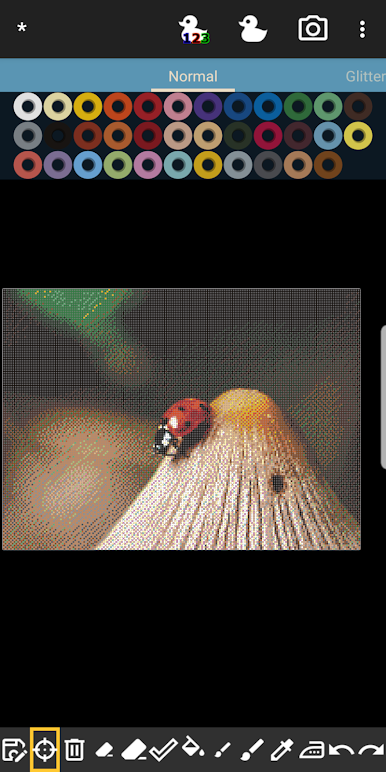
Photo-to-Bead Magic
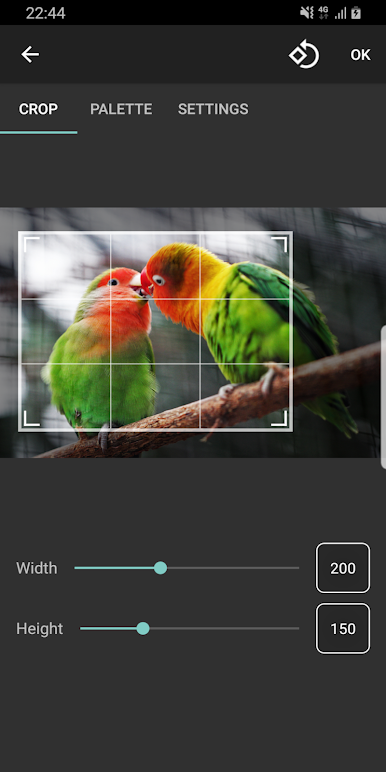
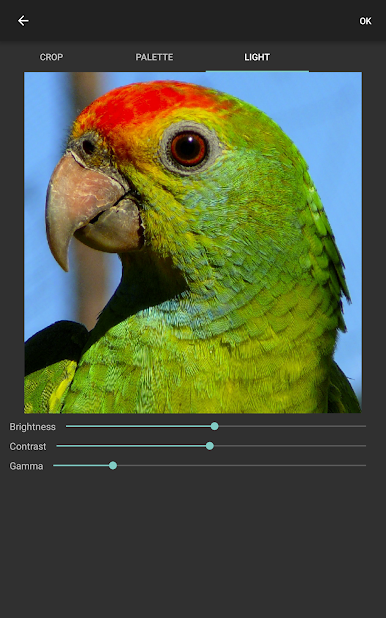
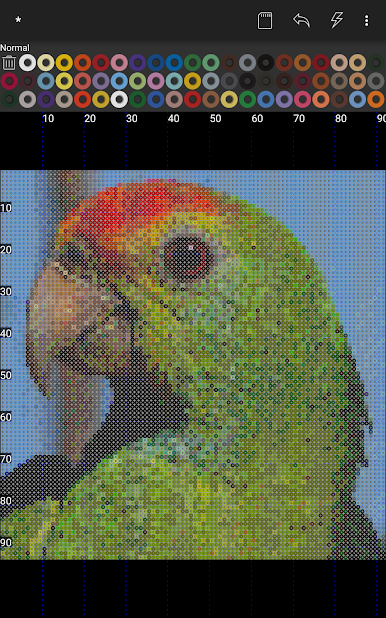
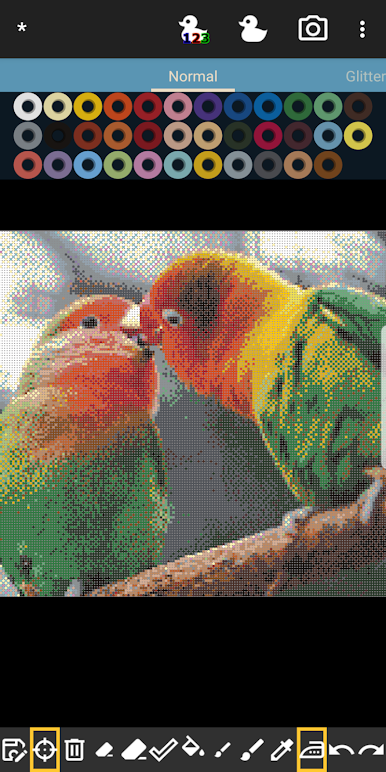
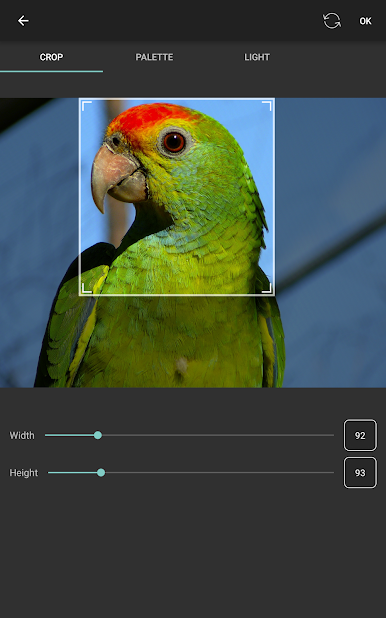
Snap a pic—or grab a favorite family shot—and let the app turn it into a detailed bead design. Choose your brand and colors, and you’ll see exactly which beads to use. -
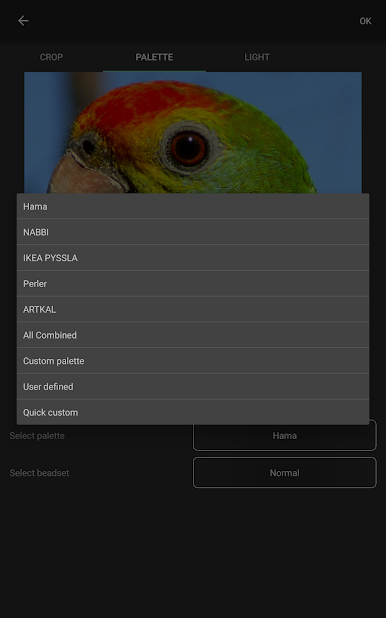
Mix-and-Match Palettes
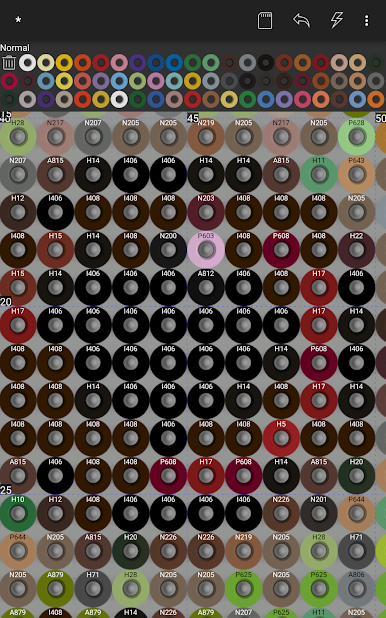
Combine your stash! Need a specific green from Brand A but everything else in Brand B? No problem. Mix and save custom palettes that use exactly the beads you have on hand. -
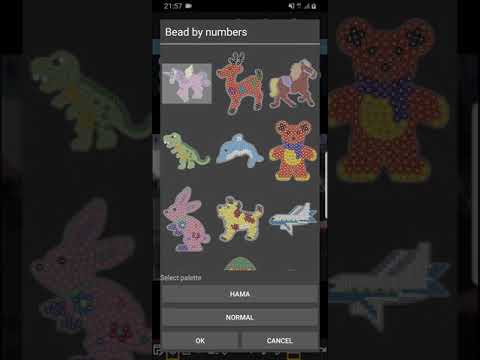
Readymade Templates and Shapes
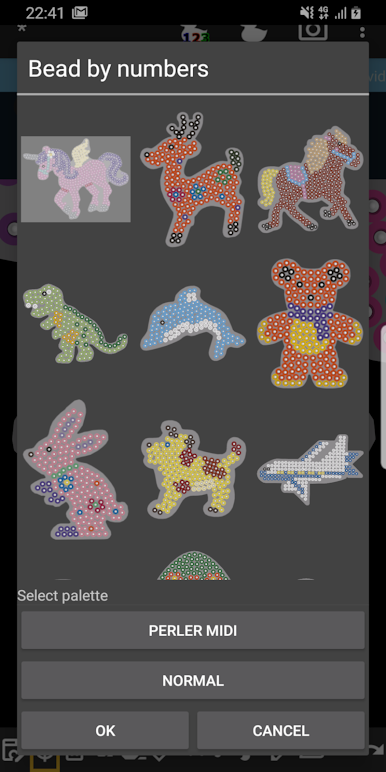
Don’t feel like starting from scratch? Play with templates and fun shapes like bunnies, unicorns, or dinosaurs. Great for quick inspiration or a jump-start on your next project. -
Bead By Numbers Fun
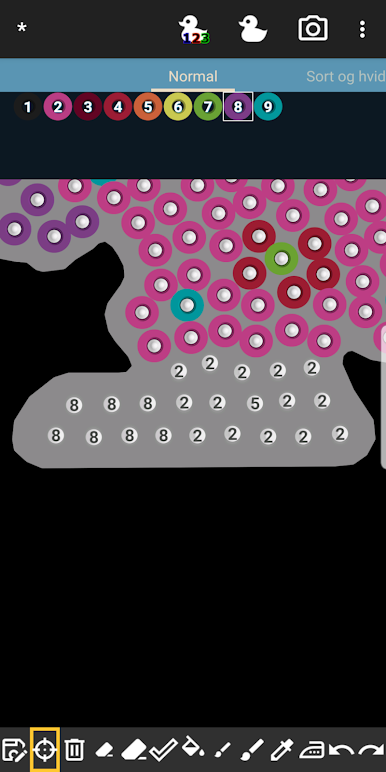
Like a paint-by-numbers, but with beads. Pick from a gallery of figures, then fill in each spot using the guide. It’s calm, it’s addictive, and especially great for kids working on hand-eye coordination. -
Support for All the Big Brands
If you collect Hama Beads, Perler Beads, Artkal Beads, Nabbi Beads, or even Pyssla Beads, you’ll find full support here, letting you plan designs true to your stash. -
Flexible Tools for Easy Editing
Undo oopsies, erase what you don’t love, zoom way in for tiny adjustments, and use brush or single-dot modes for detailed work. -
Create From Anywhere
Got a few free minutes on the couch? Stuck on the bus? Dream up your next bead masterpiece wherever you are—no actual beads required. -
Perfect for All Ages
The interface is simple enough for kids, but robust enough for serious artists or anyone who gets a kick out of recreating retro pixel art.
And yes, if you want that comfy big-screen view or easier tool use, BeadStudio Free – Crafting fuse bead designs plays nicely on BlueStacks, too.
Eager to take your app experience to the next level? Start right away by downloading BlueStacks on your PC or Mac.

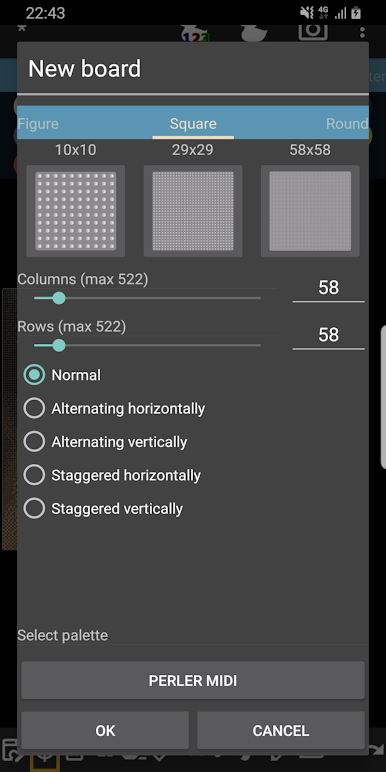
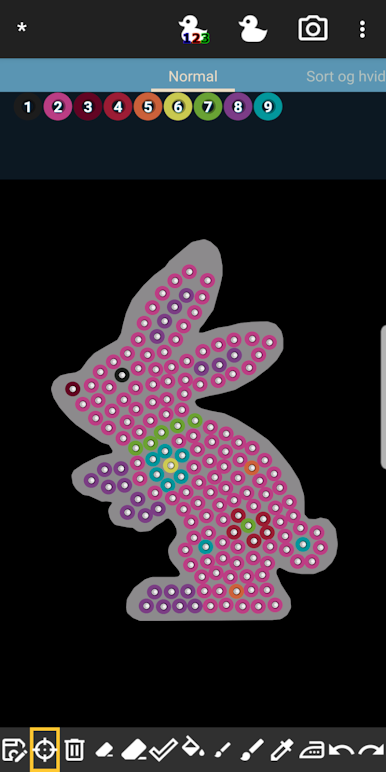
Juega BeadStudio: Fuse bead designer en la PC. Es fácil comenzar.
-
Descargue e instale BlueStacks en su PC
-
Complete el inicio de sesión de Google para acceder a Play Store, o hágalo más tarde
-
Busque BeadStudio: Fuse bead designer en la barra de búsqueda en la esquina superior derecha
-
Haga clic para instalar BeadStudio: Fuse bead designer desde los resultados de búsqueda
-
Complete el inicio de sesión de Google (si omitió el paso 2) para instalar BeadStudio: Fuse bead designer
-
Haz clic en el ícono BeadStudio: Fuse bead designer en la pantalla de inicio para comenzar a jugar

