


English to Spanish Translation
Mainkan di PC dengan BlueStacks – platform Game-Game Android, dipercaya oleh lebih dari 500 juta gamer.

Play English to Spanish Translation on PC
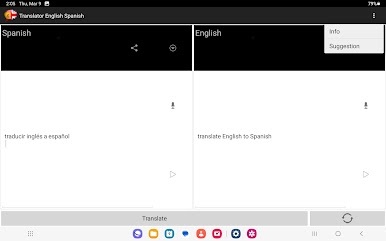
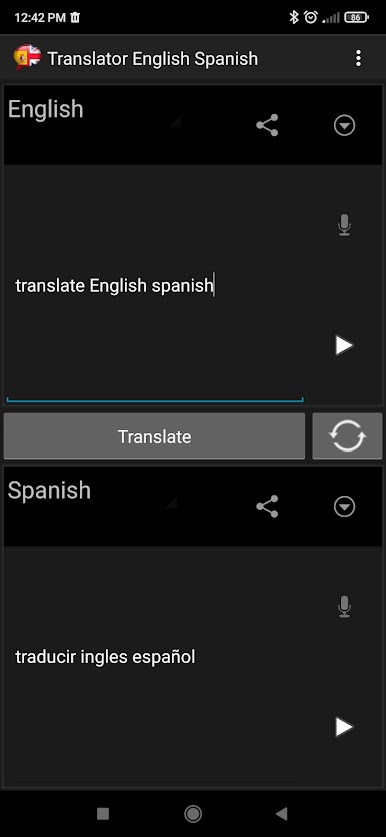
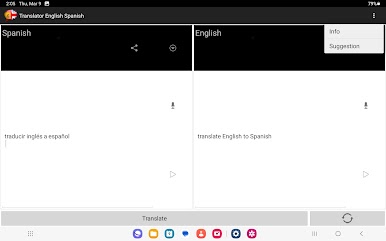
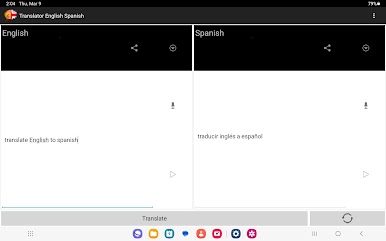
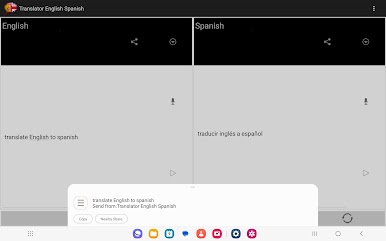
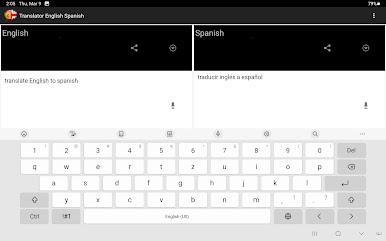
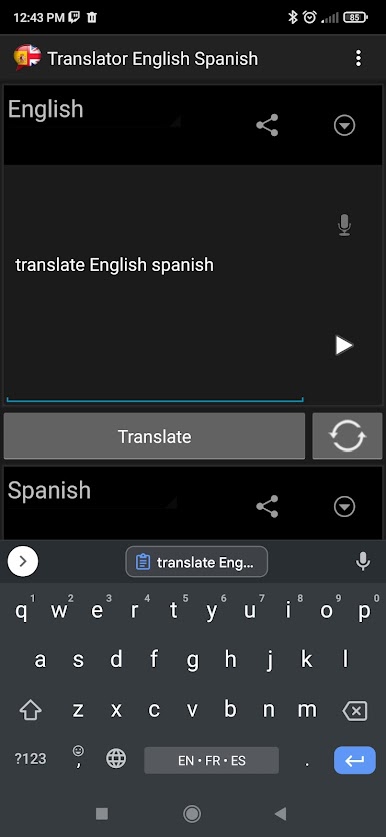
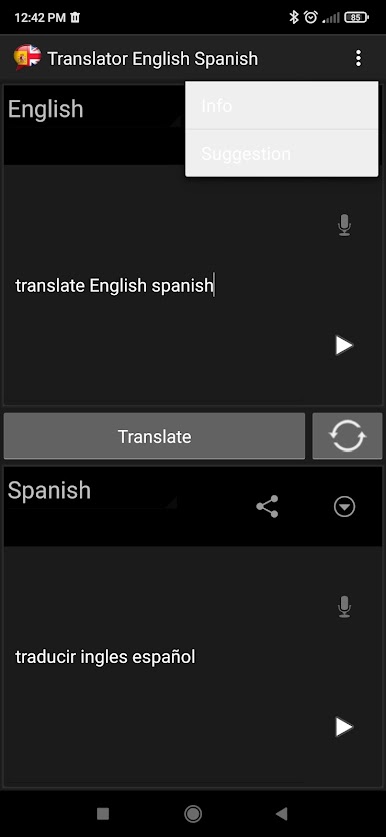
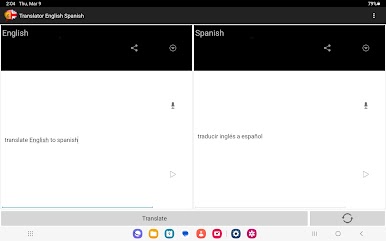
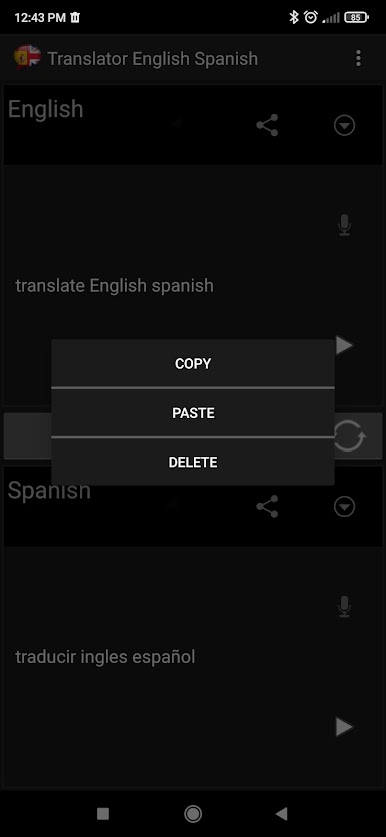
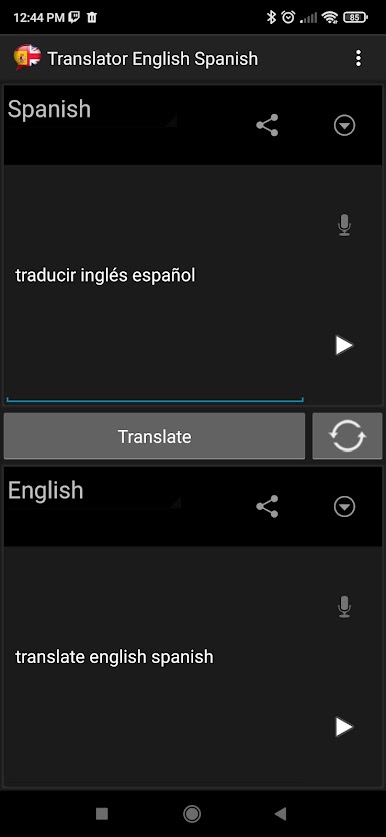
Do you want to improve your pronunciation and be able to keep a conversation? With the Android application "Translation to English" you will be able to understand Spanish perfectly and make use of this essential tool to translate phrases and texts both at an academic and personal level and be able to speak it. 👍 👍
Presents a complete list of options to introduce you to one of the most spoken languages in the world in an easy way and with 100% perfect and original translation accuracy.
Thanks to this tool in the form of an translator to the spanish you will be able to solve texts in record time and with all the security of getting an accurate translation since it is the language spoken in Mexico, the Dominican Republic, Spain... etc. Currently, we usually visit multiple sites and web pages. Thanks to the best Android app we will be able to get the meaning and the translation from English of different blogs, leisure pages, culture, online newspapers, and a long etcetera.
Main features and functions:
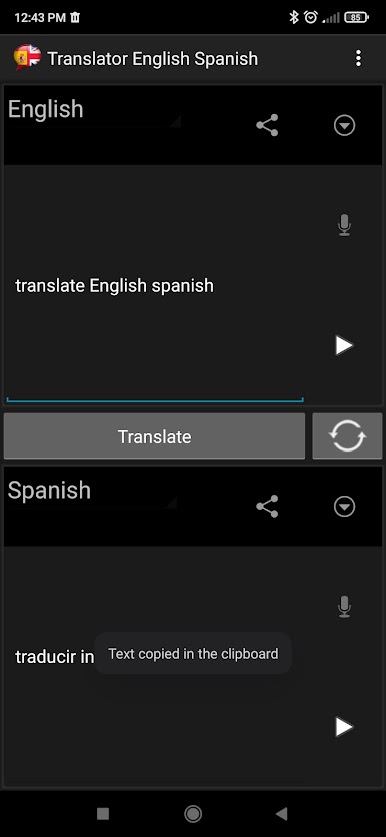
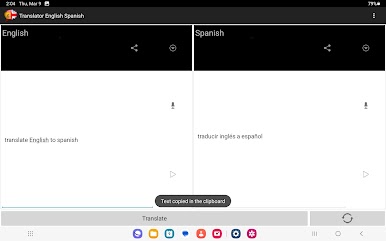
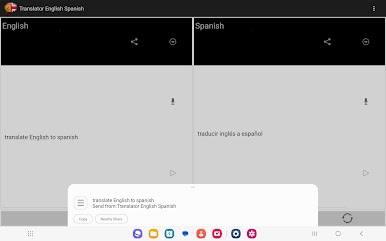
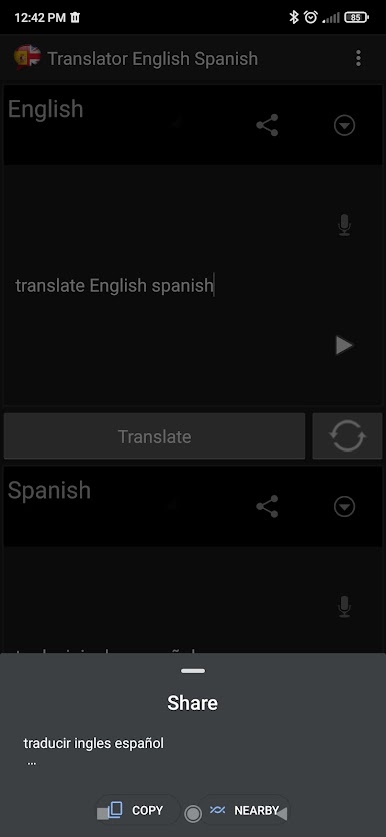
• Possibility to share translations to social networks (Facebook and Instagram)
• Option to share translations in instant messaging (WhatsApp and Messenger)
• Valid only with an internet connection
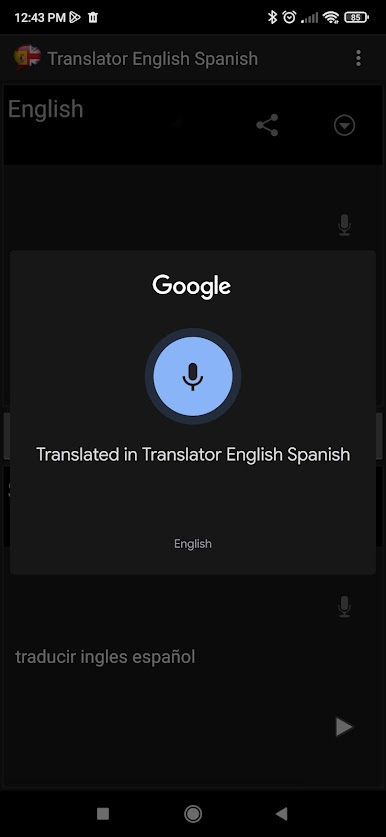
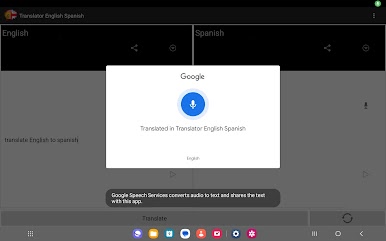
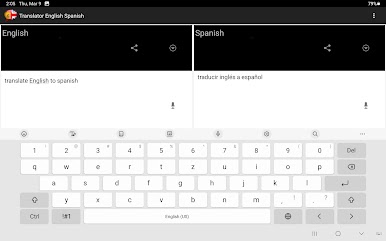
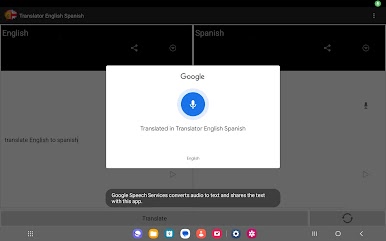
• Speech to text converter and the possibility to translate it
Advantages of the Translator Application:
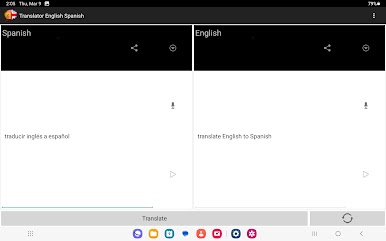
• Bilingual translator
• Simultaneous and real time
• Fast and accurate Android aplication
• Help us communicate with other Spanish-speaking people through social networks such as Facebook and Instagram
• Facilitates communication through instant messaging such as WhatsApp and/or Messenger with other people from Latin America or Spain.
• Facilitates pronunciation learning
All the functions of this Android app are perfect to translate original texts quickly and with all the precision and accuracy that you are looking for in an audio and text translator on the Internet.
Besides, this translator allows you to share long and short texts through different communication platforms such as WhatsApp, Facebook, Messenger or Instagram.
Downloading the app is a comfortable way for children to learn better English pronunciation as it opens professional and personal doors for them. You can try speaking into the microphone and the app will launch, offering a fast and accurate result.
You can practice your pronunciation with the microphone function by capturing voice and converting it to text, so learning the most widely spoken language in the world will be simple and dynamic. The Android app is intuitive and suitable for both adults and children, so it will be the ideal complement for the little ones if they need to improve their learning, as well as holding conversations with other children from Latin America and sharing tastes, hobbies or simply communicating to discover other cultures and lifestyles. Download it and it will be the definitive and essential solution to discover and improve in these languages. Download it now and enjoy.
At our support team, we strive to provide you with the best possible experience. To achieve this, we value your collaboration and feedback. If you encounter any issues, we kindly ask you to report them through our designated channels. Your input helps us improve our services and ensure a seamless experience for all users. We appreciate your time and effort in helping us enhance our support. Thank you for being a valued part of our community.
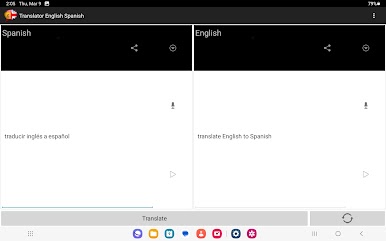
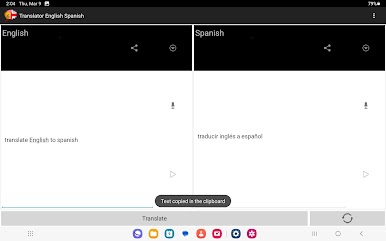
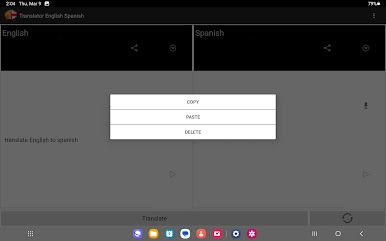
Mainkan English to Spanish Translation di PC Mudah saja memulainya.
-
Unduh dan pasang BlueStacks di PC kamu
-
Selesaikan proses masuk Google untuk mengakses Playstore atau lakukan nanti
-
Cari English to Spanish Translation di bilah pencarian di pojok kanan atas
-
Klik untuk menginstal English to Spanish Translation dari hasil pencarian
-
Selesaikan proses masuk Google (jika kamu melewati langkah 2) untuk menginstal English to Spanish Translation
-
Klik ikon English to Spanish Translation di layar home untuk membuka gamenya

