


DiskDigger recupera las fotos
Juega en PC con BlueStacks: la plataforma de juegos Android, en la que confían más de 500 millones de jugadores.

Página modificada el: Oct 5, 2025
Run DiskDigger photo recovery on PC or Mac
What’s better than using DiskDigger photo recovery by Defiant Technologies, LLC? Well, try it on a big screen, on your PC or Mac, with BlueStacks to see the difference.
About the App
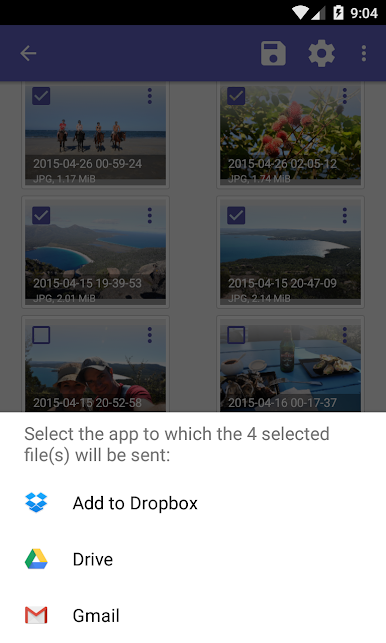
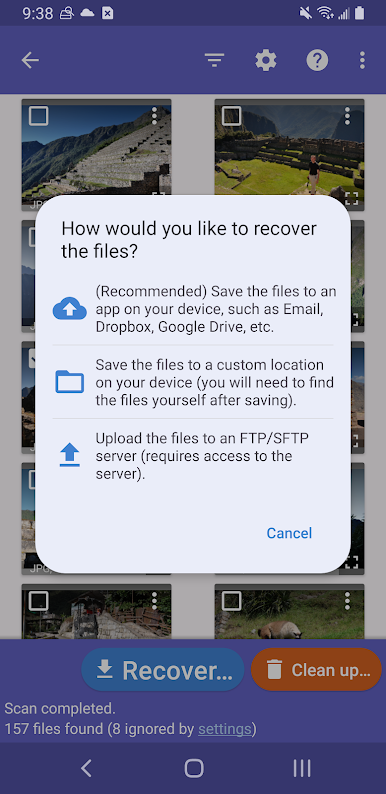
DiskDigger photo recovery by Defiant Technologies, LLC is like a lifeline for your missing photos and videos. Ever mistakenly delete your cherished images or reformatted your memory card? No problem! DiskDigger retrieves those precious files from both your internal memory and external memory card, making recovery a breeze. Upload your discovered treasures straight to Google Drive, Dropbox, or email them to yourself.
App Features
- User-Friendly Recovery: Access undeleted photos and videos from your device with just a few taps. Losing memories is no longer an issue.
- Flexible Saving Options: Recover files directly to Google Drive, Dropbox, or save them locally. You’ve got choices!
- Comprehensive Scanning: Grant “Access all files” permission for the most effective search. Rooted devices enjoy a deeper dive into all memory, while non-rooted ones get a solid hunt through cache and thumbnails.
- Post-Recovery Tools: Use the “Wipe free space” to ensure your deleted files remain unrecoverable. Keep things tidy with the experimental “Clean up” feature!
Switch to BlueStacks and make the most of your apps on your PC or Mac.
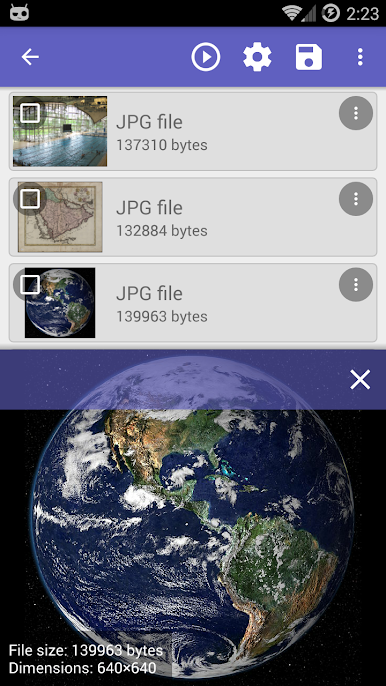
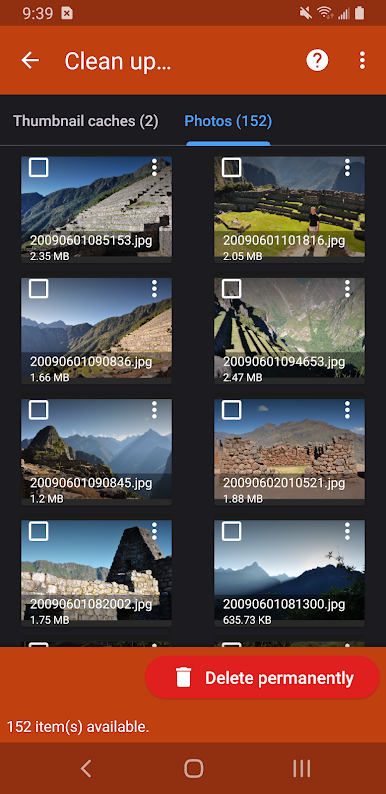
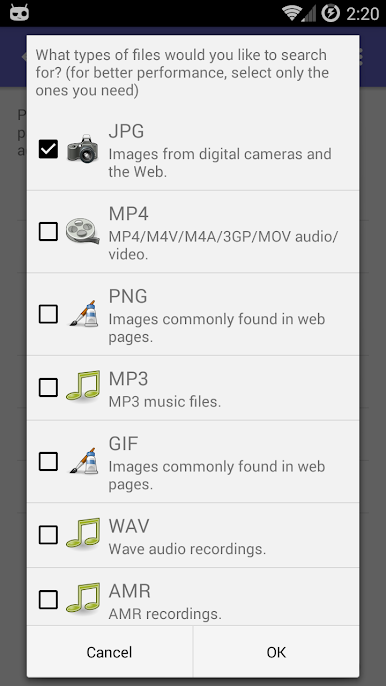
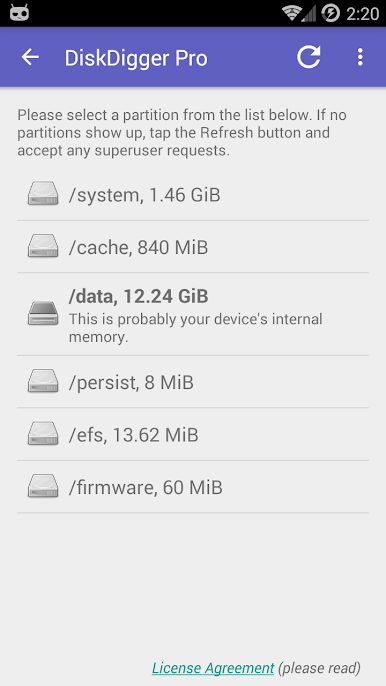
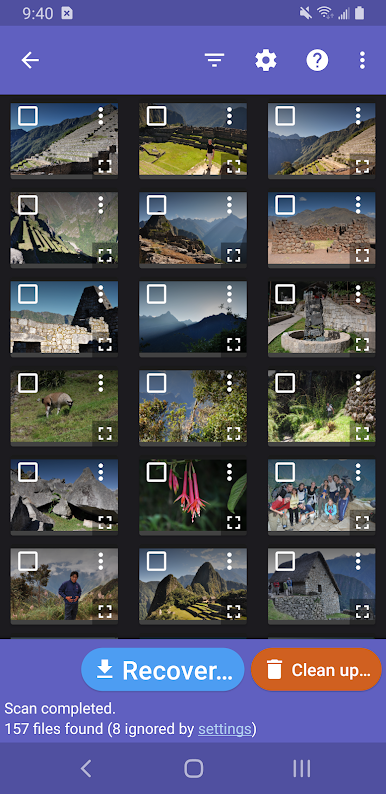
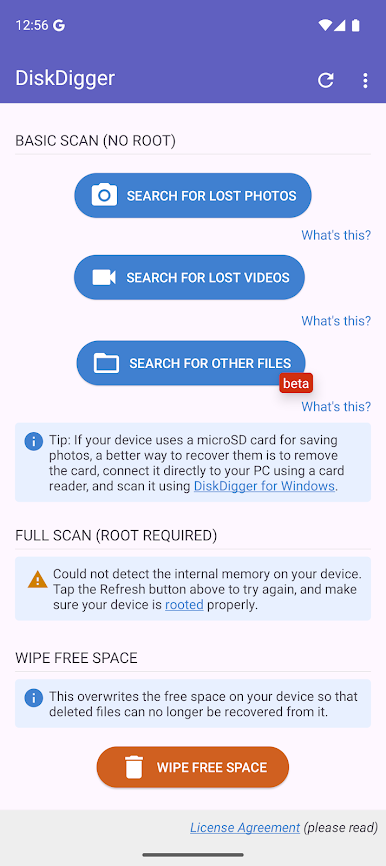
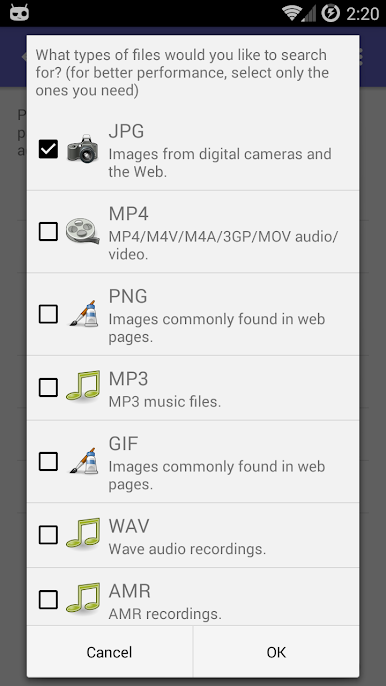
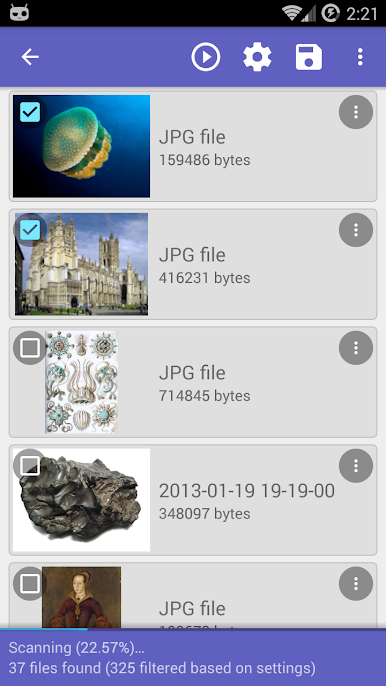
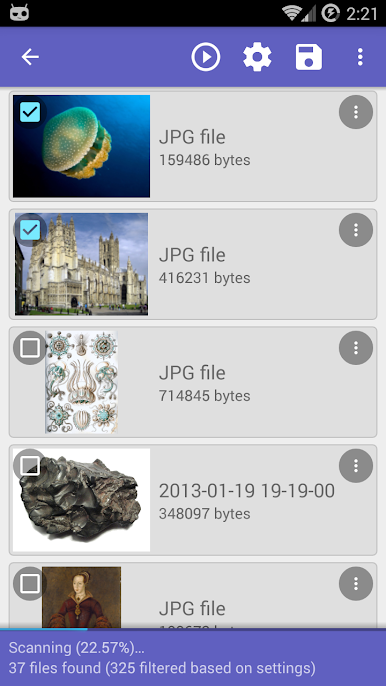
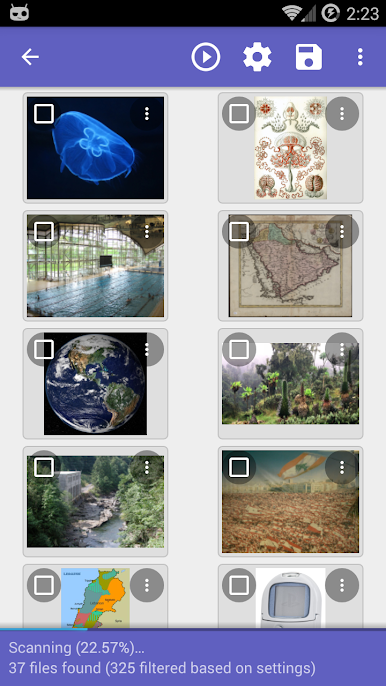
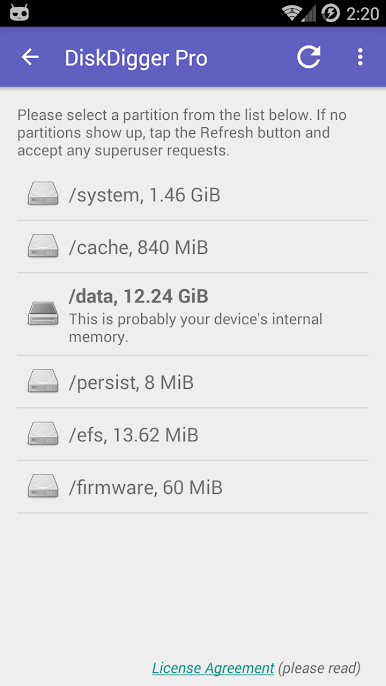
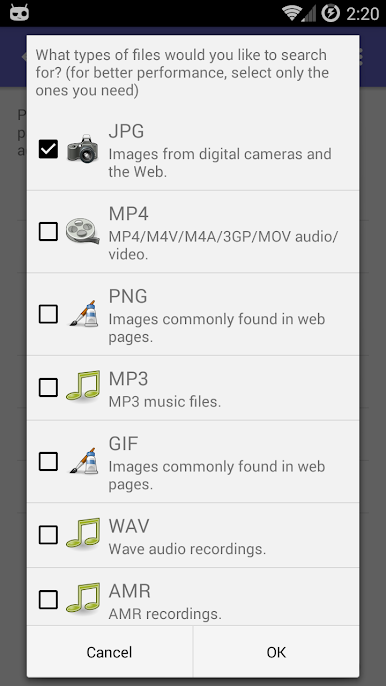
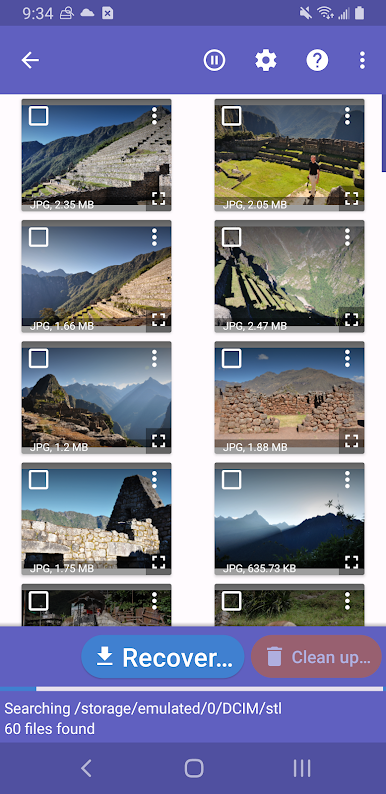
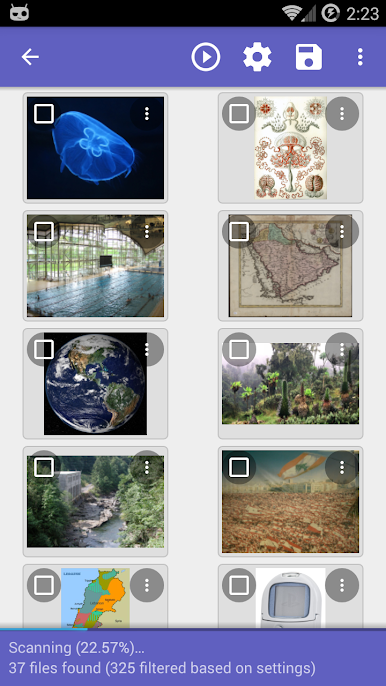
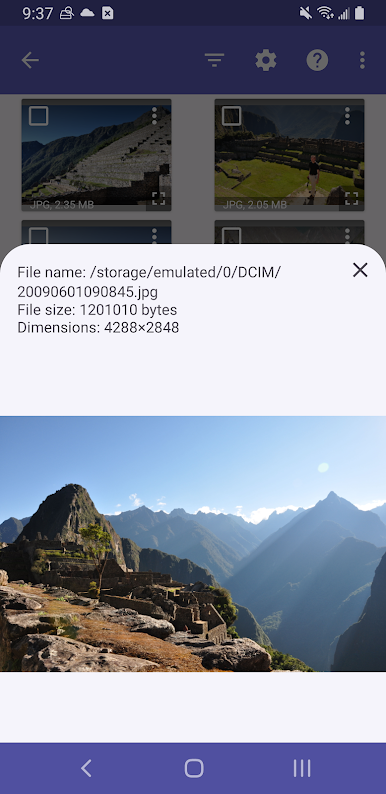
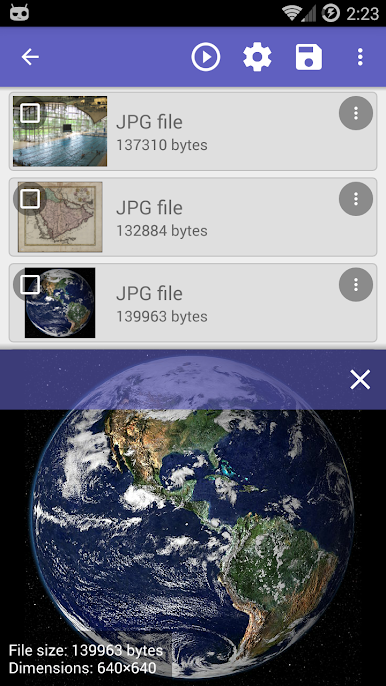
Juega DiskDigger recupera las fotos en la PC. Es fácil comenzar.
-
Descargue e instale BlueStacks en su PC
-
Complete el inicio de sesión de Google para acceder a Play Store, o hágalo más tarde
-
Busque DiskDigger recupera las fotos en la barra de búsqueda en la esquina superior derecha
-
Haga clic para instalar DiskDigger recupera las fotos desde los resultados de búsqueda
-
Complete el inicio de sesión de Google (si omitió el paso 2) para instalar DiskDigger recupera las fotos
-
Haz clic en el ícono DiskDigger recupera las fotos en la pantalla de inicio para comenzar a jugar

