


Német nyelvtan magyaroknak
Juega en PC con BlueStacks: la plataforma de juegos Android, en la que confían más de 500 millones de jugadores.

Página modificada el: Oct 30, 2025
Play Német nyelvtan magyaroknak on PC
Our application is made to all those who:
• hate the Germans or even adore him
• they do not believe that they are able to speak fluently, but actually CAN
• the best or the worst "from German school"
• suffer from a lack of self-confidence
• love humorous, creative specifications read
• everybody else who does not fall within any of the categories mentioned above, either.
Our application is trying to talk to everyone, so it grammars found on several levels. A great addition to any "dry" or "color" grammar book. We especially standing before their graduation or high school subject for closing.
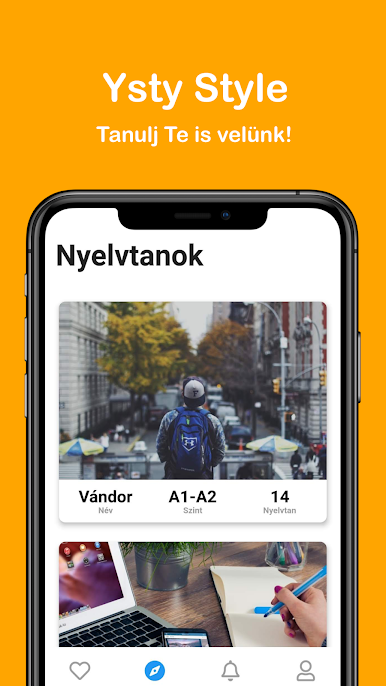
The next major grammars about it, to which belong to many different sub - which you can see after downloading the app:
Wanderer (A1-A2)
• The name and case for
• The personal pronouns
• conjugation of the verb in the present tense
• The "regular conjugation" past tense verbs
• Denial
• The modal verbs
• The number of names
• The imperative
• The prepositions
• The verb prefix verbs
• Next time first
• Melléknévfokozás
• Es gibt
• The general subjects
Knight (B1-B2)
• The past tense of irregular verbs
• Word Order and conjunctions
• "Lassen"
• Reflexive verbs
• Melléknévragozás
• The relative pronoun
• A conditional
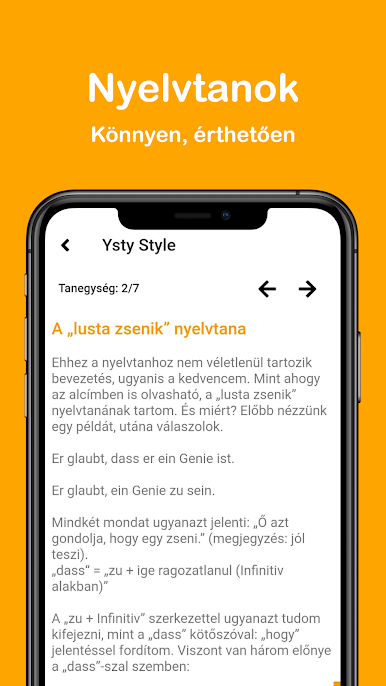
• "Zu + infinitive"
• Passive Action
• Passive Status
• Célhatározós clauses
King (C1-C2)
• Time adverbial clauses
• "Zu + infinitive" Accessories
• Állítólagosság
• Reported speech
• Next time second
More
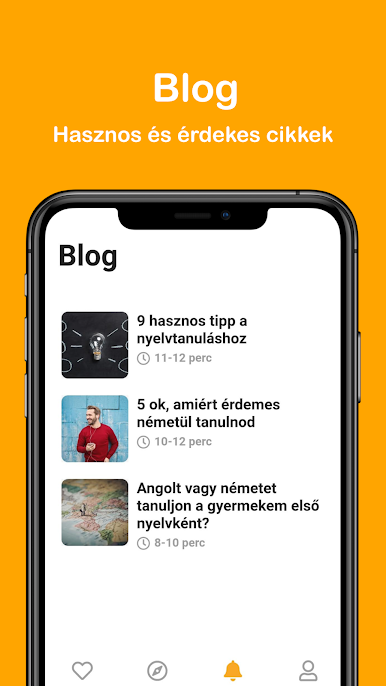
• Listen Now
• Movie News
• Language Exam Tips
• Hedge Katóról
• Our mission
• About us
• Legal notice
In the future, we would like to have bunch of new features expand the application.
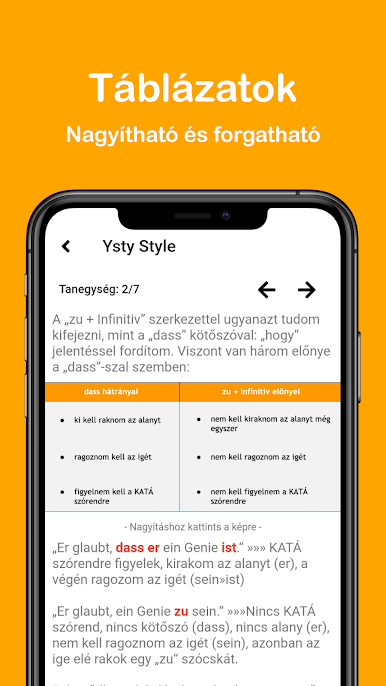
In recent upgrades include 1.7 to improve regulations, the tables "görgethetőségét" and optimize the application for tablets.
I wish you all a successful and sustained language learning!
István Széchenyi
Juega Német nyelvtan magyaroknak en la PC. Es fácil comenzar.
-
Descargue e instale BlueStacks en su PC
-
Complete el inicio de sesión de Google para acceder a Play Store, o hágalo más tarde
-
Busque Német nyelvtan magyaroknak en la barra de búsqueda en la esquina superior derecha
-
Haga clic para instalar Német nyelvtan magyaroknak desde los resultados de búsqueda
-
Complete el inicio de sesión de Google (si omitió el paso 2) para instalar Német nyelvtan magyaroknak
-
Haz clic en el ícono Német nyelvtan magyaroknak en la pantalla de inicio para comenzar a jugar

