


NoteFlow: Note Organizer
Juega en PC con BlueStacks: la plataforma de juegos Android, en la que confían más de 500 millones de jugadores.

Página modificada el: May 19, 2025
Play NoteFlow: Note Organizer on PC
Simplicity at its Heart
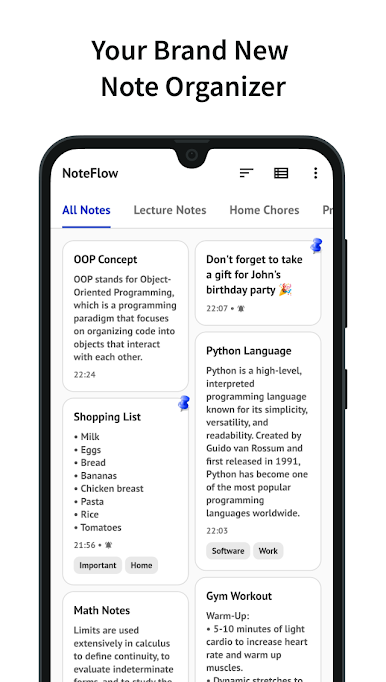
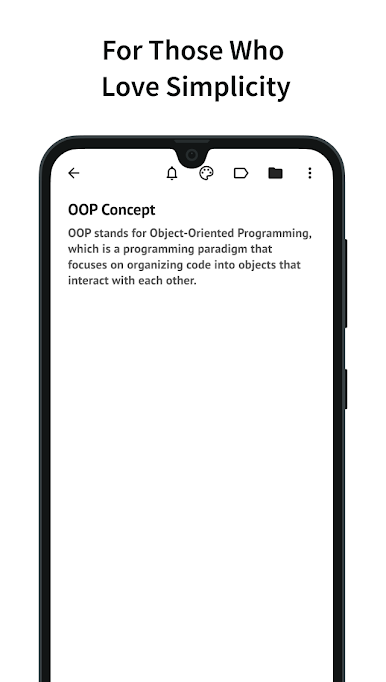
Noteflow prioritizes a clean and intuitive interface that lets you focus on what matters most: your thoughts and ideas. No more struggling with cluttered menus or overwhelming features. Everything is designed for immediate note creation, organization, and retrieval.
Key Features
• Quick Notes: Instantly capture thoughts and ideas with lightning-fast note creation.
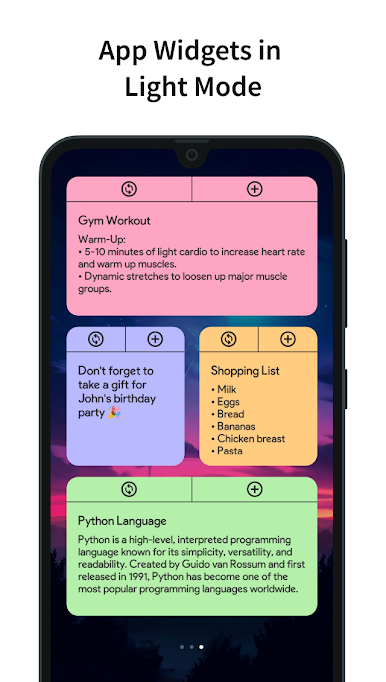
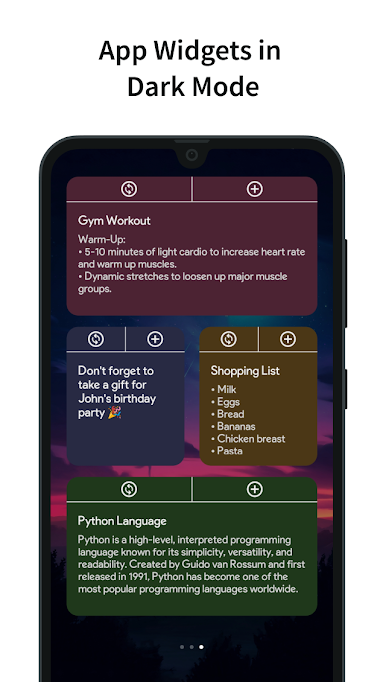
• Android App Widgets: Access your notes directly from your home screen for instant reference.
• Clean Interface: Enjoy a distraction-free environment that puts your notes front and center.
• Intuitive Organization: Organize notes with simple folders and labels for effortless retrieval.
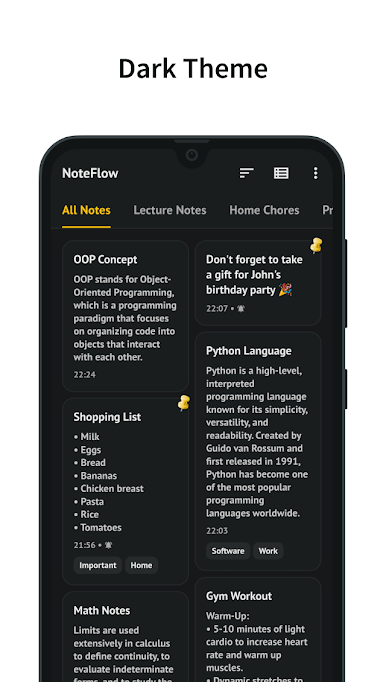
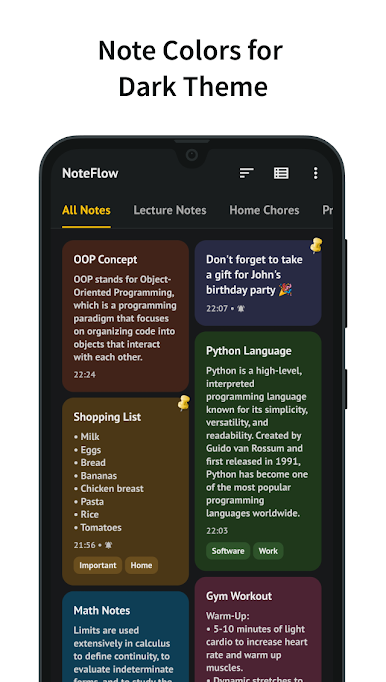
• Dark Theme: Enjoy a comfortable note-taking experience in low-light environments with the optional dark theme.
• Custom Fonts: Personalize your notes with a variety of font options for enhanced readability.
• Local Backup: Ensure your notes are always safe and secure with local backup options.
• Multi-Operations: Perform actions on multiple notes simultaneously for efficient management.
• Powerful Search: Find specific notes instantly with comprehensive search capabilities.
• Flexible Sorting: Organize your notes based on creation time, edited time, and pinned status.
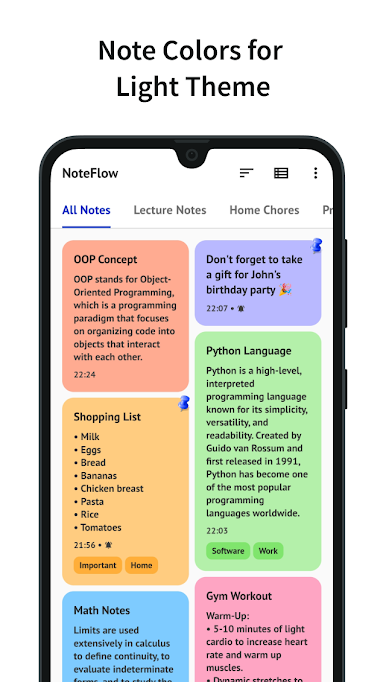
• Flexible Filtering: Narrow down your note list by color and label for focused searching.
• Multiple Viewing Options: Choose between grid and list layouts to visualize your notes in your preferred style.
• Pin Important Notes: Keep frequently accessed notes at the top for quick reference.
• Reminder: Set reminders for important notes to never miss a deadline or crucial task.
• Labels: Categorize and group your notes with flexible labels for better organization.
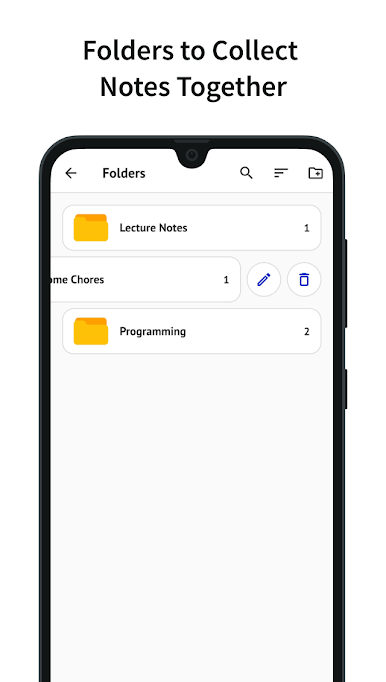
• Folders: Create folders to further organize your notes and keep them neatly categorized.
Note for Reviewers:
We value your feedback! If you have any feature requests or encounter any issues, please don't hesitate to reach out via the in-app feedback section. We're committed to continuously enhancing your NoteFlow experience.
Unlock the full potential of organized note-taking with NoteFlow. Download now and embark on a journey towards enhanced productivity and efficiency.
Juega NoteFlow: Note Organizer en la PC. Es fácil comenzar.
-
Descargue e instale BlueStacks en su PC
-
Complete el inicio de sesión de Google para acceder a Play Store, o hágalo más tarde
-
Busque NoteFlow: Note Organizer en la barra de búsqueda en la esquina superior derecha
-
Haga clic para instalar NoteFlow: Note Organizer desde los resultados de búsqueda
-
Complete el inicio de sesión de Google (si omitió el paso 2) para instalar NoteFlow: Note Organizer
-
Haz clic en el ícono NoteFlow: Note Organizer en la pantalla de inicio para comenzar a jugar

