


DEVCRO 20
Mainkan di PC dengan BlueStacks – platform Game-Game Android, dipercaya oleh lebih dari 500 juta gamer.

Play FUT 20 by DevCro on PC or Mac
Join millions to experience FUT 20 by DevCro, an exciting Sports game from DevCro. With BlueStacks App Player, you are always a step ahead of your opponent, ready to outplay them with faster gameplay and better control with the mouse and keyboard on your PC or Mac.
About the Game
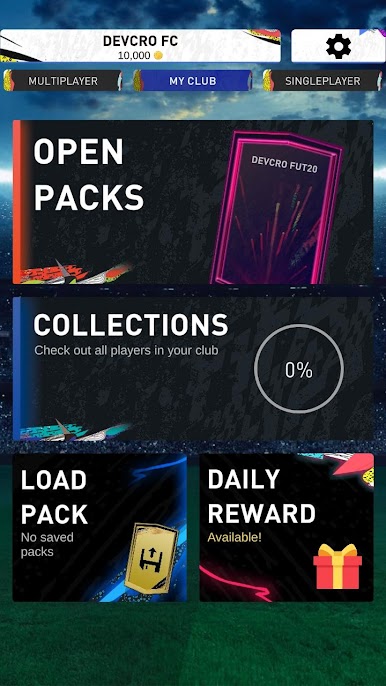
FUT 20 by DevCro puts you in the manager’s chair, letting you collect, trade, and build your ultimate soccer squad right from your phone or using BlueStacks. If pack opening gives you that casino-level excitement, or if assembling the perfect lineup is your kind of thrill, this Sports game’s got you covered. There are endless packs to open, hundreds of stars to collect, and plenty of challenges to keep you busy.
Game Features
-
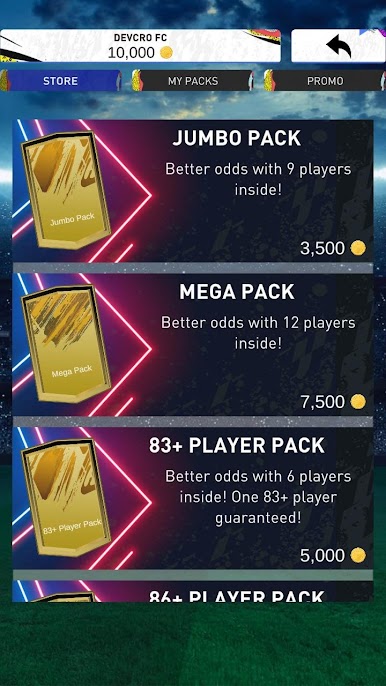
Tons of Pack Types
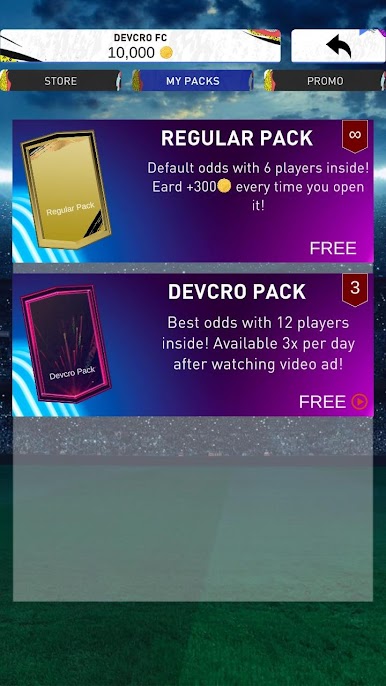
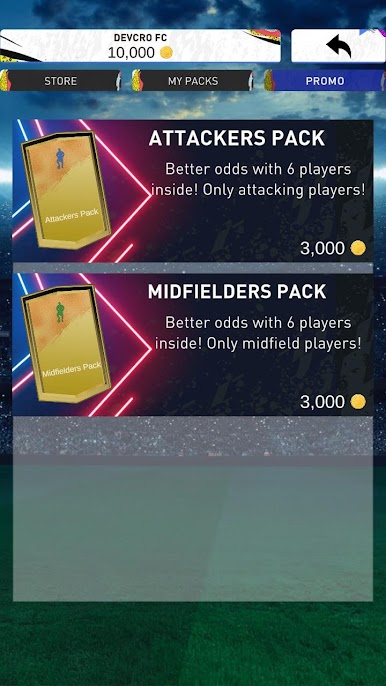
Crack open 20 different pack styles, each with its own surprises. There’s a huge pool of over 2,000 player cards—think Icons, Informs, and a bunch of other special editions. -
Your Personal Player Gallery
Every player you pull gets saved to “My Club.” It’s fun to scroll back and see your ultimate soccer collection build up over time, and you can save your best or rarest packs to show off later. -
Squad Building Made Simple
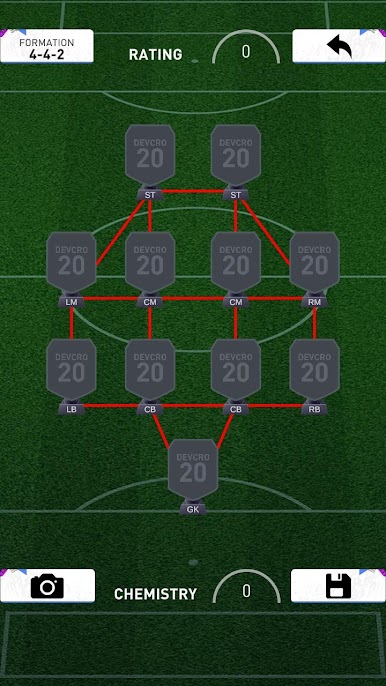
Feel like testing your tactical chops? The squad builder lets you mix and match players, try out wild formations, or aim for that perfect chemistry. -
Simulated Matches
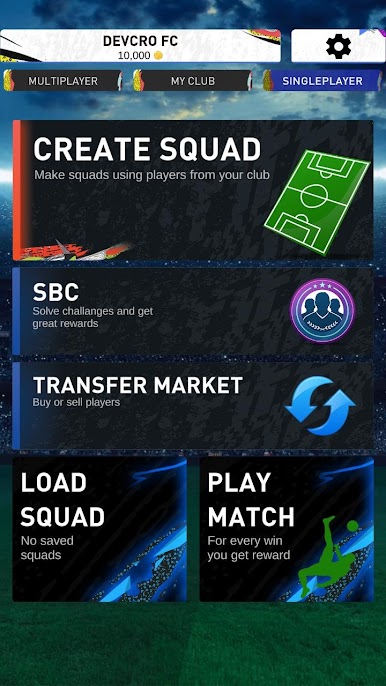
Set your lineup and see how your team does in match simulations. You don’t control every pass or tackle, but watching the results unfold is always a kick. -
Active Transfer Market
Want to chase after that missing superstar? Use the transfer market to buy, sell, or scout players and keep your squad fresh. -
Squad Builder Challenges (SBC)
Take on special squad-building challenges to put your creativity to the test. Complete these for extra rewards and shake up your collection. -
Updated Player Roster
The player list stays fresh with regular updates, so you’ll keep discovering new additions and legendary faces.
Start your journey now. Download the game on BlueStacks, invite your friends, and march on a new adventure.

Mainkan DEVCRO 20 di PC Mudah saja memulainya.
-
Unduh dan pasang BlueStacks di PC kamu
-
Selesaikan proses masuk Google untuk mengakses Playstore atau lakukan nanti
-
Cari DEVCRO 20 di bilah pencarian di pojok kanan atas
-
Klik untuk menginstal DEVCRO 20 dari hasil pencarian
-
Selesaikan proses masuk Google (jika kamu melewati langkah 2) untuk menginstal DEVCRO 20
-
Klik ikon DEVCRO 20 di layar home untuk membuka gamenya

