


Battery Tools & Widget
Juega en PC con BlueStacks: la plataforma de juegos Android, en la que confían más de 500 millones de jugadores.

Página modificada el: Aug 7, 2025
Play Battery Tools & Widget on PC
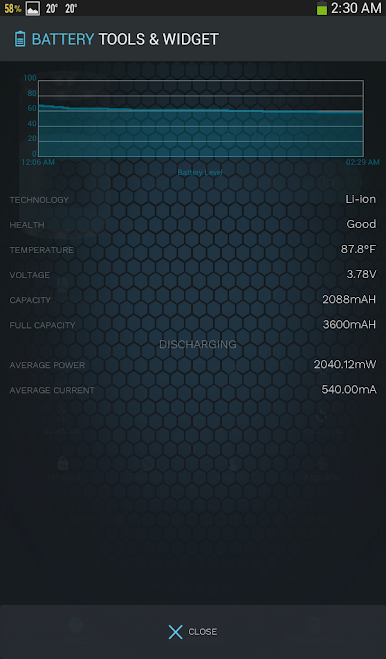
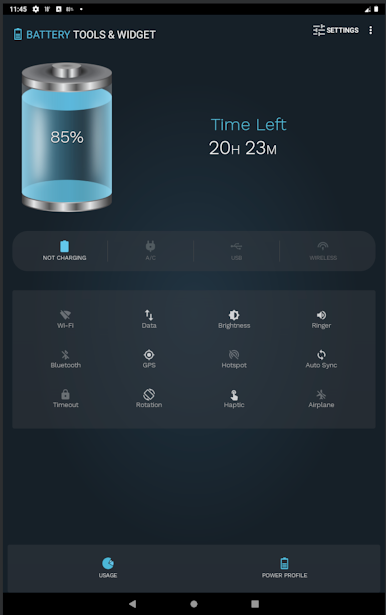
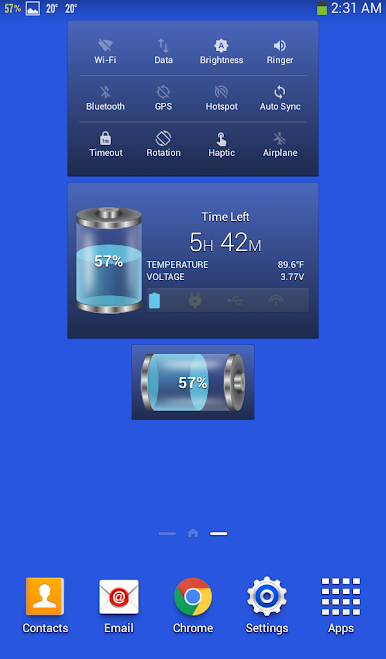
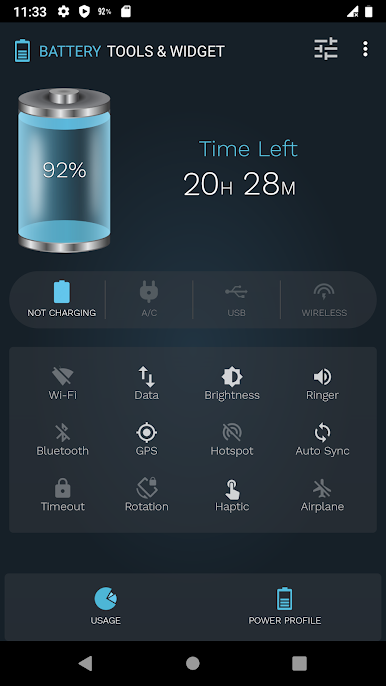
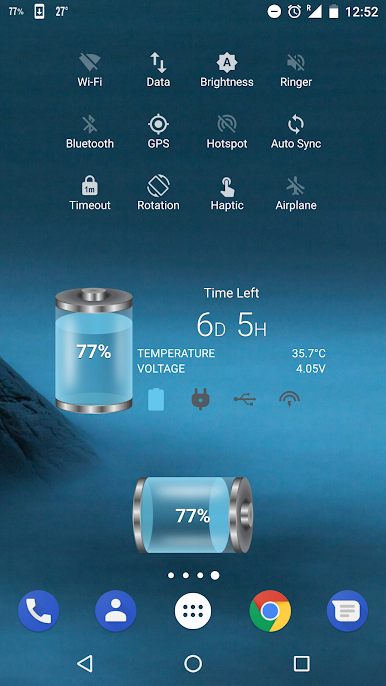
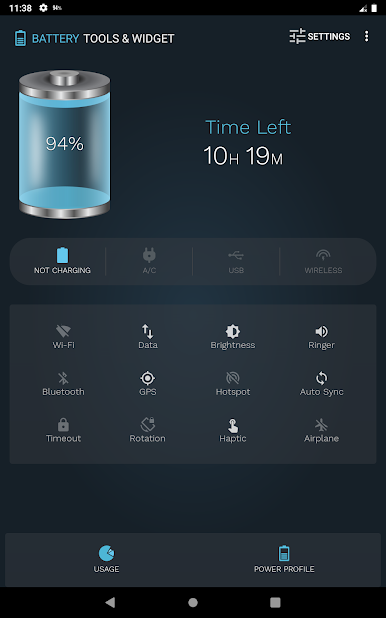
The app also estimates time left for charging or discharging modes, the time is estimated according to your power consumption; therefore, it will keep varying based on current power consumption. You can monitor it in the power profile with graph.
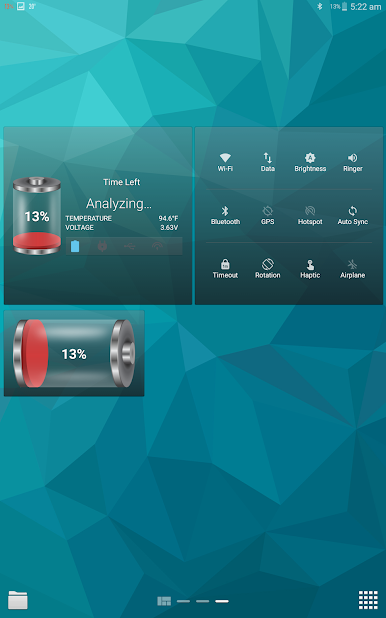
The estimated time will not appear immediately, the app needs some time to monitor your power consumption to be able to estimate the time left.
Features:
The app displays the following information:
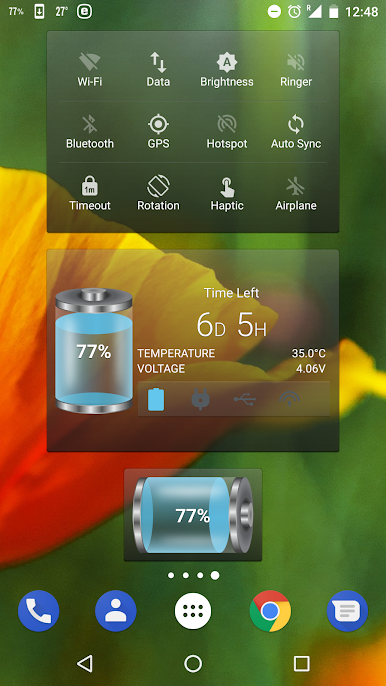
- Battery level with number and battery icon.
- Battery status.
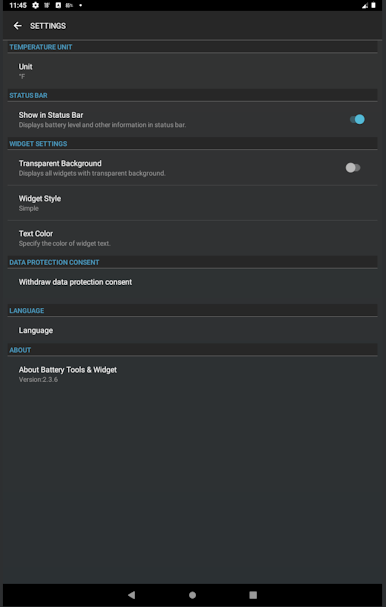
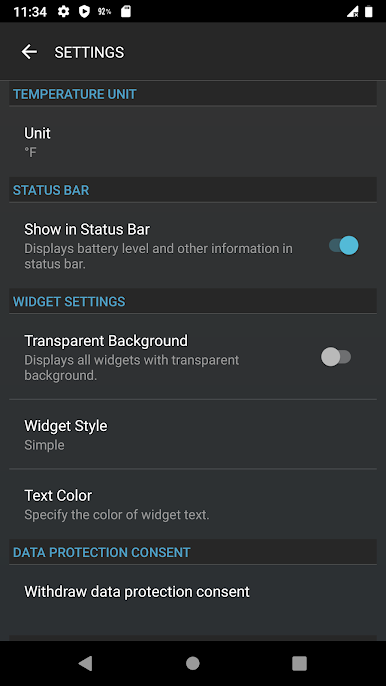
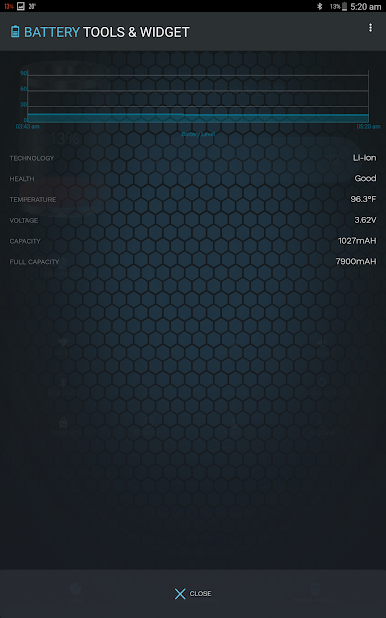
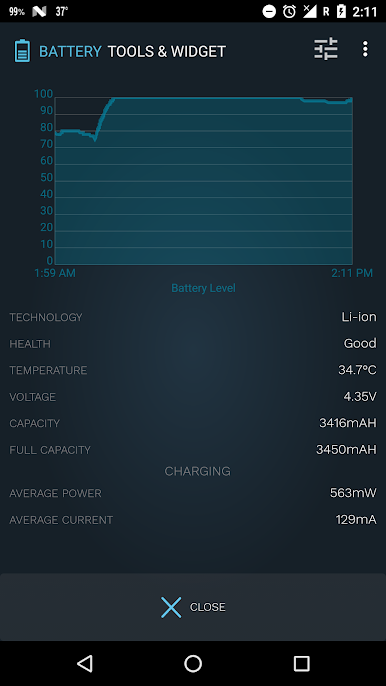
- Battery temperature in both “Celsius” and “Fahrenheit”.
- The estimated time left for charging or discharging modes.
- Battery technology.
- Battery health.
- Battery voltage.
- Power profile with graph.
- Charging electric current for wide range of mobile phones.
- Button takes you to system battery usage screen.
- Controls state of Wi-Fi, Bluetooth, Data connection, GPS provider, Brightness, Screen timeout, Personal hotspot, Rotation, Auto sync and Air plane mode.
* Note: In the first use, the app needs to analyze 2% of battery consumption in order to estimate wisely.
Juega Battery Tools & Widget en la PC. Es fácil comenzar.
-
Descargue e instale BlueStacks en su PC
-
Complete el inicio de sesión de Google para acceder a Play Store, o hágalo más tarde
-
Busque Battery Tools & Widget en la barra de búsqueda en la esquina superior derecha
-
Haga clic para instalar Battery Tools & Widget desde los resultados de búsqueda
-
Complete el inicio de sesión de Google (si omitió el paso 2) para instalar Battery Tools & Widget
-
Haz clic en el ícono Battery Tools & Widget en la pantalla de inicio para comenzar a jugar

