


Kid-E-Cats Game Memasak
Mainkan di PC dengan BlueStacks – platform Game-Game Android, dipercaya oleh lebih dari 500 juta gamer.

Play Kid-E-Cats: Kids Cooking Games on PC or Mac
Step into the World of Kid-E-Cats: Kids Cooking Games, a thrilling Role Playing game from the house of LCP GAMES. Play this Android game on BlueStacks App Player and experience immersive gaming on PC or Mac.
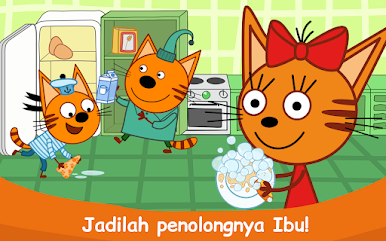
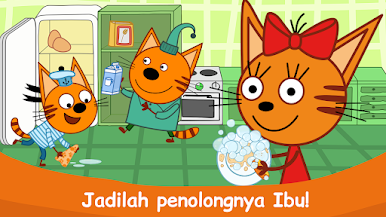
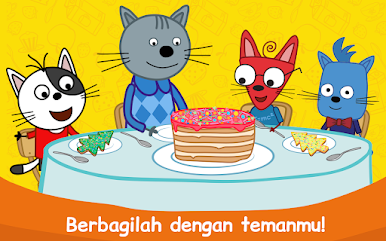
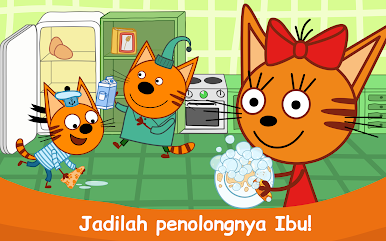
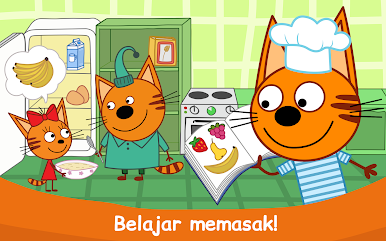
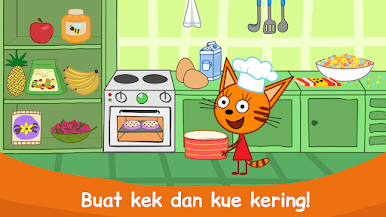
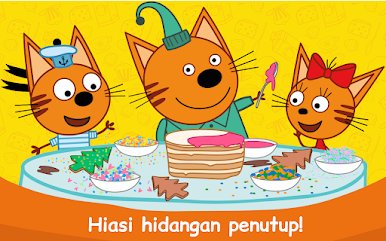
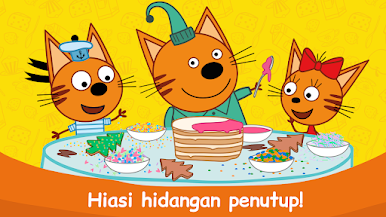
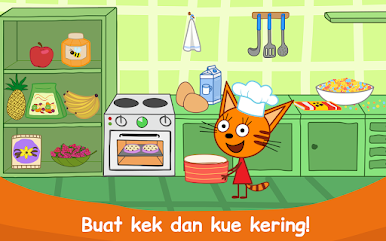
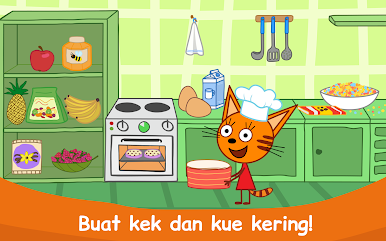
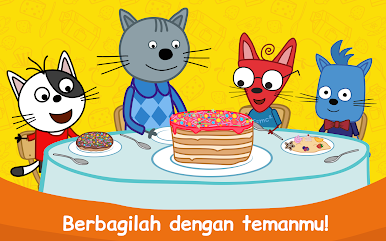
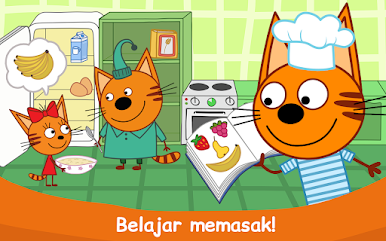
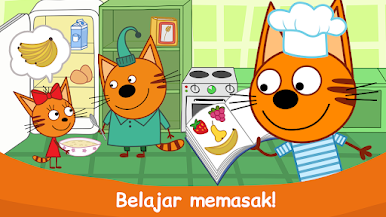
Kid-E-Cats: Kids Cooking Games feels like a bright little kitchen for toddlers. The player hangs out with the cartoon kittens and makes simple treats like cookies and warm oatmeal. Recipes are broken into tiny steps that are easy to follow. Grab the flakes, pour milk and water, add a few quirky toppings, then stir until the bowl looks right. The cats are happy, the bowls are emptied, and nothing feels stressful. It plays more like a cozy routine than a challenge, which suits very young kids well.
Controls are all tap, drag, and hold. On PC with BlueStacks, the mouse makes everything extra clear. Dragging ingredients is smooth, swirling the spoon with the cursor feels good, and a bigger screen helps little eyes find buttons and toppings. There is a tidy clean up section too. Soapy dishes, rinse, done. It quietly teaches that cooking ends with washing up, not just eating.
What stands out is how gentle the pacing is. No timers, no fail screens, just chubby kittens lining up for another bowl and lots of cheerful feedback. The art is bright without being loud, and the sounds are simple enough that parents will not mind them looping. It is clearly aimed at ages four and up, and it works nicely for short parent and child sessions. There are subscription prompts and auto renew notes in the menus, so settings are worth a quick look before handing it over.
Start your journey now. Download the game on BlueStacks, invite your friends, and march on a new adventure.



Mainkan Kid-E-Cats Game Memasak di PC Mudah saja memulainya.
-
Unduh dan pasang BlueStacks di PC kamu
-
Selesaikan proses masuk Google untuk mengakses Playstore atau lakukan nanti
-
Cari Kid-E-Cats Game Memasak di bilah pencarian di pojok kanan atas
-
Klik untuk menginstal Kid-E-Cats Game Memasak dari hasil pencarian
-
Selesaikan proses masuk Google (jika kamu melewati langkah 2) untuk menginstal Kid-E-Cats Game Memasak
-
Klik ikon Kid-E-Cats Game Memasak di layar home untuk membuka gamenya

