

Dire Wolf Game Room
Gioca su PC con BlueStacks: la piattaforma di gioco Android, considerata affidabile da oltre 500 milioni di giocatori.

Pagina modificata il: Nov 6, 2025
Play Dire Wolf Game Room on PC or Mac
Explore a whole new adventure with Dire Wolf Game Room, a Board game created by Dire Wolf Digital. Experience great gameplay with BlueStacks, the most popular gaming platform to play Android games on your PC or Mac.
About the Game
Dire Wolf Game Room is your one-stop hangout for all things board games, right from your device. Whether you’re looking to play a few quick rounds, explore new games, or connect with friends, this hub makes it easy and fun. The experience brings together a bunch of top-notch digital board games and classics, and it’s got everything set up so you can just focus on the fun — either solo or with a crew. And if you feel like playing on a bigger screen, BlueStacks has got you covered.
Game Features
-
Cross-Game Lobby
Jump straight into any supported game without having to dig through menus. The central lobby means you’re always a click away from something new, whether you’re in the mood for Root or want a quick round of Sagrada. -
Friends List
Invite your regular gaming group, or easily add new pals you meet along the way. Your friends stick with you from game to game. -
In-Game and Global Chat
Talk strategy, make deals, or just share a laugh. With chat built right in—both during games and in general—you’ll always have someone to talk to at the table. -
Game Library
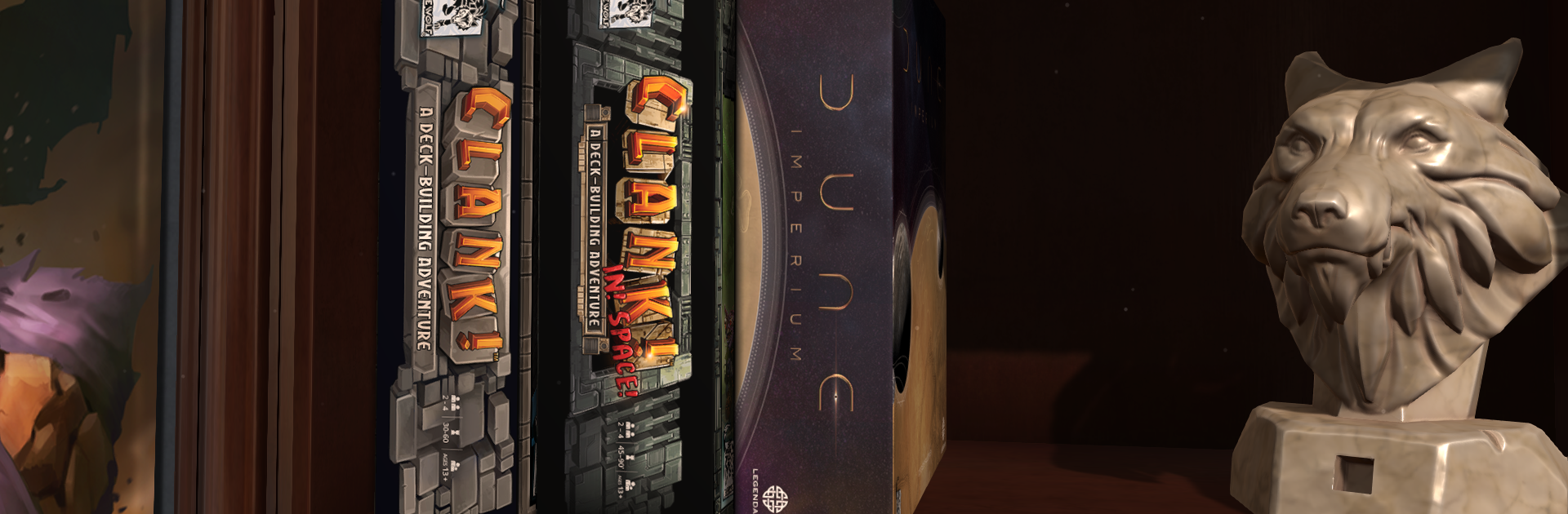
There’s a strong lineup, including digital versions of popular board games like Raiders of the North Sea, Yellow & Yangtze, plus tabletop favorites like Dune: Imperium and both Clank! games. -
News Bulletin Board
Want to see what’s new or coming up? All the updates, announcements, and news are gathered in one convenient spot, right inside the app. -
Seamless Collection Management
Keep track of your expanding game collection, explore new titles to try, and jump right into whatever you’re feeling like—all within Dire Wolf Game Room.
Start your journey now. Download the game on BlueStacks, invite your friends, and march on a new adventure.


Gioca Dire Wolf Game Room su PC. È facile iniziare.
-
Scarica e installa BlueStacks sul tuo PC
-
Completa l'accesso a Google per accedere al Play Store o eseguilo in un secondo momento
-
Cerca Dire Wolf Game Room nella barra di ricerca nell'angolo in alto a destra
-
Fai clic per installare Dire Wolf Game Room dai risultati della ricerca
-
Completa l'accesso a Google (se hai saltato il passaggio 2) per installare Dire Wolf Game Room
-
Fai clic sull'icona Dire Wolf Game Room nella schermata principale per iniziare a giocare

