


Stickninja Smash
Gioca su PC con BlueStacks: la piattaforma di gioco Android, considerata affidabile da oltre 500 milioni di giocatori.

Pagina modificata il: Oct 29, 2023
Gioca Stickninja Smash per PC
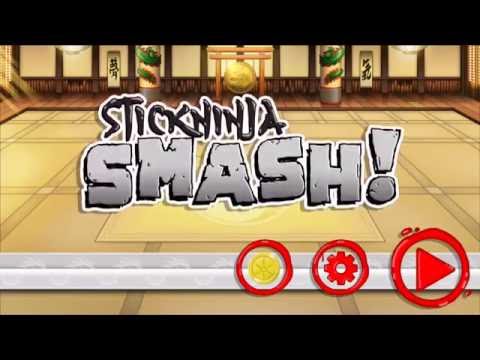
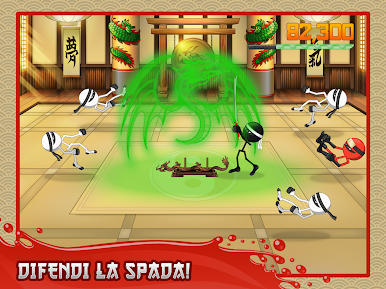
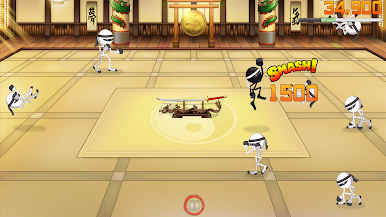
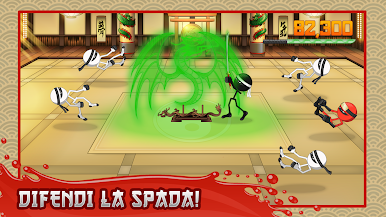
Stickninja Smash porta il combattimento riflesso ad un nuovo livello mentre difendi il tuo dojo con le competenze illuminanti del ninja.
Divertimento infinito. Assolutamente coinvolgente.
CARATTERISTICHE
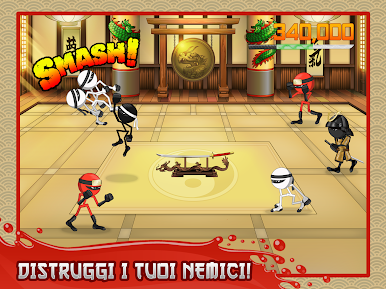
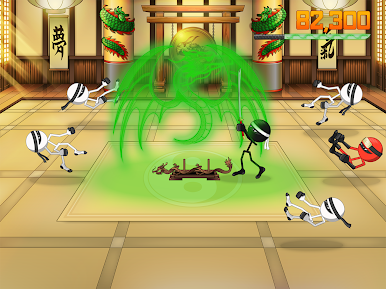
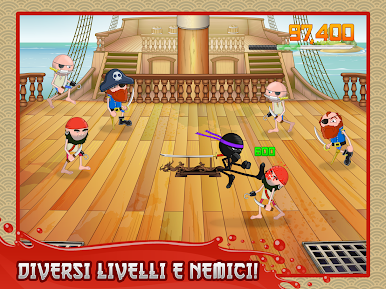
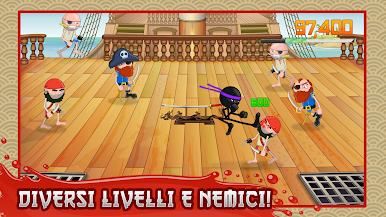
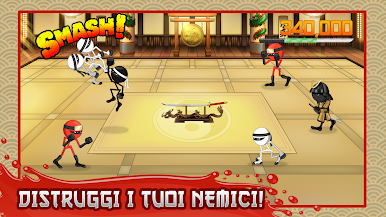
- Prendere a pugni, a calci e DISTRUGGERE ondate di ninja, zombie e pirati su una varietà di campi di battaglia
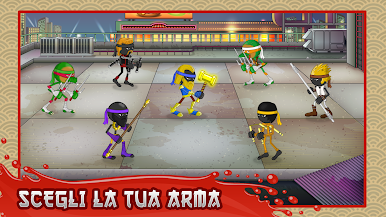
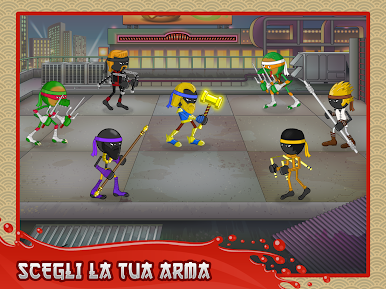
- Gestire diverse armi, tra cuI staffe, sais e nunchaku
- Esprimiti con una serie di stili differenti
- Modalità multiplayer! Gioca online per la gloria e premi!
*Noi facciamo uso dei permessi EXTERNAL_STORAGE di fornire con la grafica " score card 'alla fine dei tuoi turni di gioco.
Gioca Stickninja Smash su PC. È facile iniziare.
-
Scarica e installa BlueStacks sul tuo PC
-
Completa l'accesso a Google per accedere al Play Store o eseguilo in un secondo momento
-
Cerca Stickninja Smash nella barra di ricerca nell'angolo in alto a destra
-
Fai clic per installare Stickninja Smash dai risultati della ricerca
-
Completa l'accesso a Google (se hai saltato il passaggio 2) per installare Stickninja Smash
-
Fai clic sull'icona Stickninja Smash nella schermata principale per iniziare a giocare

