


Doggy Logs
Juega en PC con BlueStacks: la plataforma de juegos Android, en la que confían más de 500 millones de jugadores.

Página modificada el: Apr 5, 2025
Play Doggy Logs - Track Your Pack! on PC
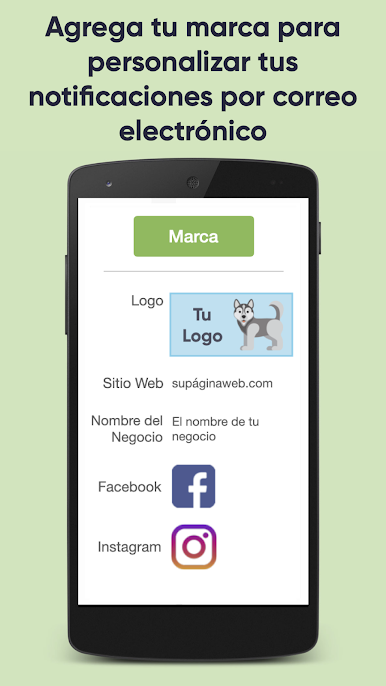
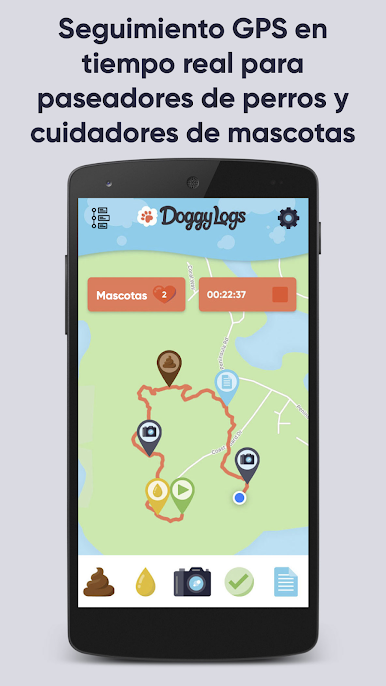
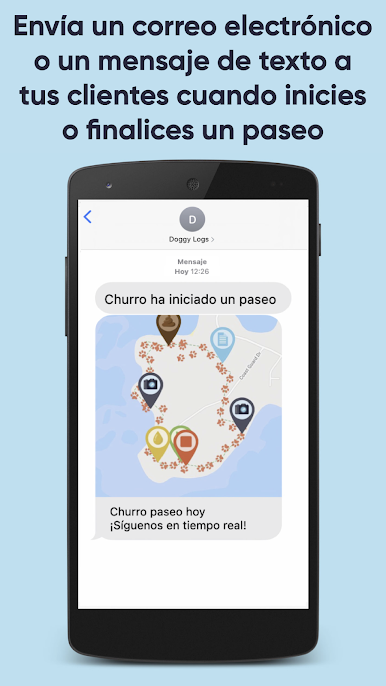
Track your dog walks and pet visits and automatically email or text your clients when the walk or visit starts or ends! They can follow along in real-time to see where you went with an interactive map including photos, videos, notes, distance and time. Use your own branding including your logo and business information on all your notifications and invoices!
Doggy Logs lets you offer a premium dog walking and pet sitting service to increase trust with your clients by keeping them connected to their furry friends! Our full service software will help you manage your business from end-to-end.
Features include:
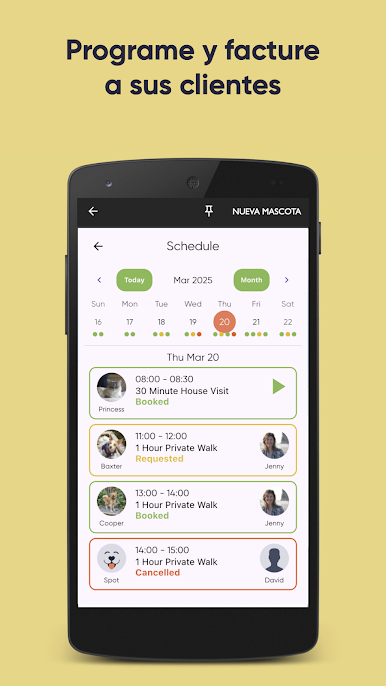
• Scheduling your services with your team and clients
• Customized invoices with links to service details
• Online booking form for your clients to request appointments
• Real-time GPS tracking of your dog walk that allows pet owners to follow along
• House visits with limited GPS use when a walk isn’t happening
• Notes (during or after a walk or house visit)
• Photos (with optional watermarked date & time, location and company logo)
• Videos
• Pee & Poop buttons
• Group walks with multiple pick ups and drop offs. Each dog's walk time will be tracked individually.
• Tag photos and notes for pets - owners will only see the information for their own pet
• Email notifications with your own logo and branding
• SMS / Text message notifications
• Pick-up & drop-off notifications
• Customizable checklists
• A fun and easy-to-use interface
At Doggy Logs we love animals and want to keep people connected with their pets. We offer dog walkers and pet sitters easy-to-use software to make that possible!
Juega Doggy Logs en la PC. Es fácil comenzar.
-
Descargue e instale BlueStacks en su PC
-
Complete el inicio de sesión de Google para acceder a Play Store, o hágalo más tarde
-
Busque Doggy Logs en la barra de búsqueda en la esquina superior derecha
-
Haga clic para instalar Doggy Logs desde los resultados de búsqueda
-
Complete el inicio de sesión de Google (si omitió el paso 2) para instalar Doggy Logs
-
Haz clic en el ícono Doggy Logs en la pantalla de inicio para comenzar a jugar

