


Wacky Battles
Mainkan di PC dengan BlueStacks – platform Game-Game Android, dipercaya oleh lebih dari 500 juta gamer.

Play Wacky Battles on PC or Mac
Wacky Battles is a Role Playing game developed by Studio Dois Private Limited. BlueStacks app player is the best platform to play this Android game on your PC or Mac for an immersive gaming experience.
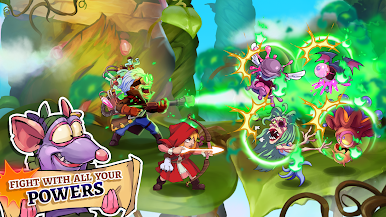
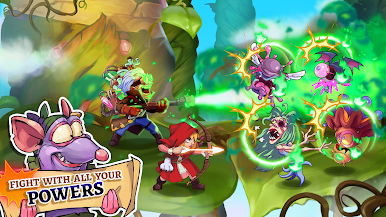
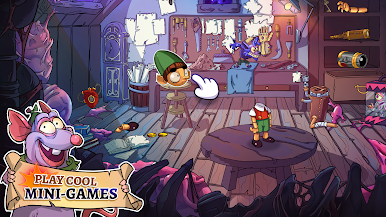
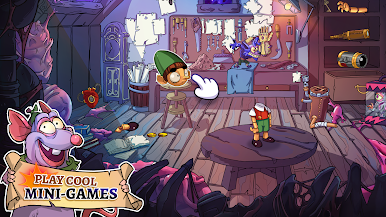
If you’re a fan of turn-based RPG games, then you’ll love playing Wacky Battles with BlueStacks. This game lets you strategize and think while you contemplate your next turn to ensure victory on the battlefield. So, sit back, relax, and let your characters lead you to victory with crushing move after crushing move.
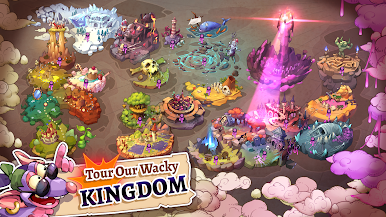
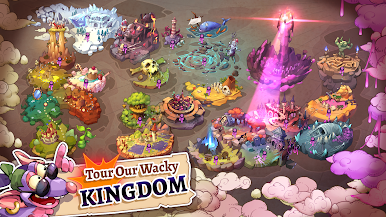
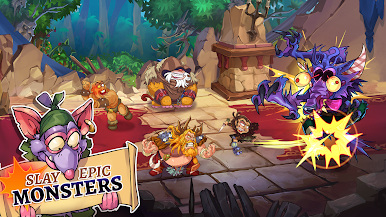
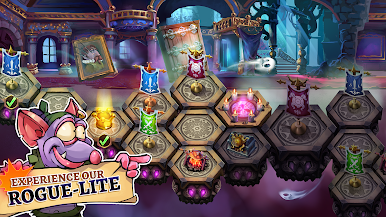
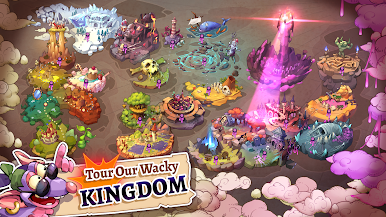
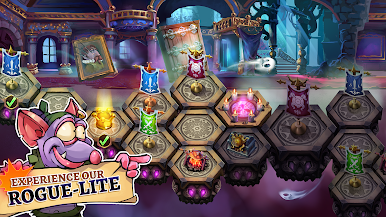
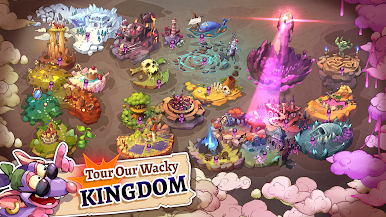
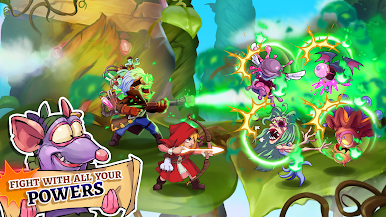
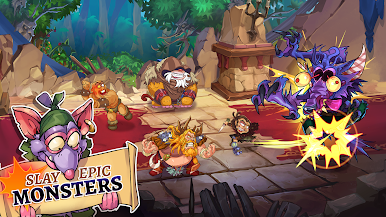
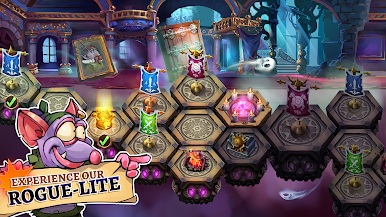
Progress through this fantasy world to establish the most perfect kingdom. Defeat a wide range of mobs and enemy bosses to earn loot and cash to help your city, as well as your characters, grow and become more powerful.
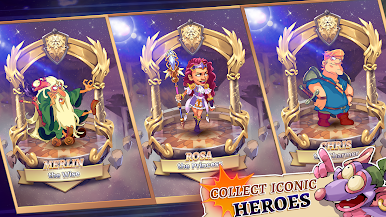
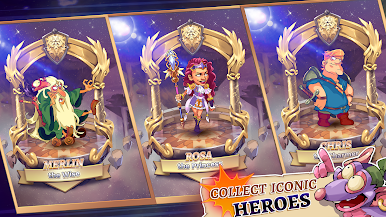
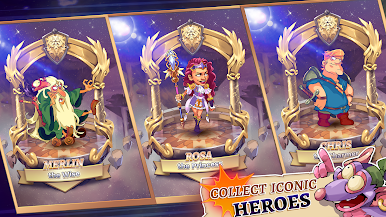
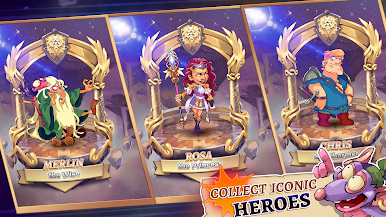
Wacky Battles contains dozens of unique heroes waiting to be rescued. They’re willing to lend their powers for the betterment of your castle; just find them, save them from the clutches of evil, and recruit them to aid you in battle.
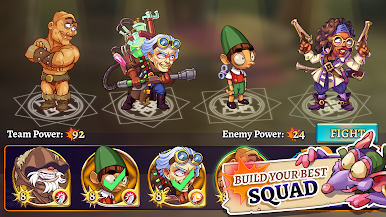
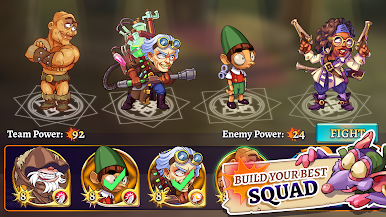
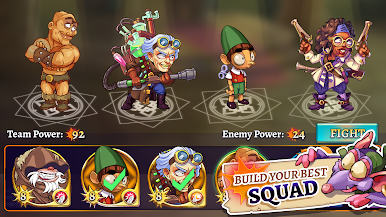
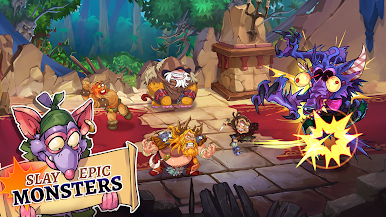
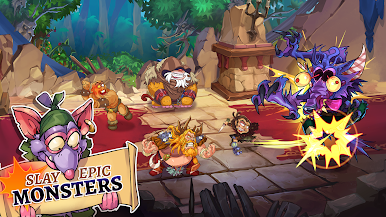
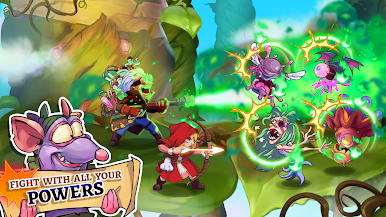
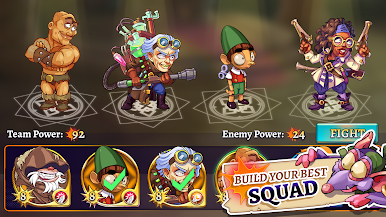
With hundreds of battle sequences ahead of you, you’ll need to come up with the most formidable fighting squad of all time. Mix and match your characters, upgrade their attacks, and mow down enemy forces wherever you go.
Download Wacky Battles on PC with BlueStacks and discover a magical world.





Mainkan Wacky Battles di PC Mudah saja memulainya.
-
Unduh dan pasang BlueStacks di PC kamu
-
Selesaikan proses masuk Google untuk mengakses Playstore atau lakukan nanti
-
Cari Wacky Battles di bilah pencarian di pojok kanan atas
-
Klik untuk menginstal Wacky Battles dari hasil pencarian
-
Selesaikan proses masuk Google (jika kamu melewati langkah 2) untuk menginstal Wacky Battles
-
Klik ikon Wacky Battles di layar home untuk membuka gamenya

